

Do you really think your rig is all that counts? These days, PC builds come in all shapes and sizes. Whether you're hunting for a budget-friendly setup that still delivers amazing performance or a high-end beast that feels like it jumped out of a sci-fi flick, there's something for everyone.
Imagine a system that fits your gaming style no matter how you play. You could go with a ready-made build, craft a custom one, or even try a subscription option (kind of like renting your rig). This guide cuts through the tech talk and gives you the specs and reviews you need to find the perfect setup.
Ready to boost your game?
Complete Guide to PC Gaming Systems: Prebuilt, Custom, and Subscription Models
When it comes to PC gaming, there's no magic setup for everyone. You’ve got three different tiers made for different types of gamers. Player One is perfect for casual and competitive play that won’t break the bank. Player Two steps it up with extra power for smooth multitasking and a solid performance boost. And then there’s Player Three, the top-tier beast built for high-end gaming and creative work, packing the best NVIDIA GeForce GPUs (that’s the tech that makes graphics look awesome) and the Intel Core Ultra 9 285K processor. Fun fact: some gamers only need a quick tweak to level up, while others build rigs that look like wild science experiments in action.
Gamers can choose from prebuilt PCs like certified refurbished rigs or DIY bundles that can save you up to $150. Many players dig custom setups, where you can pick every part to match your needs and style, giving you a clear look at which extra features or upgrades you might want. And if you’re into something flexible, subscription options like NZXT Flex let you swap, upgrade, or cancel as your game needs change, all for $59 a month (with 50% off the first month). For more details on subscription strategies, check out gaming subscription services.
Every model has its perks. Whether you like the simple plug-and-play vibe of a prebuilt rig, the endless customization of building your own, or the low-commitment lifestyle of a subscription, this guide breaks down specs and reviews to help you find the perfect match for your gaming style.
Essential Hardware Components in PC Gaming Systems
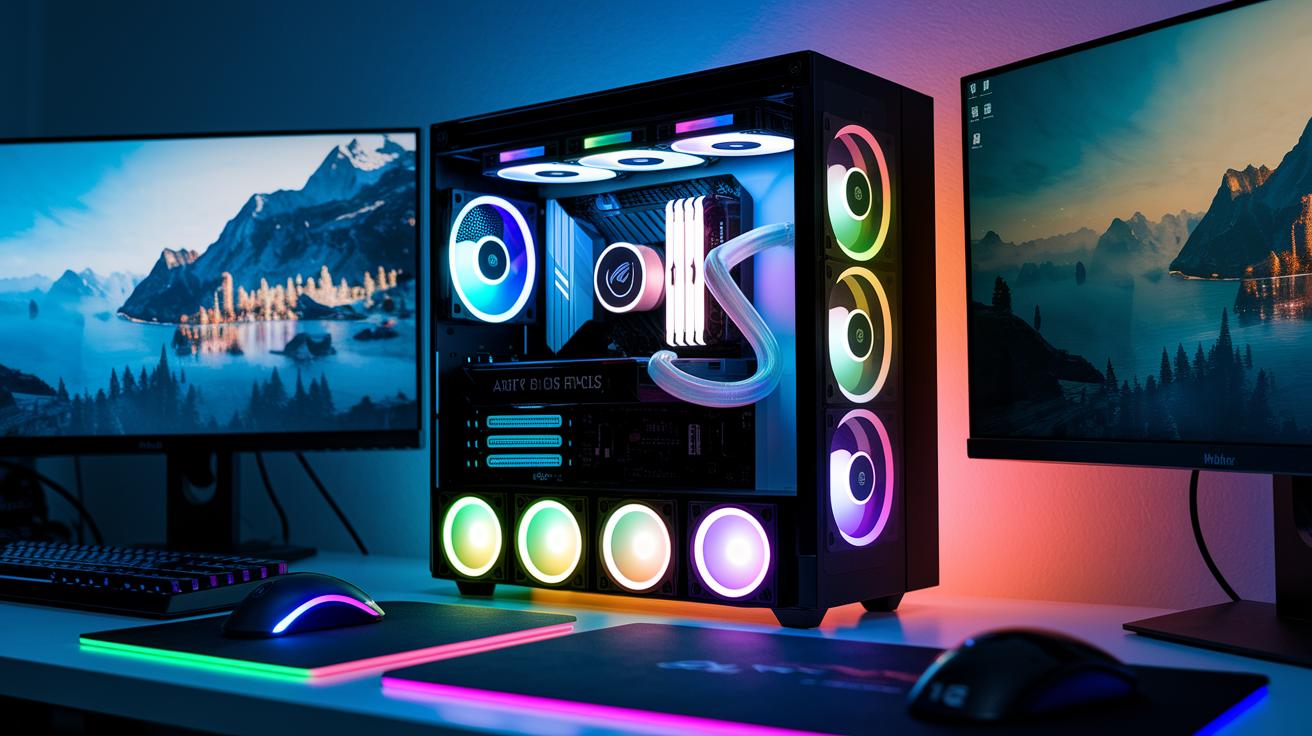
Today, a solid PC gaming rig needs a great mix of parts to let you play games smoothly with awesome visuals. The processor is really the heart of your system. For everyday gaming, people often pick between CPUs like the Intel Core i5-14400F, or they go for beefier ones like the Core i7, the Core Ultra 5/7, or AMD Ryzen 5/7. These chips handle game physics and background tasks, keeping that input lag super low.
Next up, the graphics card brings your games to life with crisp images and smooth movement. Casual players might start with something like the NVIDIA RTX 4060, which is a solid choice for a first build. Midrange setups often sport the RTX 5070, boosting your visuals and overall speed. And if you’re going for a high-end build, expect the latest NVIDIA RTX 40/50 Series that deliver stunning realism. This boost cranks up your frame rates (that’s the number of frames per second, which directly improves how clear and smooth your game looks).
Memory (RAM) acts like a quick-access locker for your game data. Many titles run fine on 8 to 16 GB, but hardcore gamers might double that so their systems handle extra tasks and heavy multitasking without a hitch. And then there’s storage. Most gamers use SSDs (solid-state drives that load your data fast) that usually come in sizes from 1 to 2 TB. Whether you use an NVMe or SATA SSD plays a big role in how quickly your game loads.
Here's a table that lays out the parts for different gaming levels. It shows how each upgrade can change your gaming experience big-time:
| Component | Entry-Level | Midrange | High-End |
|---|---|---|---|
| CPU | Intel Core i5 or AMD Ryzen 5 | Core i7/Core Ultra 5/7 or AMD Ryzen 7 | Top-tier Intel Core Ultra 9 or AMD Ryzen 9 |
| GPU | NVIDIA RTX 4060 | NVIDIA RTX 5070 | NVIDIA RTX 40/50 Series |
| RAM | 8–16 GB | 16–32 GB | 32–64 GB |
| Storage | 1 TB SSD (SATA/NVMe) | 1–2 TB SSD (NVMe) | 2 TB NVMe SSD with advanced options |
Advanced Cooling Solutions for PC Gaming Systems
Keeping your PC cool is key to letting it run at full throttle. Airflow cooling means using fans to push fresh, cool air into your system. Take the Alienware Area-51 (2025) for example. It uses a smart positive-pressure system that directs air where it’s needed while keeping noise low. This lets you game hard without getting distracted by a loud hum.
Liquid cooling takes things in another direction. The Kraken Elite AIO Liquid Cooler stands out with its 2.72-inch IPS LCD display, so you can check your temperatures in real time. It handles heavy gaming loads like a champ. If you’re looking to push your system to the limit, liquid cooling gives you that extra edge with top-notch temperature control.
Then, there’s hybrid cooling, which mixes airflow and liquid cooling for the best of both worlds. Big dual-chamber mid-tower ATX cases with RGB lights and a Control Hub take it further by separating heat-heavy parts from those that need a steady breeze. It’s like setting up your room to catch the perfect cool breeze on a hot day. Each strategy has its perks, so you can choose what fits your play style best.
Budget vs Premium PC Gaming Systems Comparison
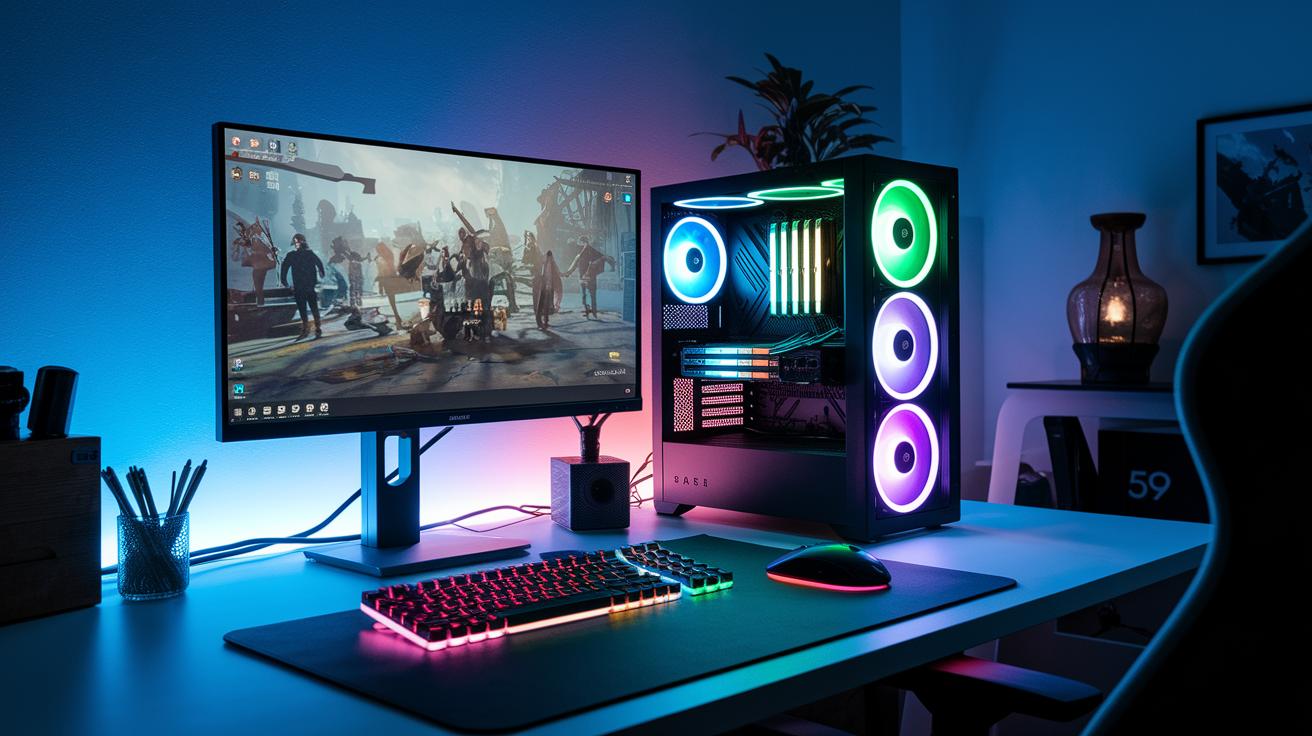
When it comes to balancing cost and performance, there’s a build for every type of gamer. Picture this: some setups offer strong gameplay without breaking the bank, while others dish out serious power for those high-stakes moments.
First up, the MSI Codex R2 is our budget pick. It’s designed to give you solid performance without a huge price tag. With an Intel Core i5-14400F and NVIDIA RTX 4060 (that’s a graphics card that handles today's games well), it keeps cool during light sessions. Just be ready for a bit more fan noise when the game gets intense.
Next, let’s talk about the HP Omen 35L. This midrange build is a real powerhouse that can tackle tougher games. Sporting an AMD Ryzen 7 8700G alongside an NVIDIA RTX 4080 Super, it handles heavy gaming with ease. Plus, with 64 GB of memory and a massive 4 TB of storage, you get smooth multitasking and plenty of room for all your games and media. That extra cost definitely pays off with faster load times and a smoother experience.
For those who crave top-tier performance, premium systems like the Alienware Area-51 and Falcon Northwest FragBox are worth checking out. The Alienware Area-51 comes with high-end parts like the Intel Core Ultra 9 285K and NVIDIA RTX 5080, delivering crazy fast speeds while keeping things quiet. Meanwhile, the Falcon Northwest FragBox packs impressive power into a compact form, and an extended warranty adds extra peace of mind. Each of these choices shows clear trade-offs between cost, cooling, and raw power so you can grab the one that matches your gaming style.
Future-Proofing Your PC Gaming System with Upgrades
Planning ahead can really save you a ton of trouble later on. Think of your gaming rig as a project that’s always evolving, ready to run today’s hottest games and tomorrow’s upgrades. Take the ASUS ROG NUC 970 mini-PC, for instance. It comes loaded with an Intel Core Ultra 9 185H (the brain that keeps things speedy), an NVIDIA RTX 4070 (for eye-popping graphics), 32 GB of RAM, and a 1 TB SSD, pretty much a great base to build on for the future.
The first step is your motherboard. Look for one with extra expansion slots so you can add a next-gen graphics card or more storage when the time comes. This extra space means you can easily swap in a new, shiny component without having to overhaul your whole setup.
Memory is a big deal, too. Fast memory not only cuts down game loading times but also helps keep everything running smoothly when you’re juggling multiple apps or streaming during those epic gaming sessions.
Cooling is just as important. A setup that ensures good airflow keeps your PC cool when it’s going full throttle. And don’t skip on the power supply. Choosing one with a 20% to 30% power reserve means you’re prepared for future parts without overworking your current system. Upgrading bit by bit is a smart way to always stay ready for the next big game update.
Optimizing and Maintaining Your PC Gaming System
Keeping your rig at its best is all about staying on top of both hardware and software tweaks. Regularly updating drivers and tweaking your BIOS (that’s your computer’s main control board) helps keep your frame rates smooth and your game feeling epic. It’s like giving your system a quick tune-up before a big match, ensuring stability and making sure it's all set for the newest releases.
Network speed matters a ton in online gaming too. Aim for a steady 25–50 Mbps, and if you can, stick with wired Ethernet instead of Wi-Fi. Trust me, nothing kills the vibe during a clutch moment like lag. And pairing your optimized setup with a fast-refresh monitor and a solid gaming headset only amps up the intensity.
Here are five key maintenance tips to keep your PC in prime condition:
| Tip | Description |
|---|---|
| Dust Cleaning Schedule | Regularly remove dust to keep components cool. |
| Thermal Paste Renewal | Replace old paste to help your CPU run cool and strong. |
| Software Driver Checklist | Keep your drivers updated for smooth performance. |
| Fan Curve Adjustment | Customize fan speeds to balance cool temps with quiet operation. |
| Storage Health Monitoring | Check in regularly to ensure your drives are in good shape. |
Stick to these steps and your system will feel like a well-oiled machine, ready for any gaming marathon. And don’t forget to keep an eye on your network settings so your online play stays uninterrupted. If you're looking for more tips on internet performance, checking out resources on "mbps for gaming" and "best internet services for gaming" can really boost your setup.
Final Words
In the action, we explored various pc gaming systems, from prebuilt rigs and custom configurations to flexible subscription models. We broke down key hardware, cooling strategies, and the differences between budget and premium builds. Each section shared tips for upgrades and regular care so your rig hits peak performance. It’s all about using smart tactics to boost your gameplay. Keep these insights handy as you power up your setup and keep the wins coming!
FAQ
What are the best PC gaming systems?
The best PC gaming systems blend powerful hardware like NVIDIA® GPUs and fast CPUs to match different play styles and budgets, giving casual and competitive gamers a solid foundation for smooth gameplay.
What should I look for in a gaming PC and monitor setup?
A gaming PC and monitor setup should pack a strong system with top-notch GPUs and CPUs, paired with a monitor offering high refresh rates and low input lag for crisp visuals.
How can I find PC gaming systems for sale, like prebuilt options at Best Buy?
Prebuilt gaming PCs come ready to play with verified configurations and warranties, often available as certified refurbished or new, making it simple for gamers to grab a reliable setup.
How does a gaming laptop compare to a desktop PC gaming system?
A gaming laptop offers portability with solid performance, while desktop systems typically give superior cooling and more room for upgrades to boost long-term performance.
What does a beginner’s PC gaming setup look like?
A beginner’s PC gaming setup focuses on balanced performance and cost, featuring midrange components, enough memory, and basic peripherals to ease new gamers into action.
Is a $1000 gaming PC worth the investment?
A $1000 gaming PC delivers decent performance for modern games, striking a good balance between cost and power for those ready to jump into reliable gameplay without overspending.
What exactly is a PC gaming console?
The term PC gaming console is misleading, as PCs offer customizable, upgradable rigs that deliver superior performance compared to traditional, fixed-hardware gaming consoles.