

Ever feel like your Twitch stream is missing that spark? Maybe it’s time to mix things up. Think of your stream like a live stage, where every moment really matters.
This guide is packed with easy tips, like figuring out the best times to go live and choosing unique games that catch the eye. With a few smart changes to your setup and a bit of creative flair, you can switch your low-key stream into a buzzing hub of excitement.
Ready to level up your strategy and win over a crowd that cheers every move you make? Let’s get started!
Core Strategies for Increasing Viewer Buzz on Twitch
First, know who you’re talking to. Check out popular channels by sorting streams by how many viewers they get. This way, you can spot what works , like a streamer who switched to early afternoons and pulled in a fresh crowd.
Pick times when fewer people are streaming. When you go live during quieter hours, your stream gets a better chance to shine. It’s like entering an empty room where every word really stands out.
Stream games that aren’t too common. Try showing off new titles or games played by fewer streamers. It’s like stumbling upon a hidden indie gem where your unique flair can really pop.
Make sure your stream looks and sounds awesome. Good audio, clear video, and cool overlays boost your pro look and keep viewers interested. Remember, a sharp look and clear sound can turn a forgettable stream into one that everyone talks about.
Write catchy titles with the right keywords, especially since Twitch doesn’t let you use custom thumbnails. A title that promises unexpected fun grabs attention right away , like “Epic win after a surprise comeback, don’t miss this live clash!”
Share short clips on YouTube Shorts and TikTok. These quick videos pull in new viewers who might then join your live stream, helping create more buzz.
Chat with your viewers during the stream. Ask questions, give shoutouts, and use fun alerts to make everyone feel part of the action. This kind of real-time connection builds a loyal and lively community.
Channel Optimization Techniques to Amplify Twitch Viewer Buzz
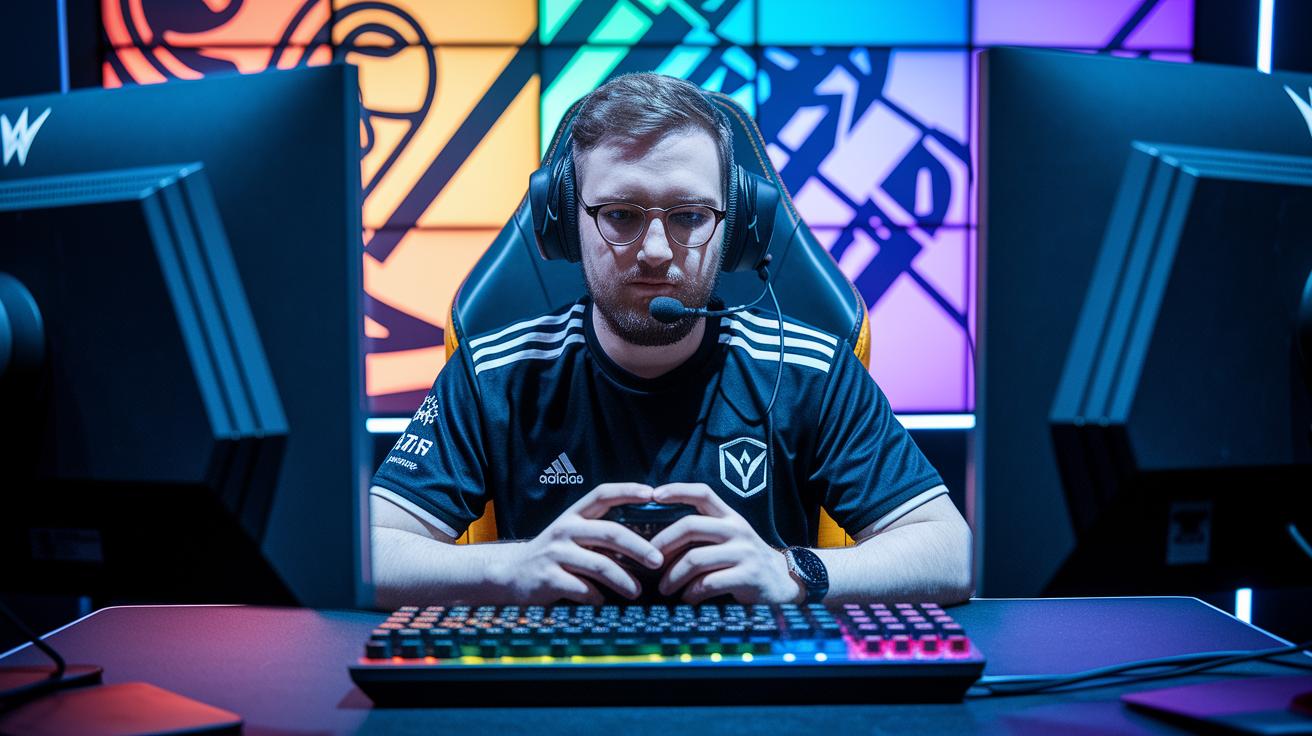
First up, make your profile shine. Choose a cool username, write a clear bio, and use matching channel art like logos, banners, and overlays. These details grab attention and invite new viewers to stick around. For instance, a name like "PixelPilot" really stands out. Want more tips? Check out our guide on how to stream on twitch.
Next, dial in your metadata settings. A catchy stream title with smart keywords can pull in the right audience. Try something like "Epic Clash: Pro Tips Live!" to show off your energy and style. Clear descriptions and the right Twitch tags set the stage, making it easy for viewers to know what to expect. Plus, keeping your channel panels neat with social links helps viewers connect with you even when you're off-stream.
Finally, keeping your look consistent builds trust. When your profile, settings, and branding match up, new viewers know you mean business. A well-organized channel turns casual browsers into dedicated fans, ready to jump into the chat and share the fun.
Live Engagement Tactics for Sustained Twitch Viewer Buzz
Personalizing your chat is super important for keeping viewers. Call out names when someone joins or sends a message, it makes them feel seen. For example, saying "Hey Alex, great point!" warms up the vibe and gets everyone involved. Answer questions right away, like you're chatting with a friend in a cozy room full of gamers.
Real-time features can really change the game during your live stream. Try using polls so your audience picks the next game challenge, or kick off an on-screen chat game that sparks quick thinking. Custom alerts for subscribers and new followers celebrate every milestone and show that every action counts. Imagine a pop-up that shouts, "Boom! New subscriber, thanks for joining the fun!" It keeps the pace lively and interactive.
Chat bots can make your life easier and boost engagement. They can answer common questions automatically or trigger mini-games in the chat. Plus, they help keep conversations friendly and on track. Sometimes a bot might drop a trivia challenge during a lull, turning quiet viewers into active players.
| Tip |
|---|
| Personalize greetings and responses |
| Incorporate interactive real-time features |
| Use chat bots for mini-games and moderation |
These live engagement ideas turn your stream into an event where viewers become active collaborators in the fun.
Social Media and Cross-Platform Promotion to Skyrocket Twitch Buzz
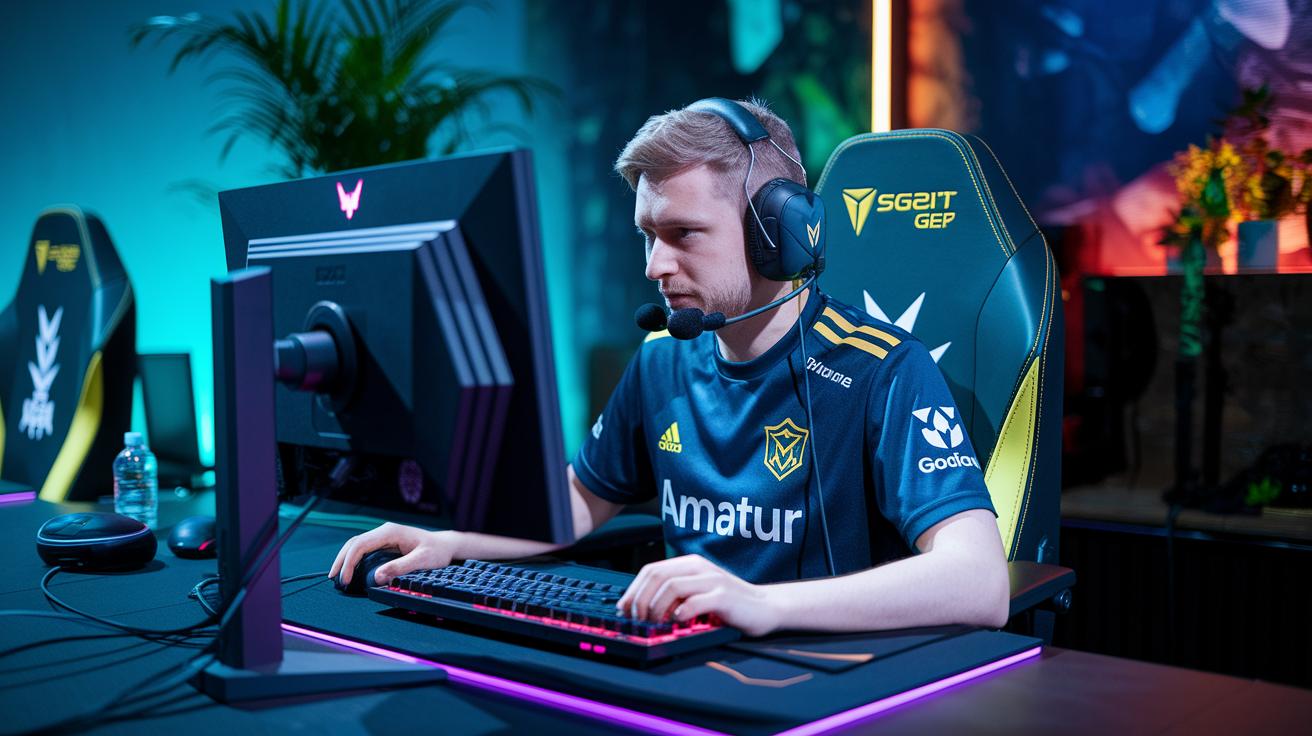
If you want to give your Twitch channel a fresh boost, try sharing your gaming moments on other platforms. One cool move is to upload full game replays (VODs) to YouTube. This trick not only makes your videos last longer but also helps people find those epic, timeless gaming moments. Ever accidentally discover a hidden gem on YouTube? It might just pull you into a live stream.
Short clips work like magic too. Think about posting 15–60-second highlights on TikTok, Instagram Reels, and YouTube Shorts. These quick bursts of excitement capture those heart-pounding, game-changing moments and leave viewers eager to see more. Try to pick a clip that ends on a cliffhanger, like when you pull off that unbelievable play or share a funny chat moment.
Get social on other channels with hashtag contests or subreddit giveaways. Running a fun contest can encourage your followers to share your content while sparking a bit of friendly competition. And a well-timed giveaway post on a gaming subreddit might introduce your stream to a whole new community of gamers.
Another pro tip is to multistream your shows. Streaming on several platforms at once brings different groups of fans together in one place. For example, a “multi stream twitch” setup (https://sololadder.com?p=735) helps audiences from various sites find you at the same time. When everyone joins the party, your Twitch channel turns into the go-to hub for gamers all around.
Mixing these social tactics can turn your Twitch stream into a daily magnet for new viewers. Happy streaming!
Community-Building Methods to Drive Twitch Viewer Buzz
Building a kick-ass community on Twitch is all about turning viewers into buddies. You can start by hosting streams where you team up with others, co-stream with creators you like, or even raid other channels. For instance, after a wild match, you might shout, "Let’s keep the vibe alive over at my buddy’s stream!" It’s all about sparking curiosity and good vibes.
Next, plan some special events to keep things exciting. Imagine hosting a charity drive, an epic subathon, or a themed marathon. Picture this: every time you hit 50 subscribers, you switch games for a fun 15-minute challenge. These moments make your stream feel like a big party and get everyone super involved.
Off-stream, it helps to keep the connection strong too. Set up a Discord server in streamer mode so the chat keeps buzzing even when you're not live. Add cool alerts and fun roles to make everyone feel part of the crew. Celebrating milestones with shoutouts, custom emotes, or loyalty badges shows your viewers they truly matter and turns casual watchers into die-hard fans.
Data-Driven Refinement: Analytics for Long-Term Twitch Buzz

Think of Twitch Analytics like your in-game scoreboard. It shows your average viewers, peak times, and even how chat is buzzing during your stream. For example, if you see a sudden burst of chat messages during a cool creative moment, that’s a clear sign viewers are really into it.
Next, peek at your social media and clip stats to spot which highlights bring people back. If a short clip gets a ton of extra views, it means that moment is a hit and deserves more spotlight.
Also, try throwing out quick polls or questions in chat. This helps you figure out what your viewers love and what they want to see next. In truth, these small bits of feedback turn guesswork into smart choices.
Keep checking these numbers and you’ll find yourself building a channel strategy that keeps your audience excited and coming back for more.
Planning Special Twitch Events to Ignite Viewer Buzz
Team up with game developers for Twitch Drops events that suddenly boost your viewer count. Think of it like unlocking a secret achievement, score a rare in-game skin if you hang out for 15 minutes! These events bring a rush of excitement and pull in viewers eager for cool rewards.
Short-time events really turn up the pressure. Host theme nights, quick giveaways, or fun stream collaborations to put your channel in the spotlight. For example, try a "Retro Night" where viewers earn bonus points, almost like watching a clock tick down as the excitement builds. These lively bursts invite both new fans and regular viewers to jump right in.
Set up a points system or VIP roles to keep your audience coming back. You might say, "Earn points live to level up your viewer status!" Plus, checking big esports and entertainment calendars helps avoid clashing schedules and scores the best turnout. This smart planning makes sure every event hits right when it should, amping up the viewer buzz and growing your community.
Final Words
in the action, we covered key ways to boost excitement on Twitch. We unpacked methods to target the right audience, level up your channel’s look, and spark engaging chats. We talked about sharing clips on social sites and hosting special events to build a cool community. Analytics and feedback help fine-tune your approach and keep fans coming back. All these tips work together to show you how to increase viewer buzz on twitch and keep the energy high.
FAQ
Q: How to increase viewer buzz on Twitch using Reddit and free methods?
A: Increasing viewer buzz starts with tapping into Reddit communities, sharing engaging clips, and using free promotion tactics like consistent streaming schedules and active chat participation to draw in new viewers and build hype.
Q: How does optimizing Twitch streams help boost views and build a career on the platform?
A: Optimizing your channel with clear titles, quality visuals, trending game choices, and lively chat interactions makes your stream more discoverable and keeps viewers coming back, paving your way as a successful Twitch streamer.
Q: How do you work toward achieving different average viewer counts on Twitch?
A: Growing average viewership from a modest start (like 3 viewers) to higher counts (say, 75 viewers) relies on improving stream quality, targeted promotion, and engaging directly with your audience to foster organic growth.
Q: How can you use Twitch features to reward loyal viewers with points and VIP status?
A: Earning viewer points through channel activity lets you reward loyal fans with VIP status using Twitch’s built-in features, which strengthens community bonds and boosts repeat viewership.
Q: How is the value of 1000 Twitch views determined?
A: The worth of 1000 Twitch views varies with your channel’s engagement level and revenue streams, meaning income per view depends on factors like ad rates, partnerships, and viewer interaction levels.