
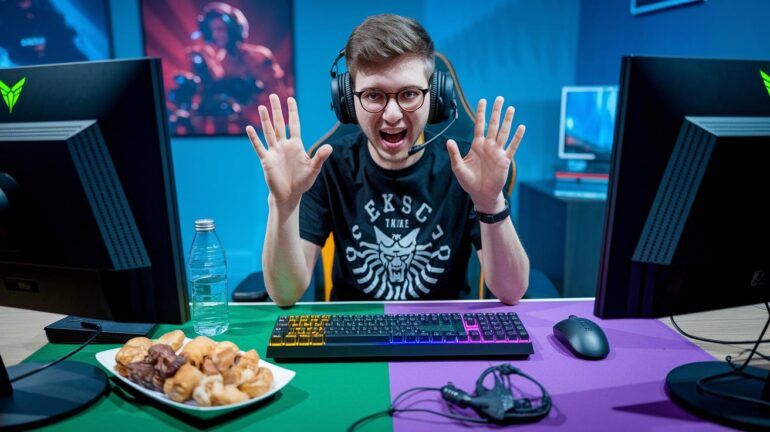
Ever notice how some streams buzz like a wild party while others just feel quiet? It's all about making your stream a chill hangout that pulls everyone into the fun.
Imagine adding live Q&A sessions, fun multiplayer rounds, and chat games that let viewers feel like they're part of the action. It's like switching from playing solo to joining a team where every player counts.
Try out these simple tricks, and soon your stream could be the ultimate spot for gaming excitement. Ready to level up and make every viewer feel like a key player?
Core Strategies for Maximizing Viewer Engagement in Gaming Streams
Want to get your viewers more involved? Here's how you can turn your stream into a fun, interactive hangout where everyone feels like part of the team. Use these tips to boost the excitement and build a loyal community that can’t wait for your next live show.
First up, try hosting live Q&A sessions. While you're busy gaming, set up a chatbot to handle the questions. This means your chat keeps buzzing without pulling you away from the action.
Next, invite viewers into your gameplay by including them in multiplayer games or hosting game nights. Tools like Instructbot or Crowd Control let your chat help steer the course of events during the match.
You can also spice things up with periodic giveaways. Run them like a mini game show by spinning a digital wheel to hand out game keys or cool in-game items.
Another fun idea is to run live polls. Let your viewers decide what game to play next or pick the topic for your discussion on the spot. It's a great way to make sure everyone feels heard.
Don’t forget about collabs. Link up with other streamers to mix your audiences together. This keeps the chat lively and adds a fresh dynamic to your stream.
When things slow down, fuel the energy with chat games. Try trivia or ask fun 'would you rather' questions to keep everyone engaged during quieter moments.
Finally, use interactive overlays and chat commands that trigger sound effects or animations. It's a neat way to give each viewer a shout-out and make the stream feel more personal.
Mix and match these ideas to transform your stream into a vibrant, interactive experience. Soon, every broadcast will feel like an epic team battle where every viewer counts.
Leveraging Interactive Tools and Overlay Customization for Engagement
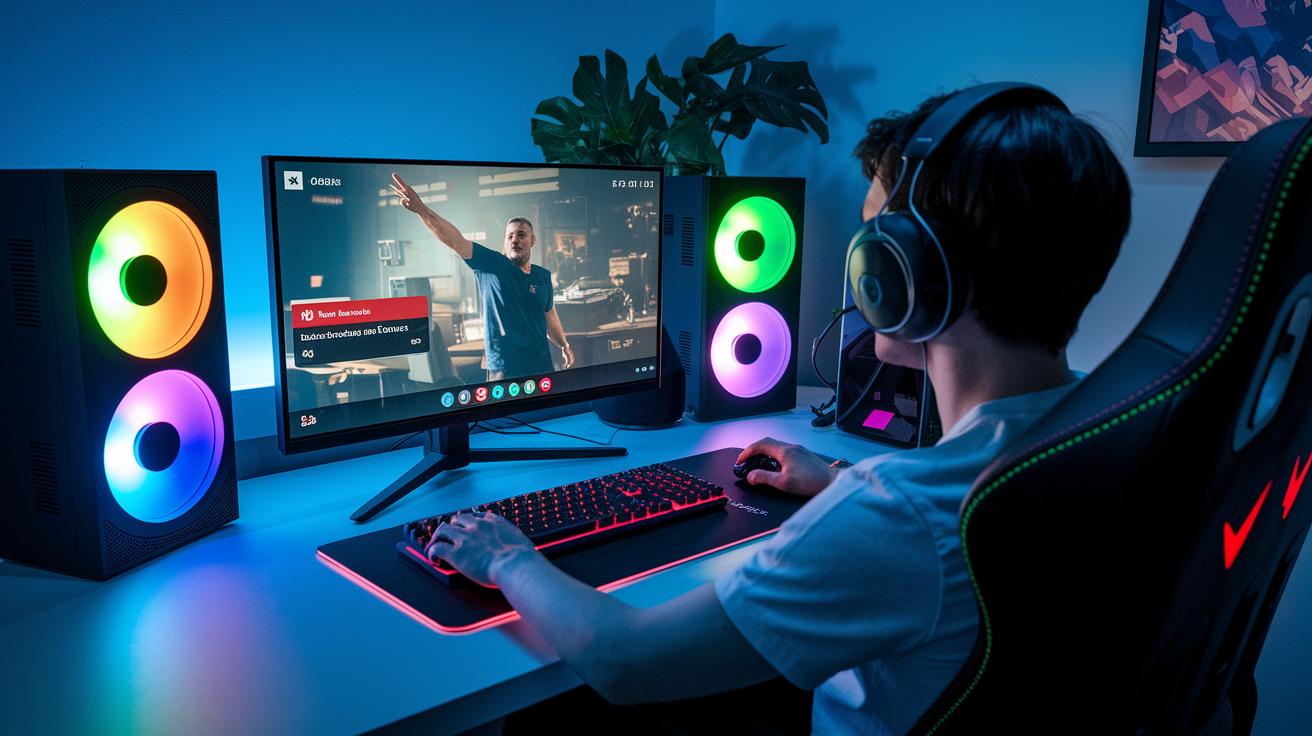
Your gaming stream turns into a buzzing arena when you pick the coolest interactive tools. Smart widgets and overlays pump up the energy by showing real-time alerts and giving every moment that extra pop. It’s all about mixing slick automation with eye-catching visuals to create a stream that keeps folks coming back.
Chatbots & Commands
Imagine a bot that helps run live Q&A jams and polls while you stay in the action. Chatbots like Instructbot let you set up custom commands that can fire off fun audio or cool visual effects when viewers get a shout-out. It’s like having a helper that keeps your stream lively without missing a beat.
Poll & Voting Modules
Ever felt that thrill when your crew gets to decide the next move? Use Twitch’s built-in polls or other widgets to let your viewers vote on what should happen next. Quick setup polls make the chat part of your game plan, turning every vote into a boost of shared excitement.
Overlay Alert Systems
Give your stream a fresh look with custom overlays. Tools like OBS source plugins and graphic packs, such as Bubble Trouble or custom sets like Blossom Breeze, flash alerts in real time for follows, tips, or in-game wins. This smart upgrade makes your broadcast feel as polished as a pro match while staying true to the heart of your community.
Community Building with Events, Giveaways, and Co-Streaming Challenges
When you share cool, live experiences, folks keep coming back for more. Looking back at past streams helps you nail down what works best. Try adding things like timed challenges or quick mini-tournaments to shake things up without reusing old ideas.
Event Game Nights
Plan your game nights using data to find the best start times and game choices that really pull in the crowd. One streamer even saw a 30% boost in activity by syncing his streams with peak viewer moments. Use eye-catching teasers and countdowns to get people excited. For example, share a fun stat like, "A popular streamer boosted engagement by 30% when his chat lit up at just the right moment." It adds that extra competitive spark that keeps the energy high.
Themed Giveaways
Match your giveaways with what's trending to spark lots of chat and buzz. Research shows that giveaways with themed prizes, like rare in-game items tied to current events, can boost chat participation by a solid 25%. Make it interactive and fun. Imagine kicking off a giveaway with a prize wheel that lets fans decide the final reward. A neat fact to share might be, "One live poll turned a regular giveaway into an epic game show, with viewers voting to shape the prize." It makes the whole experience unforgettable.
Co-Streaming Partnerships
Mix things up by teaming up for challenges that get two audiences fired up. Think about co-stream events that feature mini-games or battles where each streamer puts their own twist on the challenge. One such event boosted engagement by over 40% when two communities came together for a dual-team battle with different play styles. A cool tidbit to share could be, "A co-stream challenge once doubled interaction as two communities merged for a mixed-strategy battle." It’s a great way to create a vibrant, connected gaming vibe.
Crafting Dynamic Content with Live Q&As and Chat Games
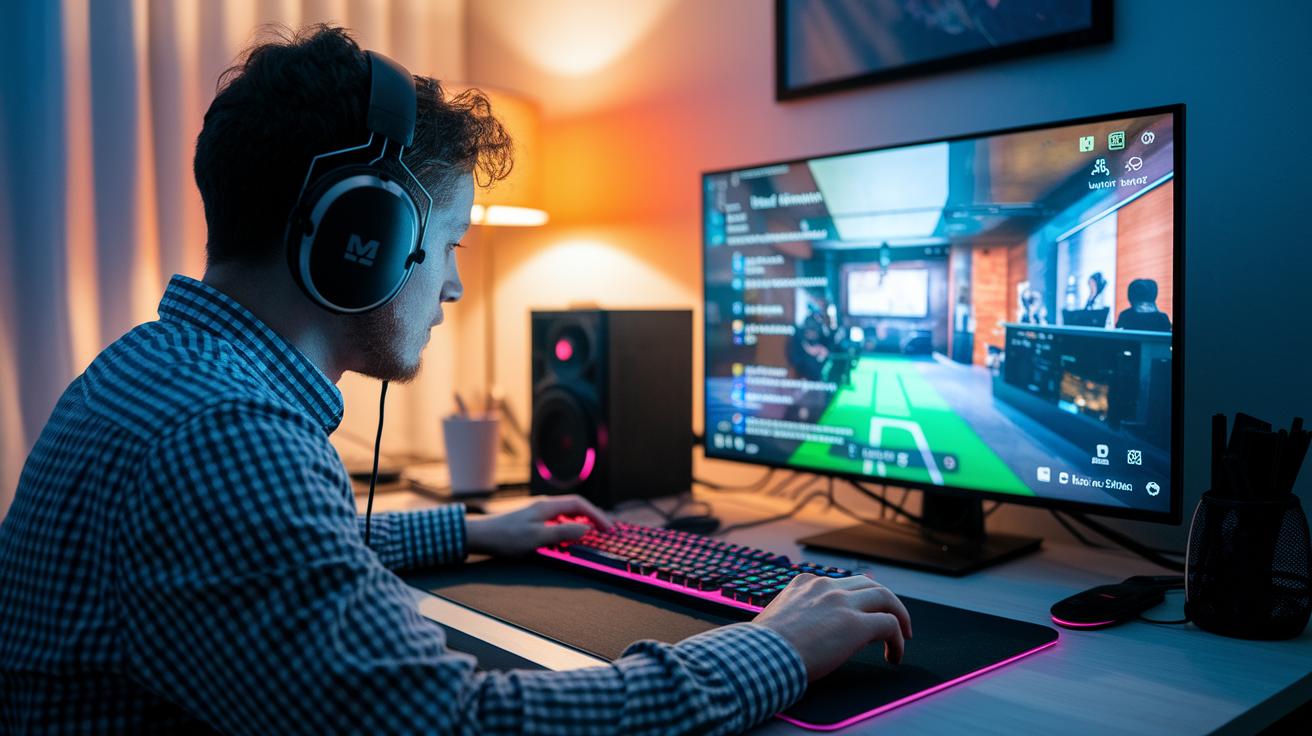
Mix it up in your stream to keep things alive. Combining live Q&A sessions with fun chat games stops things from getting boring and stokes a burst of energy.
Live Q&A parts let your smart bot grab viewer questions, so you can dive into gameplay. Ever had a fan question spark a cool chat about your tactics? That personal twist can really connect you with your viewers. Adding a sneak peek into your behind-the-scenes moments makes your responses feel real and down-to-earth.
Chat games, like trivia or "would you rather" challenges, break up slow parts with a burst of fun. Try mixing in a guest or a co-host to bring fresh ideas. For instance, kick things off by asking, "What feels more surprising: a clutch win in the final second or a wild in-game mishap?" This little challenge can really set the tone for an engaging session.
Tracking Engagement Metrics and Optimizing Stream Performance
Start by checking the built-in analytics tools on your streaming platform. Look at numbers like viewer count, chat buzz, and average watch time to see how your community is vibing. It’s kind of like checking your game stats after a tough match.
Plan your stream with clear targets. For example, track how many chat messages roll in each hour or note how many viewers join your polls. Think of these numbers as your replay review, showing you what’s working and what might need a little buff.
Keep an eye on your data regularly and don’t be afraid to mix things up. Try out different start times, game formats, or interactive segments to see which ones keep your audience locked in. Use what you learn from the numbers to fine-tune your setup and keep the excitement going.
Final Words
In the action, we covered core strategies that boost viewer participation. We walked through practical gaming stream engagement tips like live Q&A sessions, interactive polls, and community events. Each section focused on tools, overlays, and creative events that blend fun with measurable results. We also highlighted ways to track performance and refine your approach. Try these ideas on your next stream to see real connection and excitement come alive. Keep experimenting and watching your community grow strong.
FAQ
How do I make my stream more engaging?
Making your stream more engaging means using live Q&A sessions, real-time polls, and interactive games. This approach helps you build a chat community where viewers feel like valued team members.
How to stand out as a streamer?
Standing out as a streamer starts with showcasing your unique personality through interactive overlays, amusing chat games, and collaborations. These methods attract loyal fans and set your stream apart.
Can you make $1000 a month on Twitch?
Earning $1000 a month on Twitch is possible with steady viewership, affiliate deals, donations, and ad revenue. Many streamers hit that mark when their audience stays engaged and supportive.
How much does a 1000 viewer Twitch streamer make?
A 1000 viewer Twitch streamer’s income varies. They might earn through subscriptions, ad revenue, and tips, with exact figures depending on engagement levels and other revenue sources.
What to talk about on stream?
Talking on stream can include game insights, answers to viewer questions, and sharing personal experiences during gameplay. This open dialogue builds a friendly community that keeps viewers coming back.
What are some affiliate celebration stream ideas?
Affiliate celebration streams can feature game challenges, special giveaways, and live Q&A segments that honor your progress. These events thank your audience and boost overall community spirit.
What dares can I do on stream?
Stream dares might include quirky challenges like playing with reversed controls or wearing a funny outfit. Such dares create light-hearted moments that make your stream entertaining and memorable.
What ideas work for a 24-hour stream?
A 24-hour stream can mix rotating games, themed challenges, and scheduled giveaways. These varied segments help maintain energy and ensure viewers stay engaged throughout the long event.
What are some stream anniversary ideas?
Stream anniversary ideas can highlight past wins, host community contests, and offer special giveaways. Celebrating milestones this way shows appreciation for your audience and strengthens viewer loyalty.
What interactive games work for live streams?
Interactive games for live streams include chat-controlled trivia and multiplayer sessions that let viewers join in. These games actively involve your audience and add an extra layer of fun to your broadcast.
What gaming stream engagement tips are popular on Reddit?
Reddit tips emphasize using chat integrations, giveaways, and interactive overlays to drive engagement. These strategies have helped many streamers create lively and inclusive chat communities.