
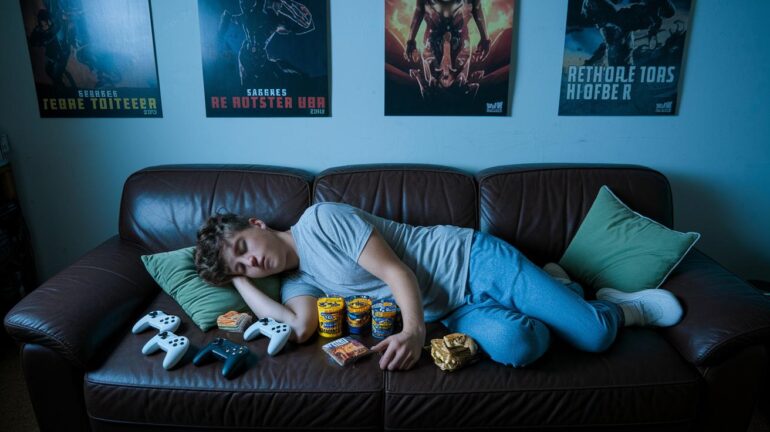
Ever thought your sleep could be the secret sauce for epic gaming? A steady sleep routine boosts your focus and reaction time, making each clutch play even sweeter. When your body sticks to a set schedule, it feels like having a personal cheat code ready for every match and the long recovery after intense sessions. In this guide, we'll share simple tips to align your sleep habits with your gaming needs. Get ready to level up your sleep and your game.
Establish a Consistent Gamer Sleep Schedule
Keeping a steady sleep plan pumps up your energy and focus for every game. When you stick to a set schedule, your body gets the hints it needs to perform like a champ. It even helps your immune system stay sharp so you’re ready for that next intense match.
A regular sleep routine isn’t just about feeling rested, it can actually boost your reaction time and help you bounce back after long gaming sessions. This means you’re set for quick thinking and epic play, all while keeping your body in top condition.
- Set a gaming curfew: Decide when to call it a night so you don’t lose track. For instance, pick a time like 11 PM and stick with it.
- Choose a fixed sleep schedule: Head to bed and wake up at the same time every day to sync up your body clock.
- Do a tech detox: Turn off screens and any internet devices at least one hour before bed to calm your mind.
- Implement a calming pre-sleep routine: Try light stretches or read something chill after gaming to ease into sleep.
- Reduce blue-light exposure: Tweak in-game and room lighting to cut down on blue light, which messes with melatonin (the sleep hormone).
- Optimize your sleep environment: Create a dark, quiet, and cozy space so your sleep can be as awesome as your gameplay.
These tips line up your body’s natural rhythm and boost both your gaming skills and overall well-being. Stick with this plan, and every night will set you up for gaming greatness.
Combat Blue Light Disruption with Gaming-Friendly Lighting
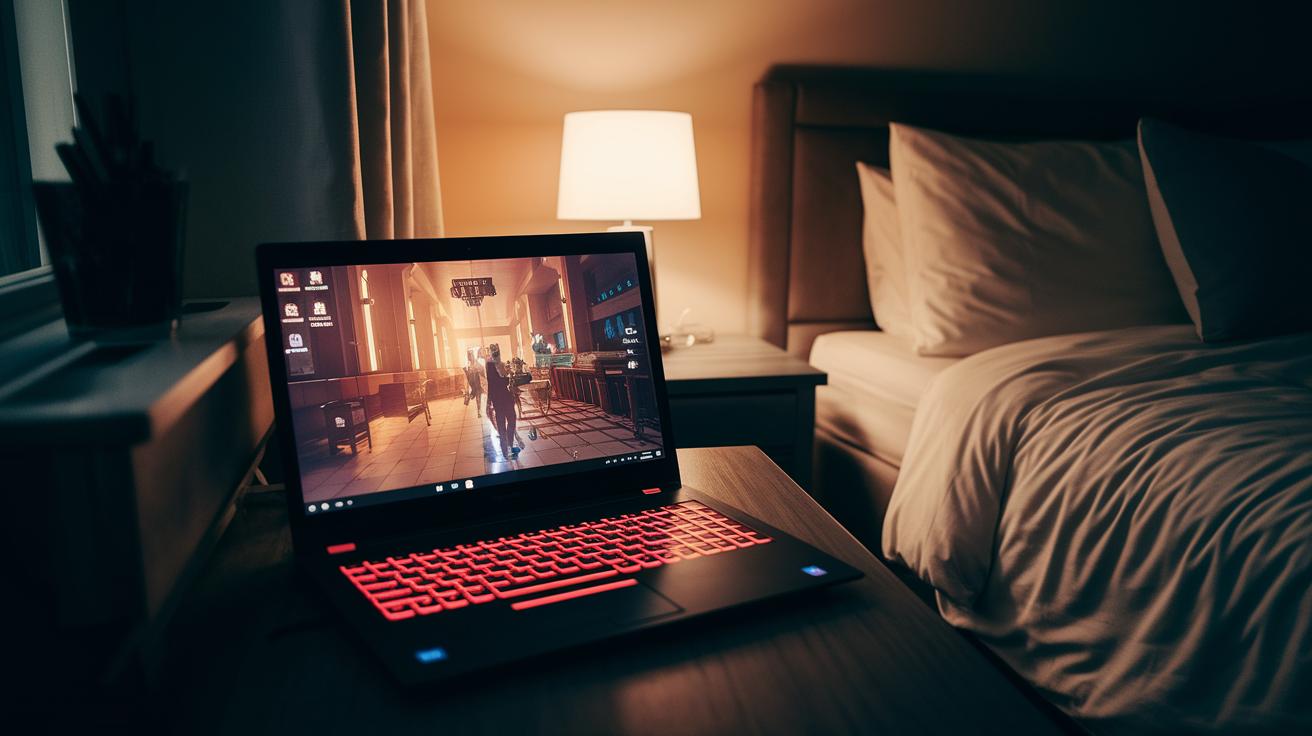
Blue light from your screen can seriously mess with your sleep. It stops your body from making enough melatonin (the hormone that tells you it’s time to sleep). Ever notice how your brain stays choppy after gaming? That extra blue light makes it tough to cool down, even when you’re ready to crash.
When you're deep into your favorite game, high levels of blue light keep you buzzing. This throws off your natural sleep rhythm, meaning you might be in "game mode" when you're trying to relax. It's like trying to unwind but having an energy boost that just won’t stop.
Here are some simple tweaks to help block those pesky blue rays and get your sleep back on track:
| Strategy | Timing | Impact on Sleep |
|---|---|---|
| Enable Night Mode | 1–2 hours before bed | Reduces blue light by 30–50% |
| Use Blue-Light Filter Apps | At all play times | Stops melatonin interference |
| Wear Blue-Blocking Glasses | 30 minutes pre-bed | Keeps natural bedtime cues intact |
| Switch to Warm Bulbs | Evening hours | Lessens alertness late in the day |
| Power Down Screens | 60 minutes before sleep | Helps boost melatonin release |
Tweaking your display and room lighting works wonders for digital rest hacks. Whether you choose to dim your screen or swap your bulbs for a warmer glow, these moves help your body switch from high-energy gaming mode to chill time. Over time, these changes lead to better sleep quality and sharper skills for your next epic match.
Manage Caffeine and Nutrition for Sustained Energy
Ever notice how one cup of coffee can keep you buzzing for hours? Caffeine can stick around for up to 12 hours, so that late-afternoon sip might have you wide awake when you really need to sleep. It keeps your body in an all-systems-go mode, messing with the signals that tell you it's time to wind down and get ready for another big gaming day.
Alcohol can also throw off your sleep. Even a little bit at night can break up your REM sleep (the part where your brain recharges and keeps you sharp). That can leave you feeling off your game the next day.
Try eating your dinner a few hours before bed. Giving your body time to digest means you’ll keep a steady blood sugar level while you sleep.
When it comes to drinks, stick to light hydration in the evening. Instead of chugging a ton of water right before bed, take small sips. And skip those late-night snacks, they can spike your sugar and mess with your sleep cycle, leaving you less focused for your next gaming session.
Optimize Your Sleep Environment for Quality Rest
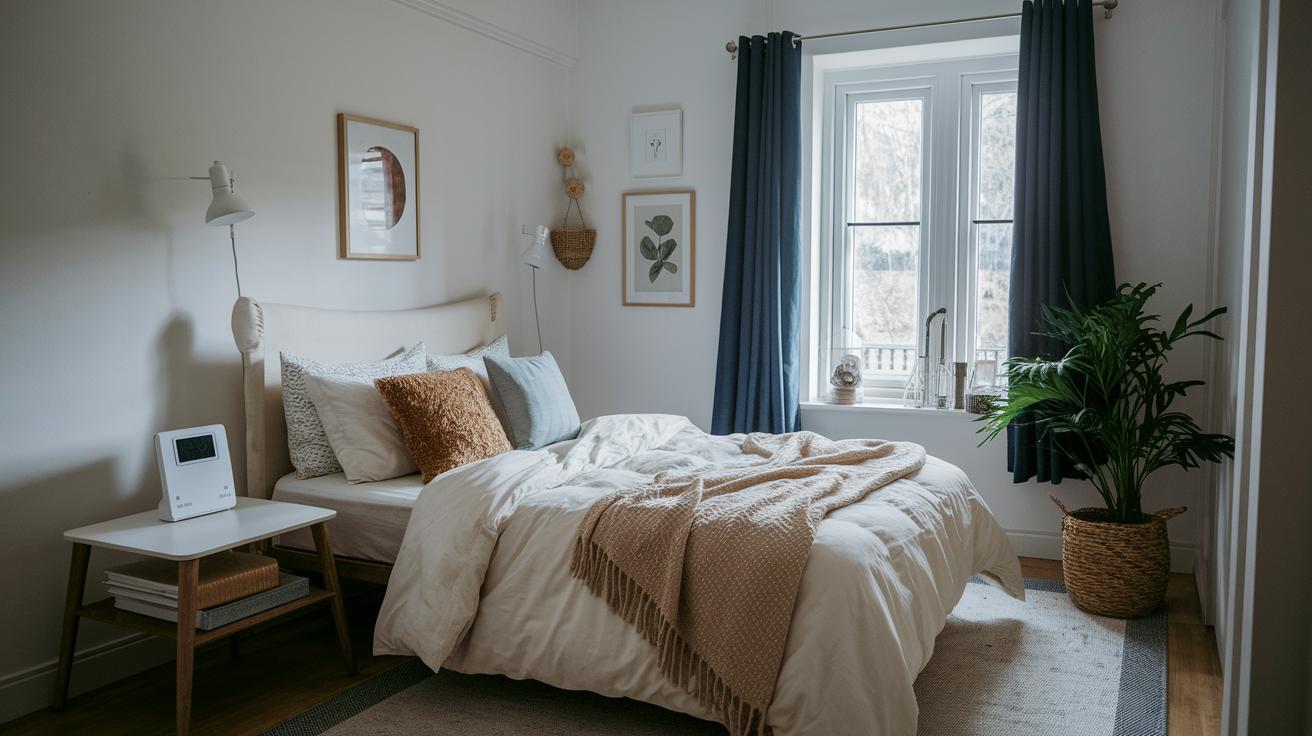
Your sleep spot isn’t just a place to crash, it’s where you set the stage for epic recovery. When you get your room zone sorted, you’re not only easing into sleep faster but also recharging like a pro for your next gaming session.
Temperature Control
Keep your room cool, around 60–67°F. This temperature helps your body wind down naturally and kick-start deep sleep. Try grabbing some breathable bedding that keeps you cozy without getting too hot. A lot of gamers say that switching to light, airy sheets after a crazy match feels like a total game-changer.
Noise Management
Unwanted noise can break your sleep rhythm. A white noise machine or a pair of comfy earplugs can block out distracting sounds, letting you drift off smoother. You can also hang foam panels on your walls to keep sudden noise spikes in check and make sure your devices are silenced. Plus, darkening your room with blackout curtains or an eye mask sparks melatonin production (the hormone that helps you sleep). Finally, keeping your space clutter-free not only clears your mind but also gives you room to invest in a mattress or pillows that truly support your nightly routine.
Develop an Effective Pre-Sleep Wind-Down Routine
After a long gaming session, your body is still buzzing with energy. A chill wind-down routine helps let that adrenaline fade so you can get the sleep you deserve.
- Turn off your screens at least an hour before bed to give your brain a break.
- Do a few gentle stretches to loosen up your muscles.
- Try some guided breathing, breathe in slowly for four counts, then exhale for six, and let the stress drift away.
- Sit quietly for a short meditation, focusing on your breath until your thoughts calm down.
- Read a book under a warm, soft light to switch your mind from gaming mode to relaxation mode.
Making these steps a habit sets you up for a solid bedtime routine that calms your nerves, cuts down stress, and helps your body recover for your next session.
Final Words
In the action, we broke down how setting regular sleep routines and smart tech habits can boost energy and performance. We covered everything from fixed bedtimes and tech detaches to safe caffeine use and a comfy sleep space. Remember these gamer sleep schedule tips, and try pairing them with a relaxed pre-sleep ritual for a smooth wind-down after intense gameplay. Stick with these simple steps, and you'll power up your rest and gameplay, ready for countless victories ahead.
FAQ
Gamer sleep schedule tips Reddit
The query on gamer sleep schedule tips Reddit hints that setting fixed bedtimes, using gaming curfews, and following screen-free routines are key to balancing play and rest.
Does playing video games before bedtime affect sleep and do video games disrupt sleep?
The discussion about video games and sleep explains that late-night play can boost adrenaline and emit light signals that keep your mind active, making it harder to fall into deep sleep.
Can you struggle to sleep after gaming, leading to gaming insomnia?
The question about post-gaming sleep issues points out that vigorous play can spike adrenaline, causing difficulty winding down and potentially leading to what many call gaming insomnia.
What is the “Go to Bed” game?
The mention of the “Go to Bed game” refers to a tool or strategy aimed at reminding gamers to log off and rest, helping set a strict cutoff time for gameplay.
What games are suitable to play in bed at night?
The inquiry about games to play in bed at night signals that low-stimulation, casual games are best for a relaxed mood, reducing excitement right before sleep.
How can a gamer fix their sleep schedule?
The concern over fixing a gamer sleep schedule suggests creating and sticking to a consistent sleep routine, setting boundaries for gaming, and unwinding with screen-free activities.
What are the 3-2-1 sleep rules?
The question on the 3-2-1 sleep rules means that gamers should aim to cease high-energy activities three hours before bed, spend two hours on light relaxation, and reserve the final hour for a screen-free wind-down.
How many hours does a gamer sleep and how long before bed should one stop gaming?
The inquiry about sleep duration shows that most gamers thrive on 7–9 hours of sleep, and it’s generally recommended to stop gaming at least 60 minutes before bedtime for better sleep quality.