

Have you ever noticed that some streams catch fire while others quickly fade away? It's not just about game skills; it all starts with picking the right time. Think of it like scoring a clutch combo when your fans are online and ready to cheer.
Imagine setting your broadcast right when your viewers are at their peak. Every second is full of energy and excitement. A smart schedule is like your secret weapon to keep gamers coming back for more.
In this post, we break it down in simple steps, showing you how nailing your timing can boost your stream's impact and make every play count.
Mastering Esports Stream Scheduling for Maximum Impact
Setting up your stream schedule is a lot like landing that perfect combo in a clutch match, it takes spot-on timing and careful planning. With the esports market set to hit a whopping $41.39 billion by 2033 (up from $5.39 billion in 2023), every single moment counts to grab your audience’s attention. Research shows that a smart broadcast plan keeps more viewers glued to the screen, giving you that rush when everything clicks perfectly. Plus, using dedicated tournament software (tools designed to manage every match with precision) makes sure your timing is always on point.
A tight schedule not only fires up viewer energy but also cuts out long, boring gaps that can drag down the vibe. It’s key to pick broadcast times when most fans are online and to keep an eye on competitor streams so you don’t lose attention. Here are five solid tactics to boost your event’s impact:
- Start sessions during peak viewing hours.
- Plan the tournament’s pace to keep idle time short.
- Watch for overlaps with rival streams.
- Add buffer time for any unexpected hold-ups.
- Use past data to fine-tune your session intervals.
Using these tips turns scheduling into a powerful tool that keeps your audience hooked from the very first match to the final play. Quick adjustments and spot-on timing cut down on downtime, making the whole event feel as smooth and exciting as pulling off that legendary clutch win.
Aligning Esports Stream Schedules with Peak Audience Behaviors
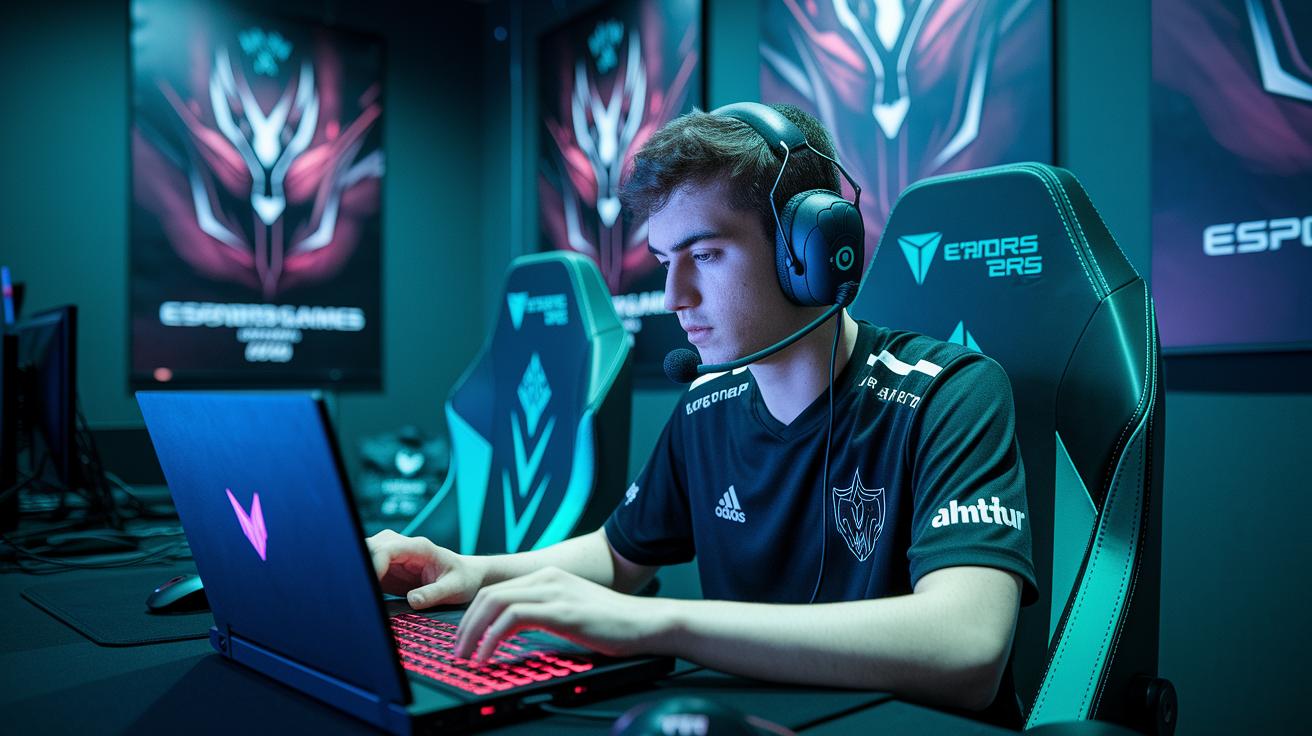
Getting your stream on the same schedule as your fans is key. Think about the League of Legends finals, it pulled in over 73 million viewers because it hit prime time. When your audience is most active, your stream can really take off. Evenings are perfect since gamers are unwinding and ready to watch, which makes live events a big hit.
A smart stream schedule means less downtime and more action. Try kicking off your session right after dinner or when your streaming buddies are ready to hang out. Fun fact: many gamers stick to strict routines, and aligning your stream with their habits can double the excitement. This simple tweak helps you keep viewers locked in and boosts overall engagement.
Consider these regional peak windows as a guide:
| Region | Typical Peak Hours (Local) |
|---|---|
| North America | 6 PM – 10 PM |
| Europe | 7 PM – 11 PM |
| Asia | 8 PM – 12 AM |
When you fine-tune your start times to match these windows, you set the stage for a constant surge in engagement. It’s like hitting the jackpot during the busiest hours.
Time Zone Coordination for Global Esports Stream Scheduling
When you're live streaming esports around the globe, time zones can really throw a wrench in your plans. Imagine a game in North America clashing with Europe's off-hours, suddenly, fans miss out on all the action.
Coordinating Across Regions
Try setting up a main calendar that shows real-time alerts for each region's best viewing times. For example, when Asia’s game day is winding down and Europe’s screen time kicks in, an alert can let you know if North America's slot might clash. Fun fact: "The master calendar even warned of a delay before the live match, saving the stream from a scheduling mess."
| Region | Peak Viewing Time |
|---|---|
| Asia | 6 PM – 9 PM |
| Europe | 7 PM – 10 PM |
| North America | 8 PM – 11 PM |
Tactical Timing and Buffer Planning
Make sure to add a little buffer time between sessions for any unexpected delays, like a quick team timeout to regroup. Keep those real-time alerts active so you catch any overlaps before they mess things up. A top tip: "Plan a 10-minute break between sessions so that if one runs over, the next still kicks off right on schedule."
Tools and Software for Real-Time Esports Scheduling Adjustments
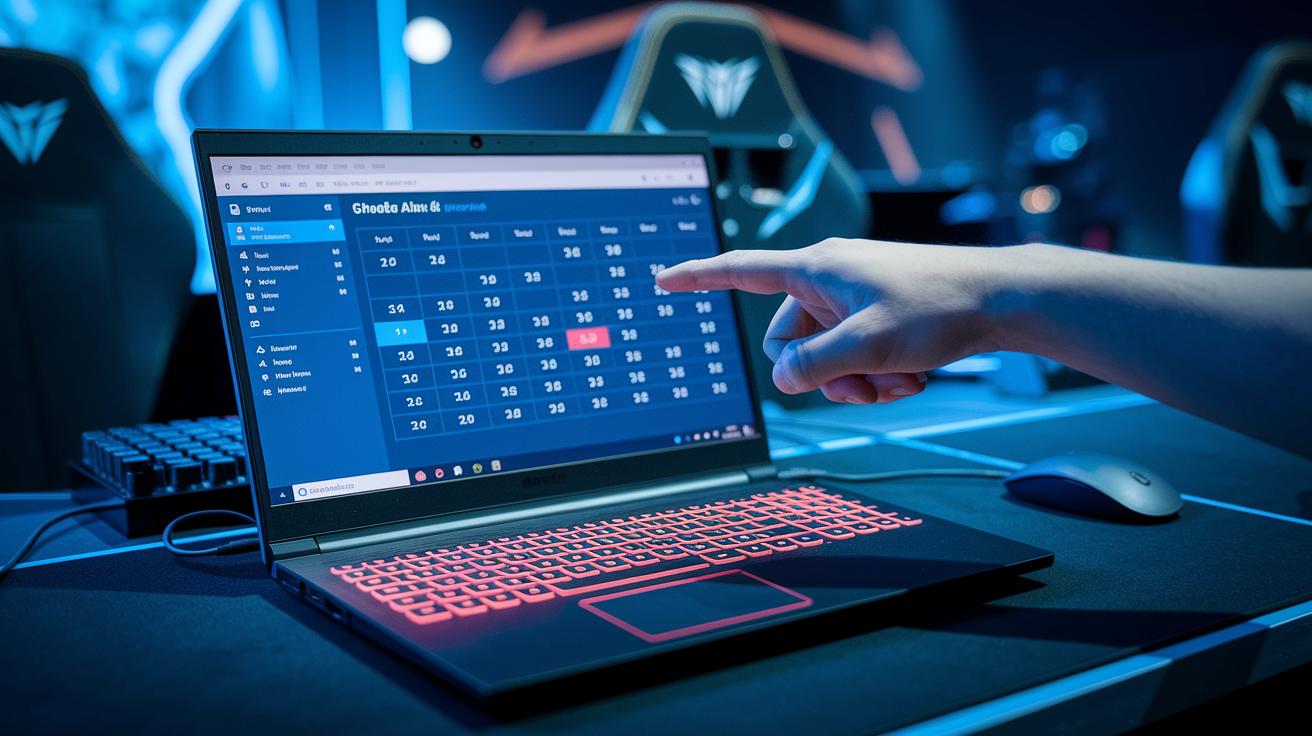
Tournament management platforms are like the behind-the-scenes heroes that keep events ticking on time. They automatically start matches and send quick alerts if something goes off schedule. I remember one time a system buzzed about a delay right before a match was about to kick off, letting the team tweak the next session so the fans didn't miss a beat. It cuts out all the guesswork and keeps everything as smooth as your best gaming combo.
Tournament Management Platforms
These platforms are loaded with handy tools like auto schedule alerts and match sequencing. They work quietly in the background, making sure every game happens on time. Picture a pop-up that says, "Match delay detected – updating schedule now." That little warning helps minimize downtime and keeps the energy high. With real-time precision, even a regular stream can feel like a high-level broadcast.
Analytics and Incident Tracking Tools
Analytics and incident tracking tools are just as crucial. They keep an eye on live viewer stats, showing you exactly when the crowd starts to drop or when a delay might hurt the experience. For example, one dashboard might flash key details like live view counts and delay alerts. A quick glance at these numbers lets you make changes on the fly, kind of like adjusting your strategy during a game. It’s like having a live performance meter that helps you dodge problems before they grow.
| Tool Type | Key Feature | Benefit |
|---|---|---|
| Tournament management platform | Automated schedule alerts | Minimizes downtime |
| Analytics platform | Live viewer metrics dashboard | Guides in-stream timing tweaks |
Case Studies in Esports Stream Scheduling Impact
Big events have shown that smart scheduling can change a show from good to epic. For example, the League of Legends World Championship hit 73 million viewers at one point. That moment is like landing an awesome game-winning headshot when every second matters. Good timing kept delays low, so fans stayed pumped from start to finish.
Regional tournaments have seen cool improvements by tweaking their schedules too. One event saw a 15 to 20 percent boost in how long people stuck around. Imagine setting a timer in your favorite game level and realizing that even the brief pauses just add to the thrill. These changes helped keep viewers engaged, making each match feel like a well-planned combo.
Event organizers are using special tournament software to stick to tight match times. This software can quickly shuffle future match times if anything unexpected happens, kind of like pausing and then resuming your game when a boss fight gets tricky. One team even got a handy alert that allowed them to set up a quick buffer slot.
The numbers really show that nailing the schedule pays off. Peaks in viewer engagement line up perfectly with well-planned broadcast slots and smart match intervals. Real-time tweaks and sharp scheduling analysis prove that keeping a tight schedule is a key play for streaming success.
Measuring and Refining Esports Stream Schedules for Continuous Improvement

Collecting data is your starting point to fine-tune your stream. Tracking live view counts and noticing when viewers drop off can show you the rough spots. For example, one stream saw a sudden drop just five minutes after kickoff. That’s a clear hint to review that time slot.
Next, look at your past streams. Compare the numbers you collected with your previous best moments. It’s like watching your match replays: you see what played well and what needs a little work.
Then, plan ahead using what you learned. Use simple predictive models (tools that forecast future patterns using past numbers) to figure out when your audience is most active. With these insights, adjust your broadcast times to match. Boom. Your schedule gets fresh and feels more alive.
- Data Collection: Track live view counts and note any drop-off rates.
- Performance Benchmarking: Compare your current numbers with historical trends.
- Forward Schedule Adjustment: Use simple forecasts to match your broadcast to peak viewer times.
Final Words
In the action, we broke down key strategies for top-notch esports stream scheduling. We covered how matching view times to gamer habits, planning buffer slots, and using smart tools can ramp up your live streams. We also saw the benefits of syncing time zones and leaning on data for tweaks. These tactics help boost viewer engagement and keep your stream flowing smoothly. Keep experimenting with these ideas, you might just be a step closer to turning every broadcast into a win.
FAQ
How can esports stream scheduling drive maximum impact as seen on Reddit?
Esports stream scheduling drives impact on Reddit by aligning broadcast times with peak viewer periods. This smart timing boosts engagement, retention, and overall live stream performance.
What does Streameast refer to?
Streameast refers to a streaming platform that features live esports events. It offers real-time updates and event management tools for fans and tournament organizers.
How many hours a day do esports players practice?
Esports players typically dedicate five to ten hours a day to practice. Regular sessions help sharpen skills and maintain team coordination, though routines vary by individual and team needs.
What is the top esport in the world?
The top esport in the world is widely seen as League of Legends, thanks to its massive global competitions and record-breaking viewership figures that set the standard in the industry.
How much does an esports setup cost?
An esports setup cost can range from a few hundred dollars on a budget to several thousand dollars for a professional rig with high-end gear and specialized software.
What steps are involved in organizing an esports event?
Organizing an esports event means planning session times during peak hours, coordinating schedules, using tournament management platforms, and building buffers to maintain smooth operations.