

Ever thought about leveling up your gaming experience with a cool membership? EA Play gives you early access to try games, sweet discounts, and simpler sign-ins that make your gaming nights even better.
It’s like having a VIP pass that lets you check out new games early and snag bonus in-game goodies. Stick around as we break down how EA Play mixes awesome perks with a great game lineup, making it a total win for casual players and hardcore fans alike.
EA Play Membership Overview and Benefits

EA Play is a cool membership that lets you dive into a huge variety of games, special trials, and exclusive discounts. It brings your favorite titles right into your hands, and it smooths out those annoying sign-in glitches that gamers often complain about on forums. One player even said, "I signed in and my account got all mixed up, until EA Play streamlined everything." Whether you’re a long-time fan or just getting started, it’s designed to work for everyone.
Joining EA Play comes with some pretty sweet perks. You can try out new games before most people with early-access trials, and you even score a 10% discount on select purchases. There are bonus treats too, like extra in-game content and scheduled demos that give you a sneak peek at upcoming releases. It’s like having a VIP pass at a big gaming event.
Some spots in the community have mentioned a few trial activation and sign-in hiccups. A lot of players have shared stories about glitches when launching a trial version, especially with FC 25, or about those pesky repeated sign-in prompts that hold up gameplay. EA Play has taken this feedback seriously and polished up their digital process with better support through their Info Hub. One user said, "After a couple of tries, I finally got my trial started and was hooked!" So if you hit a snag when starting out, you know you’re not alone.
EA Play Pricing Structure and Plan Comparison

EA Play has two main membership options: Basic and Pro. Basic is ideal for casual gamers who want access to a constantly growing pile of games. Pro, on the other hand, is designed for those looking for a more enhanced experience, especially if you’re a fan of PC Origin (a digital game platform for PC). This way, you can pick the plan that best matches your gaming style and budget.
The Basic plan is pretty affordable at $4.99 a month or $29.99 for a whole year. If you like keeping costs low upfront, this might be your go-to. The Pro tier costs $14.99 monthly or $99.99 annually. It might feel like a bit more out of pocket, but you get extra perks that upgrade your overall experience. For instance, paying annually for the Basic plan saves you compared to monthly payments, and the Pro annual plan gives you more bang for your buck if you’re all in for those benefits.
Recently, some gamers have mentioned unexpected auto-renewals that led to refund requests. A number of players have shared their frustration when surprise fees pop up without a clear heads-up. Many in the community feel that a clearer explanation of monthly billing could smooth out these issues, helping everyone enjoy their subscription without any unwanted surprises.
EA Play Game Library Highlights
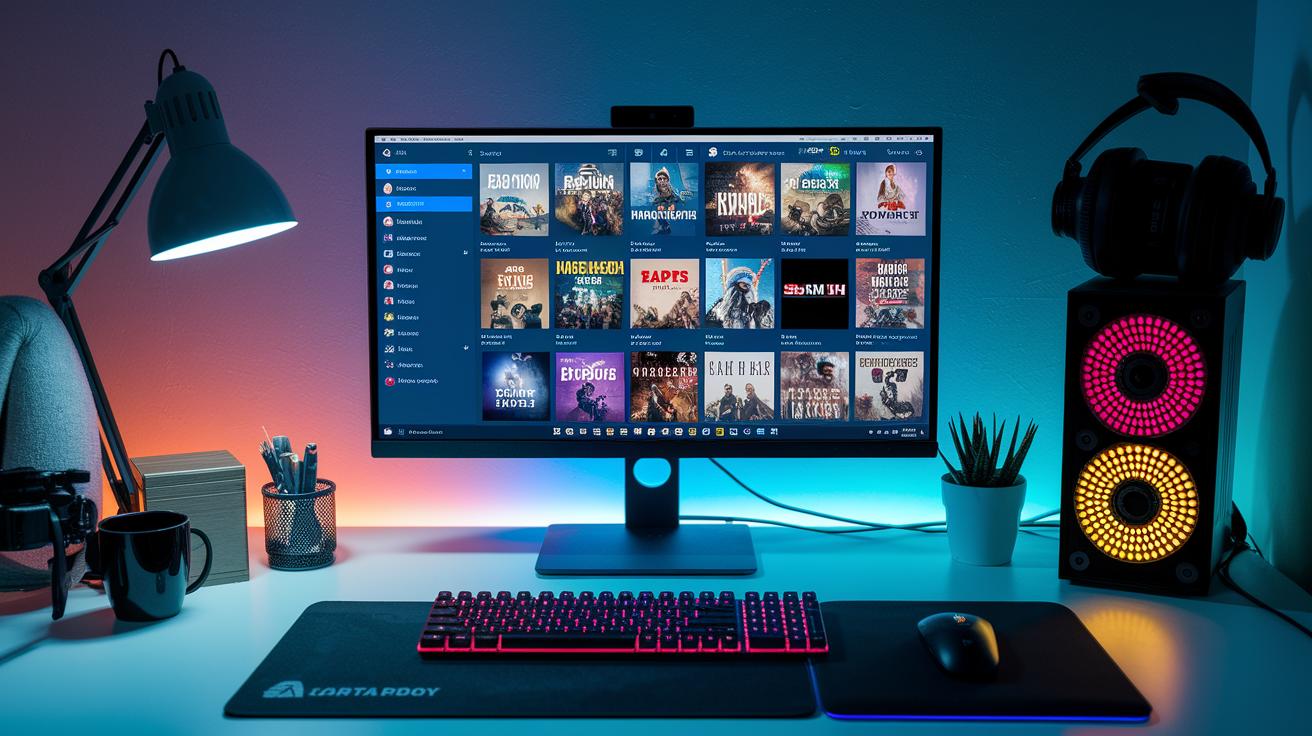
EA Play has a huge library filled with games for every type of gamer. It covers lots of genres like sports, strategy, and everything in between, and it keeps growing with both beloved classics and shiny new titles. Some community members have mentioned hiccups with the FC 25 trial download and missing features on the Mac EA App, but EA Play still aims to offer a diverse and fun collection for everyone.
- Battlefield V
- FIFA 23
- Madden NFL 22
- Star Wars Battlefront II
- The Sims 4
- Need for Speed Heat
- Apex Legends
Regular updates mean you're never left in the dark about what’s coming next. Members get early access to demos and timely alerts on the latest releases, so you’re always one step ahead. This way, you won't miss out on trial versions, and you get hyped about new titles. It’s a solid deal for anyone who wants to stay in the loop about digital game releases.
EA Play Download and Activation Guide
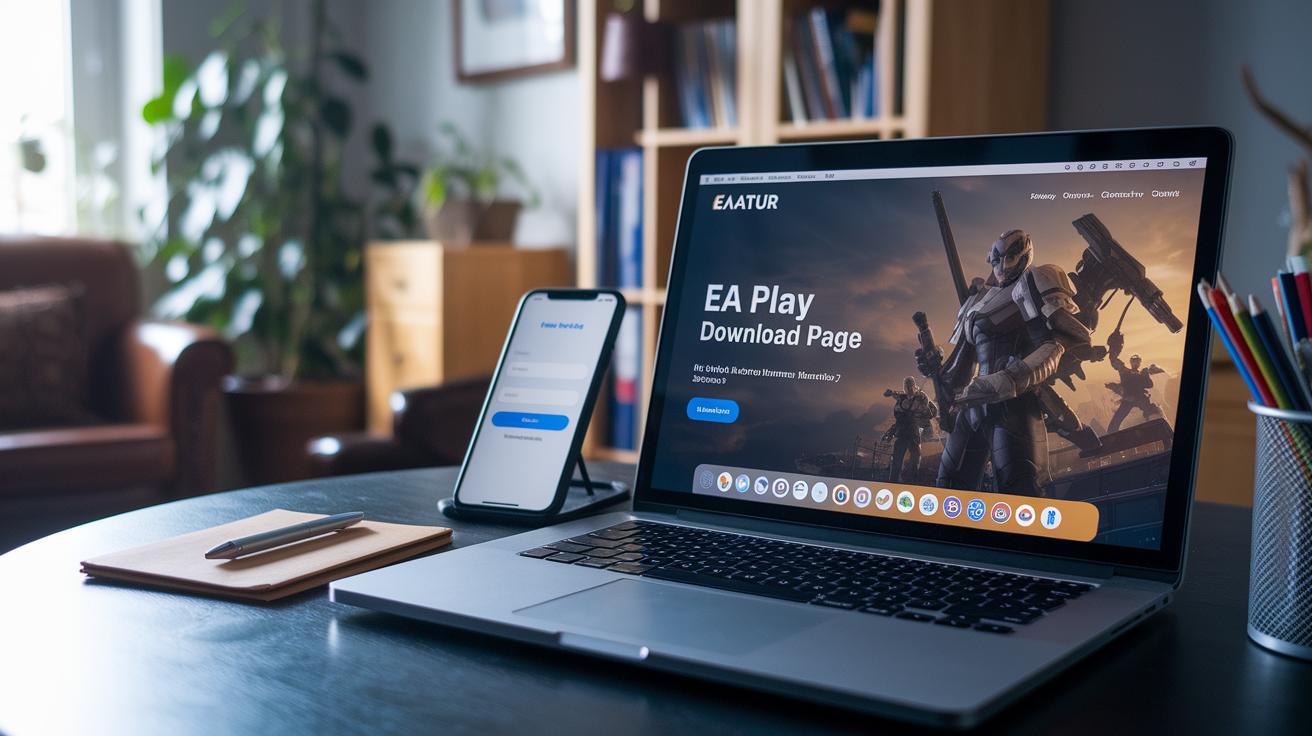
First, you need to create your EA account. Head over to the official site, fill in your info, and choose an easy sign-in option like Facebook (which speeds things up). Check your email and follow the simple on-screen steps. Before you know it, you'll be ready to explore everything EA Play offers.
Next, if you're using a PC, open the Origin client after signing in. Look for the download button in the digital storefront and click it. Follow each on-screen step, from installing the game to verifying your files. One gamer mentioned that after following the prompts, their game library loaded perfectly. It's all set up to be as smooth as your favorite combo move.
Console players, listen up! If you’re on Xbox or PlayStation, make sure you link your EA account with your console profile. Just sign in and follow the instructions. This linking confirms your subscription and activates the cool membership features. Merging your accounts keeps your progress safe and your digital content synced across platforms.
If you find some games missing, especially on the Mac EA App, double-check your account links and installation settings. Sometimes a small glitch or incomplete linking can hide titles in your storefront. One user said, "After re-linking my account, all my games finally appeared!" A quick review of your settings usually fixes it right up.
Managing, Renewing, and Canceling EA Play Membership

Right after you log in, take a quick look at your auto-renew settings. The renewal date is easy to spot, and you can switch off auto-renew if you’d rather handle it manually. Some players have gotten unexpected charges from auto-renew, so a quick check can save you a headache, ever heard of a friend who got an extra fee on their bill?
Next, keep an eye on your payment info and region settings. Occasionally, extra fees pop up when the system flags regional payment details. Update your method when needed to avoid those sneaky charges, ensuring your subscription runs smoothly.
If you ever have trouble with your account, say it gets hacked or you need recovery, follow EA Play’s guidelines for a speedy fix. A good tip is to update your password often and review your connected devices, so you’re always one step ahead.
Finally, when it’s time to cancel, use the step-by-step guide in your account settings. The FAQ walks you through everything, and one player even said it was super easy once they found the right section and got help from support.
EA Play vs. Other Gaming Subscription Services

EA Play keeps things simple with a neat selection of games and an easy-to-use menu. Gamers chat about how, while services like Xbox Game Pass dump in a huge number of indie titles and extra features, EA Play sticks to what matters most. Fellow players say the focus on a smaller, quality library means you don’t get lost in a maze of extras.
Bundles and discounts matter a lot to us gamers. When comparing deals, many check out EA Play’s steady prices and clear offers against Xbox Game Pass or even bundles on platforms like Steam. Sure, other services might flash some flashy discounts now and then, but EA Play’s no-nonsense pricing and regular updates make it feel like a smart, well-planned buy.
Then there’s the bonus of loyalty rewards and beta access. EA Play often lets players jump into new releases and test out betas before anyone else. This early access builds trust and has many gamers feeling like they’re part of a friendly, exclusive club. Ever been excited to try a game first? That’s the vibe EA Play is aiming for.
Final Words
In the action, we covered ea play membership benefits from early-access trials and store discounts to a curated game library and smooth activation tips.
We broke down tier comparisons, cost analysis, and troubleshooting tips from forum feedback.
The post also weighed ea play against other subscriptions, helping you see clear pricing and feature differences while addressing account issues many users face.
Enjoy leveling up your gameplay with these insights, and get ready for more wins ahead.
FAQ
What is EA Play subscription and what benefits does it offer?
The EA Play subscription is a membership program that gives gamers early-access titles, digital library access, and discounts at the store, making it a great way to enjoy exclusive gaming perks.
How do I download EA Play using the EA app and log in on consoles like PS4 and PS5?
The EA Play download begins with the EA app installation, followed by signing into your EA account on your PC or consoles such as PS4 and PS5, ensuring you have linked accounts for smooth gameplay.
What is the EA Play free trial all about?
The EA Play free trial lets you experience membership benefits without a long-term commitment, offering limited-time access to a broad game library and exclusive offers so you can test the service risk-free.
What games do I get with EA Play membership?
The EA Play membership provides access to a diverse game library that includes Battlefield V, FIFA 23, Madden NFL 22, Star Wars Battlefront II, The Sims 4, Need for Speed Heat, and Apex Legends.
How much is EA Play right now and what should I know about pricing?
The EA Play price depends on the chosen tier and billing cycle, with lower rates for basic memberships and higher costs for EA Play Pro, so checking current rates is wise for the best deal.