
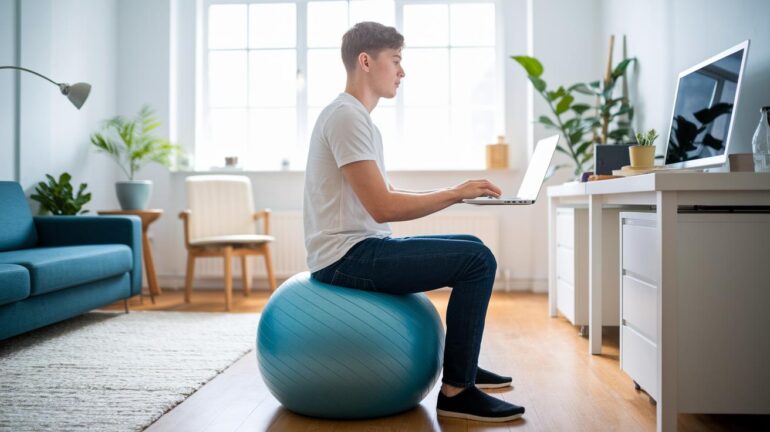
Ever had that nagging back pain after hours at your desk, trying to land the perfect play? Sitting too long can put serious strain on your neck and back, and before you know it, you're missing out on clutch moves.
Many gamers try to ignore that pain until it starts slowing them down, kind of like an unexpected lag in the middle of a match. But here's a tip: taking a quick break to do a couple of simple stretches might be the game changer you need.
This guide shows you easy moves to ease that discomfort, so you can stay sharp and keep winning. Imagine feeling great while your in-game performance soars, like your posture just unlocked a secret bonus level.
Try mixing in these moves during your downtime. Who knew that leveling up your posture could be as rewarding as nailing a headshot?
Core Posture Workouts for Gamers
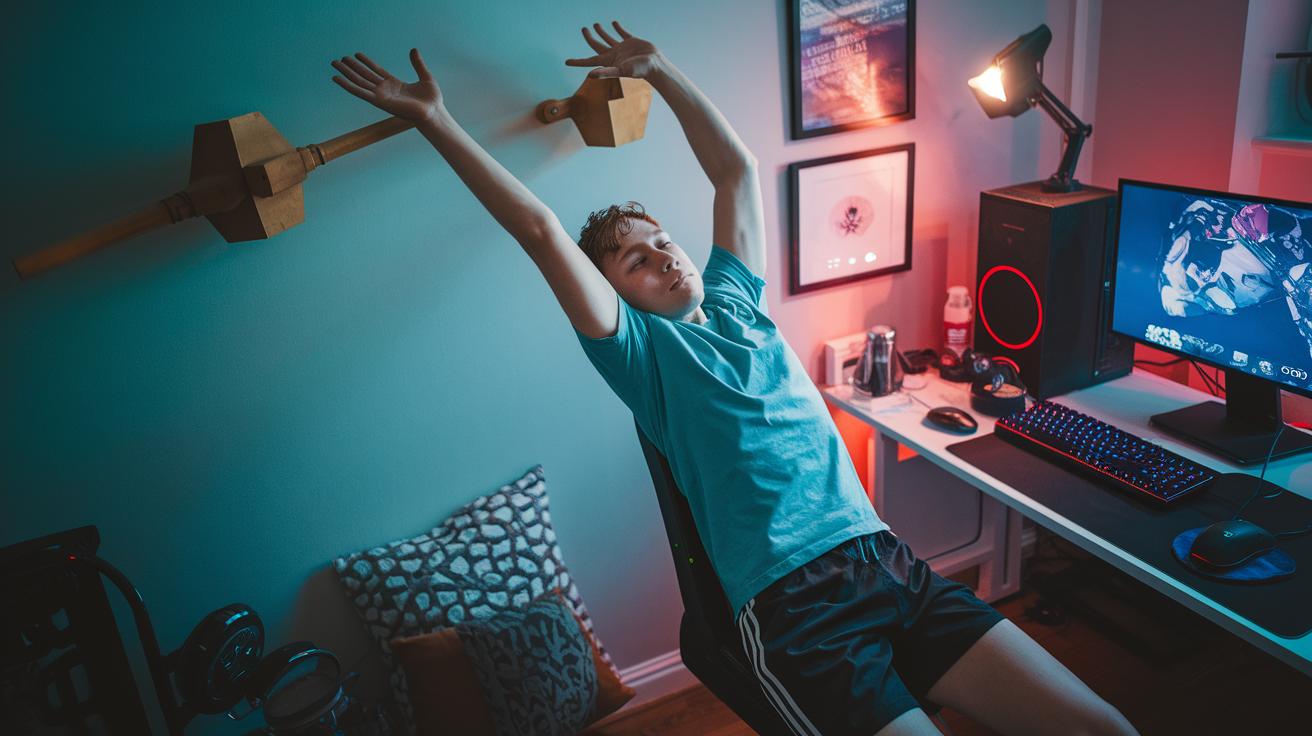
Long gaming sessions can really mess with your spine, causing pain in your neck, mid-back, and lower back. Sitting hunched over for too long can throw your spine off your natural balance, which might lead to chronic aches. And when you're in pain, your game might suffer too, imagine trying to win while battling constant discomfort!
Try these simple moves to keep you in top shape:
- Wall Reach: Stand facing a wall and reach your arms up, pressing your palms firmly against it. Let your shoulders relax and keep your back straight. Hold for 20 seconds. Think of it like stretching for the next level in your favorite game.
- Mid-Back Extension with Foam Roller: Lie down with a foam roller under your upper back (around your chest area). Slowly arch backward to undo that forward hunch. Keep it smooth and controlled for 15 seconds. It's like recharging your health bar!
- Shoulder Stretch: Pull one arm across your chest and use your other arm to help. Hold for 20 seconds to help open up those rounded shoulders. Picture it as shifting your strategy to get a better angle in the game.
- Hip Flexor Stretch: Kneel on one knee and gently push your hips forward. You should feel a good stretch at the front of your hip. It’s all about leveling up the stability of your lower half.
- Seated Spinal Twist: Sit up straight, then twist your torso to one side and hold for 15 seconds before switching sides. This move boosts your spine's mobility, kind of like keeping an eye on your leaderboard while you switch tactics.
- Cat-Camel in Chair: While sitting, alternate between arching and rounding your back in a steady rhythm. Do 8–10 reps to wake up your entire spine, like executing the perfect combo move in a fighting game.
Doing these exercises every day sets a strong base for staying in the game. A solid posture not only keeps you feeling good but also helps you play at your best.
Mobility Routines and In-Session Posture Breaks for Gamers
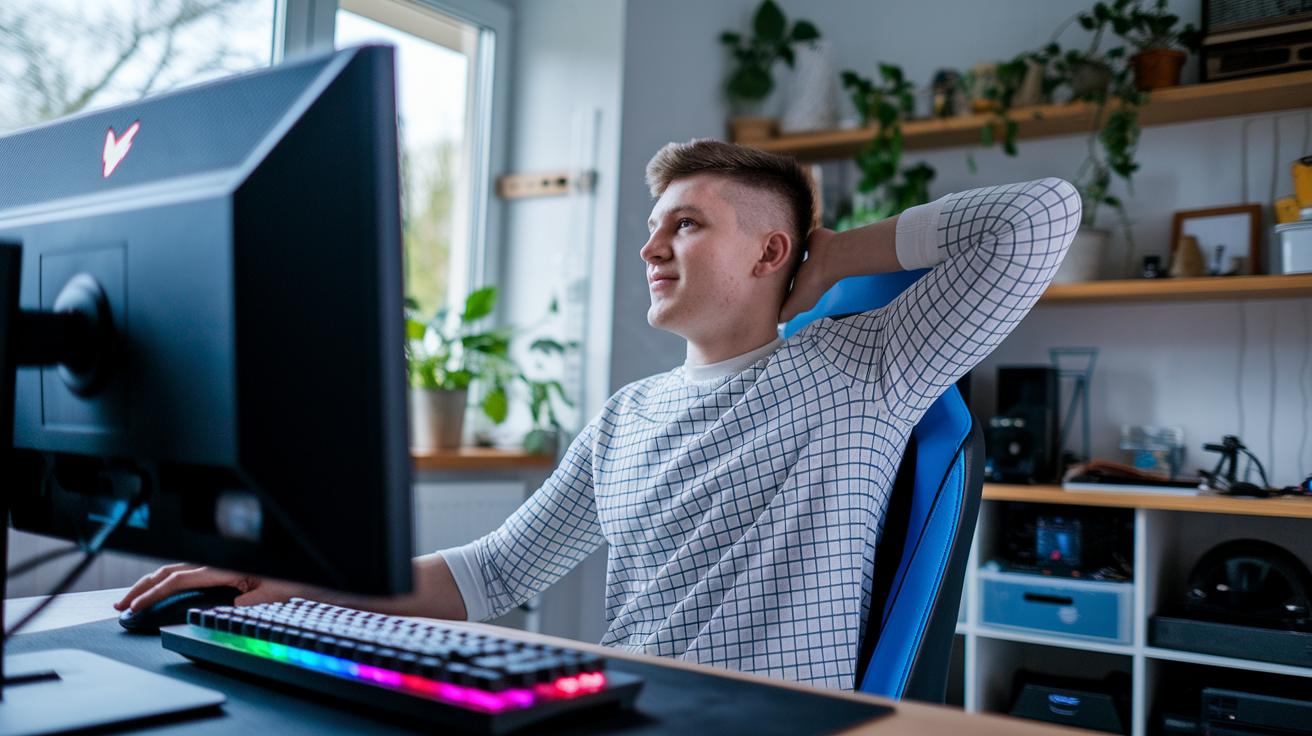
When you game for hours, your neck and back can start to feel super tight. Luckily, there are two cool ways to shake that stiffness off. You can do a longer routine right at your desk to target those stubborn muscles, or sneak in quick posture resets even while you're still in your gaming chair. The longer moves work deep into your muscles, while the short breaks clear out any tension built up during an epic match.
Desk Mobility Routines
• Upper trapezius stretch: Slowly tilt your head toward one shoulder and hold it for 20-30 seconds. Do this 2-3 times to help ease neck tension. Think of it like scanning the room for a hidden bonus.
• Chest opener stretch: Clasp your hands behind your back, lift your chest gently, and hold the stretch for 20 seconds. This move helps fix those rounded shoulders from staring at your screen too long.
In-Session Posture Break Moves
• Neck extension: Lift your chin upward, hold for 5 seconds, then repeat 5 times. Picture reaching up for an invisible power-up.
• Shoulder rolls: Roll your shoulders 10 times forward and then 10 times backward at a steady pace. This move is like a mini reset that eases tension in your upper back during a long game.
Try setting a timer for every 45-60 minutes so you can take a quick break. Even one minute away from the screen doing these moves can boost your comfort and help keep your game sharp. Regular posture breaks not only keep your muscles loose but also set you up to crush every game round with energy and focus.
Core Activation and Strengthening Exercises for Gamers
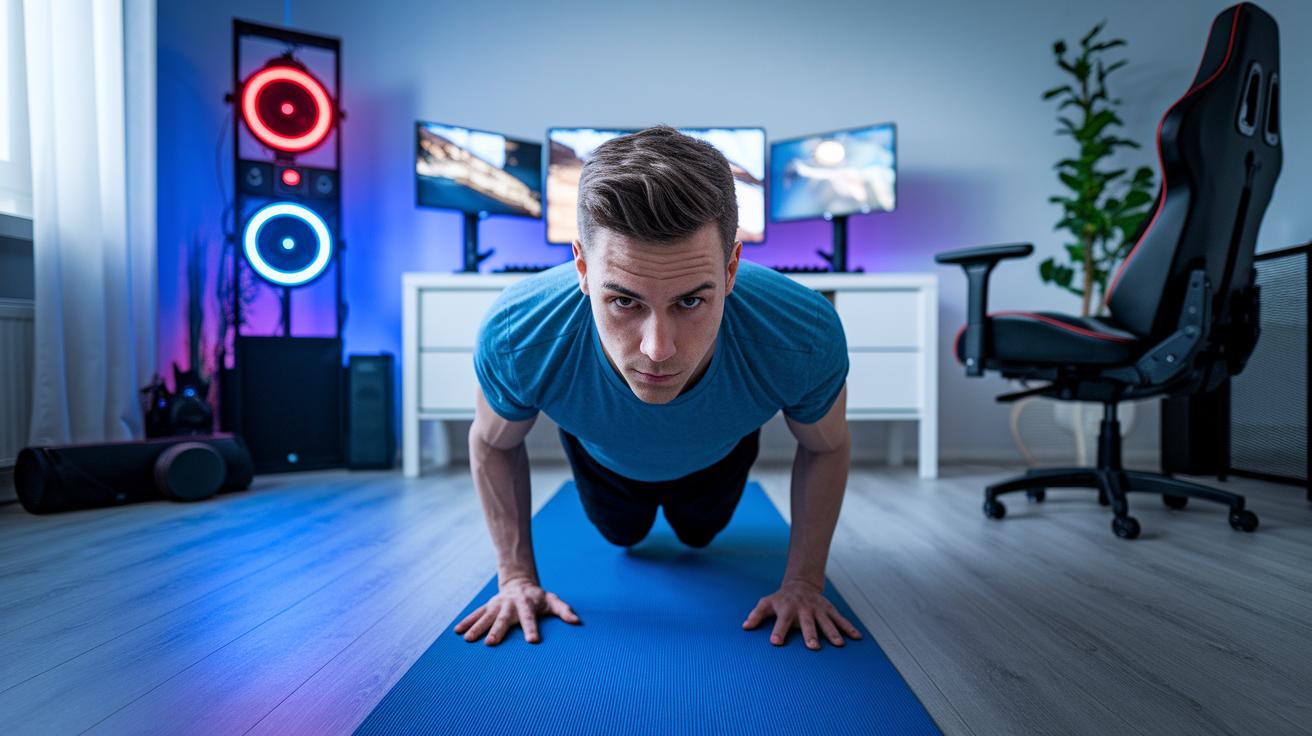
A strong core is your secret power-up for long gaming sessions. Strengthening your midsection keeps your spine steady and forms a solid base, which means better control during play and fewer posture issues. It's kind of like landing that perfect combo in your favorite game, it can really change the game!
-
Seated Pelvic Tilt: Sit up straight with your feet flat on the floor. Then, slowly tilt your hips forward by gently tightening your lower abs and glutes, and ease back to your starting position. Try 2-3 sets of 10-12 reps. Pro tip: Keep your back neutral, not arched, not rounded, for a safe and smooth move.
-
Chair Plank Hold: Grab the edge of your chair with both hands and lean back until your body forms a straight line from your head to your heels. Tighten your core and hold that pose for a few seconds. Aim for 2-3 sets of 10-12 reps. Pro tip: Maintain a straight back and steady breathing, like you're guarding a fortress in your favorite raid.
-
Dead-Bug Modifications: Lie on your back with your knees bent at a 90-degree angle and arms lifted up. Slowly lower one leg and the opposite arm toward the floor, then come back up and switch sides. Do 2-3 sets of 10-12 reps. Pro tip: Keep your lower back pressed to the floor to ensure your core is really working.
Keep at these exercises and you'll build a sturdy core that keeps your spine in check, letting you dominate digital battles with confidence.
Ergonomic Adjustments and Safety Tips for Gamer Posture
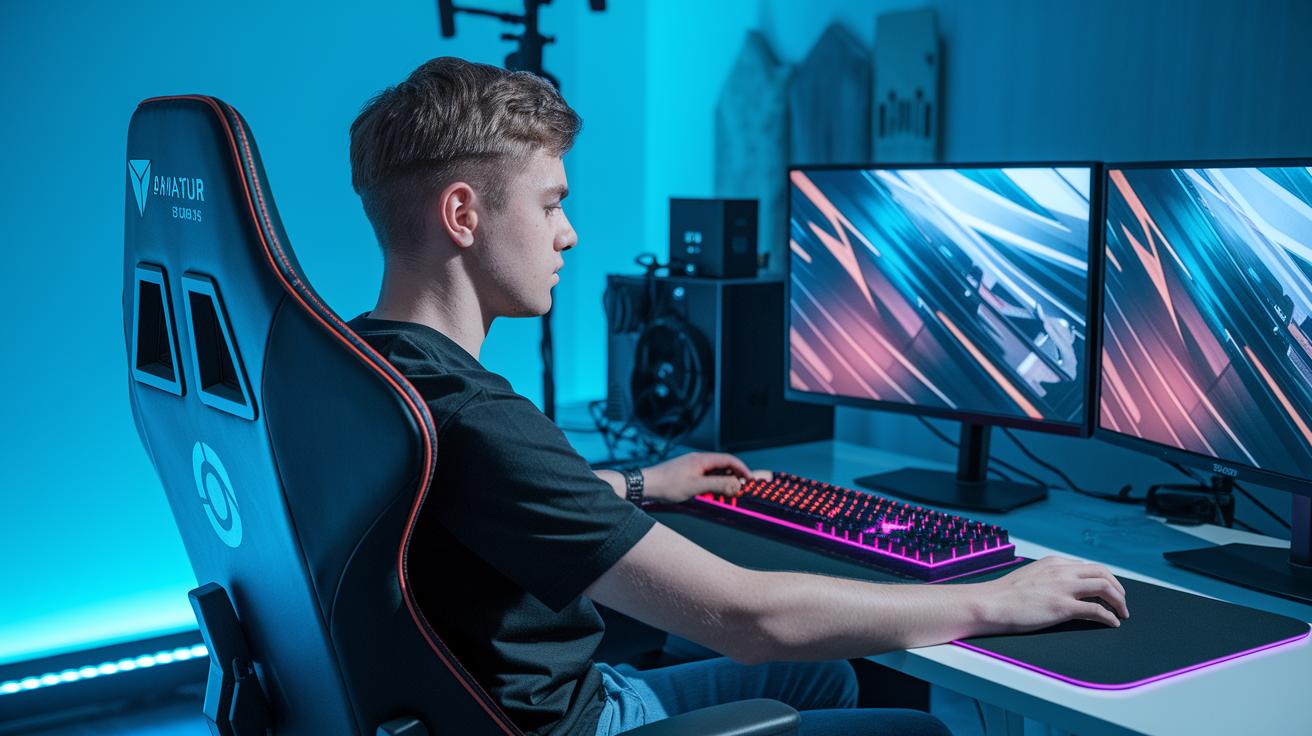
When you're deep in a gaming marathon, your setup might start to feel off if it's not dialed in right. Make sure your play space is set up to support a good posture so you can dodge those annoying aches. First, adjust your chair so your feet sit flat on the floor and your knees are comfy. Think of it like designing the perfect level in your favorite game, everything should feel just right.
Here's a handy table to break it down:
| Equipment | Adjustment | Benefit |
|---|---|---|
| Chair Height | Set so your feet rest firmly on the ground | Keeps your lower back supported and boosts stability |
| Monitor Placement | Place at eye level | Reduces neck strain and helps you maintain a straight posture |
| Keyboard Alignment | Keep it at a 90° elbow bend | Helps ease wrist and shoulder tension |
| Lumbar Support | Use a cushion or ergonomic chair | Supports your natural spinal curve |
Regular upkeep of your gaming setup stops muscle strain and keeps you feeling great. Maybe even try some pro posture tweaks and check your setup daily so you catch any wobbliness before it ruins your game.
Final Words
in the action, we explored a range of moves designed to tackle the issues of long gaming sessions and posture woes. We broke down core workouts, desk mobility routines, core activation drills, and ergonomic tweaks step by step. Each section provided clear cues and hold times to help keep your back strong and your spine aligned.
Keep practicing these exercises to improve posture for gamers and enjoy those epic gaming sessions without discomfort. Stay strong and game on!
FAQ
What exercises help improve posture for gamers?
The exercise suggestions include wall reach, foam roller mid-back extension, shoulder stretches, and seated twists to ease stiffness from long gaming sessions and help keep your back aligned.
What yoga exercises can boost posture for gamers?
Yoga moves, like chest openers and gentle spinal twists, work well to lessen muscle tension and improve posture by stretching tight areas and enhancing your overall gaming stance.
What is considered bad gaming posture?
Bad gaming posture means slouching, leaning too far forward, or hunching over. These habits can stress your back and neck, making gaming sessions uncomfortable over time.
How can I fix my gamer posture and correct a lean?
Fixing your gamer posture means adjusting your seat and desk, doing core and stretch exercises, and taking regular breaks. This approach repositions your spine and reduces lean and discomfort.
What do gamer posture memes highlight?
Gamer posture memes humorously show the awkward positions gamers often adopt. They remind us through a laugh to sit straight, take breaks, and avoid long static sessions.
What is the best console gaming posture?
The ideal console gaming posture keeps your back straight, shoulders relaxed, and screen at eye level. Combining this with occasional stretching helps prevent stiffness during extended play.
What defines a pro gamer sitting position?
A pro gamer sitting position features an upright back with proper lumbar support, feet flat on the floor, and arms comfortably positioned. This setup minimizes strain and boosts endurance for long sessions.
How should your posture be when gaming?
Your posture when gaming should maintain a straight back, elbows around 90 degrees, and neutral wrists. This balanced alignment helps avoid fatigue and keeps your body comfortable during play.
Does gaming affect posture?
Gaming can affect posture by promoting long periods of sitting, which may lead to spinal stress and discomfort. Regular breaks and stretching moves are key to keeping your spine healthy.