
Ever feel like your marathon gaming sessions are secretly draining your energy? Sitting for hours can leave your muscles tight and your brain in a fog, making it hard to hit those clutch moves. But don’t worry, a few simple moves like stretching in your seat, checking your posture, grabbing a quick drink, and taking mini chill breaks can really flip the script. This guide walks you through a fresh routine to keep your body nimble and your mind on point for every challenge. Ready to level up your play?
Complete Gamer Wellness Routine Breakdown
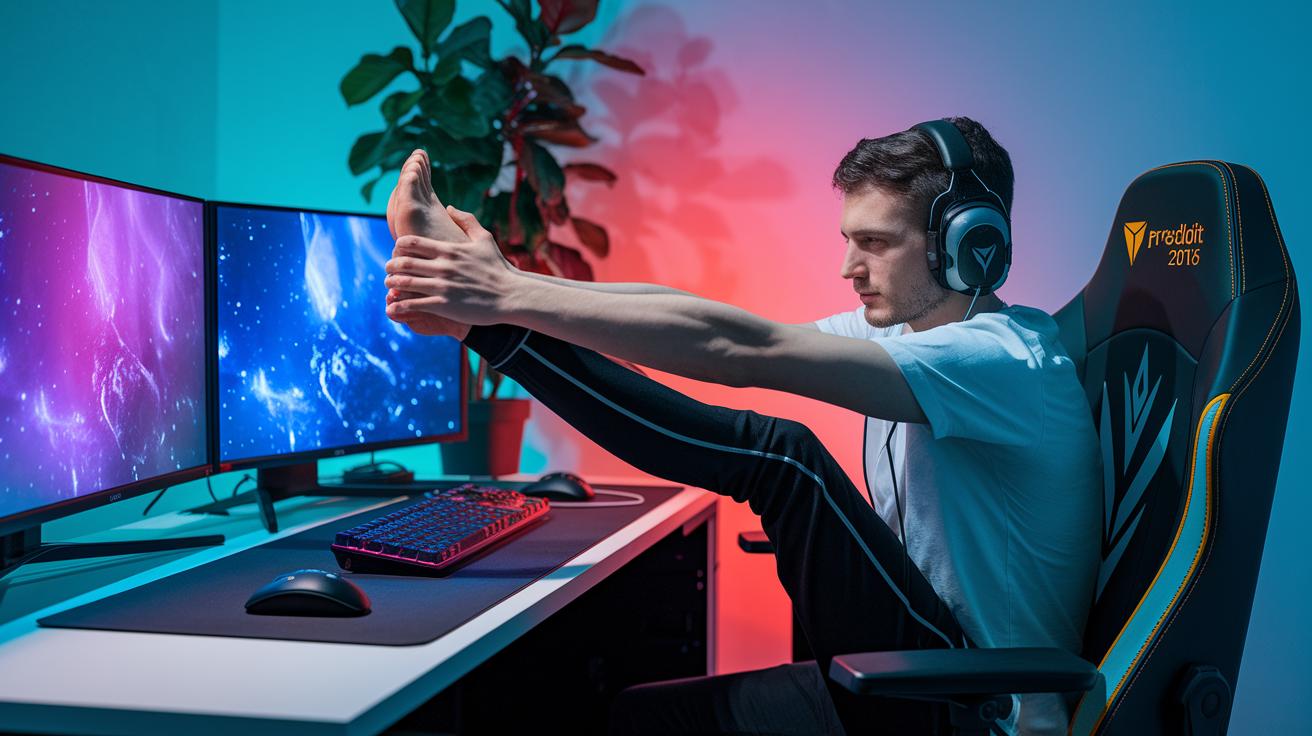
When you dive into long gaming sessions, sitting still for hours can really take a toll. Your muscles might get sore, your joints may feel stiff, and your blood flow can slow down. Moving around and doing a few stretches, even while seated, can ease that tension and keep you feeling agile.
Gaming marathons aren’t just tough on your body; they can drain your brain too. Focusing hard on battles or tricky puzzles might leave you feeling foggy and slow when it matters most. Taking brief breaks to relax and clear your head is key to keeping your mind sharp and ready for the next challenge.
- In-seat stretches
- Posture checks
- Hydration reminders
- Nutritious snacks
- Micro-break scheduling
- Mindfulness pauses
Mixing these simple tips into your routine is the best way to stay on top of your game. Regular stretches, posture checks, hydration, healthy snacks, scheduled micro-breaks, and mindful pauses build a regimen that wards off fatigue and keeps you energized for many epic sessions ahead.
In-Seat Mobility Stretches for Long Gaming Sessions
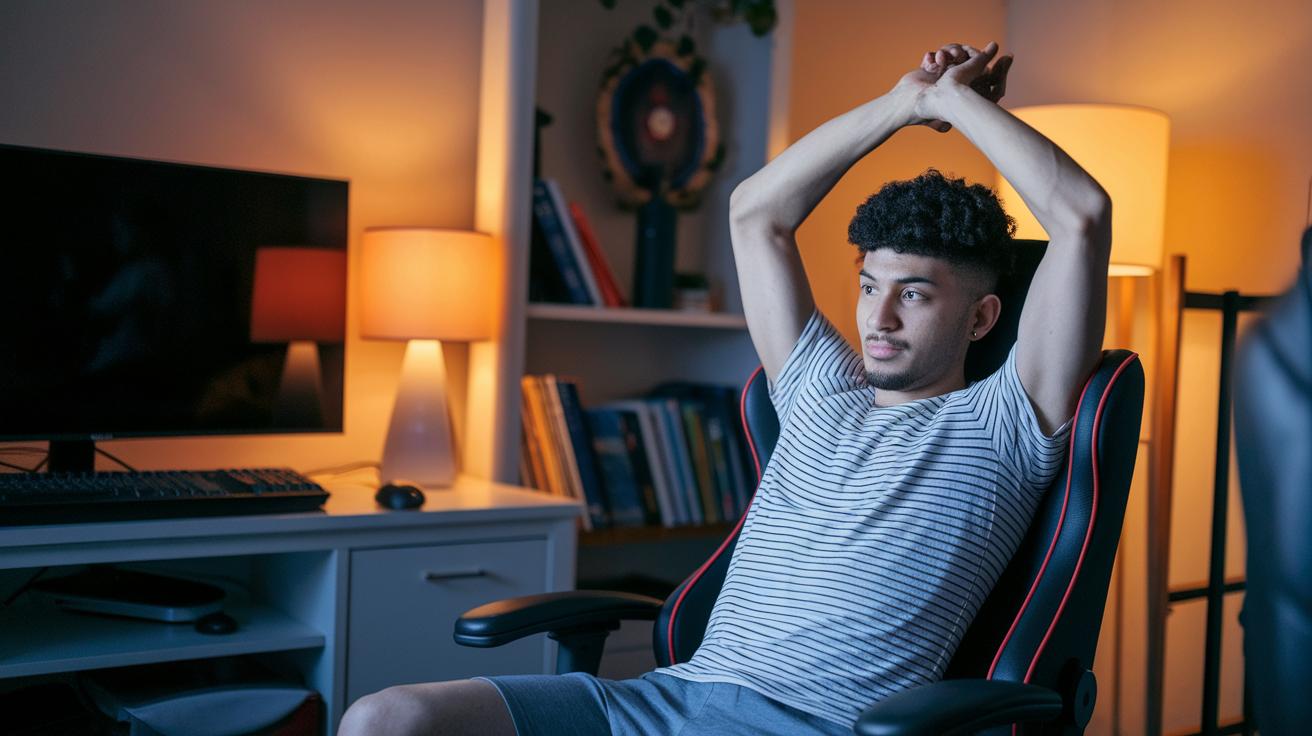
Sitting through marathon gaming sessions can feel awesome until your body starts to protest. Keeping yourself moving is key to avoiding stiff muscles and sluggish blood flow. A few simple in-chair stretches can energize you, cut down on stiffness, and even ease the strain on your eyes from long hours at the screen.
Upper Body and Shoulder Stretches
Try these three easy moves to keep your arms and shoulders in top shape:
- Arm Circles: Sit up straight and spread your arms out like you’re prepping for a victory dance. Slowly spin your arms in small circles, then switch directions. This helps warm up your shoulder muscles (think of it as a quick pre-game warm-up).
- Overhead Reach: While still seated, lift both arms above your head as if you’re reaching for a high score. Hold for a few seconds before lowering them slowly. This stretch eases tension in your upper back and shoulders.
- Elbow Cross: Extend one arm to the side and gently sweep it across your chest. Use your other arm to press lightly for a deeper stretch, and then switch arms. This move targets your shoulder joints to keep them loose and limber.
Lower Body and Hip Extensions
Now, shift your focus to your legs and hips with these three moves:
- Seated Leg Extension: Stretch one leg out straight and hold it for a few seconds before switching. This move helps stretch out your hamstrings.
- Heel-to-Toe Lift: With your feet planted on the floor, lift your heels while keeping your toes down. This exercise works your calf muscles and stretches your lower legs.
- Knee Openers: Sit upright and gently open your knees to the side before closing them back in. This stretch helps relieve tightness in your hips.
Remember to mix in these stretches every 30 to 45 minutes. A little movement goes a long way to keep you feeling sharp and ready for every gaming challenge.
Ergonomic Setup: Chair, Desk, and Monitor Alignment
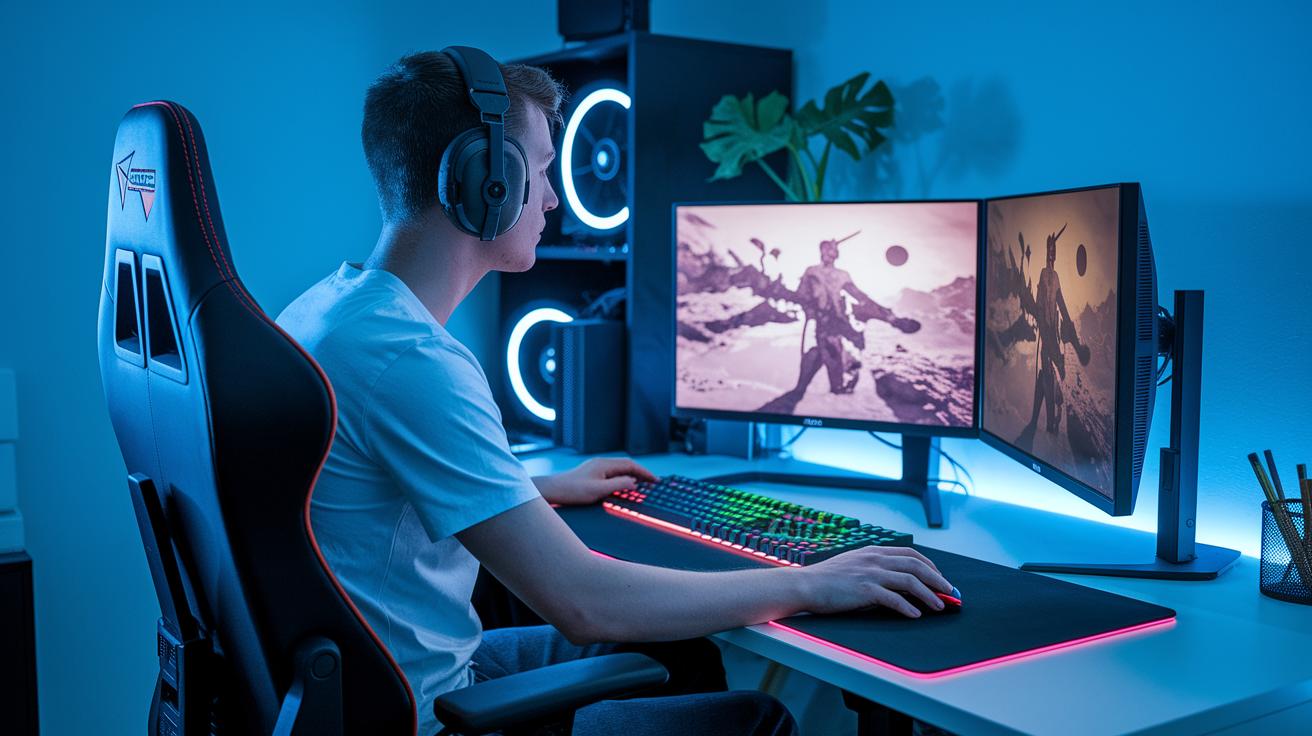
Getting your gaming setup just right makes a huge difference when you're in the heat of a long session. Sitting for too long in a bad position can mess with your back, neck, and wrists, and even slow your circulation. A smartly arranged station not only cuts down on discomfort but also keeps your game face sharp.
Make sure your chair hugs your body correctly, your monitor sits right at eye level, and your keyboard and mouse are just where you need them. It’s like setting up the perfect loadout before a big match.
| Component | Recommended Specification |
|---|---|
| Chair Height | Adjust so your feet are flat and your knees form a 90-degree angle |
| Monitor Top Alignment | The top of your screen should be at or just below your eye level |
| Keyboard & Mouse Position | Keep them within easy reach, with wrists in a neutral position |
| Desk Surface Height | Set between 25-30 inches high so your shoulders can relax |
Remember to check your posture now and then during play. A quick tweak to your seat or screen can keep those aches at bay and let you stay locked in the game.
Hydration Alert Systems and Snack Strategies

Long gaming sessions can leave you drained and running low on water and energy. When you're in the thick of a match, missing out on hydration can really slow you down. So, setting an alert to remind you to drink and keeping handy snacks is a total game-changer. It's all about balancing your fluid intake with smart snacks so that you stay sharp and ready for action.
- Infused water with citrus slices for a refreshing kick
- Protein-rich energy bars (great for a quick power boost)
- Pre-portioned fresh fruit cups for easy snacking
- A pack of mixed nuts and seeds for steady energy
- Low-sugar electrolyte drinks to replace lost fluids
These choices not only give you a burst of energy but also provide balanced fuel for long gaming marathons. For example, a sip of infused water can reawaken your senses, while a protein bar can keep you going through intense combat. Think of these snacks as your in-game power-ups that keep both your focus and stamina in check.
Remember, timing your refreshment breaks is as crucial as the snacks themselves. Aim to grab a bite or drink every 60 to 90 minutes to keep fatigue at bay and your reflexes in top shape. With regular breaks, your body stays fueled and your mind stays in the game.
Mental Decompression and Mindfulness Practices
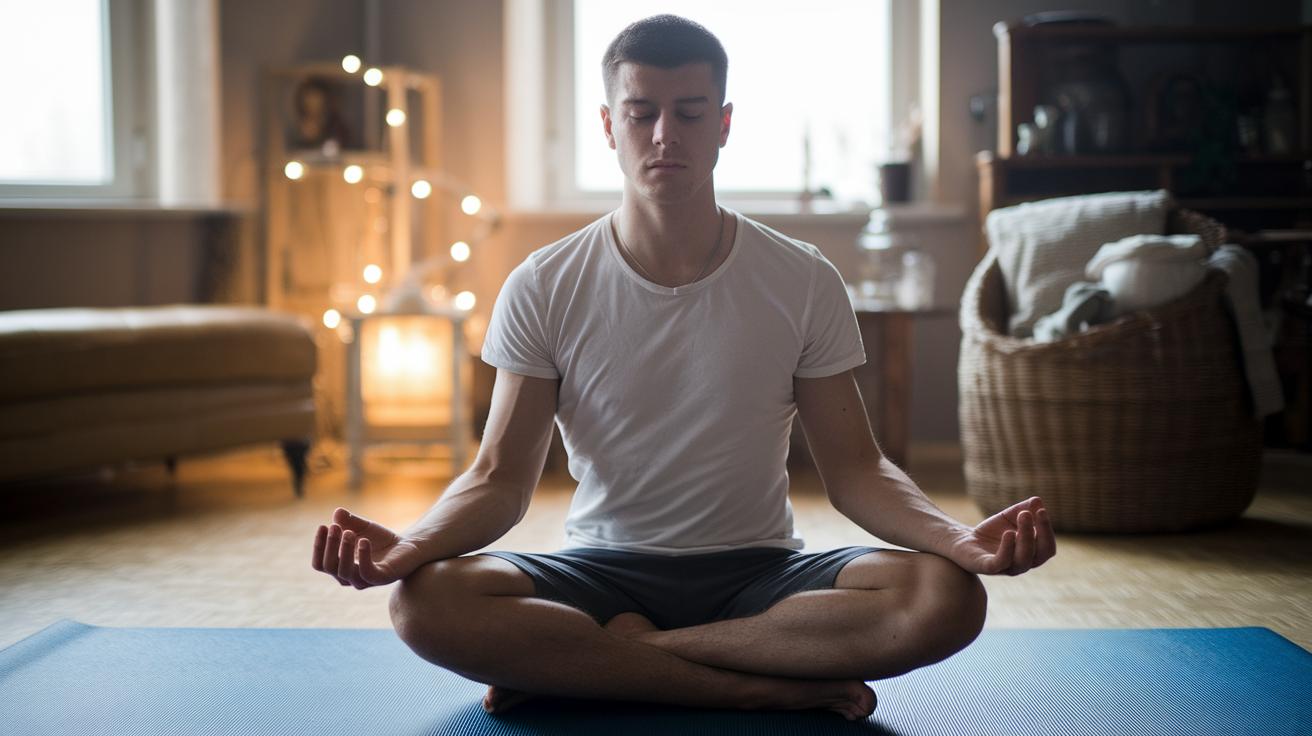
After long gaming sessions, it’s super important to notice when your brain starts feeling overloaded. You might feel a heavy head, see things a bit blurry, or just have trouble thinking clearly. When that happens, give yourself a break. Think of it like a cooldown after sprinting, just enough time for your thoughts to settle down.
Try out some cool techniques like box breathing or even progressive muscle relaxation. With box breathing, you slowly inhale for a count of four, hold your breath for four, exhale for four, and wait for four again. It’s like hitting a reset button for your brain. Progressive muscle relaxation is a bit like flexing and relaxing in rounds. For example, clench your fists tight for five seconds, and then let them go. Both moves can quickly clear out that mental fog and help you feel ready for the next match.
And don’t forget the little breaks, a quick chat with a gaming buddy or a warm, relaxing shower can really work wonders. These simple rituals help reset your mind so you can jump right back into the action with fresh energy and focus.
Controlled Micro-Break Scheduling for Active Rest
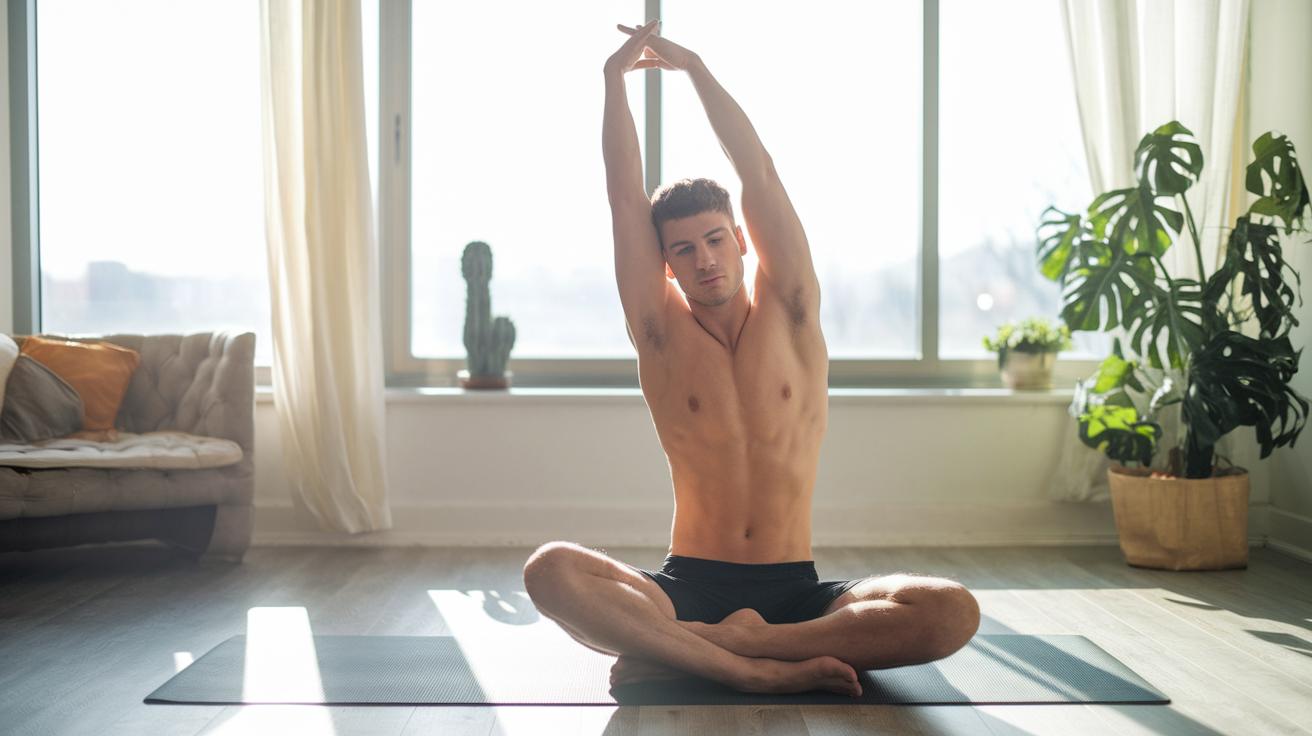
Picture your gaming session as a series of intense rounds. You play for 45 minutes and then hit a 15-minute break. When the timer buzzes, it's your cue to pause the action and recharge. Stepping away from the screen helps dodge fatigue, keeps your brain buzzing, and gets your body moving so you don’t feel stiff.
During your break, try some quick moves, think wrist stretches, neck rolls, or even seated leg lifts. And take a few deep breaths: inhale slowly, hold for a moment, then exhale. This little routine not only eases muscle tension but also resets your focus for your next round.
Taking these breaks is like having checkpoints that keep you in top shape, both in the game and in real life. So, set your timer and give yourself that mini boost, you deserve it.
Wellness Tools, Apps, and Professional Resources
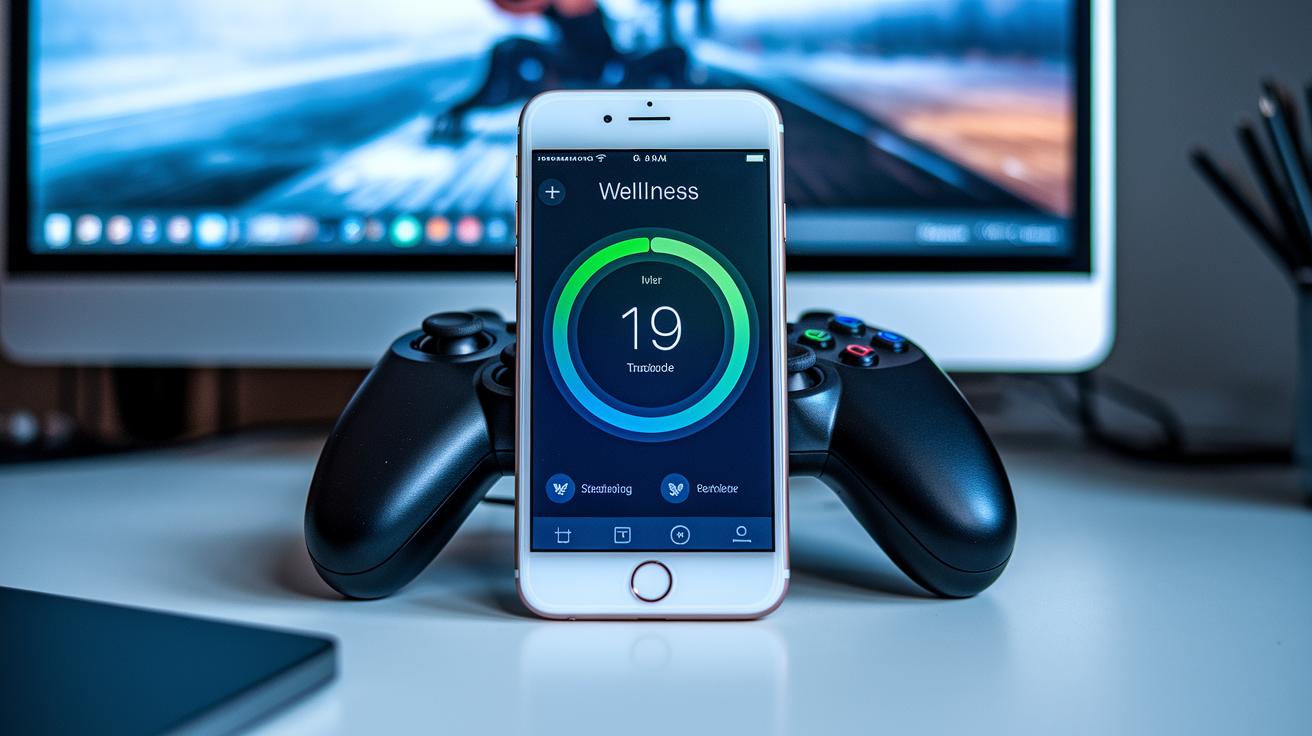
Imagine playing your favorite game while a cool app reminds you to drink some water, stretch your legs, or check your posture. These top wellness apps and handy gaming mods make it easy to take care of yourself, even during intense sessions.
For example, hydration timers buzz when it’s time to sip. Some even connect with health trackers (a neat tool you can check out is available online) so you can watch your progress and keep your gaming sharp.
There are also stretch prompts that nudge you to move between rounds. It’s like having an in-game coach who reminds you to loosen up after a killer play.
Posture monitors work similarly. They alert you if you start slumping, so you can adjust and stay comfortable while winning your battles.
Plus, game overlays pop up with wellness reminders right on your screen. These little messages keep you on track without slowing you down.
And if you really want to level up your routine, consider chatting with a physical therapist or an esports health coach. They can offer personal tips and build a routine that keeps you at your best every match.
Final Words
In the action, this guide broke down what you need to avoid muscle strain and mental fatigue. It covered key tips like in-seat stretches, proper posture, hydration reminders, and mindful pauses.
You got clear advice on setting up your gaming space and using smart snack strategies to keep your energy up. Plus, we walked through quick micro-break ideas and digital tools that help track your play.
Stick with this gamer wellness routine for long gaming sessions and keep having fun while staying healthy.
FAQ
Q: What does a gamer wellness routine for long gaming sessions reddit recommend?
A: The gamer wellness routine suggests regular stretches, hydration alerts, and scheduled micro-breaks to maintain focus and avoid discomfort during extended play.
Q: What does an esports player daily routine involve?
A: The esports player daily routine usually mixes game practice, physical exercise, balanced nutrition, and mental breaks to keep skills sharp and stress low.
Q: How much do professional gamers earn?
A: The professional gamer salary varies by team, sponsorship, and tournament winnings, often combining a base pay with bonuses for competitive success.
Q: How many hours a day do pro gamers typically play?
A: Pro gamers play around six to eight hours daily, weaving in regular breaks to manage fatigue and sustain their performance.
Q: How to prepare for a long gaming session?
A: The preparation for long gaming sessions involves setting up an ergonomic space, planning hydration and snack breaks, and scheduling in-seat stretches to keep the body active.
Q: Is gaming for 20 hours a week or 2-4 hours a day too much?
A: Gaming for 20 hours weekly or 2-4 hours daily can be manageable when paired with proper self-care routines like movement breaks, healthy diets, and mental decompression.