
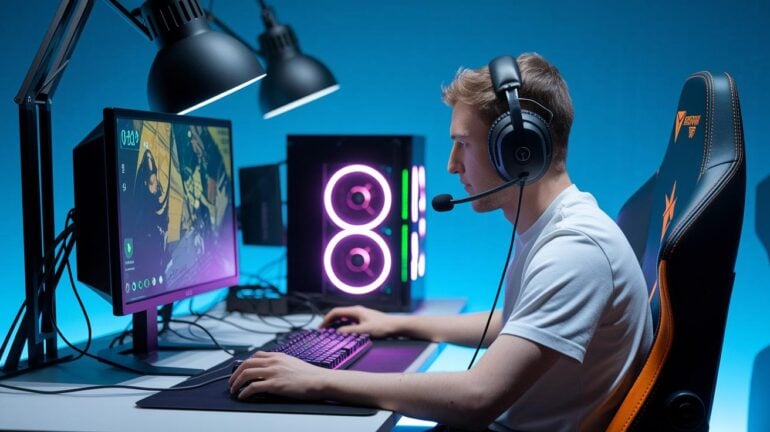
Ever feel like your stream is missing something? A choppy mic or blurry video can kill a great play. Good gear sparks every highlight with clear sound, smooth visuals, and a connection that never quits. It's like grabbing a power-up that takes your stream to a pro level. Today, we’re chatting about the must-have setups that turn a basic broadcast into an epic live show. Let’s dive in and check out the gear that will give your stream the boost it deserves.
Core Gear Every Live Gaming Streamer Needs
Getting your stream off the ground starts with nailing down five key parts: hardware, audio, video, lighting, and connectivity. Each one is like a crucial power-up, making sure your broadcast flows smoothly, no sudden lags or glitches. Think of it like this: a solid gaming PC loaded with a high-end GPU and CPU lets your gameplay shine, while a steady internet (at least 5 Mbps, but really 10+ Mbps if you're aiming for crisp HD) keeps everything running without a hitch.
At the same time, your audio and video equipment show off both your in-game skills and your personality. A clear webcam and a professional-style mic help build a real connection with your viewers. Toss in touches like an LED ring light and noise-canceling headphones, and your stream gets that extra level of polish. And hey, if you’re gaming on a console, a USB video capture card is a must-have to link your console’s output directly to your streaming software.
- Quality Internet Access (5 Mbps minimum for basic HD; 10+ Mbps for smooth 1080p streaming)
- Reliable Gaming PC or Console (this is the backbone of your stream)
- High-Performance GPU (keeps your game visuals sharp and fluid)
- Fast CPU (handles gameplay and streaming commands in real time)
- HD Webcam (captures clear and dynamic visuals)
- Professional Studio Microphone (ensures your voice comes through crisp and clean)
- Noise-Canceling Headphones or Streamer Headset (cuts out background noise)
- USB Video Capture Card (essential for connecting console gameplay to your stream)
With these must-have items, your setup covers every angle of live streaming. This strong foundation of powerful hardware, snappy audio, high-def visuals, smart lighting, and steady connectivity means you're all set to deliver a professional broadcast. Whether you’re just starting or already a pro, this gear will keep you ahead in the fast-paced world of gaming streaming.
Custom PC & Console Hardware for Live Gaming Streams
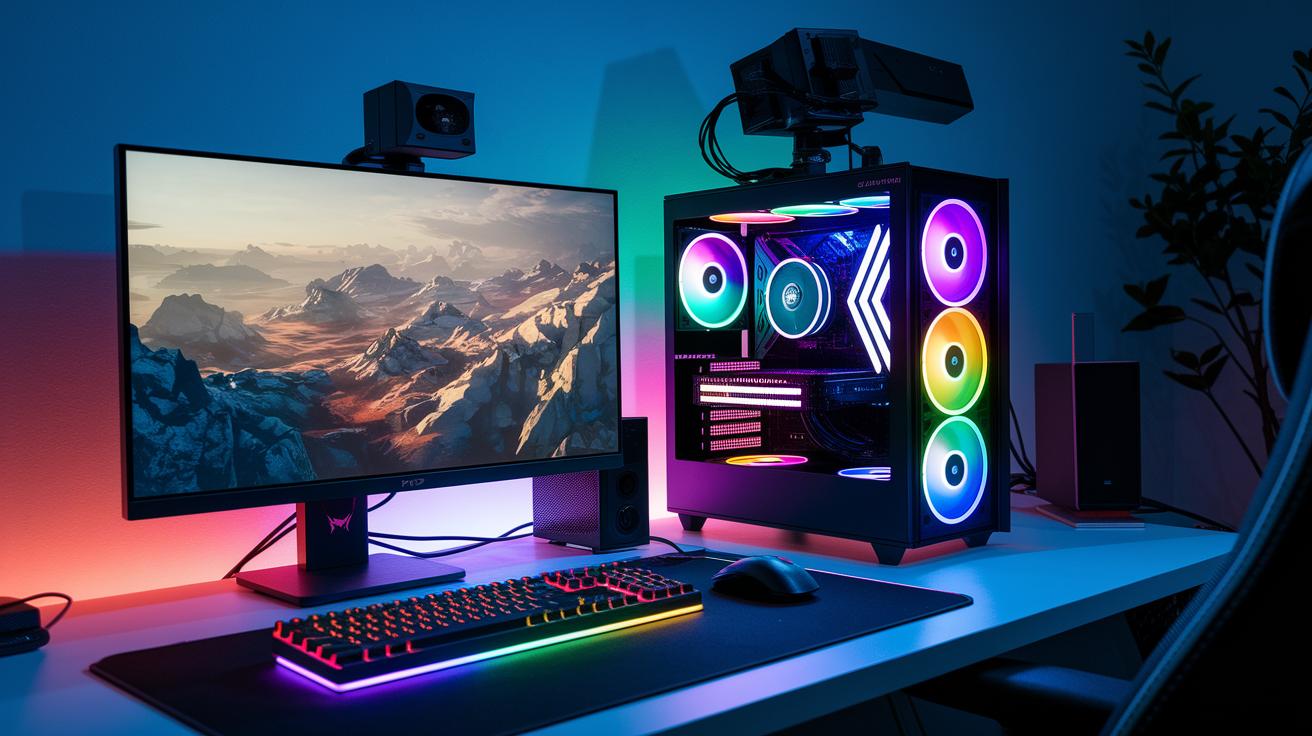
PC builds let you pick and choose every part so you can nail the perfect mix of power and looks. Console setups, on the other hand, keep it simple and reliable. They use capture cards to deliver smooth full HD or 4K60 gameplay (that’s 4K resolution at 60 frames per second, keeping the action super smooth).
PC streamers love the freedom to upgrade parts like multi-core CPUs (which handle many tasks at once) and high-end GPUs (that make games look stunning). Console broadcasters, meanwhile, depend on strong capture devices that hook up their gaming output to streaming software.
| Component | Recommended Specs |
|---|---|
| CPU | Intel i7-13700K or AMD Ryzen 7 7700X |
| GPU | NVIDIA RTX 3080 or AMD RX 6800 |
| RAM | 16–32 GB DDR4 |
| Storage | 1 TB NVMe SSD (plus secondary HDD or external storage array) |
Whether you're building a custom rig or leveling up your console setup, these components form the backbone of an awesome streaming system. Upgrading is a breeze, and you can swap parts as new tech drops instead of starting from scratch every time. It keeps your streams smooth and your gear always ready for that next epic play.
Pro Audio Setup for Live Gaming Streams
Nothing beats crystal-clear audio when you're streaming. When your voice comes through clean and steady, viewers stick around like friends at a LAN party, really feeling every play. Great sound cuts out distractions so your commentary stands out just as much as your gameplay.
Microphone Options
USB condenser mics are super easy to set up, just plug in and play. They give you good sound right away but can sometimes catch a bit of background noise. On the flip side, XLR dynamic mics paired with the right interface deliver top-notch clarity, especially in noisy spots. Fun fact: many streamers switch from USB to XLR mics once they notice how every cheer and reaction is captured just perfectly.
Audio Interfaces & Mixers
Audio interfaces with dual-channel inputs let you quickly adjust things like volume, tone, and balance for multiple audio sources. They often come with phantom power (a power boost for some mics) to keep everything running smoothly. With these mixers, you can tweak your settings on the fly so your game sounds and voice blend just right.
Headphones & Accessories
Over-ear noise-canceling headphones are a lifesaver for catching every sound without outside noise messing with you. And don’t forget the little extras, like microphone pop filters that smooth out harsh breathing sounds, and vibration dampeners that cut down on unwanted hum when you move your mic. Quick tip: think of a pop filter as a shield that stops your mic from picking up every tiny breath, making sure your energetic callouts are as clear as your in-game moves.
High-Definition Video Gear for Live Gaming Streams
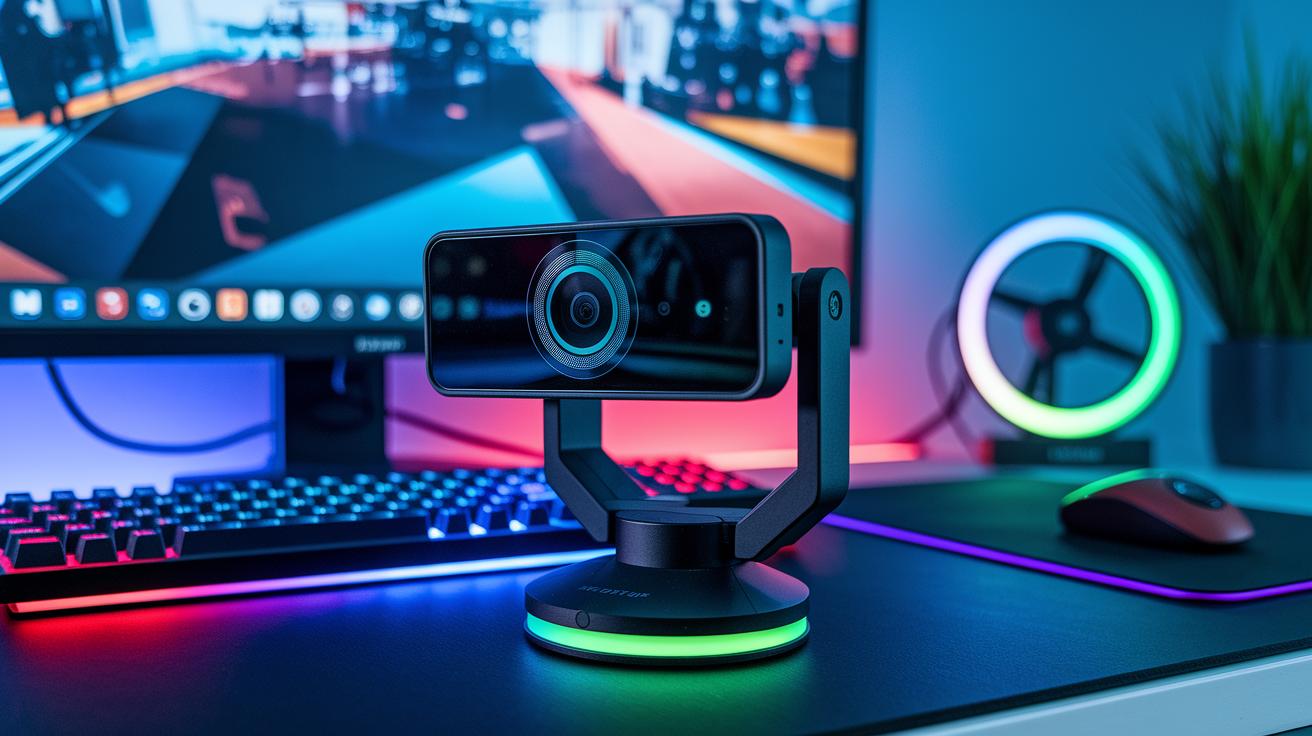
When you want every bit of your gameplay captured in clear detail, you need the right camera and lighting setup. A solid HD webcam paired with good lighting doesn’t just up your stream’s style, it makes your personality shine right through.
Webcam Choices
If you’re looking to capture fast-paced action, go for a webcam built for streaming. These cameras offer crisp visuals that range from 1080p at 60 fps to stunning 4K quality. They often feature cool tech like Sony Starvis sensors (basically, advanced chips that catch every move). Full HD is perfect for beginners, but if you want those extra details and a super smooth frame rate, stepping up to 2K or 4K is the way to go. Did you know some pro streamers noticed every little detail pop when they upgraded to 4K? It really transforms the viewer experience.
Lighting Fixtures
Lighting can totally change the game. Great lighting cuts out annoying shadows and keeps your colors true. You’ve got plenty of options, LED ring lights, softbox panels, even backlight kits that give your gaming space a burst of life. Adjustable diffuser panels help spread the light just right, making sure your face and game visuals stand out. One streamer switched to an LED panel setup and instantly saw more natural colors on screen, even during those darker scenes.
Backdrops & Diffusers
Finally, portable green screen kits are a real win. They let you ditch any unwanted background and create the vibe you want, whether that’s a cool themed look or just a clean backdrop. Pairing these kits with diffusers softens harsh light, giving you a balanced, professional look that keeps your viewers engaged without any distractions.
Streaming Software & Control Tools for Live Gaming Streams
Streaming software like OBS Studio, Streamlabs OBS, and XSplit do the heavy lifting behind your live stream. They mix your game scenes, manage cool overlay graphics, and handle live encoding so every epic moment is captured. Plus, quick replay features and chat moderation tools let you keep the action going smoothly without missing a beat.
Hardware control consoles are like your physical sidekick. With tactile buttons for switching scenes, triggering media, and managing alerts, they give you fast, hands-on control. It’s like having a magic panel that instantly updates your stream and catches those key moments as they happen.
Boom. Your live broadcast just got a serious upgrade.
Network & Infrastructure Essentials for Live Gaming Streams
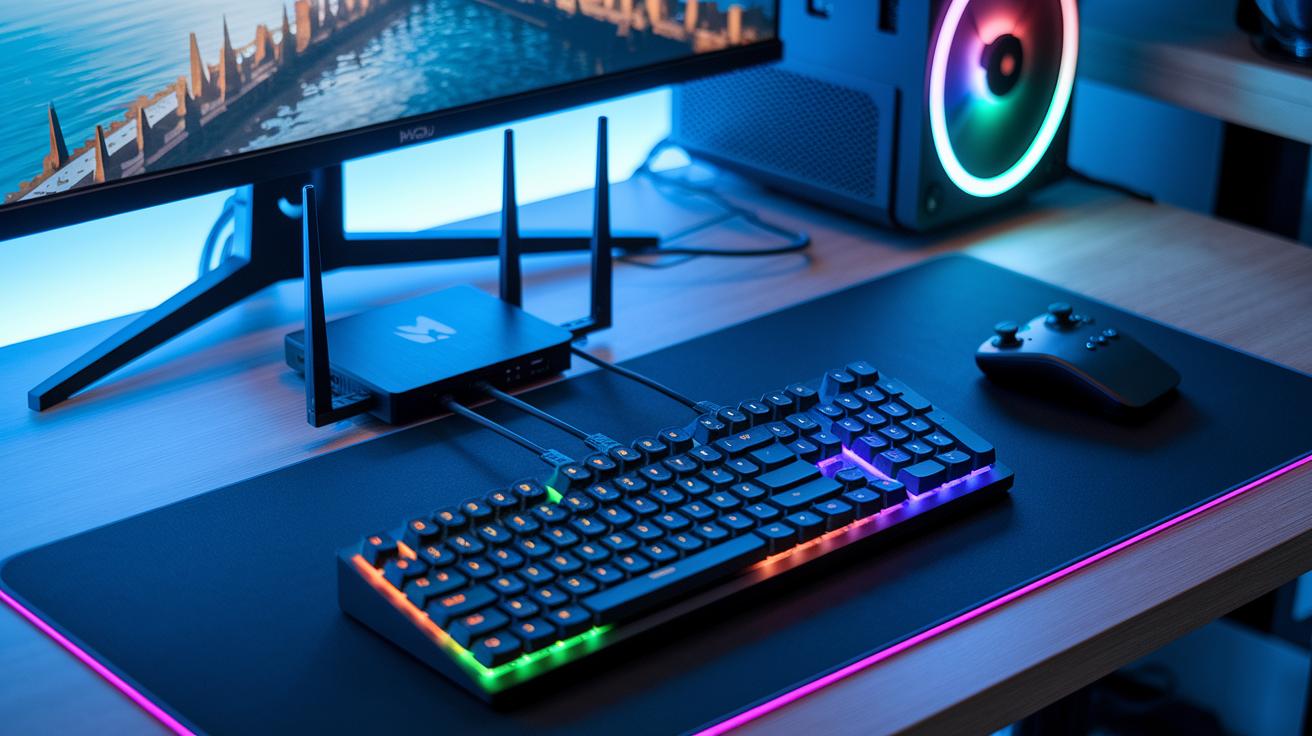
A rock-solid internet connection is a must for any gaming stream. Using a wired Gigabit router alongside a gaming Ethernet adapter can really cut down on lag. Ever heard about the streamer who switched from Wi-Fi to a wired setup and suddenly had zero lag? That change made their gameplay as smooth as a well-practiced speedrun. To keep things humming, aim for at least 5 Mbps for 720p streaming and 10+ Mbps for 1080p at 60 fps. Plus, a gaming Ethernet adapter lets you use QoS (Quality of Service, which means it gives your streaming data top priority over other traffic) so your stream gets the boost it needs.
For console gamers, a USB video capture card is a game-changer. It connects your console’s output straight to your streaming software, ensuring high-quality visuals without overloading your system. Think of it as a trusty sidekick that keeps your stream smooth, even when things get intense in the game.
And don’t forget to protect your gear with a reliable UPS (uninterruptible power supply) and a voltage stabilizer. These handy devices work together to shield your setup from power outages and surges. Picture having a backup battery that keeps your stream alive during a quick outage, or a voltage stabilizer that guards your hardware from sudden spikes. This combo ensures your stream never gets interrupted, giving you one less thing to worry about during those epic gaming sessions.
Final Words
In the action, we broke down the core categories of equipment that every live streamer needs. We covered everything from PC and console hardware to audio, video, software, and network infrastructure. Each section was packed with tips on configuring components for smooth, professional broadcasting.
We've lined up quality components like strong internet routers, HD webcams, and solid mics, essential gear for live gaming streams. Keep refining your setup, and enjoy every moment of your stream.
FAQ
What key equipment is needed for a live gaming stream?
The key equipment needed for a live gaming stream includes a robust gaming rig (PC or PS5), a quality mic or headset, a high-definition webcam or camera, capture cards for consoles, and a fast, stable internet connection.
What does a gaming streamer need, especially for beginners on Twitch?
A beginner Twitch streamer needs a starter kit that covers a reliable streaming device, easy-to-use software, a decent audio setup (like USB or XLR mics), and a good camera setup for clear visuals.
What equipment do I need to start both game and IRL streaming?
Starting both game and IRL streaming calls for a solid streaming platform, quality audio and video tools, capture cards (for consoles), and steady internet to keep the stream smooth and engaging.