

Ever think about how live streaming tech might change the way we watch events?
The latest scoop on live stream production is as exciting as that buzzer-beater win you just can’t forget.
New tools like voice tracking (which listens and adjusts automatically) and auto cameras (ones that switch on the fly) are turning old systems into super-fast action-catchers.
Now event crews can nail every play without missing a beat.
This post digs into the behind-the-scenes secrets of these cool updates and shows how tech is leveling up live events.
Insider Scoop on Live Stream Event Production: Latest Trends and Updates
June 2025 kicked off some seriously cool tech for live video, like voice tracking (tech that picks up your spoken commands), breakthroughs on the Hive platform, and the new SimplTrack 3. Producers can now catch audio commands in real time and steer remote cameras almost instantly. Imagine calling a play and seeing the camera adjust in seconds, so on point.
On May 25, a fresh plan rolled out for making money that spells out clear ROI numbers. Early reports show projects now come with detailed CPM and engagement stats, so every buck invested shows a stronger comeback. This data boost lets event teams fine-tune their streaming plays and get even more value from every dollar.
Auto-tracking cameras are turning college sports into thrilling showcases, catching every key moment like the adrenaline rush of a clutch play. Community events such as the StreamGeeks Summit and OBS training sessions are also diving into best practices with hands-on tips. New guides even break down Remote Production and Remote Photography so teams can plan and execute streams with extra precision.
Broadcast Technology Advancements in Live Stream Event Production
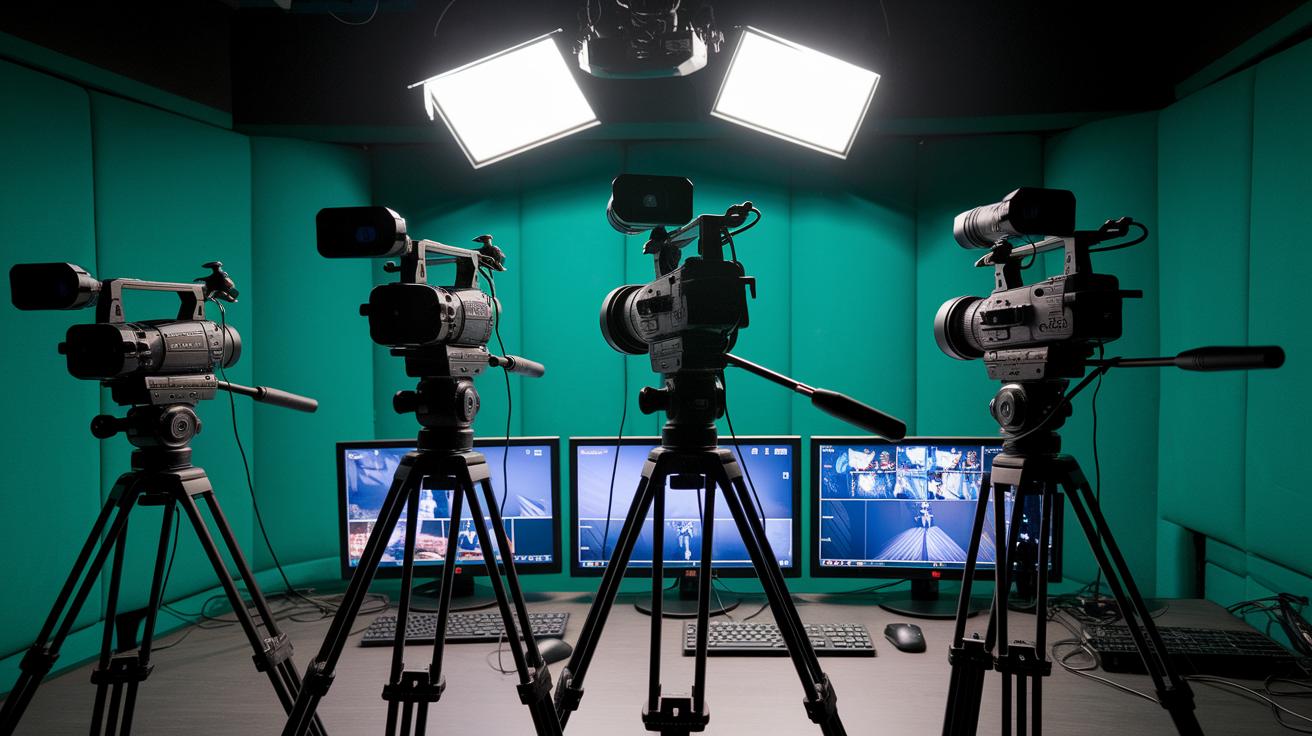
A fresh update is here for live streaming that mixes new tech breakthroughs with smoother performance. It builds on what was there before while adding cool upgrades for users.
- SimplTrack 3 now tracks movement even in dim light and listens for your voice to adjust the camera on the fly. Imagine saying "zoom in" and watching the camera fix on the action in a snap.
- Hive Controls let you manage cameras remotely with almost no delay, like shifting gears in your favorite racing game.
- PTZOptics cameras teamed with auto-tracking modules cover every angle. With faster motor speeds, those sudden moments get caught instantly, just like switching your game view during a boss fight.
- Low-latency switchers make changing feeds nearly immediate, so your broadcast feels as fast as your best gaming reflexes.
Both on-site and remote setups now enjoy fewer hiccups and better creative control, making every live event run smoother and more precise.
Production Workflow Analysis for Live Stream Event Production
A perfect live stream starts with a team that really gets what they’re doing. Think of it like setting up your winning esports squad, everyone knows their role and is ready to play before the match even begins. To kick things off, you need a solid game plan. This means meeting up with your crew, going over who does what and by when, so nothing ever gets missed.
Next, grab key resources like the "Google Earth the Site Survey – Scott Pienta" PDF to map out the venue in detail. This helps you make a thorough checklist of all the equipment you’ll need. Plus, you should run two separate “Get Started” sessions, one for remote production and one for photography. And remember the classic gamer tip: always have a backup for everything.
Here’s a quick rundown:
| Step | Description |
|---|---|
| Team kickoff and role assignment | Line up your squad like you would for a big raid, with roles clearly defined |
| Site survey download and venue mapping | Use the PDF to chart out your broadcast site carefully |
| Equipment checklist creation | List out every gadget and accessory you’ll need |
| Technical setup and rehearsal | Run test streams and rehearsals to catch any glitches |
| Redundancy planning | Bring two of each key item so you’re always prepared |
| Parallel remote production and photography integration | Coordinate live video and still shots for a full picture of the event |
Sticking to this checklist and nailing each step is key. By keeping a disciplined game plan, you double-check every technical setup and role, setting the scene for a smooth and professional broadcast. Ever felt that rush after a glitch-free stream? That’s what it’s all about.
Audience Engagement Methods in Live Stream Event Production

Live streams rock when viewers jump in and join the fun. Mixing social channels like Twitter and Periscope keeps the vibe interactive and buzzing. When you drop targeted hashtags and quick mentions, you turn watchers into active players who raise the energy and spread the word. This kind of chat makes your stream feel like a live hangout, where every moment is exciting and memorable.
- Twitter+Periscope Duo: Use both together to boost real-time interaction.
- Hashtag Power: Create unique hashtags that attract and group viewer responses.
- Auto-Save Magic: Save your stream to share later on platforms like YouTube or Vimeo.
- Live Polling: Throw in Q&As and polls during the show for instant feedback.
Producers can weave these tips into their pre-show hype to build a loyal crowd. Planning social media teasers and smart on-stream interactions sets the stage for an awesome broadcast. This multi-channel approach amps up the live excitement while keeping your content alive afterward. Want to level up your reach? Check out how to stream on twitch for more tips on boosting engagement across platforms.
Equipment Setup Guidance for Live Stream Event Production
When you’re broadcasting live, making sure your setup is rock-solid is a must. A great hardware system stops glitches and lets you capture every angle during those epic moments. Every part, from your bandwidth to your power backup, plays its role in keeping your stream smooth and professional. Think of it like planning your winning play; every element counts.
- Bandwidth Testing: Make sure your upload speed is at least 10 Mbps and your download speed is fast enough to stop buffering. Fun fact: a lag-free stream can be the difference between a record-breaking show and losing viewers.
- Speed Benchmarks: Check your network speeds often to ensure they meet your streaming needs.
- Camera Mounting: Choose hands-free camera mounts over handheld smartphones so you get steady and dynamic shots.
- Network Redundancy: Set up two network paths so if one fails, your stream keeps running.
- Power Backup: Use dual power supplies to prevent sudden shutdowns during your live event.
Doing a full tech rehearsal is like a practice round before the big game. It helps you spot any weak spots and boosts your confidence for a smooth, high-quality broadcast.
Case Studies Highlighting Innovations in Live Stream Event Production

College sports teams are leveling up their streams using auto-tracking cameras. These cameras follow players automatically so every play is captured, kind of like having an extra set of eyes on the field. The system is lightning fast, like switching your view mid-game, and shows that smart tech can capture all the live action. Fans get more vibrant highlights, and the coverage feels much more exciting.
At the StreamGeeks Summit, they mixed a remote photography setup with live Q&A sessions. This combo made the broadcast feel lively and real, letting viewers jump in with their comments right away. It’s proof that blending hands-on photos with quick feedback can totally boost the event’s vibe.
An OBS course saw a 25% jump in producer sign-ups after using focused blog posts and newsletters. With clear, step-by-step tutorials, participants quickly picked up new skills, just like learning a new move in your favorite game. This shows that easy-to-follow guides can really build producer confidence and sharpen their streaming skills.
These cases are like a playbook for live stream event production. They show that smart technology and creative engagement can transform broadcasts into more immersive, fan-driven experiences.
Budget and Risk Management in Live Stream Event Production Scoop
When planning your live stream event budget, start by jotting down your major items like crew travel, extra bandwidth, gear rentals, software licenses, and a little reserve for surprises. Think of it like setting up your loadout for a crucial match, each piece has to work together for you to come out on top.
- Always pack duplicates. Bringing two of everything cuts down on risk.
- Keep backup internet ready, so your stream doesn’t drop mid-play.
- Save some extra cash for unexpected expenses.
- Insure your big investments to safeguard your setup.
- Lock in solid vendor agreements to keep operations smooth.
These smart moves don’t just save you money, they boost your return on investment. By keeping an eye on every dollar and matching spending with clear, measurable results, your live stream events become both secure and profitable.
Troubleshooting Real-Time Challenges in Live Stream Event Production
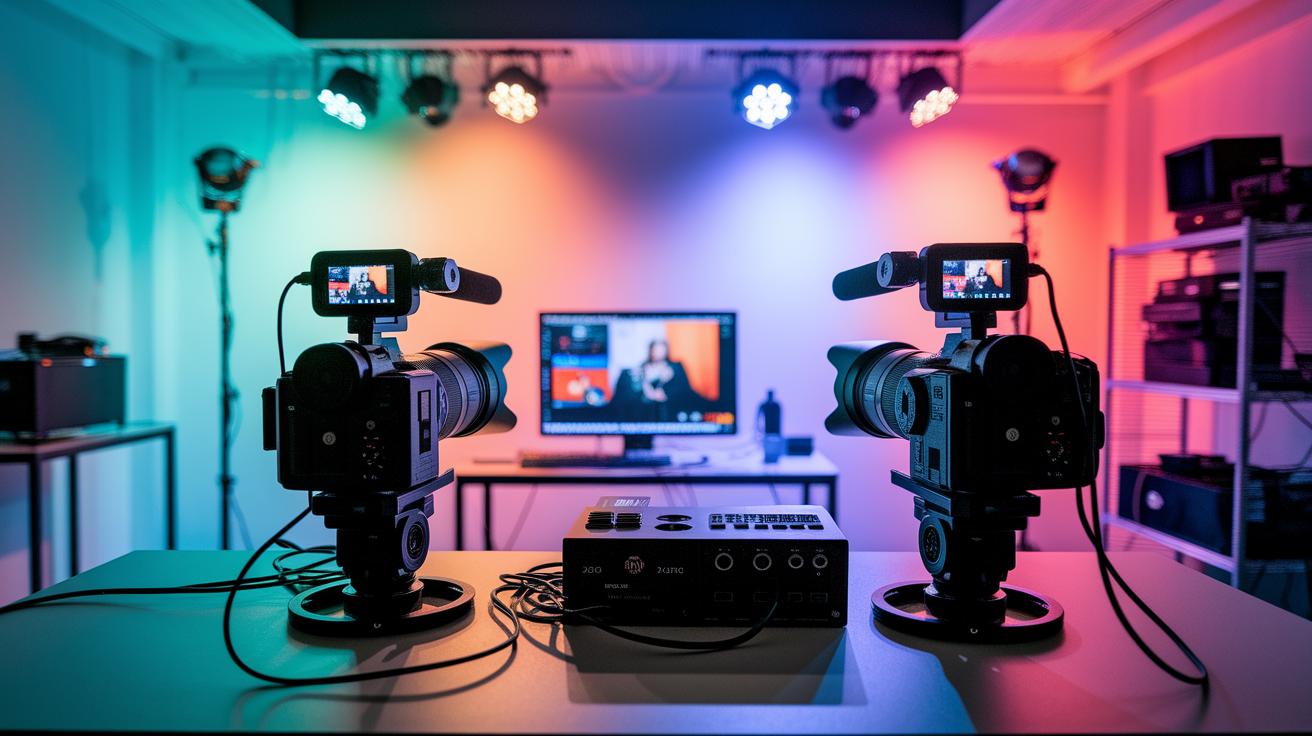
Live streams can hit a rough patch in a heartbeat. When things like buffering, out-of-sync audio and video, or a frozen camera show up, every second matters. Quick fixes are your best friend in these moments.
Having a solid backup plan is a total game-changer. Think of a pre-tested failover path or extra gear that's ready to jump in, just like having a spare controller when your main one quits mid-game. I remember a stream that nearly crashed, and having that backup saved the day. Ever been in that frantic scramble yourself?
| Error | Cause | Quick Fix |
|---|---|---|
| Buffering | Bandwidth drop | Switch to backup connection |
| Camera Freeze | Camera malfunction | Activate secondary camera |
| Audio-Video Sync Loss | Processing delay | Resync audio using manual override |
| Signal Fault | Faulty cabling | Deploy higher-grade cabling |
And remember, always stick to the redundancy motto: two of everything.
Future Broadcast Trends in Live Stream Event Production
Live stream events are leveling up big time. We’re talking about cool new AI tools that listen to your commands and adjust cameras in real time. Plus, cloud-based rendering shifts heavy work off your computer, letting you focus on the creative side.
Virtual staging is becoming a game-changer, mixing digital backdrops with real-life settings seamlessly. Deeper Hive remote-control features let producers fine-tune camera moves like never before, and adaptive low-latency streaming (that means almost no delay) keeps the action smooth even when every second counts.
- voice-tracking AI: smart tech for real-time camera control
- Hive integrations: easier remote camera management
- cloud visuals: heavy processing moved to the cloud, lightening your load
- adaptive streaming protocols: lightning-fast, nearly delay-free feeds
- simulation tech: advanced virtual staging that blends digital and live visuals
All these trends are pushing live event production into a more interactive and visually dynamic era. With an eye on solid ROI and real-time viewer feedback, producers are set to roll out broadcasts that keep pace with today’s fast and exciting live streaming world.
Final Words
In the action, we zipped through fresh tech updates, like voice-tracking and Hive breakthroughs, and walked through simple yet smart production checkpoints. We touched on monetization tips, solid equipment setups, and interactive community plays that really boost your edge. This live stream event production scoop combines sharp insights with practical hacks for faster fixes and smarter planning. Keep these ideas in your playbook and push forward to awesome wins!
FAQ
What recent updates are impacting live stream event production?
The latest updates in live event production include new voice-tracking tech, Hive platform breakthroughs, and the SimplTrack 3 launch, which deliver more precise audio control and smoother live broadcasts.
How does the new monetization framework affect event ROI?
The new monetization framework tracks CPM and viewer engagement, providing clear ROI metrics and aligning budgets with performance, which helps producers manage funds and reduce risks.
What broadcast technology advancements are reshaping live event production?
Advancements like SimplTrack 3, Hive remote controls, voice-tracking integrations, PTZOptics auto-tracking, and low-latency switchers offer dynamic, multi-angle coverage and smoother transitions in live events.
What are the essential steps for a robust production workflow?
A robust workflow starts with team kickoff and role assignment, a detailed site survey, equipment checklists, technical rehearsals, and redundancy planning to keep live streams running smoothly.
Which audience engagement tactics boost live stream interaction?
Tactics such as pairing Twitter with Periscope, using targeted hashtags, saving broadcasts for later use, and integrating live polls create more interactive and memorable viewer experiences.
What equipment setup essentials are necessary for live events?
Essential setup steps include testing for at least 10 Mbps upload speed, using secure camera mounts, securing network redundancy, and running full technical rehearsals to minimize buffering and interruptions.
How do case studies illustrate successful live production innovations?
Case studies, like college sports auto-tracking and StreamGeeks Summit techniques, showcase improved action coverage and higher participant interaction, demonstrating valuable gains from innovative production strategies.
What risk management steps help control live event production challenges?
Producers can cut risks by using dual equipment setups, backup bandwidth, contingency funds, insurance coverage, and solid vendor agreements, ensuring smoother operations when issues arise.
What future trends should live stream producers watch?
Future trends include AI-driven voice-tracking enhancements, Hive integration improvements, cloud-based rendering, adaptive streaming protocols, and simulation tech that will elevate live production experiences.