
Ever thought a game app could totally change your play? Gaming Hub streams live action, gives quick updates, and has a look that feels like your favorite arcade.
Imagine sharing quick tips with your buddies while you watch some epic plays, all with one tap.
Why settle for basic when you can level up your gaming? This app packs cool features and real-time social play to spark moments that keep you on your toes.
Comprehensive Overview of the Gaming Hub App
The Gaming Hub app is your all-in-one spot for anything gaming. It brings game facts together, fills you in on the latest updates, and even helps you chat with other players. Think of it like hanging out in your favorite arcade, where friends drop secret tips over a quick chat. Best part? It’s free on Android and is currently in version 1.0.0 with an update that hit on April 26, 2025.
The app shows off a bunch of cool features with a simple layout:
- Game streaming (watch live gameplay)
- PC emulation for offline play (run PC games on your phone)
- Cross-platform connectivity (switch devices with ease)
- Real-time update notifications (never miss a beat)
- Social interaction channels (connect with your crew)
Each feature adds a layer to your gaming rush. Picture switching from one console to another without skipping a moment, it’s all about keeping your game flow smooth.
Gaming Hub neatly wraps up game details, system specs, and download tips in one area. With clear titles and sections, finding what you need is a breeze. Whether you play for fun or are in it for the competition, the mix of PC emulation, cloud gaming, and constant connectivity makes every session an exciting new challenge.
Key Features and User Interface of the Gaming Hub App

Gaming Hub is designed with gamers like you in mind. It shows your game collection, settings, and update alerts in a clean, easy-to-read layout. Everything has its label, so you can jump right into the fun without digging through layers of menus. Think of your game library as a neatly arranged RPG inventory, every item is clearly marked and ready when you need it.
Controller support is a major win here. Whether you use touch or a wireless game controller, Gaming Hub makes setup a breeze, like pairing your earbuds with your phone. It even lets you record epic flashback moments and trim your clips fast, so you can save and share those winning plays without missing a beat.
Navigating through the app feels as smooth as sliding into a well-set-up arcade. The interface mixes mobile hits with classic PC games using built-in emulation (tech-speak for running old games on new devices). Icons and headers are crystal clear, letting you move around without getting lost. It’s like exploring an arcade where every game is exactly where you expect it to be, keeping that rush of excitement right at your fingertips.
Installation, Compatibility, and Performance Insights for the Gaming Hub App
Getting started with Gaming Hub is super simple. Just visit the official website and hit "Continue To App" to jump straight to Google Play. It’s almost like tapping "start" on your console. Once you download version 1.0.0, a setup wizard guides you through quick system checks and permission settings, just like a beginner’s game tutorial that gets you playing instantly.
The app works great on many devices, whether it’s your smartphone, PC, or smart TV. The interface even shows you a system requirements checklist so you can easily tell your device is ready. So, whether you’re rocking a Samsung or another Android phone, the guide makes sure you’re syncing your progress, like moving between game levels with your best gear always in hand.
When it comes to performance, Gaming Hub really shines. It offers stable offline PC emulation that responds as fast as a perfect combo move. And the online cloud gaming is designed to keep lag at bay even during those heart-pounding sessions. You can check out detailed performance insights right in the app, making it feel like you have a cheat sheet to know when to dive into a new level or plan your next epic play.
Cross-Platform Connectivity and Integration of the Gaming Hub App
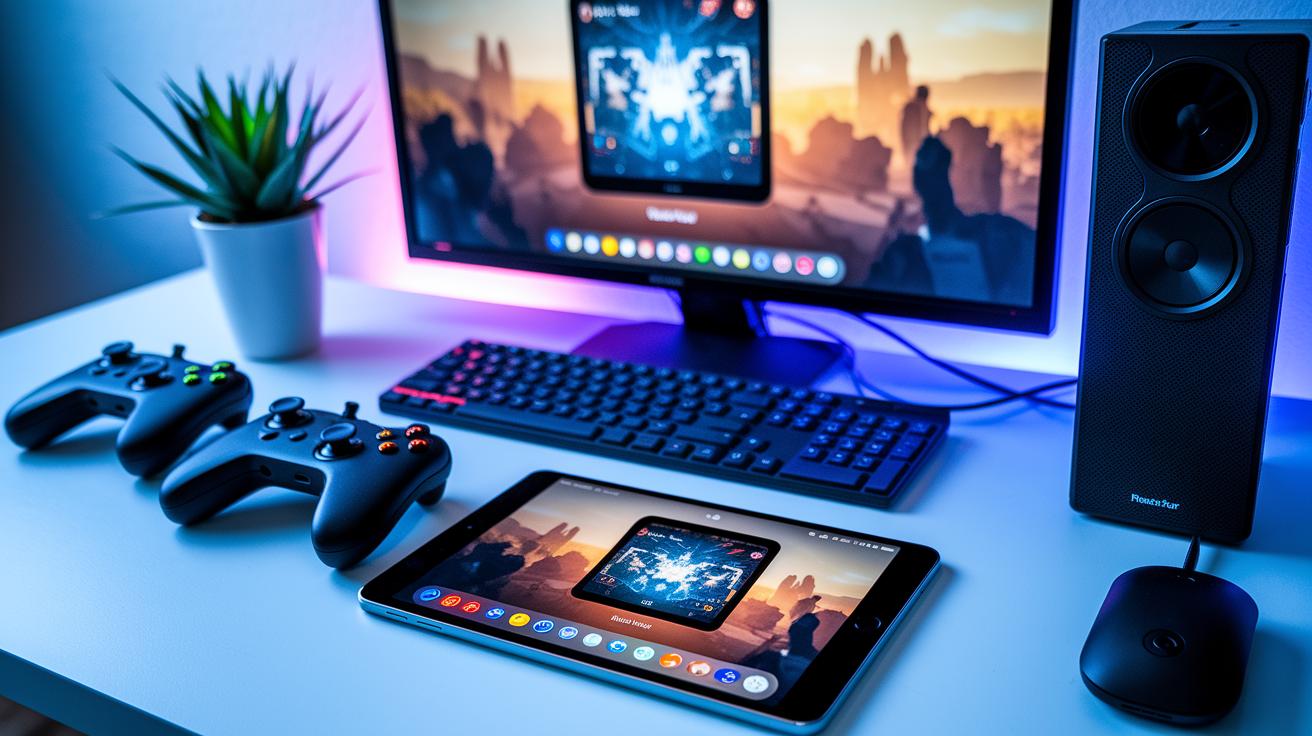
Gamers are buzzing about the new tweaks in Gaming Hub. One player said, "Switching devices is totally smooth, even when the action is intense." Recent tests show that the app now has less delay during cloud streaming, making play easier on smartphones, PCs, and smart TVs. Fun fact: before these updates, lag was a big problem that often broke gamers' streaks; now, the app keeps your play steady and quick.
The latest update has cleaned up the interface and improved battery life. Early users are excited that pairing their wireless controller happens much faster now, cutting down the wait time for a quick game. For example, one comment was, "With one tap, my controller connected instantly, just like landing a perfect combo in my favorite game." This mix of smart tweaks and user feedback shows the team is all about making a better experience every day.
Look out for more cool updates coming soon. The developers are working on adding voice commands and letting you customize your player profile across all your devices. This means future updates could bring even more handy features, keeping Gaming Hub at the top of its game.
User Reviews, Update History, and the Future Roadmap for the Gaming Hub App
Gamers are sharing heaps of feedback that make the Gaming Hub app a standout hit. They love the sleek design and easy-to-use layout, comparing the smooth navigation to landing that perfect combo in a boss fight. Sure, there are a few quirks, like limits with controller screenshots, but the overall vibe stays upbeat and fun.
The app’s version history reads like a cool gaming saga. It kicked off with a release on July 11, 2022, then officially launched on March 22, 2024, and finally hit version 1.0.0 on April 26, 2025. Each update feels like unlocking a new achievement, with improvements that really connect with the gaming community and level up the overall experience.
What’s next? Developers are busy crafting even more awesome features. The upcoming roadmap teases smarter social channels and performance boosters, basically, it’s like gearing up for the next level. Gamers can look forward to fresh tools that keep up with their evolving playstyle, setting the stage for even more epic in-game moments.
Final Words
In the action, this post broke down the gaming hub app in all its glory. It covered everything from game streaming and PC emulation to cross-platform syncing, leaving no stone unturned.
We talked through its clean interface, simple installation, and true performance, plus how it brings gamers together through seamless connectivity. Now, every gamer can feel more ready to level up their skills with this powerful gaming hub app.
Keep playing strong and enjoy every challenge.
FAQ
Q: How do I download the Gaming Hub app?
A: The Gaming Hub app is available on Google Play for Android. Samsung users can also get it through the official site, where a secure APK download option is provided for a quick and safe install.
Q: What types of games and features does Samsung Gaming Hub offer?
A: Samsung Gaming Hub provides access to a mix of free games along with features like PC emulation (playing PC games on your mobile) and cloud streaming, giving a unified experience that streamlines your gaming sessions.
Q: What is the Gaming Hub app on my phone and how does it work?
A: The Gaming Hub app on your phone acts as a central platform that gathers game details, social interactions, streaming tools, and PC emulation options, all in one place for an effortless gaming setup.
Q: Can I delete the Gaming Hub app on my Android device?
A: The Gaming Hub app can be removed if it isn’t a core part of your device’s software. Check your settings, but note that on some Samsung models, the app may be integrated and non-removable.
Q: Is Samsung Gaming Hub free and what is its purpose?
A: Samsung Gaming Hub is offered at no cost. It streamlines game information, streaming, and PC emulation into one platform, making it simpler to access and enjoy your gaming titles across devices.