
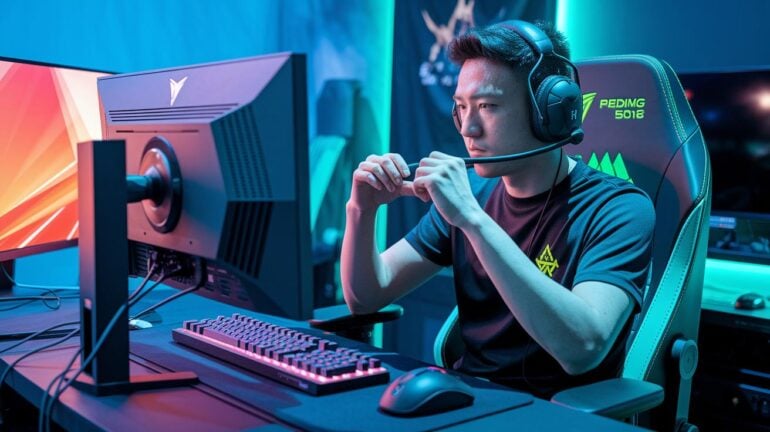
Ever notice how a small change in your gaming setup can totally flip the script? Even a few tweaks can ease aches and sharpen your focus. When your monitor sits at eye level and your chair holds you just right, it feels like hitting that perfect combo.
You can game longer and keep your energy up without the nagging pain. In this post, I'll share simple tips to help you build a comfy space so you can level up both your game and your health.
Fundamental Gaming Ergonomics: Achieving Ideal Posture and Setup
When you're setting up your gaming space, keeping your back straight is key. Your monitor should be right at your eye level and about an arm's length away so you don’t end up with a sore neck. Picture sitting down, feeling immediately comfortable because everything is lined up perfectly, kind of like nailing that perfect opening move.
Your chair should hold you firm at an angle between 90 and 120 degrees, keeping your hips and spine in sync. And don’t forget your desk: it should let your arms form a 90-degree angle when you're on your keyboard and mouse. This small change cuts down on muscle fatigue, so you can game longer without feeling worn out.
Also, remember to take a short break every hour. Whether you stretch, take a quick walk, or just change your position, it's like refilling your energy bar during a tough level. It keeps your body as ready as you are for the next round.
Lastly, adjust your monitor to tilt slightly downward. This prevents you from bending your neck and ensures a comfortable view, even during those long, epic gaming sessions.
Gaming Ergonomics in Furniture: Optimal Chairs and Desks for Enhanced Comfort
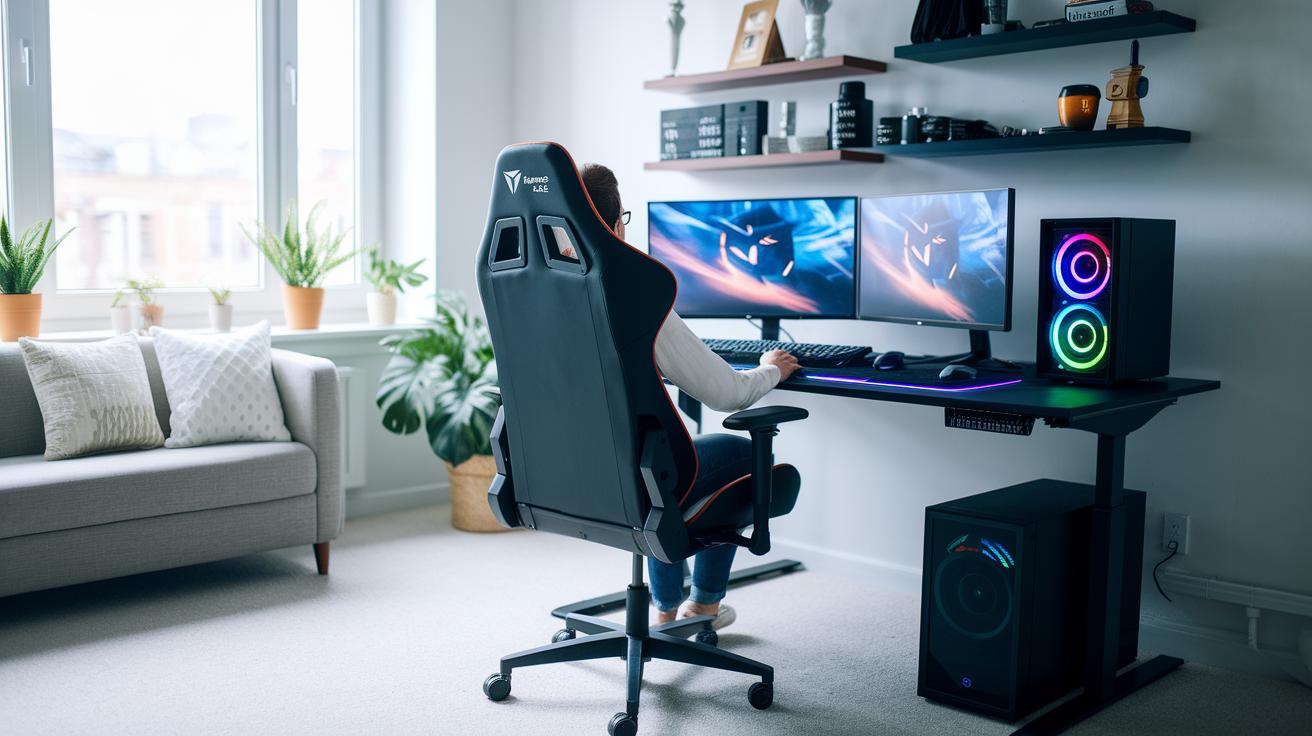
A really good gaming chair is a must-have for any setup. It should let you change its height, lean, and even adjust the armrests so you can settle in perfectly. Try aiming for a backrest angle between 90 and 120 degrees to keep your spine in line and beat fatigue. Picture it like that satisfying moment when your move perfectly lands in your favorite brawler.
Your chair isn’t truly complete without smart lumbar support. Whether you're racking up wins or diving into long gaming sessions, a snug cushion makes a huge difference. Make sure your feet can rest flat on the ground (or a footrest) and that your arms naturally drop to a comfy angle.
Next, pair your chair with a desk that helps you stay in the zone. The desk should be high enough so your elbows bend just right at 90 degrees when you're using your keyboard or mouse. If the current desk isn’t cutting it, you might want to check out desk risers or models with electronic adjustments. This little tweak can be as satisfying as nailing that bonus level, keeping your screen at eye level and preventing strain.
Quality matters big time. A strong, adjustable chair teamed with a flexible desk can really cut down on physical strain. It’s all about fine-tuning your gaming gear so you can focus on scoring wins without feeling any discomfort.
Enhancing Gaming Ergonomics with Peripherals: Key Accessories to Optimize Play
When your fingers zip over your keyboard or your mouse glides perfectly during a win, the gear you use really matters. Ergonomic accessories are like cheat codes for your comfort, they help line up your arms, wrists, and hands naturally so you can game longer without feeling the burn.
Think of a gaming keyboard or mouse that you can tweak for your perfect angle or sensitivity as a cool power-up. These gadgets keep fatigue away, letting you dive deep into your game without distractions.
A soft, gel-filled wrist rest works wonders by keeping your wrist in a natural spot while you type or aim. And new designs even cut the strain on your muscles, meaning your hands can stay chill even in heated matches. With better keyboard tech and a mouse that feels just right, you can fine-tune your setup to match your hand size and personal playing style.
Try these tips:
• Pick a mechanical keyboard that lets you adjust things for extra comfort.
• Grab a mouse that fits your grip to boost your aim.
• Use wrist rests to keep your joints happy and aligned.
• Choose input devices with settings you can change for that perfect feel.
• Look for gear that supports long sessions so you can game without worry.
These tweaks are like leveling up your setup, making your gaming experience healthier and way more comfortable. Happy gaming!
Long-Term Gaming Ergonomics: Sustaining Healthy Habits and Setup Adaptations
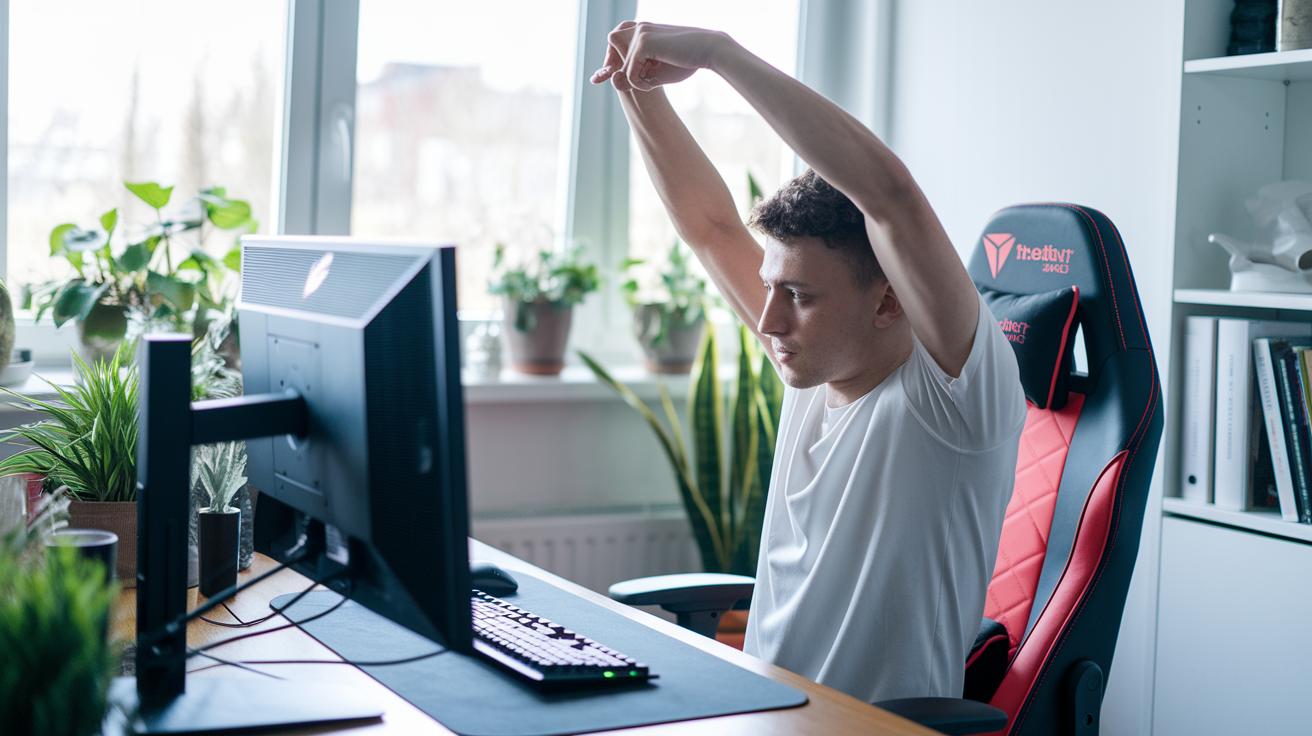
Keep an eye on your gaming gear as you level up your habits. Instead of just echoing the usual tips about taking breaks or staying hydrated, try setting aside time to check in on your setup before any long-term strain impacts your game.
Imagine jotting down how your neck or wrist feels after a month of gaming. Write a simple note like, “This spot feels a bit sore” and then use that info to tweak your chair, screen, or break schedule.
You might even use handy tools like posture sensors to catch issues in real-time. Why not try a monthly check-in? Ask yourself, “Which muscles are feeling the burn after long sessions?” Let those answers help adjust your chair height, monitor distance, or even the cushion firmness.
| Tip | Description |
|---|---|
| Monthly Check-Ups | Spend a few minutes each month noting any aches or discomfort. |
| Record Specific Strains | Keep track if your shoulders or wrists keep acting up. |
| Use Ergonomic Gadgets | Tools like posture sensors give quick feedback on your setup. |
| Change Your Routine | If discomfort sticks around, try altering your game schedule. |
These ideas help you stay on top of your gaming setup as your habits change, keeping you in the game for the long run.
Final Words
In the action, we covered how proper posture and setup can cut down on strain during those long sessions. We broke down ideal seating and desk setups, smart peripheral tweaks, and timely breaks to keep your body in check.
Each tip ties into improving gaming ergonomics, making your gameplay smoother and more enjoyable. Embrace these strategies to level up your health and play with confidence.
FAQ
What does “gaming ergonomics” on Reddit refer to?
“Gaming ergonomics” on Reddit refers to gamers discussing tips and setups that boost comfort and reduce strain, including ideal postures, chair recommendations, and desk arrangements.
<div itemscope itemprop="mainEntity" itemtype="https://schema.org/Question">
  <h3 itemprop="name">How does good gaming posture improve your play?</h3>
  <div itemscope itemprop="acceptedAnswer" itemtype="https://schema.org/Answer">
    <div itemprop="text">
      <p>Good gaming posture keeps your spine neutral and reduces neck and back strain, allowing you to play longer and enjoy gaming without pain or discomfort.</p>
    </div>
  </div>
</div>

<div itemscope itemprop="mainEntity" itemtype="https://schema.org/Question">
  <h3 itemprop="name">What should I look for in an ergonomic gaming chair?</h3>
  <div itemscope itemprop="acceptedAnswer" itemtype="https://schema.org/Answer">
    <div itemprop="text">
      <p>An ergonomic gaming chair should support your back, offer adjustable height and tilt, and include proper armrests to maintain natural posture during long sessions.</p>
    </div>
  </div>
</div>

<div itemscope itemprop="mainEntity" itemtype="https://schema.org/Question">
  <h3 itemprop="name">How do ergonomic gaming keyboard and mouse boost performance?</h3>
  <div itemscope itemprop="acceptedAnswer" itemtype="https://schema.org/Answer">
    <div itemprop="text">
      <p>Ergonomic keyboards and mice are designed to fit your hand naturally, reducing wrist stress and fatigue while enhancing your precision and overall gaming performance.</p>
    </div>
  </div>
</div>

<div itemscope itemprop="mainEntity" itemtype="https://schema.org/Question">
  <h3 itemprop="name">What is ergonomics in gaming?</h3>
  <div itemscope itemprop="acceptedAnswer" itemtype="https://schema.org/Answer">
    <div itemprop="text">
      <p>Ergonomics in gaming means setting up your gear to keep your body aligned—like positioning your monitor at eye level and using supportive chairs—to lessen physical strain.</p>
    </div>
  </div>
</div>

<div itemscope itemprop="mainEntity" itemtype="https://schema.org/Question">
  <h3 itemprop="name">How should you sit to maximize ergonomic benefits while gaming?</h3>
  <div itemscope itemprop="acceptedAnswer" itemtype="https://schema.org/Answer">
    <div itemprop="text">
      <p>You should sit upright with your back supported, elbows at a 90-degree angle, and feet flat on the floor or footrest, ensuring your monitor aligns with your eye level for comfort.</p>
    </div>
  </div>
</div>

<div itemscope itemprop="mainEntity" itemtype="https://schema.org/Question">
  <h3 itemprop="name">What ergonomic tips do pro gamers use for comfortable play?</h3>
  <div itemscope itemprop="acceptedAnswer" itemtype="https://schema.org/Answer">
    <div itemprop="text">
      <p>Pro gamers arrange their furniture and peripherals to match natural body movements, use chairs with lumbar support, adjust desks for proper arm angles, and schedule breaks to ease muscle tension.</p>
    </div>
  </div>
</div>