
Ever notice how your cable bill just keeps climbing while you miss out on local news? Imagine if you could get community alerts and your favorite shows without paying a dollar more. You can ditch the hassle by streaming local channels with a digital antenna or live TV service. This guide walks you through five easy ways to catch news, weather, and events from around your neighborhood. Get ready to simplify your TV time and save some cash while staying connected to what really matters.
Getting Started: How to Stream Local Channels Without Cable
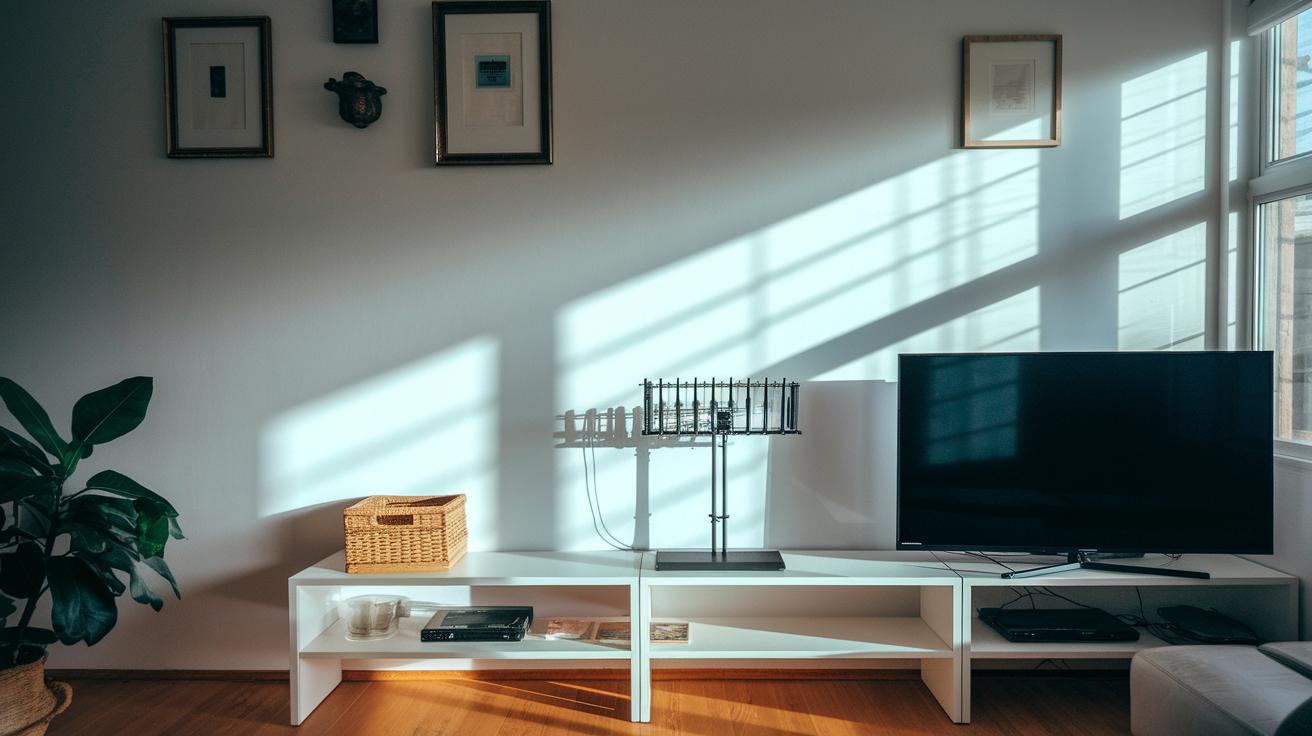
Local channels bring you community news, weather, and alerts, and you don’t need cable to catch them. You can grab an indoor antenna for a one-time cost of about $20 to $50 or sign up for a live TV streaming service like YouTube TV, Hulu + Live TV, Sling TV, or DIRECTV STREAM that charges a monthly fee.
There are five main ways to access these shows and here’s how you set up your system:
- Selecting the right option
- Checking signal strength
- Buying the necessary gear
- Setting up the streaming app
- Handling regional restrictions
Start by picking the method that feels right for you. Then, try your antenna or streaming service in different parts of your home to see where you get the best signal. If you’re using a streaming service, you might need to adjust your router or device settings for the clearest picture. And if you choose an antenna, be sure to point it where the signal is strongest.
Next, follow the easy, step-by-step guide for your chosen setup, whether it’s configuring an app or aligning your antenna. It’s all designed to cut out the techy lingo and keep things simple, so you can enjoy your favorite local channels cable-free.
Local Channel Streaming Methods: Comparing Antenna and Live TV Services
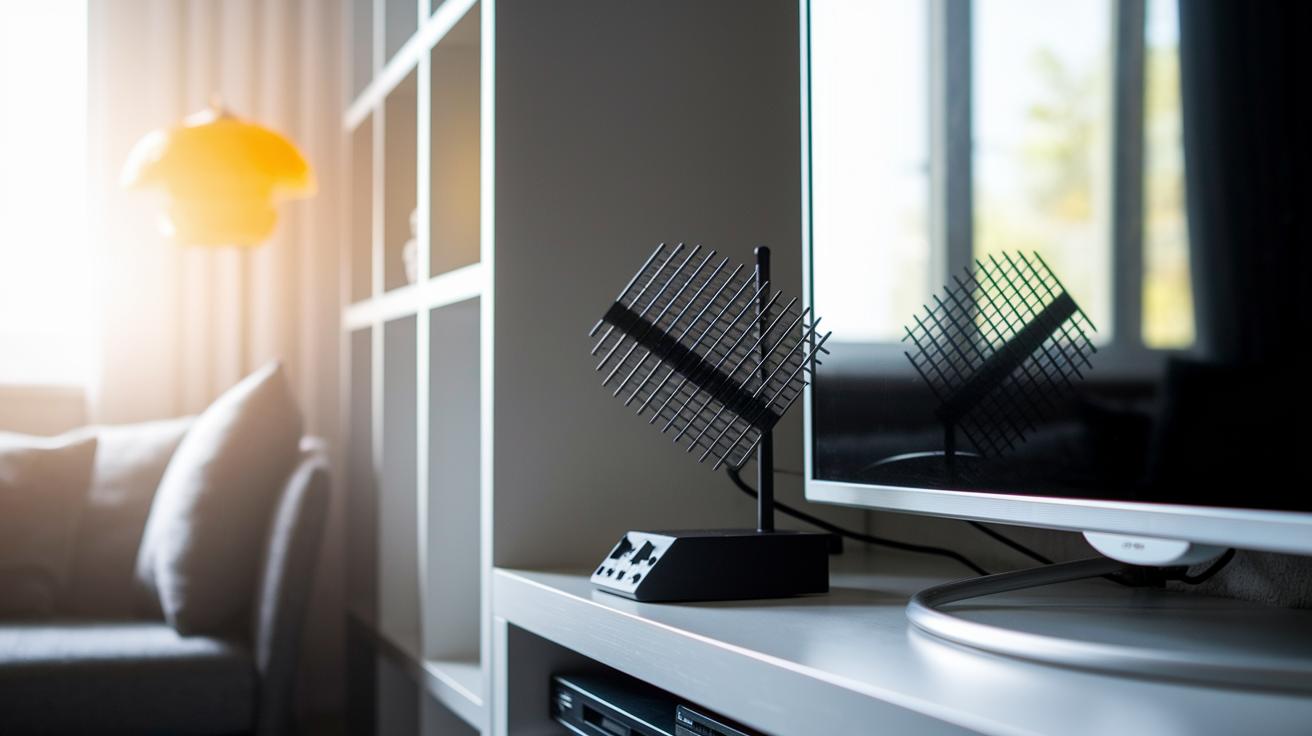
Using a digital antenna is the classic way to cut the cord. Many cord cutters love it because it’s a one-time purchase, usually between $20 and $50. Think of it like buying your game console, one investment and you’re ready for hours of play.
On the flip side, live TV streaming services work like a monthly subscription. For example, YouTube TV costs about $82.99 per month, and Hulu + Live TV runs between $81.99 and $95.99 monthly. Sling TV is a bit lighter on your wallet at $45.99 per month, perfect for when you only want a few channels. Plus, some services like Fubo and DIRECTV STREAM can change what’s available based on your area.
| Option | Cost | Key Features |
|---|---|---|
| Digital Antenna | $20-$50 | One-time purchase, free over-the-air channels |
| Live TV Streaming Service | $45.99-$95.99+/mo | Wide channel lineup, DVR (record shows), on-demand extras |
| Network Apps/Websites | Varies (often free) | Direct local channel access, streaming via apps |
Each option comes with its own perks and drawbacks. If you like a one-time cost and a simple setup, much like picking your favorite controller before a match, the digital antenna is a great choice. Live streaming services, on the other hand, spoil you with extras like huge DVR storage and exclusive add-ons, but they do have a recurring fee. And if you only care about one specific channel or local news, network apps and websites let you skip cable while still catching important broadcasts.
Device Compatibility for Streaming Local Channels
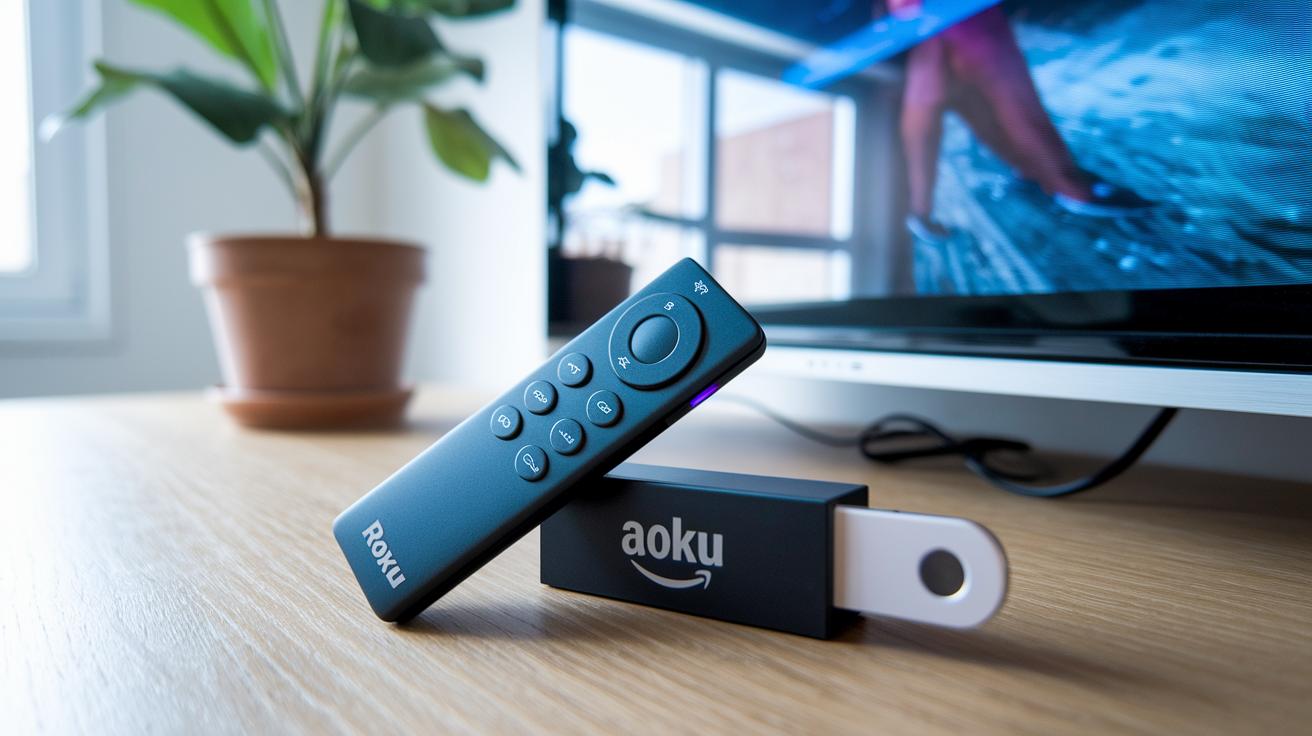
If you want to stream local channels, it all starts with picking the right device. Try devices like Roku Ultra, Amazon Fire TV, Apple TV 4K, Roku Streaming Stick Plus, or Tablo Dual. They work great with live TV streaming services or digital antennas, letting you catch local news and weather on your TV, computer, or phone. That right device is key for a smooth viewing experience.
Before setting up, check every connection. Look over your HDMI ports, network cables, and even your Wi-Fi signal where the device is placed. It’s like testing your game controller before jumping into a match. A strong connection stops buffering and signal drops so your channels stay clear. Take a moment to double-check your settings and restart your router if needed. Make sure those cables are secure to boost performance.
Once everything’s connected, install the streaming apps you need. Open your device’s app store, search for your live TV service or antenna app, and hit download. Follow the on-screen prompts to sign in and adjust your settings, it’s as easy as updating your game. This simple process gets your channels running without any hassle. Just take it one step at a time.
Lastly, fine-tune your streaming quality with a few tweaks. Keep your device updated and clear the cache regularly so it doesn’t slow down. If your Wi-Fi performance drops, try moving your device closer to the router. You might even need to adjust the streaming resolution to find a good balance between clear picture and smooth streaming. Even a small change can lead to much better performance. Set it up right and enjoy your stream!
Troubleshooting and Regional Restrictions in Local Channel Streaming
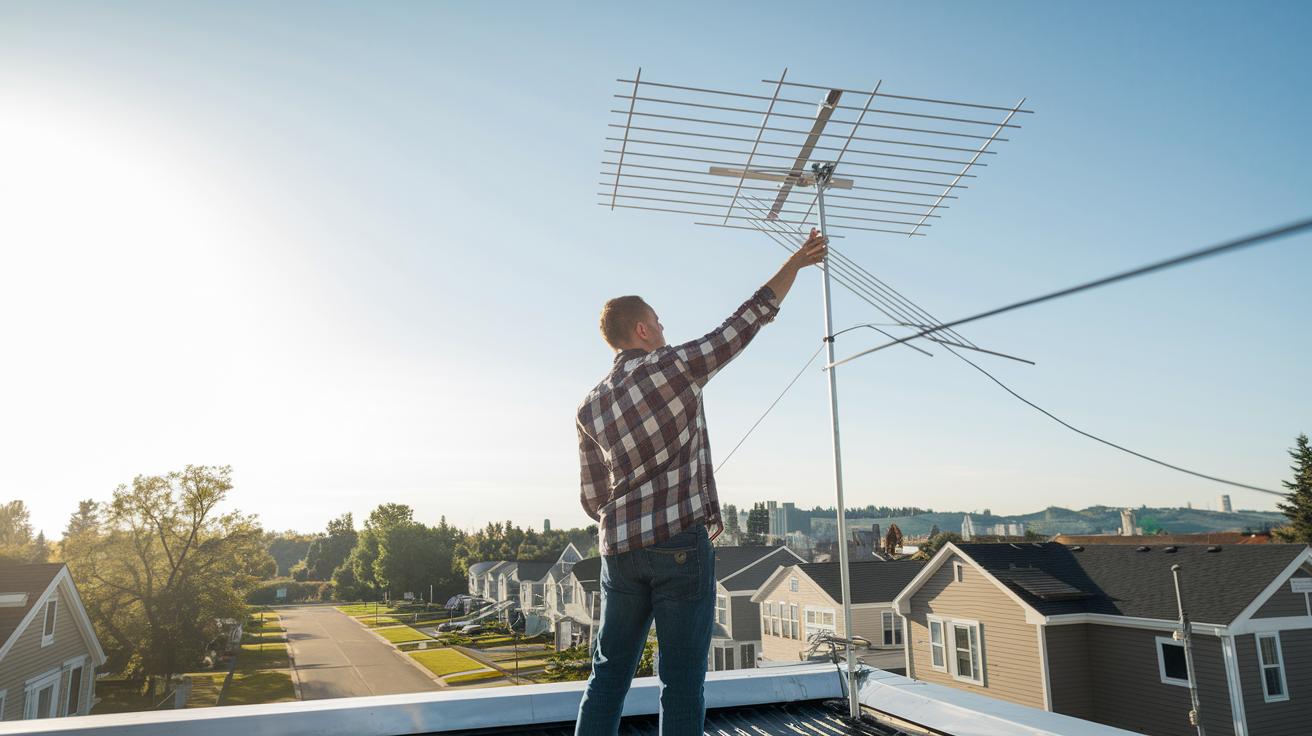
Sometimes streaming local channels feels like a tough boss battle. You might deal with weak signals or content locked by your region. Over-the-air antennas often need a quick repositioning to grab a stronger signal, just like adjusting your controller for that perfect play.
Digital antennas also have their quirks. They can run into issues with interference or physical blocks. Try shifting your antenna higher or closer to a window. It's a bit like fine-tuning your gaming rig when you hit lag. And if you're using a streaming subscription, you might find some channels are off-limits because of where you live. It’s a common challenge for many cord cutters.
Simple repair tips can really boost your viewing experience. First, check all your cable connections and move devices away from interference. Restarting your router can clear up buffering issues, just like rebooting a game when things get glitchy. If you're using an antenna, adjust its angle or spot. Even a small change can make a big difference. Also, rescan for channels to update your signal and catch any missed broadcasts.
Lastly, it's important to check for regional restrictions. Make sure your streaming service supports your area by looking at your account settings or contacting support. Keep your system updated to avoid market limits. Tackling these fixes one by one is like unlocking new levels until you get a smooth, nonstop channel lineup.
Evaluating Costs and Selecting the Best Streaming Service for Local Channels
Looking at your streaming options? The May 2024 pricing update gives you a clear idea of what you'll pay each month. Check out the table below for the details on popular services and the one-time digital antenna expense.
| Service | Price (May 2024) | Key Benefits |
|---|---|---|
| YouTube TV | $82.99/month | Wide channel lineup, unlimited DVR |
| Hulu + Live TV | $81.99 – $95.99/month | Inclusive bundle, on-demand content |
| Sling TV | $45.99/month | Budget-friendly, flexible add-ons |
| DIRECTV STREAM | $74.99 – $154.99/month | Varied pricing with different market options |
| Digital Antenna | $20 – $50 (one-time) | No monthly fees, basic local channels |
Free streaming options like a digital antenna let you catch local channels without monthly fees. It’s like stumbling on a secret cheat code that saves you cash. Sure, antennas give you the basics, but they miss out on extras like unlimited DVR or on-demand shows that you get with live TV plans. And hey, some new packages, like those from Paramount+ with SHOWTIME and Peacock Premium Plus, now let you watch local channels at great rates, giving you even more choices.
In the end, it all comes down to what you need. Do you want a massive channel lineup with cool extras, or are you good with just the basics and no recurring fees? If you’re after features like watching on any device and killer recording options, a live TV subscription could be the way to go. But if free local broadcasts fit your routine, spending a bit upfront on an antenna might be a winning move.
Final Words
In the action of cutting the cord, this guide explored a clear path to stream local channels without cable. We broke down easy options, from cost-friendly antennas to live TV streaming services. Your device setup and a few handy troubleshooting tips made it all feel like leveling up in your favorite game. Whether you're weighing subscription fees or figuring out equipment, mastering how to stream local channels puts you in control. Enjoy honing your viewing game and keep that win streak rolling.
FAQ
How do I stream local channels on my smart TV?
Streaming local channels on your smart TV means you can use a digital antenna or a free local TV app to access networks like ABC, NBC, and CBS without cable.
How can I watch local channels for free?
Watching local channels for free involves using an over‐the‐air digital antenna or a free streaming app that delivers channels such as ABC, NBC, and CBS at no ongoing cost.
Can I stream local channels on Roku devices?
Streaming local channels on Roku devices is possible by either connecting an antenna via a TV tuner or using network apps that offer live streaming of channels like ABC, NBC, and CBS.
How do streaming services like Sling TV, YouTube TV, and Hulu provide local channels?
Services such as Sling TV, YouTube TV, and Hulu offer local channels by including networks like ABC, NBC, and CBS in their packages, though availability and pricing vary by region.
How do I get local channels without using an antenna?
You can get local channels without an antenna by subscribing to live TV streaming services that provide digital access to networks such as ABC, NBC, and CBS through your internet connection.
What should I consider when selecting a free local TV app?
Selecting a free local TV app involves checking regional availability, device compatibility, and ease of use since these apps stream channels like ABC, NBC, and CBS without a cable subscription.