

Ever been in the middle of a big match and suddenly your game lags or login errors pop up? It can really kill your momentum. Gaming support is like having a secret cheat code. Whether you're chatting with friends or getting help from a pro team, they come through when tech issues try to steal your moment.
Imagine you're crushing it in a match and then a glitch threatens your run. A quick fix can make all the difference, keeping your play smooth and your focus sharp. In this post, we're diving into easy tech fixes and gamer tips to help you handle those hiccups while you stay in the game.
Comprehensive Gaming Support Solutions
Gaming support is what keeps your game running smoothly, especially when tech gremlins or account issues pop up. It handles everything from annoying lag spikes and pesky patch errors to stubborn login problems. Picture this: you're in the middle of an intense match and suddenly need a quick fix, and there are several ways ready to help you out.
Official support channels, like email or phone services, work like a pro team. They have set response times and trained staff to tackle even the trickiest issues. On the flip side, community help is more laid-back. It’s where seasoned gamers swap tips and share their past fixes in forums or local meet-ups. Remember that time a fellow gamer’s tip saved your run? That’s the magic of community insight filling in where formal support might fall short.
When you’re deciding which support to go for, think about how urgent your problem is and what type of help you need. If you’re battling a serious technical glitch or account error, official channels might have the structure you need. But if you’re ironing out gameplay strategies or need a creative workaround, community advice can be a real game changer. Choose the option that feels right for you, whether you want a guided fix or prefer learning alongside other gamers.
Accessing Official Gaming Support Channels
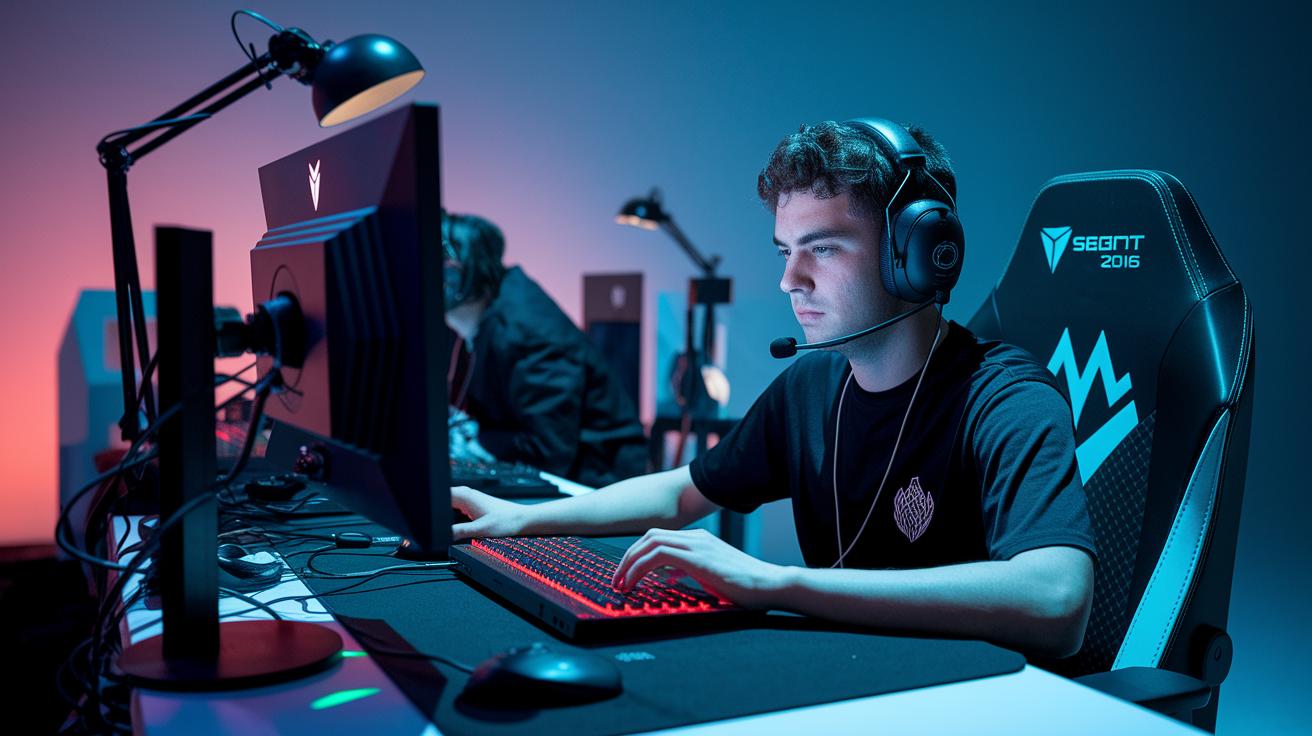
When something glitches in your game, these support channels are like your trusty power-ups. They help you sort out errors and account issues fast, using email, chat, phone, or a ticket system. Ready to get back into the game? Let's break it down.
Email Support
Fire off an email with all the details. Make your message clear and toss in any logs or screenshots that show the problem. This extra info helps them fix things quicker. Chances are, you'll hear back in 24-48 hours. Clear details mean they’re more likely to nail the solution on the first try.
Live Chat
For those moments when you need help right away, live chat is your best friend. Just click the in-browser widget, it's there 24/7 for quick fixes mid-match. During the chat, share screenshots if you can, so they see exactly what’s up. You'll get a fast reply that makes troubleshooting feel a lot less stressful.
Phone Hotline
When your game’s on the line and you need help instantly, pick up the phone. Call the hotline, follow some simple etiquette, and you could be talking to someone in just 2–5 minutes. If you call during quieter hours, you might even beat the rush. This is the go-to when you need immediate, live guidance.
Ticket System
If you prefer a more guided approach, submit a ticket through the web portal. Make sure to choose the right category for your issue; that way, it gets directed to the right team. Typically, you'll get a response within 24–48 hours. This method keeps everything neat and organized, ensuring every detail of your problem gets covered.
Troubleshooting Common Hardware and Software Issues
Gamers know how one glitch can ruin the vibe. Ever had that lag where your move feels like it’s coming a split second too late? Or maybe your aim falters because of choppy stutters? Then there’s the madness of sudden disconnects in the heat of battle, nasty patch errors that freeze or crash your game, and background apps that hog your system. These hiccups need fast fixes, whether you're troubleshooting online game issues or sorting out your PC’s digital drama.
First, double-check that your system meets the game’s basic needs. Compare your PC’s specs with what the game asks for, just like making sure your gear is ready for a boss fight.
Next, keep your graphics and chipset drivers up to date. A quick update can clear out glitches and give your game the smooth performance it deserves.
Also, run a file check through your game launcher. This simple step makes sure nothing’s missing or broken, so you can get back in the game without the hassle.
Another tip: shut down any extra apps running in the background. This means your game gets all your computer’s power, no distractions, just pure play.
Finally, run a quick network test with ping and traceroute. This helps spot any connection issues that might be trip-ups during your online sessions.
For things tied to specific platforms, try clearing your cache regularly and picking the nearest server to cut down on lag. Launching your game in safe-mode can also help by bypassing nonessential processes. Whether you’re on PC or console, these steps keep every gaming session as quick and fun as it should be.
Leveraging Community Peer Networks for Support

When you hit a snag in your game, you might head over to a forum, a Discord chat, or even a Reddit group looking for a quick fix. These spots are packed with fellow gamers sharing their own stories of tech glitches. Picture scrolling through a Steam forum and finding someone who just recorded how they fixed a sudden disconnect, like a friend telling you about their live game fix. Sometimes, local meet-ups turn into buzzing hubs where gamers swap tips in a chill, relaxed vibe compared to the formal tone of official support.
When seeking help from these communities, stick with trusted and moderated groups and give each tip a careful look. For example, check if a tip has worked for others before you tweak your game settings. Be sure to protect your personal info by skipping over sharing sensitive details in public chats. Compare advice between groups with clear rules and those that are more free-form to know what’s reliable. Testing any advice in a safe setting helps keep your gaming smooth and secure.
Gaming Support: Elevate Every Gaming Moment
Top gaming companies are now rolling out subscription help and VIP services for those nail-biting, high-stakes moments. You get cool perks like special VIP lines, in-game priority, and even a dedicated help desk for your console. Imagine being deep in the middle of a match and having your issues fixed in under an hour. Every tick of the clock matters when you're chasing that victory.
These support options work like a well-oiled machine, fixing issues fast so your game stays smooth. Think of services like Epic Support Center or Xbox Help Desk, they promise quick help so you don’t miss a beat during intense battles. This is a real win for competitive players who need every second to count without any annoying tech hiccups.
| Service Provider | Cost | SLA | Availability |
|---|---|---|---|
| Epic Support Center | $5/mo | 1 hr | 24/7 |
| Ubisoft Player Assistance | $7/mo | 2 hrs | Business hrs |
| Xbox Help Desk | $10/mo | 1 hr | 24/7 |
| Steam User Support | $0 (free) | 24–48 hrs | 24/7 |
Upgrading to premium support is a no-brainer for competitive gamers who demand fast, steady service when every single moment counts.
Career Paths and Opportunities in Gaming Support

Gaming support isn't one-size-fits-all. You’ve got roles ranging from support agents and online game helpers to entry-level gigs just starting out. These jobs typically pay anywhere from $30k to $45k a year. Employers generally want you to have at least a high school diploma, strong writing and speaking skills, and a basic grasp of ticketing systems (that’s the software used to track and fix customer issues). And if you’re new but super passionate about helping others and eager to learn, many companies are ready to give you a shot.
Remote jobs in gaming support are booming too, growing about 15% each year. If you love the idea of working from home, there are plenty of flexible options. Whether you’re after a part-time side gig or a freelance role that lets you earn while picking up real-world experience, these opportunities help you break into the field without being stuck in a full-time slot.
Building a career in gaming support means you’re always leveling up. Look into certifications or training programs that boost both your tech smarts and customer service skills. Jump into community chats or join guild-like groups to swap tips with seasoned pros, as if you’re getting insider strategy from a buddy. And when it’s time to apply, craft a gamer-focused resume that highlights your technical skills and passion for helping gamers.
Final Words
In the action, we uncovered a solid breakdown of gaming support that covers every aspect of in-game help. We ran through official channels like email and live chat, tackled hardware and software troubleshooting, and even looked at community hubs and premium services.
From expert tactics to career paths, this guide serves as your go-to for boosting gameplay and confidence. With effective gaming support on your side, every match feels like a win. Here's to leveling up and powering through every challenge!
FAQ
What is a gaming support email?
The gaming support email is the official contact address provided by game companies to help players with technical issues, account queries, and gameplay questions quickly.
What is a gaming support phone number?
The gaming support phone number gives you direct access to assistance. It offers quick, friendly help over the phone for technical glitches and account troubles.
What does a gaming support chat service offer?
The gaming support chat service provides live messaging help on websites or in-game. It allows you to share screenshots and get fast fixes for technical or gameplay issues.
What does a gaming support agent do, and what is their job role?
The gaming support agent handles player issues by troubleshooting errors, answering queries, and managing support tickets. They work hard to ensure gamers receive a smooth experience.
What does gaming support for Genshin Impact involve?
Gaming support for Genshin Impact assists players with technical, account, and in-game issues unique to the title. It uses official channels to provide prompt, reliable help.
What is the 5CA Gaming Support Agent salary?
The 5CA Gaming Support Agent salary usually ranges between $30,000 and $45,000 per year, reflecting the necessary technical skills and dedication to helping gamers.
How do I contact instant gaming support?
You can contact instant gaming support through live chat, phone lines, or official emails. These channels are designed to offer timely answers and assistance with any game-related issue.