
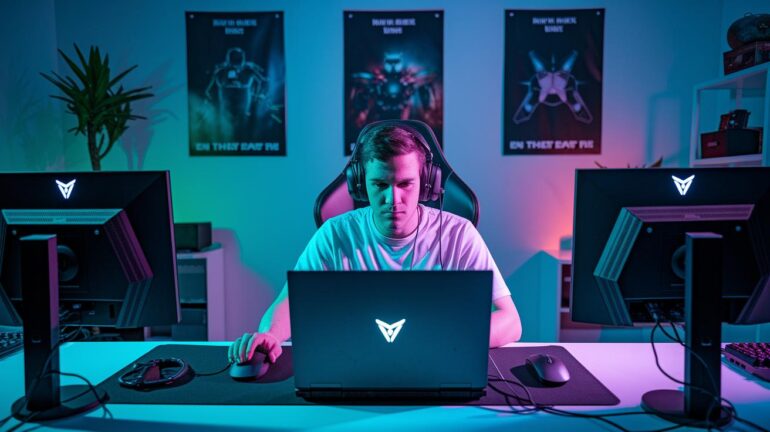
Ever get frustrated trying to get your gameplay live on TikTok? It can seriously slow you down. But a few simple tweaks can take your stream from "meh" to totally cool. Here, we chat about the right setup, the must-have gear, and smart tips that boost your live action. Whether you’re rocking a PC or using your phone, these ideas help you level up your live session and connect with other gamers. Ready to power up your stream? Let’s break down the steps to set up an awesome TikTok gaming stream.
Core Requirements and Setup to Stream on TikTok for Gamers
Before you hit “Go Live,” make sure you’ve got everything covered. First, you need at least 1,000 followers and meet the age rules to use TikTok Live Studio on Windows. If you're streaming on your phone, switch your account to a business or commercial type and grab that screen-share permission.
Whether you’re on PC or using your smartphone, it all starts with setting up your account correctly. You’ll also need the right gear, like a solid gaming PC or a modern smartphone with a reliable webcam and mic. And don’t forget a steady internet connection (at least a 5 Mbps upload speed) and the right streaming software.
Here's a quick checklist of what you need:
- Must have at least 1,000 followers.
- Meet the age requirements for TikTok Live Studio.
- Use a business or commercial TikTok account for mobile streaming.
- Get your TikTok Stream Key and server URL from the Live setup page.
- Install TikTok Live Studio on a Windows computer.
- Use third-party streaming software like OBS Studio or Streamlabs.
- Ensure your gaming PC or smartphone has a solid webcam and microphone.
- Keep a stable internet connection with at least 5 Mbps upload speed.
Once all these parts are in place, you're all set to let your stream shine. With your checklist done and your gear ready, you can focus on interacting with your community and showing off your gameplay. It’s a smooth setup that lets you dive straight into the action.
Selecting Streaming Software and Tools for TikTok Game Streams
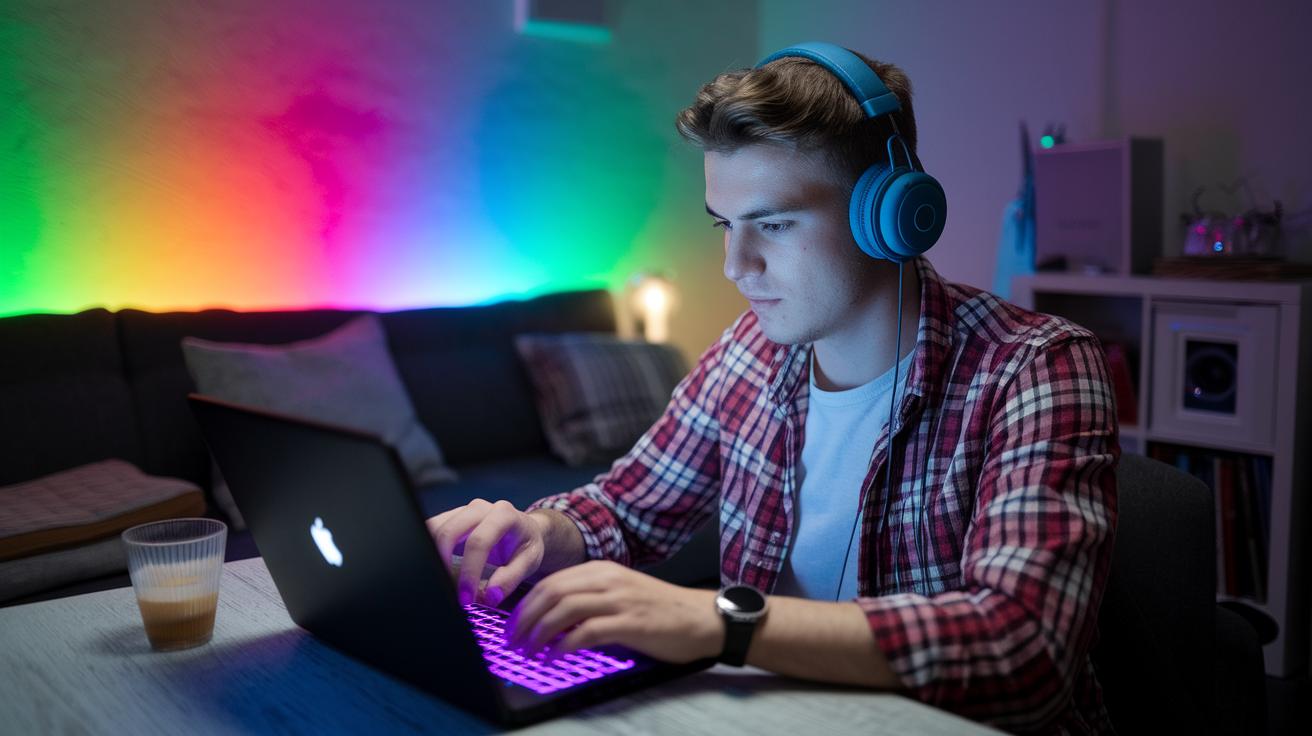
Picking the right streaming software is a big deal. It makes sure your gameplay runs smoothly and your broadcast looks sharp. Your choice even affects how snappy your scene transitions are and if you can drop neat visuals or interactive bits without glitching.
OBS Studio is a popular pick for many streamers. It’s free and open-source, which means you can download it without any fuss. Plus, it's super easy to set up your own scenes. You can grab your game capture, webcam, and mic feed, then tweak the bitrate on the fly to keep your stream looking great. Imagine it like this: download OBS, add your game window, plug in your webcam and mic, and boom, you’ve built your own mini broadcast HQ.
Then there’s Streamlabs and TikTok Live Studio. Streamlabs comes packed with ready-made overlays, alerts, and chat features that slide right into TikTok’s style. TikTok Live Studio, on the other hand, offers preset layouts and smooth native integration (just note: you need Windows 10 or later for that). Try out both to see which one fits your vibe and gives you the perfect mix of simple setup and creative control.
Optimizing Video and Audio Quality for TikTok Game Streams
When you're streaming on TikTok, quality is what keeps viewers locked in. Clear images and crisp sound make sure your fans stay with you every step of the way. On small phone screens, every little detail counts, from the fine textures in your game to each bit of your commentary.
| Model | Resolution | Key Feature |
|---|---|---|
| Insta360 Link 2 | 4K 30 fps | Head-tracking (it follows your head movements), DeskView, noise reduction |
| Insta360 Link 2C | 4K 30 fps | Plug-and-play, excellent low-light performance |
Good lighting can totally change the game too. Try setting up lights from three different angles to avoid those pesky shadows. A ring light or softboxes can spread the light evenly, showing off both your face and the game action perfectly.
For audio, keep it simple. A mixer with a noise gate (a filter that blocks unwanted background noise) helps your mic pick up only the sounds you want. It means your cool commentary comes through loud and clear, drawing everyone into the stream.
Boost Engagement in Your TikTok Game Streams
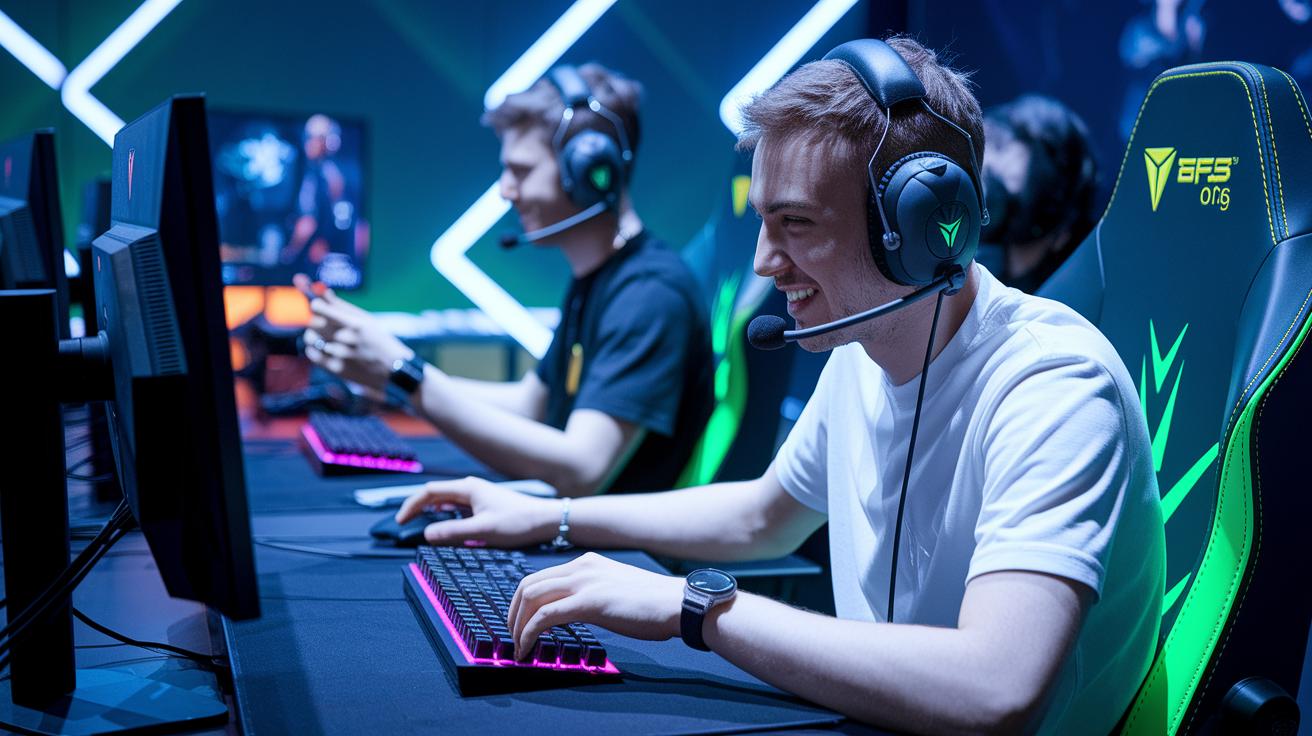
When you light up your stream with real talk and cool interactions, your viewers stick around like true fans. Inviting them into the game makes every moment feel like a team win, not just background noise. It turns each play into a shared victory that everyone gets to celebrate.
Mix in quick questions, live polls, and fan shout-outs mid-game. Ask simple things like "What move should I try next?" or "Smash that follow if you’re feeling it." Even fun hashtag challenges and small giveaways can spark extra hype. This kind of back-and-forth helps your community feel heard and pumped up along with you.
Then, consider using your best stream moments on other social platforms. Grab those epic plays and funny fails, trim them into short clips, and drop them on Instagram or YouTube Shorts. A catchy snippet with trending music can reel in new viewers and remind old fans why your stream rocks.
Lastly, keep your eyes on your numbers. Check out when people hang around the most and when they bounce. Use what you learn to tweak your interactivity, and before you know it, your next stream will hit an all-time high.
Monetization and Donation Management for TikTok Gamers Streaming
TikTok Live turns coins into cash in a cool, simple way. When a viewer sends a gift, the coins they buy become diamonds, and then those diamonds are turned into money for you. It’s not split like regular ads. Every gift is like a digital high five that shows your viewers are cheering you on. This unique setup means you can see support as it happens, making each stream a chance to earn while you chat and play.
Setting up gift alerts is a breeze. Just head into your Creator Dashboard to switch on notifications. That way, you never miss a moment when someone sends some love. You can watch as your earnings roll in live, adding to the fun and keeping you motivated.
When a top fan sends a big gift, make sure to say thanks on stream or give them a shout-out. It’s like celebrating together. You can even set fun milestones with rewards during your streams. This keeps the community tight and the energy high, while making your streaming experience both profitable and interactive.
Troubleshooting Common Technical Issues in TikTok Game Streams
Quick fixes keep your stream in the game. If problems pop up, sorting them out fast means more play and less waiting. Ever felt that rush to jump back in?
Stream Key and OBS Connection Errors
If you mess up your stream key or it’s expired, your broadcast comes to a halt. Double-check your key and server URL, like you’d confirm your settings before a big match. And when OBS won’t connect, giving those details a refresh can often fix things.
Audio and Video Sync Problems
When your audio and video go out of sync, it’s like your favorite track playing at the wrong beat. This usually happens because your audio and video sample rates (how fast they process data) don’t match. Peek into your software mixer to line them up and make sure your sources are in the right order. A quick review like this can keep your viewers hooked on your smooth commentary.
Low Frame Rates and Lag
Nothing kills a vibe like low frame rates and lag. It might be network congestion, input lag (the delay between your action and the game’s response), or even a CPU overload. If your rig isn’t keeping up, tweak your settings or check out guides on optimizing CPU/GPU performance. Testing your setup before each stream can catch these glitches early and keep you in control.
Enhancing Interactivity in TikTok Game Streams
Loyalty grows when viewers can call the shots. When they influence what goes down on screen, they feel like an essential part of the action. It’s almost like playing side-by-side with your favorite streamer, super engaging and downright fun.
StreamToEarn makes your game streams extra lively by linking TikTok gifts and follows directly to in-game events. Getting started is simple if you have at least 1,000 followers and TikTok Live Studio on a Windows computer. Just install the right mods or plugins to sync your game with the platform. Picture it: one small gift sparks a horde of zombies in Minecraft, turning an ordinary stream into a wild, unpredictable moment that gets everyone buzzing.
Boost your stream even more with StreamToEarn’s cool presets. With up to 15 options and 50 event triggers (think auto-overlay images, animated GIFs, and sound effects), you can create moments that feel custom-built for your audience. Tinkering with these settings adds a personal touch that makes every action-packed event shine. And with subscription choices at $19.99/month for PRO or $34.99/month for Expert, you can really level up your ROI and turn every stream into an unforgettable gaming session.
Planning and Scheduling Your TikTok Game Streams
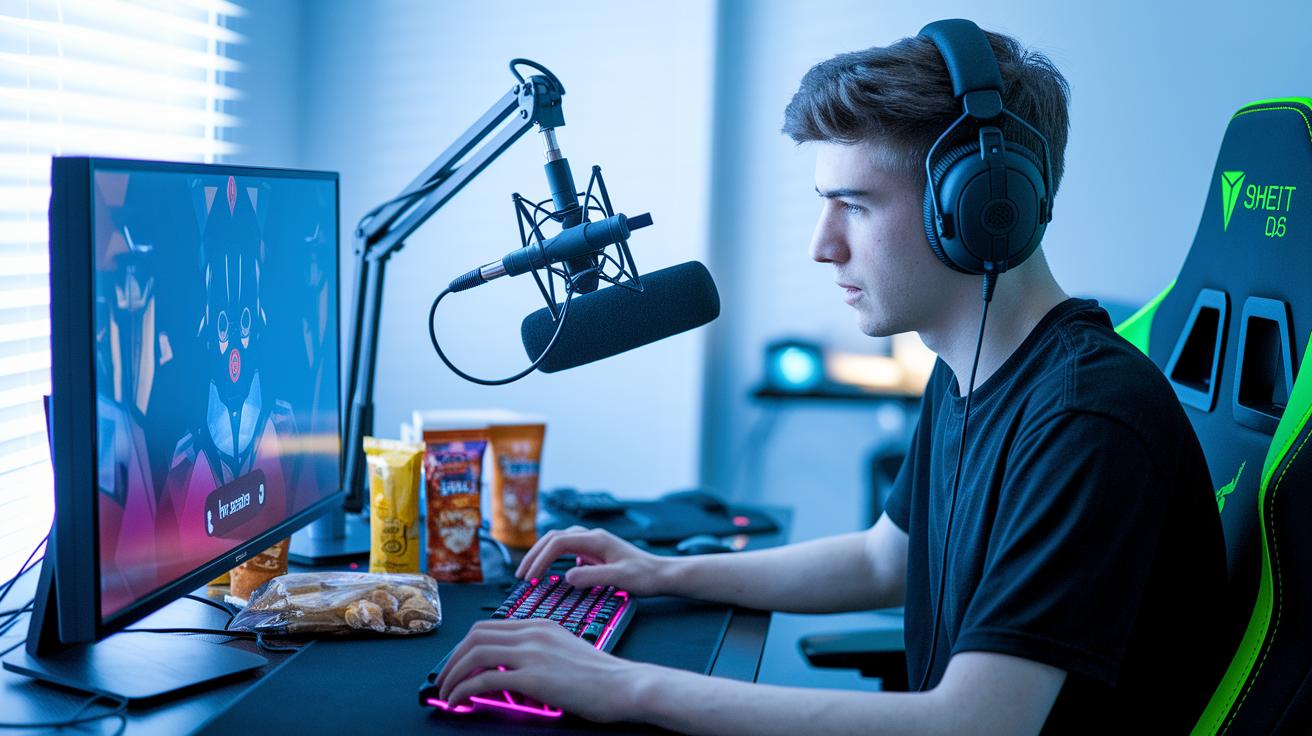
Having a regular schedule is key to building a tight viewer crew. When your fans know you'll be live at the same time, they look forward to it like a daily gaming session. It makes life easier, no guessing when to tune in, and keeps the excitement steady.
Start your day with a quick planning checklist, just like you would prepare for an epic raid:
- Check your gear (PC, webcam, mic) to make sure everything works right.
- Map out your stream plan, including top moments or cool highlights from recent games.
- Hype up your stream on your social channels so everyone knows when to join.
Try timing your streams with big game events or updates. This way, you catch the natural buzz of game launches or seasonal tournaments and keep your audience riding that wave of excitement.
Final Words
In the action, we've covered everything from setting up your account and hardware to choosing your streaming software and nailing audio and video quality. We talked about boosting engagement, handling donations, and solving common tech issues, plus using cool integrations to keep your streams interactive. Planning out your stream schedule ensures more reliable live play. With all these tips in mind, you're ready to make your mark when you stream on tiktok for gamers. Keep the energy high and your gameplay even higher.
FAQ
How do gamers use TikTok and Reddit for streaming?
The way gamers use TikTok and Reddit for streaming involves sharing tips and setups, trading live broadcast tricks, and discussing hardware and software choices to improve interactivity and overall streaming quality.
What is TikTok LIVE Studio?
The TikTok LIVE Studio is a built-in streaming tool for Windows PCs that lets gamers broadcast directly, offering preset layouts and an easy stream key setup to kick off live sessions.
How do you stream games on TikTok using a PC?
The method to stream games on TikTok using a PC involves obtaining your Stream Key from TikTok LIVE Studio, connecting via streaming software like OBS or Streamlabs, and configuring your video and audio settings.
How do you stream games on TikTok from a PS5?
The process for streaming games from a PS5 to TikTok involves connecting the console to a capture device, routing the feed through a streaming application, and syncing with your TikTok setup for a live broadcast.
How do you stream mobile games on TikTok Live?
The way to stream mobile games on TikTok Live includes converting your account to business mode, securing screen-share permission, and using TikTok’s mobile features to broadcast your gameplay live.
How do you stream games on TikTok from an Xbox?
The process for streaming games on TikTok from an Xbox requires using a capture card connected to your console, linking the feed to your streaming software, and configuring the stream settings in TikTok.
How do you stream games on TikTok from a PS4?
The approach to stream games from a PS4 to TikTok entails connecting a video capture card to your console, setting up the stream on your PC, and using TikTok’s live integration to share gameplay in real time.
What is the TikTok Gaming Live application?
The TikTok Gaming Live application is a tool designed for gamers that integrates custom overlays and interactive features, making it easier to set up live streams and enhance viewer participation.
How do you live stream on TikTok Gaming?
The way to live stream on TikTok Gaming involves meeting account requirements, setting up your streaming software with your Stream Key, and configuring your visuals and audio to deliver a smooth live gaming session.
Is TikTok a good platform for streaming games?
The effectiveness of TikTok for streaming games comes from its large viewer base and mobile-first design, enabling gamers to share real-time highlights and engaging content, drawing in both casual and competitive audiences.
How many followers are needed to stream gaming on TikTok?
The streaming setup on TikTok typically requires you to have at least 1,000 followers and meet the age eligibility guidelines, which unlocks access to TikTok LIVE Studio and other live features.