
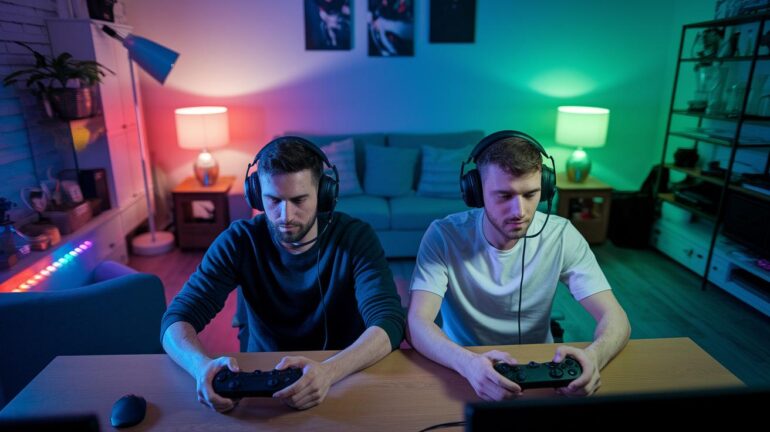
Ever wonder why you can’t mix consoles in ranked Marvel Rivals? In ranked mode, you’re stuck on one platform to keep everything fair, kind of like making sure each player has the same gear. It might seem weird since in casual play you can team up with friends on other systems, but ranked mode is all about keeping things even.
Today, we’re breaking down why crossplay isn’t allowed in ranked mode and what that means for your game. Think of it like picking your character and leveling up in one consistent world. Stick around as we dive into the ups and downs of sticking to one platform in this epic match-up.
Marvel Rivals Ranked Crossplay: Is It Available?

Marvel Rivals keeps ranked play fair by turning off crossplay. In ranked (or "Competitive") mode, you stick to one platform. This means whether you’re on PC, PS5, or Xbox Series X/S, you play with the same setup. It’s like choosing one controller style and hanging with it, so differences in frame rates or button layouts don’t mess with your game.
Casual modes, on the other hand, are open to crossplay. You can link up with friends on different systems and just have fun. But if you’re climbing the ranked ladder, your platform choice becomes a big deal. Imagine gearing up for a crucial team fight, every little thing counts. Staying on one platform helps cut down on issues like slow networks or hardware differences that can throw off your game.
For casual play, you can easily add buddies by using your in-game nickname, no matter the system. However, when it’s time for serious ranked battles, everyone needs to stick to the same platform to keep things consistent and controlled.
Understanding Platform Locks in Marvel Rivals Competitive Mode
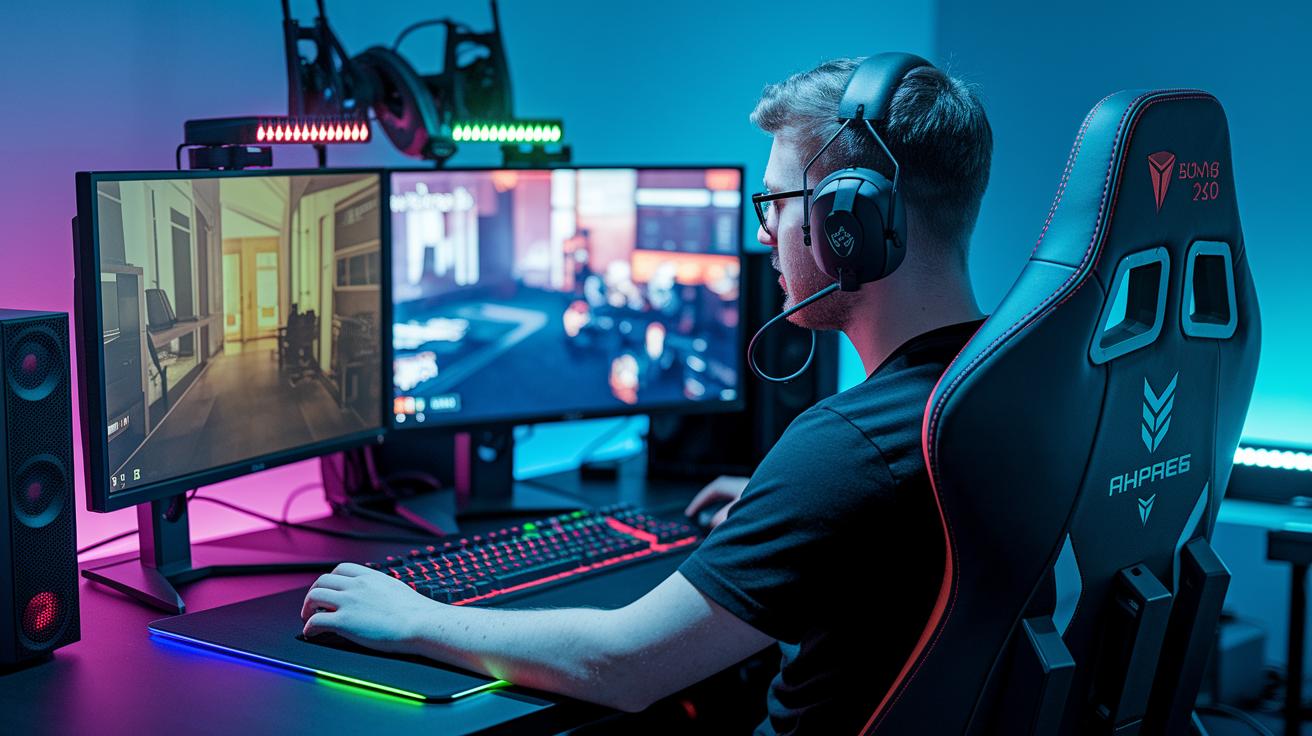
In Marvel Rivals, players stick to platform-specific ranked matches to keep things fair. This system helps avoid problems like lagging controllers or different frame rates. Imagine one gamer’s controller working faster than another’s, by matching similar setups, the game makes sure everyone gets a fair play.
The scheduling system also factors in how fast your network works and how quickly your device reacts. When issues pop up, like pesky server glitches or connection hiccups, the contest troubleshooting jumps in to smooth things over.
Plus, the game sorts players into different brackets based on their hardware, so everyone competes on a level field. Other checks on network speed and screen refresh rates work together to ensure that each ranked bout is as even as possible.
Setting Up and Toggling Crossplay for Casual Matches

Marvel Rivals makes joining casual matches a breeze, whether you’re on PC, PS5, or Xbox Series X/S. On PC, crossplay is always active, while console players can flip it on or off in Settings > Gameplay. Think of it like lining up your best moves before a big play, just a few clicks and you're set to team up across consoles.
This setup lets you mix up your gaming squad without any fuss. You choose who you play with, just like setting custom game rules before a match. It keeps things light, fun, and totally in your control.
Here’s a quick guide:
| Step | Action |
|---|---|
| 1 | Go to Settings > Gameplay on your console or PC |
| 2 | On Xbox/PS5, toggle “Enable Crossplay” |
| 3 | On PC, crossplay is always on (no toggle needed) |
| 4 | Add friends by entering their in-game nickname under Friends > Add Player |
It’s that simple. This way, every match feels fresh, and you’re always ready for an epic gaming session with friends from any device.
Cross-Progression Limits and Their Impact on Ranked Play

In Marvel Rivals' ranked mode, everything, your progress, unlocks, achievements, and rankings, sticks to the platform where you first set up your account. If you start on PC, your progress stays on PC. It's like picking your character’s gear; once you decide, that choice is final, and switching platforms wipes out your earlier gains.
This means you have to commit to one system, much like gearing up for a tough boss fight. Your rewards and rank won’t follow you to another platform, so planning ahead is key. Picture it this way: you wouldn’t change your best weapon in the middle of a match, right? Every game now depends not only on your skills but also on the platform you stick with.
Performance Variables and Casual Matchmaking Differences Across Platforms

Crossplay in Marvel Rivals lets PC, PS5, and Xbox Series X/S players team up, but it also shows how game performance can change from one system to another. Think about that moment before a big match when even a tiny lag can upset your perfect combo. PC players often get a smoother ride with low delays and high frame rates, while console gamers might feel a bit of a delay depending on how far they are from the server or what their network’s like.
Network lag really matters in fast-paced battles. When your actions register a split second later than expected, it can totally change the game. Matchmaking looks at these delays and even considers the different hardware each player is using. For example, in areas with destructible environments managed by Galacta, consoles and PCs might react differently. Breaking a wall at just the right moment feels awesome, but sometimes the gear can struggle in its own way.
The casual matchmaking system works hard to even things out. It puts players with similar hardware and network conditions together to help make teams balanced. Check out the table below for a quick look at platform settings and typical latency ranges:
| Platform | Crossplay Support | Typical Latency Range (ms) |
|---|---|---|
| PC | Always Enabled | 20-40 |
| PS5 | Optional | 30-60 |
| Xbox Series X/S | Optional | 30-60 |
So, while the thrill of a high-speed win remains, remember that even tiny differences in performance can impact the game. Ever felt that rush when everything clicks perfectly, only to be thrown off by a lag? That’s what makes gaming both challenging and awesome.
Final Words
in the action, we broke down Marvel Rivals ranked restrictions and how casual crossplay keeps the fun flowing. We covered why ranked mode stays on one platform and shared quick steps for toggling casual crossplay. Our rundown also showed that switching devices means starting over in ranked play. Remember, keeping things fair is the name of the game. Now the real question remains: can you play ranked crossplay marvel rivals? Play smart, enjoy the battle, and keep leveling up!
FAQ
Q: Can you play ranked crossplay Marvel Rivals on Xbox, PS5, or PS4?
A: The ranked crossplay in Marvel Rivals is limited to players on the same platform. Casual matches allow crossplay, but competitive ranked play does not mix platforms.
Q: What competitive crossplay options does Marvel Rivals offer?
A: The competitive mode in Marvel Rivals does not support crossplay. Players must stick to their platform for ranked matches, which helps keep the competitive play balanced.
Q: Can I play ranked Marvel Rivals on PC using a controller?
A: The question about PC play with a controller means that ranked matches on PC are restricted to that platform, regardless of the input method used.
Q: What ranks can play together in Marvel Rivals?
A: The ranked system pairs players only on the same platform, matching gamers with similar rank standings within that system to maintain competitive fairness.