

Ever wonder if your stream could totally shake things up? Imagine catching that perfect play or a funny fail and turning it into a mini blockbuster that grabs viewers’ attention.
Our guide gives you four cool ideas to turn every quick play into something that gets a share, a comment, and even a smile. Think about using multi-angle edits (using different camera views to show every detail) that capture each amazing move, and reaction mashups that seize the pure thrill of the moment. These tricks not only light up your stream but also bring your community closer together.
Ready to step up your streaming game?
4 innovative game streaming highlight ideas spark joy
Imagine nailing those quick, memorable moments in your stream. Short wins and funny missteps grab attention right away and keep viewers coming back for more. With most gamers loving clips under two minutes, every second really counts. A perfect play or a epic fail can turn a casual viewer into a raving fan, kind of like that surprise twist in your favorite game.
Mixing in multi-angle edits can bump up replays by about 15%, giving everyone a fresh look each time. Simple tweaks, like adding slow-motion for those clutch moments, boost rewatch rates even more, by around 20%. These creative highlights don’t just shine on stream; they build a fun, tight-knit community vibe across all gaming platforms.
- Epic victory montages
- Hilarious fail compilations
- Clutch moment slow-motion replay
- Reaction cam mashups
- Glitch and bug showcases
- Skill showcase speedruns
- Co-op teamwork spotlights
- Challenge and mini-game highlight reels
Each of these ideas has its own flair. Victory montages rush you with adrenaline like a big win, while fail compilations let everyone share a laugh over a misstep. Slow-motion replays highlight the tension of that clutch play, and reaction cams make it feel like you’re sharing the moment with a friend. Glitch showcases celebrate those quirky bugs that make streams unique. And the speedruns and teamwork clips prove just how skilled and connected gamers can be. Together, these formats turn brief moments into unforgettable plays that spark joy and keep the energy high.
Editing Techniques for Standout Game Streaming Highlights
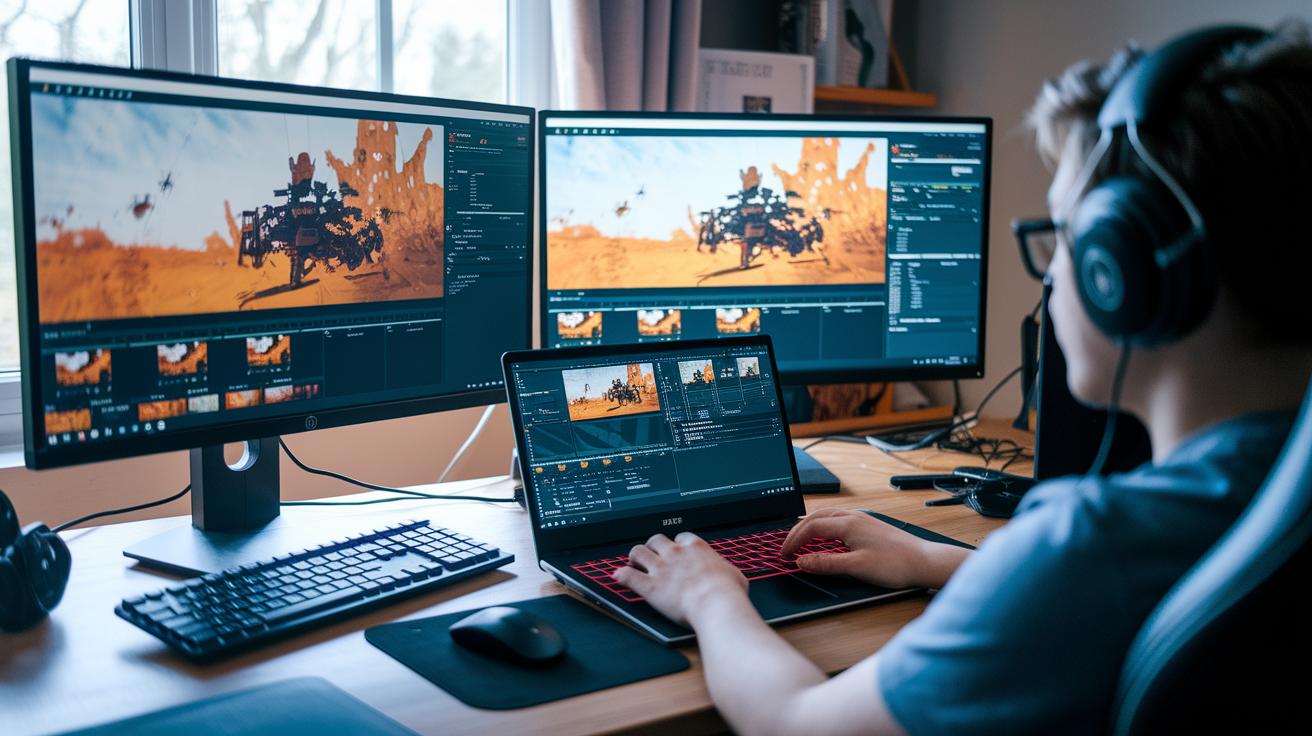
You can grab your game-winning moments with cool Replay Buffer tools. Tools like OBS Replay Buffer, Nvidia ShadowPlay, and Elgato Instant Replay save your gameplay right away. Imagine catching that clutch move the instant it happens. It makes your clips feel fresh and exciting.
Sprinkle in some style with overlays, animated transitions, and matching sound effects. A fade-in at just the right moment during a big strike is like switching to movie mode during a boss fight. These little tweaks keep your viewers locked in and coming back for more.
Sound matters too. Adding captions to your clips means even viewers on mute won’t miss a beat. It’s just like having subtitles in your favorite game, making every shout and soundbite clear and fun.
Let AI lend a hand. Programs like Lumen5 can spot your best plays and cut your editing time by nearly a third. Mix in your creative flair to make your workflow smoother and focus on making highlights that really connect with your gaming crew.
Platform-Specific Game Streaming Highlight Strategies
Adapting your clips for each platform is super important. On Twitch, you get short, punchy 60-second clips that hit hard. YouTube supports smooth 60 FPS and HDR, making your compilations look sharp and keeping viewers around 15% longer. And TikTok’s vertical 9:16 style with a 90-second limit pushes you to craft quick, energetic moments that can boost views by another 25%. Tweaking your content for every platform not only makes your highlights pop but also drives up engagement across the board.
| Platform | Ideal Format | Ideal Length | Posting Frequency |
|---|---|---|---|
| Twitch | Twitch Clips | Up to 60 seconds | Daily |
| YouTube | Game highlight compilations | Varies with focus on quality | Weekly |
| TikTok | Vertical gaming clips | Up to 90 seconds | 3× per week |
Matching your clip style to each platform’s vibe is a smart move. A clip that rocks on Twitch might need a quick tweak to shine on YouTube, where longer, quality compilations draw deeper engagement. On TikTok, speedy and high-energy highlights keep the excitement alive without missing a beat. Adjusting your content for each community builds a powerful library of highlights that grabs attention right away and invites fans to explore more. Keeping a regular posting schedule, daily for Twitch, weekly for YouTube, and three times a week for TikTok, ensures your content stays fresh and in tune with every audience's taste.
Interactive Game Streaming Highlight Concepts
Live polls let you call the shots on which clip gets captured next, cranking up the chat by 40%. When you vote in real time, the stream feels alive and unpredictable. Ever noticed an awesome combo and thought, “That’s gotta be saved”? Just hit the poll button and your choice counts!
Tagging moments in real time is pretty cool too. Using simple chat commands like "save" or "now," you can mark epic plays as they happen. It’s like giving a shout-out to that clutch moment, boosting on-stream engagement by about 35%. When someone flags a jaw-dropping play, everyone jumps in to capture that instant vibe.
Monthly highlight contests bring even more fun to the stream. They invite you to submit your favorite clips for a chance to get featured live. The community then votes on which moments rocked the most, fueling a vibrant, group feel. These contests have been shown to boost follower growth by up to 50% when winners get their spotlight. Imagine a contest where every clip is celebrated, turning each stream into a non-stop, friendly competition that leaves you pumped for the next round.
Automation Tools for Faster Game Streaming Highlight Production
JumpShot and ClipChamp top the list when it comes to auto-highlights for your streams. These tools run quietly in the background while you play, catching every cool moment, just like a trusty sidekick who never misses your best moves.
Imagine your software spotting those game-changing plays all by itself. AI (Artificial Intelligence, basically a smart system that figures out epic moments) cuts through the usual game noise to shine a light on your standout clips. It's like having a digital replay coach who instantly goes, "That was legendary!"
Then there's OBS scripting using tools like Lua scripts (a simple programming language for making stuff happen). It marks live events as they happen, slashing manual clip marking by about 60%. That means you get to feel more of the game and spend less time digging through footage. For example, it might flag a rapid kill streak right when it unfolds.
Nvidia Instant Replay integration is a total game changer too. With one click, you can save your key moments on the spot without missing a beat. This nifty feature speeds up your production by around 50%, leaving you free to create awesome content while the tool does all the heavy lifting.
Measuring Success of Game Streaming Highlights

Tracking your streaming highlights is all about checking the key numbers: watch time, click-through rates (CTR), unique views, and shares. With an average CTR of 18%, every clip shows what grabs your audience's attention. Watching these numbers helps you decide which moments work best so you can plan your next plays.
It definitely helps to compare your stats with top streamers. The top 10% hold more than 70% of viewers on their clips, which means their timing and exciting moments really hit home. By comparing, you can spot areas to improve and set clear goals for your own content.
The last tip is to set up a simple dashboard. Tools like Twitch Insights and YouTube Analytics let you track these stats every week. Regular check-ins help you see trends, tweak your edits, and adjust your posting times. In short, these dashboards keep your clip game on point.
Final Words
in the action, we broke down top highlight concepts like epic victory montages and reaction cam mashups, explored editing techniques with OBS Replay Buffer, and examined platform-specific strategies for Twitch, YouTube, and TikTok.
We also looked at interactive elements to boost viewer engagement and discussed automation tools that speed up production. Each step drives higher engagement and makes your streams pop. Keep experimenting and refining your skills with innovative game streaming highlight ideas.
FAQ
What are some innovative game streaming highlight ideas to boost viewer engagement?
The innovative game streaming highlight ideas include epic victory montages, hilarious fail compilations, and slow-motion replays that grab attention and boost chat activity on your streams.
How do creative highlight editing techniques improve game streaming clips?
The creative highlight editing techniques improve clips by using overlays, animated transitions, and sound effects to make moments dynamic while capture tools like OBS Replay simplify the editing process.
How do platform-specific game streaming highlight strategies impact engagement?
The platform-specific game streaming highlight strategies optimize engagement by matching each platform’s style—short clips on Twitch, high-quality edits on YouTube, and vertical formats on TikTok for better viewer retention.
What interactive game streaming concepts can boost viewer participation?
The interactive game streaming concepts boost participation by using live polls, chat-driven tagging, and community contests, which encourage viewers to share their opinions and engage in real time.
How do automated highlight tools speed up game streaming production?
The automated highlight tools speed up production by using AI to detect epic plays, OBS scripting for live tagging, and one-click export methods, reducing manual editing time significantly.
How can streamers measure the success of their game streaming highlights?
The measurement of success comes from tracking key metrics like click-through rates, watch time, and shares with tools like Twitch Insights and YouTube Analytics to fine-tune your highlight strategy.