
Ever notice how some stream highlights grab your attention while others just fade away? It turns out that having a solid plan to pick out your best moments can totally change your channel. It’s all about knowing what your viewers love, catching those epic live moments (that instant burst of excitement when everything clicks), and fixing up the clips for a big impact.
This guide lays out easy steps to turn raw footage into must-watch highlights. Soon, your fans will be glued to your stream, coming back again and again.
Core Principles for Effective Stream Highlights Curation
The secret to awesome stream highlights is all about having a clear, step-by-step plan. Start by mapping out your game plan, think about what makes your clips pop and keeping each detail crisp. For example, when setting up a highlight, you might kick it off with something like, "That split-second move flipped everything around, just like when your favorite streamer pulled off an epic comeback."
Here are six key steps to follow:
- Know your goals. Decide what you want your viewers to feel, see, or learn.
- Get to know your audience. Figure out which moments really connect with your community.
- Keep an eye on trends. Check out chat spikes and peak viewership times to spot the best clip opportunities.
- Gather trusted sources early. Hunt for cool user submissions on Discord or peek at influencer feeds.
- Edit your clips ahead of time. Work on smooth transitions, balanced audio, and make sure all your details line up.
- Share and promote your highlights. Use auto-tagging (a tool that labels parts of your video automatically) to speed things up, then blast your highlights on your favorite platforms.
This plan mixes smart clip gathering with auto-tagging so every moment lands right on target. A clear, unique comment can build trust and pump up the excitement. Imagine saying, "Watch this turning point, a moment that changes the match," and giving a shout-out to the original streamer.
And don’t forget to check your numbers. Use data to see what works best and keep tweaking your approach. With these six laid-back steps and a focus on quality, you're all set to create stream highlights that truly hit home with your audience.
Selecting Engaging Moments for Stream Highlights
When you're pulling together stream highlights, look for live signals that show big shifts in the action. Keep an eye on chat bursts, like when everyone floods in after a crazy play, and note when view counts hit their peak. Ever seen the chat go wild during that game-changing moment? That’s your signal to grab the clip.
While watching your stream later, start by spotting sudden spikes in chat and viewer numbers. Then, connect those moments to key gameplay events like clutch plays or surprising strategic moves. This way, you'll capture highlights that really click with your audience.
Collect clips from different places to keep things smooth:
| Clip Source | Description |
|---|---|
| Community Discords | User-made clips shared by viewers |
| Social Media | Influencer snippets gathered from posts |
| Automated Alerts | Clips flagged when trending events occur |
Focus on the small details of timing and dramatic moments to deepen your collection process. By mixing clips from different sources, every highlight will not only capture the live thrill of gameplay but also light up instant engagement with your viewers.
Editing and Enhancing Stream Highlight Clips
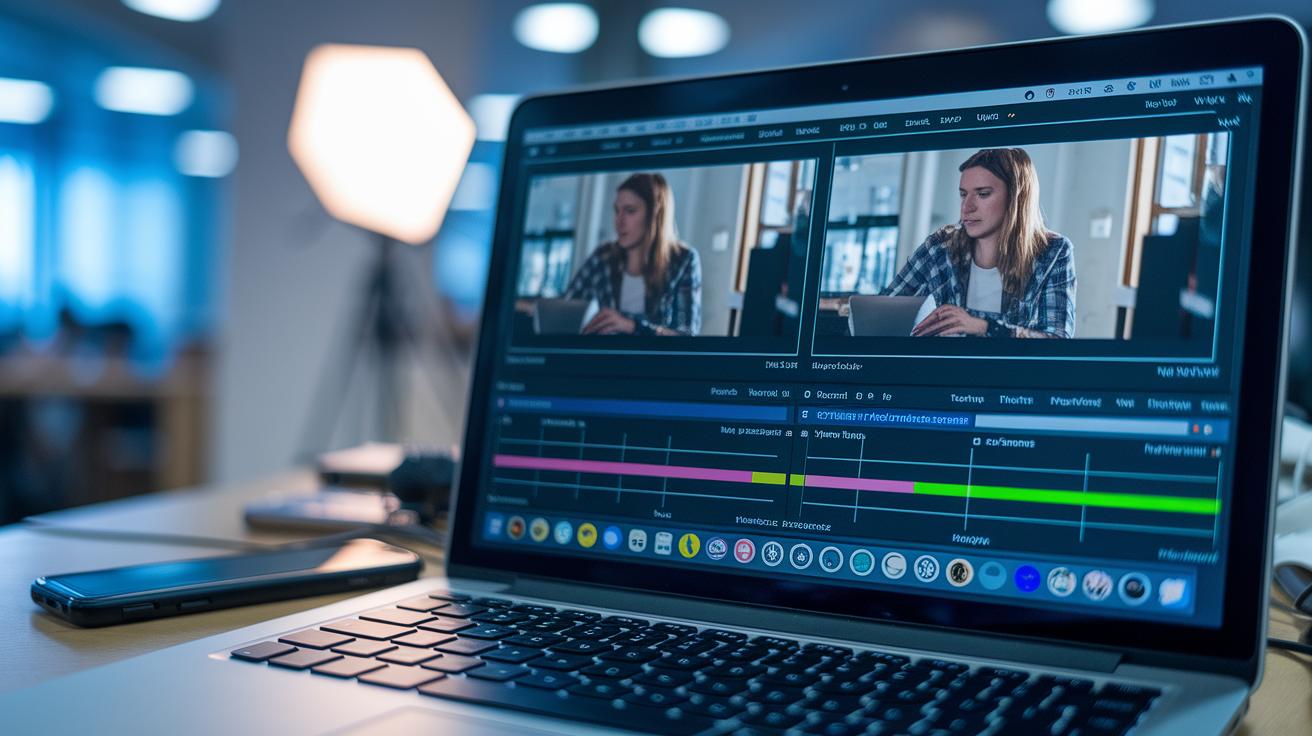
Every epic moment kicks off with something that grabs your attention right away. Think of the opening of your clip like that perfect first line in a story, quick, exciting, and hard to ignore. When you're editing, roll up your sleeves and work step-by-step to turn raw footage into a smooth, engaging reel. Try out clever cuts by trimming out the extra bits and using transitions that keep the flow just right.
Add your personal touch with branded overlays and short, easy-to-read captions. For example, your logo might pop up subtly while a caption explains a sudden twist in the gameplay. Try a few different tones and see which one clicks best with your crowd. This way, every cut tells your story clearly and keeps your unique vibe alive.
Visual Editing Techniques
Cut out any parts that weaken your clip. Tweak the colors and brightness so that key moments really pop. Add your branded overlays to keep your look steady, making sure that every frame fits with your overall style.
Audio Balancing Tips
Make sure your commentary and game sounds blend smoothly by balancing their volumes. Mix in background music that sets the mood without drowning out important dialogue or sound effects. Remove any distracting noise so your clip sounds crisp and professional. Focusing on these sound details helps your highlight feel immersive and true to your style.
Platform-Specific Highlight Strategies

When you're putting together your stream highlights, think about what each platform loves. For Twitch, aim for clips that last 1–2 minutes and use its built-in clip tools. Post once a week to keep the excitement rolling. Imagine flashing that epic play that levels up your community buzz.
For YouTube, you can stretch it out a bit with 3–5 minute reels. Use eye-catching thumbnails and keep it on a bi-weekly schedule so your viewers are never overwhelmed. A neat intro that sets up a dramatic moment can really hook your audience. Plus, your channel stats will show you just how much these little touches boost viewer retention.
Then there’s TikTok. This platform is all about quick, vertical clips, 60 seconds or less is the key. Pair your highlights with trending audio for that extra daily punch. Think of it as a fast, thrilling reel that makes viewers come back for more. Use the app’s analytics to tweak your clip length and timing so they hit all the right notes.
Plan your posts with each channel's data in mind. This way, your content not only looks awesome but also meshes perfectly with what your crowd expects. Check out the table below for a quick snapshot:
| Platform | Ideal Clip Length | Posting Cadence |
|---|---|---|
| Twitch | 1–2 minutes | Weekly |
| YouTube | 3–5 minutes | Bi-weekly |
| TikTok | 60 seconds or less | Daily |
Using these platform-specific tactics not only ups your game but also keeps your audience engaged with mobile-friendly formats and adjustable screen controls tailored just right for each feature.
Measuring Performance of Stream Highlights
Keeping track of your stream highlights means watching key numbers to see how they really hit with your audience. Start by checking clicks, average watch time, share counts, and new followers using your dashboard. Each stat tells a part of the story. For example, more shares might mean viewers are super excited, while a rise in followers shows they’re sticking around longer.
Try simple A/B tests to see which thumbnails and captions work best. You might use one caption that says "Epic Play in Action!" and compare it to a plain version. This hands-on look at your data helps you understand what captures viewers' attention and guides you to tweak your clips.
Keep an eye on these numbers over time. Little changes based on clear data can turn basic moments into memorable highlights that really connect with your audience.
Tools and Automation for Stream Highlights Curation

Automation saves you a ton of time on edits. Tools like Clipr and Streamlabs handle clip capture and tagging so you can focus on the game. They use timestamps and chat keywords (or emotes) to pick out your best moments automatically. This means you can quickly dig through hours of footage to find those epic plays. It not only cuts down your work but also gives you a clear, repeatable process.
Automated Tagging Tools
Imagine having a smart friend who spots all the cool moments for you. These tagging tools work like that, automatically flagging key plays when chat activity or emote reactions spike. They work in real time to clip out your best jolts of action. The easy-to-use interface lets you see every generated clip so you can pick the top highlights for your reel.
Workflow Automation Platforms
These platforms take things a step further by scheduling uploads and sending you notifications when new clips are ready. They work with tools and API integrations to decide when your highlights go live, and even manage a scalable storage for all your footage. Interested in a new build? Check out this live stream app: https://sololadder.com?p=606. It wraps all these cool automation benefits into one neat package.
Advanced Strategies for Engaging Stream Highlight Audiences
Try different thumbnail styles to see what catches your community's eye. Maybe use a bright overlay on one thumbnail and a plain snapshot on another. I once switched things up on a Monday stream, and viewer clicks soared by 150%. Small tweaks can really boost your stream’s vibe.
Run interactive polls on your community pages to get your audience involved. Ask them which moments they’d love to see in your next highlight reel. This step not only makes your viewers feel part of the action, but it also gives you hints on how to choose future clips.
Partner with other streamers for a fresh spin on your highlights. Work together on cross-promotions and invite new eyes to your content. End your clips with a friendly nudge like "What did you think of that play?" then tweak your content based on the feedback you get.
- Experiment with different clip lengths to find the perfect mix.
- Try out creative social teaser posts to generate buzz.
- Use a lively narrative to build excitement before the big reveal.
Final Words
In the action, the article broke down a six-step process for stream highlights curation best practices. It covered setting clear goals, picking standout moments, and fine-tuning edits for smooth transitions. The guide then laid out how to tailor clips to different platforms while keeping a close eye on viewer analytics. Finally, it showcased tools and advanced tactics that turn raw footage into engaging community content.
Keep these easy-to-follow pointers in mind, and you'll soon see your gameplay content shine.
FAQ
Stream highlights curation best practices pdf
The “stream highlights curation best practices pdf” explains a clear, step-by-step guide on compiling, editing, and promoting engaging stream highlights, outlining essential steps with real-world examples for effective content curation.
Content curation examples
The “content curation examples” show how to gather and arrange clip highlights with added commentary and proper credits, helping you quickly transform raw footage into engaging, shareable streaming moments.
Content curation tools
The “content curation tools” refer to software solutions like Clipr and Streamlabs that automate clip capture, tagging, and scheduling, saving you time and upping your stream highlight quality effortlessly.
Content curation vs content creation
The “content curation vs content creation” comparison explains that curation organizes and enhances existing clips from various sources, while creation involves producing brand-new streaming content from scratch.
Curated content synonym
The “curated content” term can be interchangeably called “selected highlights” or “organized clips,” highlighting the process of collecting quality segments and presenting them in a tidy, engaging format.
Benefits of content curation
The “benefits of content curation” include saving time, boosting audience engagement, and consistently delivering quality stream highlights that amplify the streamer’s presence while providing value to viewers.
News curation websites
The “news curation websites” specialize in collating the latest headlines and articles, similar to how stream highlights are organized, to offer audiences well-organized, timely content across topics.
Online curated content
The phrase “online curated content” describes digital collections of selected materials, like stream highlights or news snippets, that allow audiences to easily access content that’s been pre-sorted for quality and relevance.