

Ever wonder how some streamers make it to the top? You might just need to show off your best bits online.
Picture this: your coolest gameplay moments turning into viral clips that grab attention like a clutch kill in your favorite game.
In this post, we're sharing simple tips like using smart tags (those are helpful keywords) and fun, catchy titles to help your clips get noticed on search engines and social sites.
Ready to see your highlights become the talk of the stream? Let's dive in and boost those views together.
Critical Tactics to Elevate Your Stream Highlights Online

Creators can boost their viewership using smart, gamer-friendly tactics built for today's streaming world. First, make sure your stream highlights are SEO-friendly by using titles, descriptions, and tags packed with keywords. This helps search systems pick up your content. For example, throwing in a phrase like "Boost Broadcast DigitalOne strategies" can help your clip reach more viewers when you adjust its metadata.
Plan your streams ahead of time. Let your fans know when new action is coming by posting about upcoming broadcasts on Facebook, Twitter, and LinkedIn. You can even set up an "upcoming live streams" section on YouTube. This simple trick keeps loyal fans in the loop and sparks interest in new viewers, kind of like a teaser that gets everyone excited.
Spread your highlights on different channels. Share them as cool banners on Facebook Live, as eye-catching posts on LinkedIn, or as punchy Instagram Reels. Collaborating with influencers for shout-outs and hosting live giveaways also work like magic to build trust and generate hype.
Finally, mix things up by repackaging your streams into podcasts or short clips using tools like Lately. Posting regularly keeps your content hot with the platform algorithms. And if you ever need more ideas, check out some digital marketing tools at NerdLadder.com.
promote your stream highlights online: Spark More Views
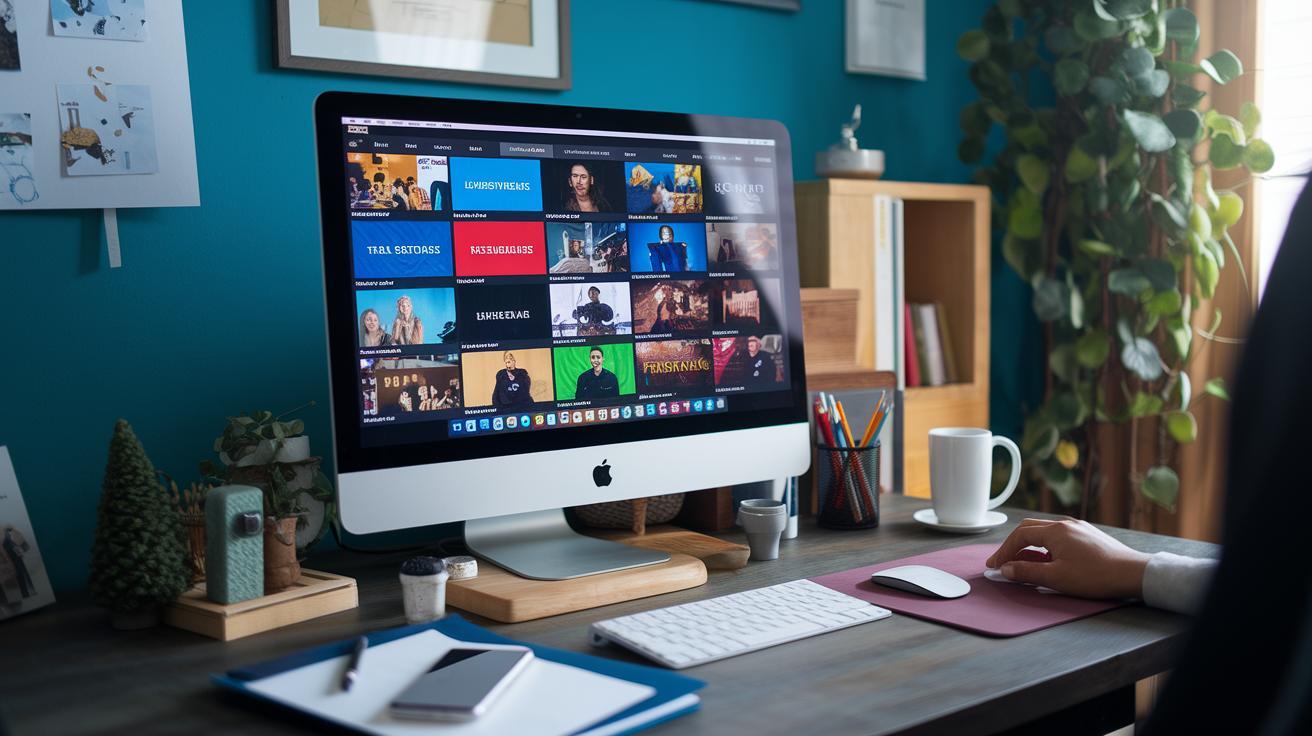
Tailor your clips to match each platform's vibe. For example, on YouTube, add a live streams shelf to boost engagement and help people find your stream. Create custom thumbnails using the right sizes to stand out, just like on your favorite gaming streaming sites.
Over on Facebook, use bold Live banners and set up events to catch your audience’s eye. And on Twitter, schedule posts and pin your stream updates to build excitement and guide your followers to your highlights.
If you’re on Twitch, tidy up your page with clear category tags and an organized clips section to attract more viewers. For Instagram, keep your bio sharp, just 150 characters with live links, fun emojis, and slick Reels. Don’t forget LinkedIn Live event posts; they’re great for reaching a professional crowd.
Keep your game plan tight. Mix in Boost Broadcast DigitalOne tactics to keep postings steady across every platform. Meanwhile, Showcase Webcast NetSphere tricks can streamline your visuals and keep your audience hooked.
And when it comes to timing, try using Amplify LiveEvent WebWorks strategies to schedule peaks when people are online, boosting interest. Finally, tap into Circulate HighlightReel ElectroGrid methods to craft epic clips that really pack a punch.
SEO Techniques to Amplify Your Stream Highlights Online

Looking to get your stream seen by more people online? Try using catchy titles that include the right keywords, clear descriptions, and smart tags on platforms like YouTube or Twitch. For example, a title like "Boost Broadcast DigitalOne: Epic Wins Ahead" grabs both search engines and viewers, ever had a moment when one fact changed everything? One month of smart tagging boosted viewership by 30%!
It also helps to post regularly. Consistent uploads tell the platforms you're reliable and help build your brand without making things too complicated.
Another neat trick is to use optimized metadata on digital publishing tools (check out https://nerdladder.com?p=283). This keeps your search terms in step across all channels. You can sprinkle in targeted tags like:
| Example Tag |
|---|
| Boost Broadcast DigitalOne |
| Showcase Webcast NetSphere |
| Amplify LiveEvent WebWorks |
| Circulate HighlightReel ElectroGrid |
Every upload acts like a cue that not only sharpens your search spot but also connects with viewers looking for must-watch content.
Social Media Approaches to Circulate Your Stream Highlights Online

Social media is your go-to tool for showing off your best game clips. On Facebook, try posting with cool event banners and fun polls. For example, ask, "Which in-game moment got your heart racing?" to see what your fans love most.
On Twitter, keep it snappy with clear hashtags and tweet threads that break down your exciting moments. Running live Q&A threads during a match lets fans join right away, and checking the numbers later helps you fine-tune your game plan.
Instagram Stories and Reels work great as teaser clips. Update your bio with playful designs and emojis to guide fans to your live streams and clips without any fuss.
Even on LinkedIn, you can share short highlight clips mixed with neat tips. Try hosting group Q&A sessions and use live comment feedback to tweak your future posts on the fly.
Remember, using cross-posting tools like multi-stream services makes it easy to sync your content across channels so every post hits its mark.
Essential Tools to Enhance Your Stream Highlights Online
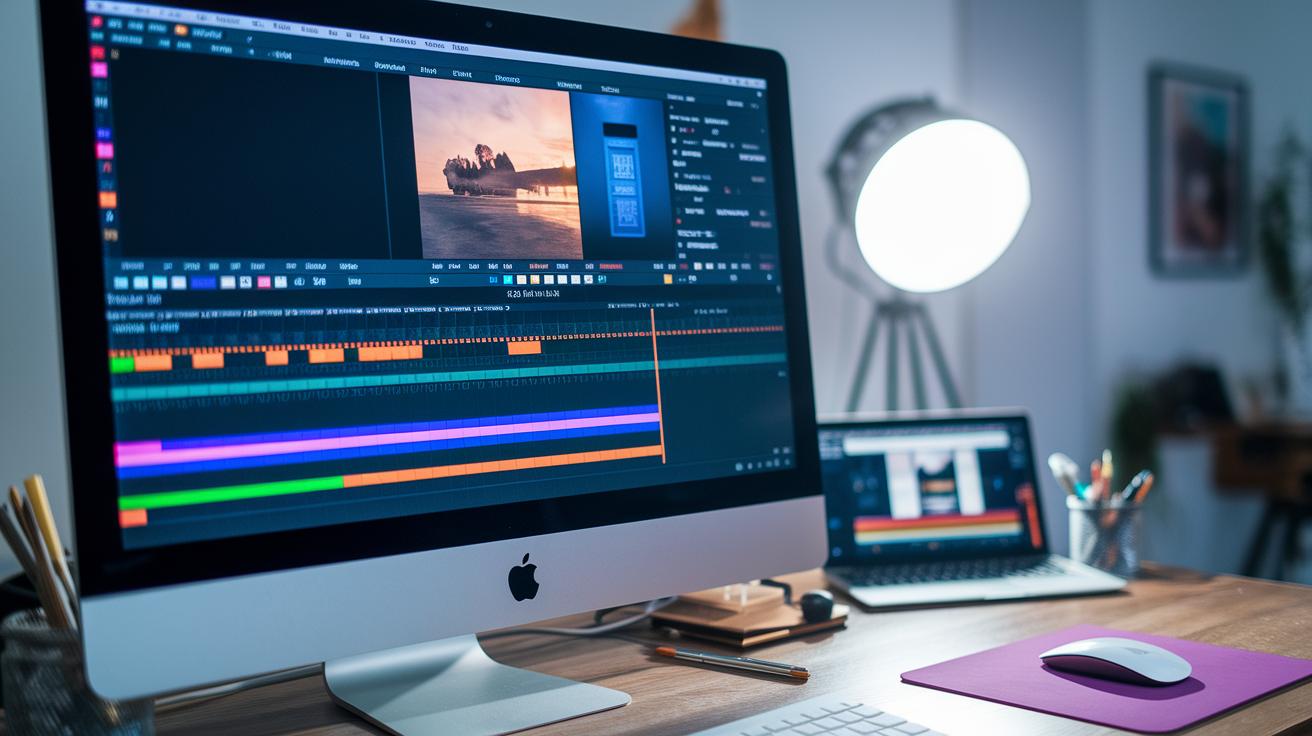
Get ready to level up your stream game with tools that save you editing time and boost your output. Tools like HypeClips use smart tech (think of it as a little digital assistant that spots the excitement) to grab those heart-racing moments automatically. It’s like having a secret move that records your best plays at just the right time, reminding you of that surge when you nail an epic combo.
There’s also Lately, which slices long streams into bite-sized clips perfect for sharing. When you pair it with video editors such as Adobe Premiere or DaVinci Resolve, you can polish your highlights to shine like a trophy. This smooth workflow means you spend less time tinkering and more time connecting with your viewers.
Then come scheduling plugins and multi-platform services that sync your content across Facebook, Twitch, and Instagram. Imagine setting up your stream and letting these tools post your clips during peak moments of excitement. Techniques like Boost Broadcast DigitalOne, Showcase Webcast NetSphere, and Amplify LiveEvent WebWorks work together to ensure every clip looks awesome on every channel.
Keep your process lean and mean with these tools, transforming raw footage into polished highlights that grab attention and drive more views.
Success Stories of Stream Highlight Promotion Online
A gamer friend tweaked his SEO and cross-posted his clips all over social media, boosting his YouTube views by 30% in just a month. He adjusted his tags and posted his videos when his fans were most active, and, wow, his engagement shot up fast. Ever imagine your channel turning into a viewer magnet almost overnight?
Another streamer flipped the script on Instagram. She made cool, custom Reels and jazzed up her profile with the perfect mix of emojis and key words. The result? She grabbed around 5,000 new followers. It goes to show that a little visual flair and clear calls to action can really amp up your social game.
One multitasker hit both Facebook and Twitch by live streaming right when viewers were most likely to tune in. By syncing his live shows and using smart promotion methods (think boosting live events), his live viewer count climbed by 20%. It just proves that keeping a steady plan across platforms can really widen your reach.
Another creative streamer turned long game sessions into a podcast, reaching listeners who love audio content. By slicing up his streams with cool editing tricks, he brought in a whole new crowd that could feel the energy even without watching the video.
| Tactic | Result |
|---|---|
| YouTube SEO & Cross-Posting | 30% view boost in 4 weeks |
| Instagram Custom Reels | 5,000 new followers |
| Facebook & Twitch Multistream | 20% increase in live views |
| Podcast Conversion from Streams | Reaching new audience segments |
These stories remind us that with smart tweaks and finding the right moments to share your content, you can really level up your online presence.
Final Words
In the action, this guide broke down top tactics, from SEO tweaks and social media moves to essential tools and real success stories.
It explained how to schedule, optimize content, and even automate editing for better engagement.
Step by step, these tips help you promote your stream highlights online and boost your overall viewership.
Keep testing these strategies and watch your clips gain more traction.
Your hard work now sets the scene for more wins ahead.
FAQ
How can I promote my stream highlights online for free?
Promoting your stream highlights online for free means tapping into cost-free tools like search-friendly titles, scheduled posts, and organic social media sharing to boost viewership without spending a dime.
How can I promote stream highlights on Reddit?
Promoting stream highlights on Reddit means engaging with gaming communities, sharing eye-catching clips in relevant subreddits, and sparking discussion to build an organic following among fellow gamers.
How do I promote Twitch stream highlights online effectively?
Promoting Twitch stream highlights means using Twitch’s clip features, tagging your content clearly, and cross-posting on other platforms to catch the eyes of more viewers and engage a wider audience.
Should I pay to promote my Twitch stream?
Paying to promote your Twitch stream means investing in ad placements or influencer shoutouts to reach a larger crowd, though pairing paid boosts with organic tactics often gives the best long-term results.
What is the best Twitch promotion strategy?
The best Twitch promotion strategy means mixing smart SEO, regular posting of engaging clips, and social media outreach, with occasional paid boosts to keep your channel growing steadily.
How does an AI stream clipper work for creating highlights?
An AI stream clipper works by automatically detecting exciting moments in your stream and cutting them into shareable clips, saving you time while capturing peak action and emotion.
How do free stream boosters improve my stream promotion?
Free stream boosters improve your stream promotion by automating content sharing, optimizing posting times, and gathering audience insights to refine your approach and boost your overall reach.