

Ever feel like mainstream streaming just holds you back? Kick.com is here to shake things up. It rocked onto the scene in 2022, offering a chill space where creators make their own rules. Imagine streaming live with a buzzing chat and the freedom to run several channels at once. Whether you're just getting started or you're a seasoned pro, connecting with your fans becomes a breeze. Ready to see how a simple setup can boost your streaming game and let your creativity soar? Let's dive in.
Kick Stream: Ignite Your Live Streaming
Kick.com burst onto the scene in 2022 and is quickly winning over streamers everywhere. With few rules holding you back, it offers a chill space for creators who crave more freedom. You can go live with a buzzing chat, and its multistreaming magic means you can hit up multiple channels at once. Whether you're just messing around or a pro creator, connecting with fans is as easy as pie.
Kick isn’t just about breaking the mold; it’s super simple to use. All you need is a decent camera or smartphone, a good mic, and streaming software that handles RTMP (a protocol that lets you send your live feed). Setting up an account is a breeze, so you can jump right in without any tech headaches. The platform's design makes getting your channel up and running quick and smooth so you can focus on what you do best, creating awesome content.
- Get your unique stream key from your account.
- Set up your streaming software for the best performance.
- Check your audio and video to keep everything running smoothly.
- Customize your channel details to show off your style.
- Go live and start chatting with your audience.
For top results, always double-check your streaming settings and keep your gear updated. Regular chat sessions and consistent live shows help build a solid community and boost viewer loyalty. Start simple, try out different setups, and tweak things as you get a feel for what your audience loves.
Kick Stream Technical Setup: System Requirements and OBS Integration
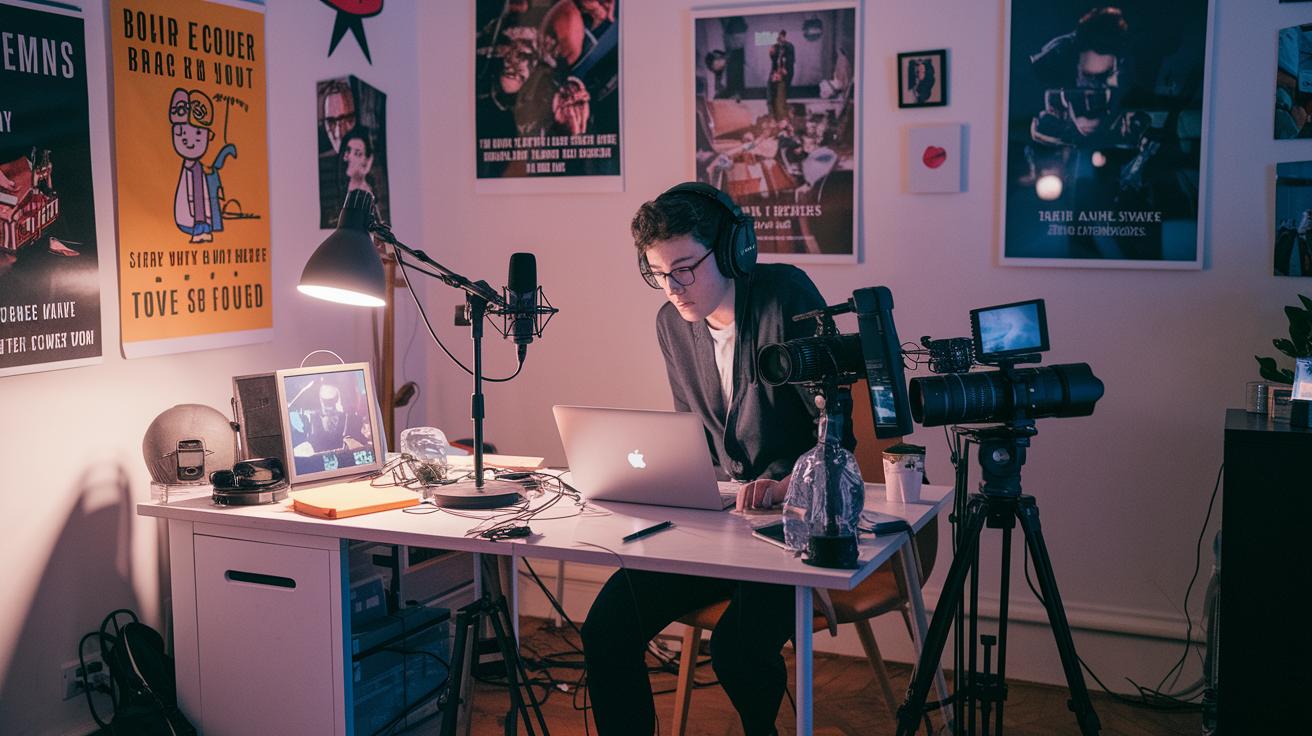
Before you dive into streaming on Kick, make sure you have the right gear and apps. You need a good camera (or even your phone), a solid microphone, and a steady internet connection. Don’t forget to install OBS Studio or another tool that works with RTMP (this lets you broadcast live). Kick makes you grab a stream key and server URL from your account. Also, stick with Constant Bitrate (CBR means your video data stays steady). Mac users, take note: use the x264 encoder because Kick only supports CBR.
Set up OBS with these simple steps:
- Get your unique stream key and server URL from your Kick account.
- Set your bitrate to match the CBR rule.
- Choose a video resolution and set your FPS up to 60.
- Check that your encoder settings line up with Kick’s needs.
If you hit snags, revisit your OBS settings and confirm you’re on the right encoder. Sometimes your stream can lag or look off if your resolution or bitrate is wrong, so double-check those if things seem weird. And remember to keep both OBS and your computer updated to steer clear of any issues during your live stream.
Kick Streaming Best Practices: Audience Engagement and Monetization
Kick gives creators a real boost with a money model that’s hard to beat. You get nearly all your subscription cash (95%) and every single tip (100%) goes right into your pocket. This means you can see your earnings grow faster than on other platforms. It motivates you to build a loyal crowd while sparking creative ideas. Whether you’re streaming lifestyle content or just having a chill chat, Kick’s setup lets you mix things up and earn serious cash. Plus, the Kick Creator Incentive Program lays out clear goals to help you plan your next move and unlock even more rewards as you grow.
Kick also offers a buzzing chat and flexible content rules that help you connect with your audience. Chatting live and responding quickly makes your viewers feel like they’re right there with you. That kind of personal attention often turns casual onlookers into true fans. And hey, you know that rush when a live chat suddenly lights up? It’s your moment to draw in more viewers and keep the energy high.
- Chat with your viewers regularly to build a strong, active community.
- Stick to a steady live schedule so fans know when to drop in.
- Test your video settings and streamline your setup to keep your stream smooth.
- Team up with popular creators or influencers to expand your audience.
- Use Kick’s promotional tools to show off your unique content and gain extra visibility.
By following these best practices, you’re setting yourself up to earn more and maintain a lively bond with your audience. It’s a mix of fun, high-quality streaming and smart strategies that can boost both your income and community growth.
Kick Streaming Compared: Advantages and Differences from Competitors
When you compare streaming platforms, it becomes easier to pick a spot that fits your needs. Kick stands out by letting you keep most of your earnings and offering fewer limits on what you can stream. That means more cash in your pocket and more freedom in your broadcasts. In contrast, Twitch enforces strict rules and takes a bigger cut of your revenues.
This side-by-side look helps you figure out which platform feels right. It lets you line up your money goals with the kind of creative freedom you want.
| Feature | Kick | Twitch |
|---|---|---|
| Revenue Sharing | 95% & 100% tips | 50-70% share |
| Content Policies | Less strict | Tougher rules |
| Setup Complexity | Simpler RTMP setup | Standard setup |
These differences go beyond revenue. Kick’s easy setup and relaxed rules mean you can start streaming without a lot of tech hassle. Meanwhile, Twitch’s structured rules might be perfect if you enjoy a more organized community. So, think about what matters most to you, extra cash with more freedom or a well-structured vibe, and choose the platform that fits your game plan.
Kick Streaming Troubleshooting and Future Trends
Ever been live on Kick only to see your video turn fuzzy or the sound lag behind? It’s super frustrating, right? Sometimes, bad streaming quality comes with delays in catching inappropriate content. Since Kick is still ironing out its community rules, these bumps in the stream can pop up. But don’t worry, we’ve got some solid tips to help you bounce back quickly.
When your stream starts acting up, try these steps:
- Double-check your stream settings. Make sure your bitrate (the amount of data used for your video) and resolution (the clarity of your stream) line up with what Kick recommends.
- Look at your internet connection. A shaky connection can cause lag and mess up how the sound and video sync.
- Update your streaming software. This can clear out any bugs and give you a smoother performance.
The future for streaming on Kick is looking pretty bright. With viewer numbers shooting up by over 400% in just a few months, expect faster updates and better support soon. We might even see automated fixes (tech that fixes problems on its own), stricter community guidelines, and an overall smoother streaming experience. So keep an eye out for new updates and be ready to tweak your setup as Kick continues to grow in the competitive world of live streaming.
Final Words
In the action, we broke down the key steps for setting up a kick stream, from configuring your broadcast software to fine-tuning settings for smooth live play. We discussed the essential technical details, best practices for engaging viewers, and compared Kick with other platforms. The guide offered clear tips on troubleshooting common hiccups and shared how to boost channel growth. Stick with these insights, stay in sync with updates, and keep refining your setup. Enjoy the live action and grow your streaming skills one play at a time.
FAQ
What is Kick stream and how do I log in to it?
The Kick stream is a live broadcast platform similar to Twitch, where you can watch and host live sessions. It offers a website and app; you simply visit Kick.com and log in with your account credentials.
What is Kick streaming net worth?
The Kick streaming net worth isn’t publicly detailed, but the platform’s rapid growth shows strong market potential and increasing influence among streamers.
How does Kick streaming pay creators?
The Kick streaming pay rewards creators with nearly all subscription earnings (95%) and full tips, meaning streamers get more of the revenue than with many other streaming platforms.
Does Kick have NSFW content?
The Kick stream features fewer content restrictions, so NSFW content might appear. It’s a good idea to exercise personal discretion when browsing if you prefer to avoid adult materials.
Who owns Kick streaming?
The platform is managed by a private company. While detailed ownership information isn’t widely publicized, updates can usually be found on Kick’s official website or through reliable news sources.
Is Kick streaming safe for kids?
The open guidelines on Kick mean content isn’t strictly filtered, so it might include adult themes. Parents should guide younger viewers and use available parental controls to ensure a safe viewing experience.
What does Sneako kick stream mean?
The Sneako kick stream refers to the sessions hosted by Sneako, a popular creator known for his unique style and engaging content that brings in a dedicated audience.