
Ever notice how your epic plays can get lost in a long stream? A lot of gamers miss out on clever editing, and that might be costing you big wins. Imagine if every headshot and clutch moment turned into a highlight that everyone raves about. Today, I'm sharing some super simple tips to capture those key moments live and trim them into a cool two-minute reel. Trust me, these steps will pump up your stream and save you time. Ready to get those epic battles the attention they deserve? Let’s dive in.
Essential Steps to Edit and Optimize Your Gaming Stream Highlights
Start by planning out your stream. When you've got a long session, pick out the moments that give you that boost in engagement. Mark your epic battles and cool in-game surprises by jotting down notes, like "Key Battle Start – when I nailed three headshots in a row", using tools like Twitch clip dashboards or manual timestamps.
Next, cut your stream down into a 2-minute highlight reel loaded with excitement. Slice out the downtime and stitch together your best scenes with simple editing software. Use tools that let you auto-export clips; this saves loads of time and makes it a breeze to share your viral moments right from your smartphone.
Then, add a little extra polish with smooth transitions or branded alerts between your clips. These touches keep your highlights flowing well and can even help bump up your ad, sponsorship, and donation earnings. Always give your clips one final watch to make sure they pack both the action and a cool story vibe.
If you’re capturing clips directly from Twitch, check out this guide: "how to stream on twitch" – https://nerdladder.com?p=510.
Stick with these editing tips, and your gaming highlights will not only entertain but also earn you more engagement and revenue.
Gaming Stream Highlights Tips: Amp Up Engagement
Capture your epic moments live with built-in clipping tools and smart tactics. Use Twitch clips or OBS markers to lock in those high-energy plays without scribbling frantic notes. You can even call out your key moments during the stream, say, "Voice Mark: Headshot!", so you know exactly where the action was hot.
- Use Twitch clips to instantly capture those feel-good, adrenaline-filled moments.
- Use OBS markers to hit every pinpoint detail during intense battles.
- Try voice commands to mark crucial plays on the fly.
- Experiment with advanced tools like HypeClips, which even check your heart rate (a cool way to spot those rush moments).
These tips help cut down your editing time while building a highlight reel that tells your one-of-a-kind gaming story.
Software Solutions for Gaming Stream Highlight Capture
HypeClips is a cool tool for grabbing your best gaming moments without any fuss. It uses smart tech and even checks your heart rate (that tells it when you're pumped up) to turn long streams into short, shareable clips in minutes. Imagine streaming for three hours and then finding a two-minute highlight reel waiting for you on your phone. Epic, right?
This tool cuts your editing time by over 20 hours every month by working on your footage automatically. When you sign in through HypeRate, you can stick with the default settings or tweak things to capture the moments you love. It even posts your top clips straight to YouTube Shorts and TikTok so your channel stays fresh and active.
If you prefer having full control, there are great manual options too. Tools like OBS and the Twitch clip dashboard let you pick the best moments as they happen. And if you want to add some extra polish, editors such as Adobe Premiere and DaVinci Resolve can help you add cool visual effects and smooth transitions.
- HypeClips saves you time and makes clip creation automatic.
- OBS and Twitch’s dashboard offer manual capture with full control.
- Adobe Premiere and DaVinci Resolve are awesome for adding visual flair.
For gamers looking to share their polished highlights, top sites like gaming streaming platforms offer great options. These solutions mix smart automation with creative control so your highlights are fast to produce and perfectly tailored for your audience.
Workflow for Post-Production Editing of Gaming Stream Highlights
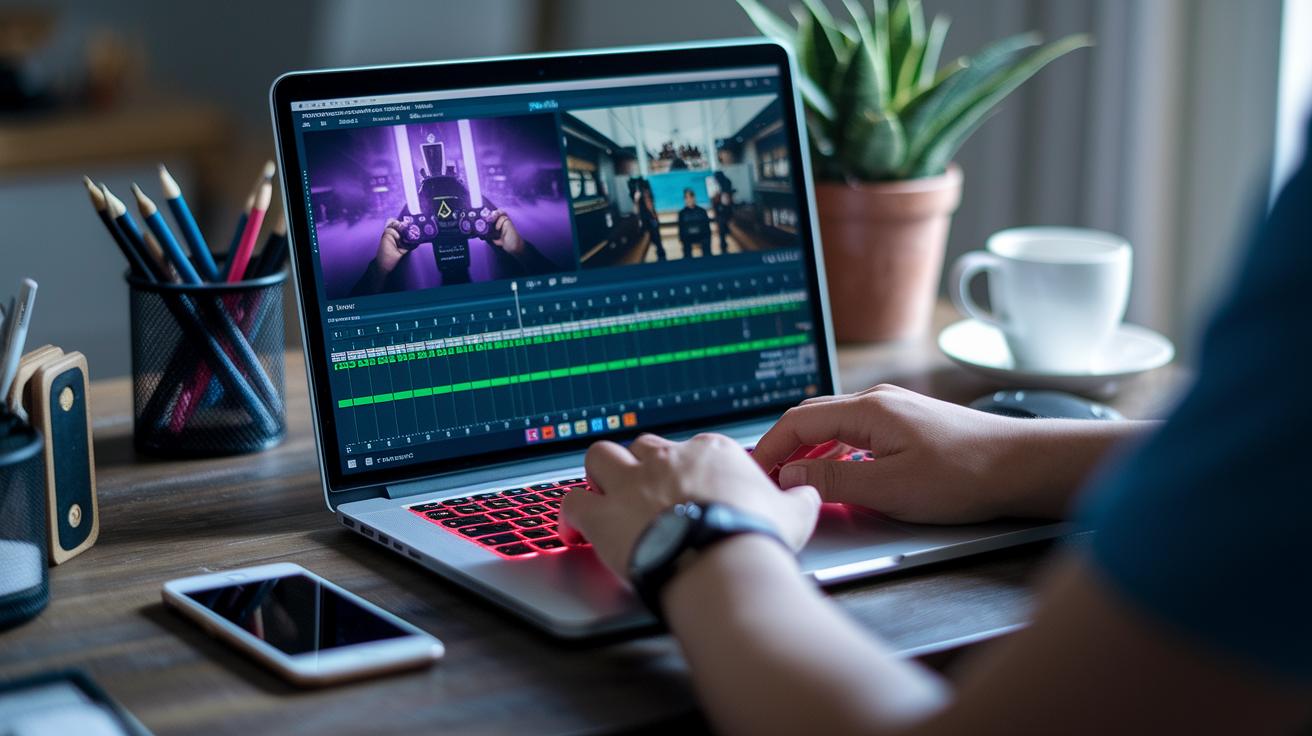
We’re diving into some cool editing tricks that go beyond just cutting clips and placing overlays. Instead of only marking the best moments, take a look at your software’s special features and give your highlights that extra punch.
Play around with color grading to set the vibe for each scene. For instance, in Premiere Pro’s Lumetri panel, you can tweak the shadows and highlights to warm up a cool moment, think of it as adding a burst of energy when you need it.
Try mixing in moving graphics and fun effects to create a smooth story flow. Rather than sticking with still overlays, animate score pop-ups or use motion tracking (tech that follows an object automatically) to keep up with the action. One neat trick is to add a zoom effect on a big play, like a camera that can’t take its eyes off the action.
Don’t worry about common editing bumps. Experiment with different export settings to fix glitches and use noise reduction tools to clear up any messy audio. If you hear muddiness during busy parts, run a noise filter until the voices come through clearly.
| Technique | Description | Example Snippet |
|---|---|---|
| Advanced Color Grading | Tweak shadows and mid-tones to set the mood | “Shift the mid-tones subtly to warm cool scenes.” |
| Layered Motion Graphics | Animate overlays and use motion tracking for fluid visuals | “Animate score pop-ups to follow player movements.” |
| Troubleshooting Rendering | Play with export settings and noise reduction for clear results | “Test rendering settings to dodge export glitches.” |
• Check out more color grading tools
• Animate overlays with motion tracking
• Fix export settings and audio clarity issues
• Try dynamic effects to boost storytelling
These tips take your regular highlights and turn them into engaging visual stories that pull you right into the game.
Engagement Tactics to Boost Viewership of Your Gaming Stream Highlights
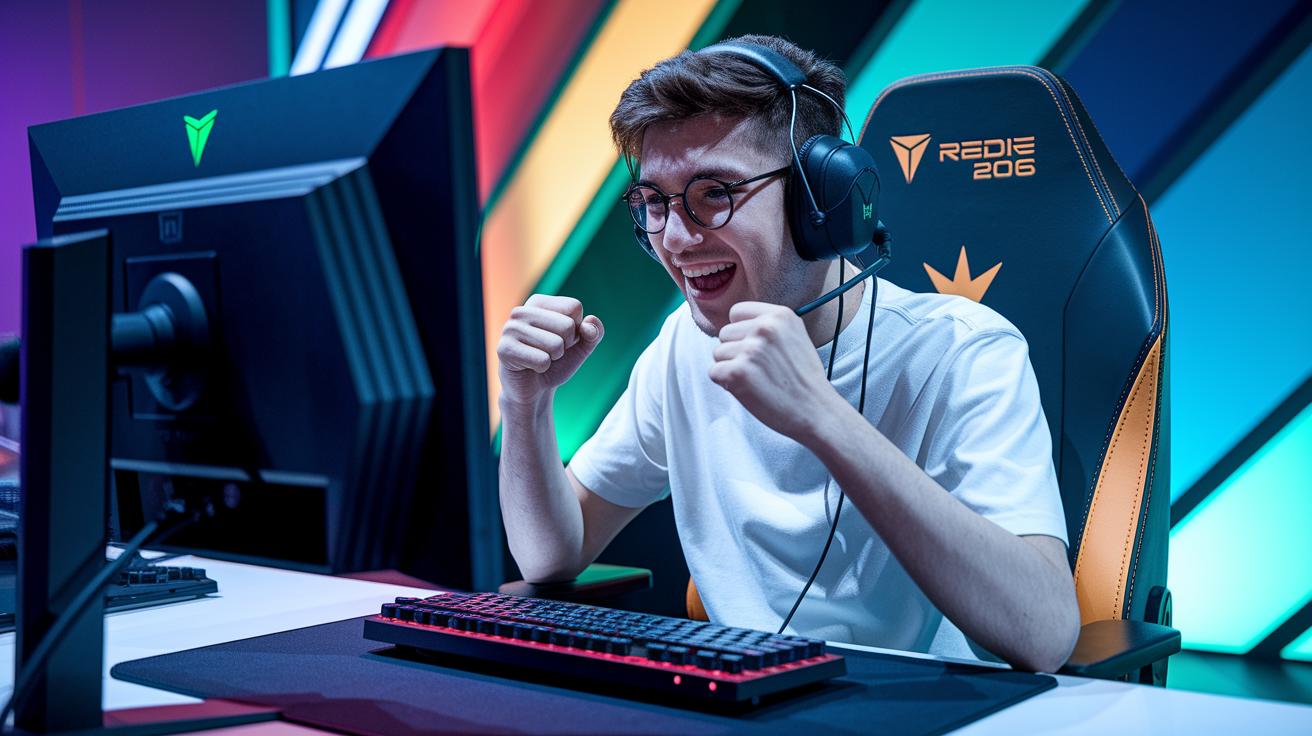
Kick off your clip with a hook in the first five seconds to grab people right away. Maybe throw in a quick shout-out or an exciting prompt to spark interest. Custom thumbnails paired with branded alerts give your video that extra punch and help boost clicks. For example, you could add a text overlay that says, "Watch this epic move!" to reel your audience in instantly.
Next, mix in interactive elements to keep viewers involved. Drop in overlays that ask for likes, subs, and comments. Share your clips all over platforms like TikTok, Instagram, and Facebook to reach new fans. You can even ask fun questions like, "What would you do in this moment?" and include polls where viewers pick their favorite plays. These tips can turn one-time viewers into regulars. A blend of quick hooks, eye-catching visuals, and interactive captions makes every clip a must-watch moment. Try out different styles and tweak your approach based on what your audience loves. Mix up your engagement tactics each stream to keep the excitement fresh. Stay creative.
Metrics and Analysis for Refining Your Gaming Stream Highlights
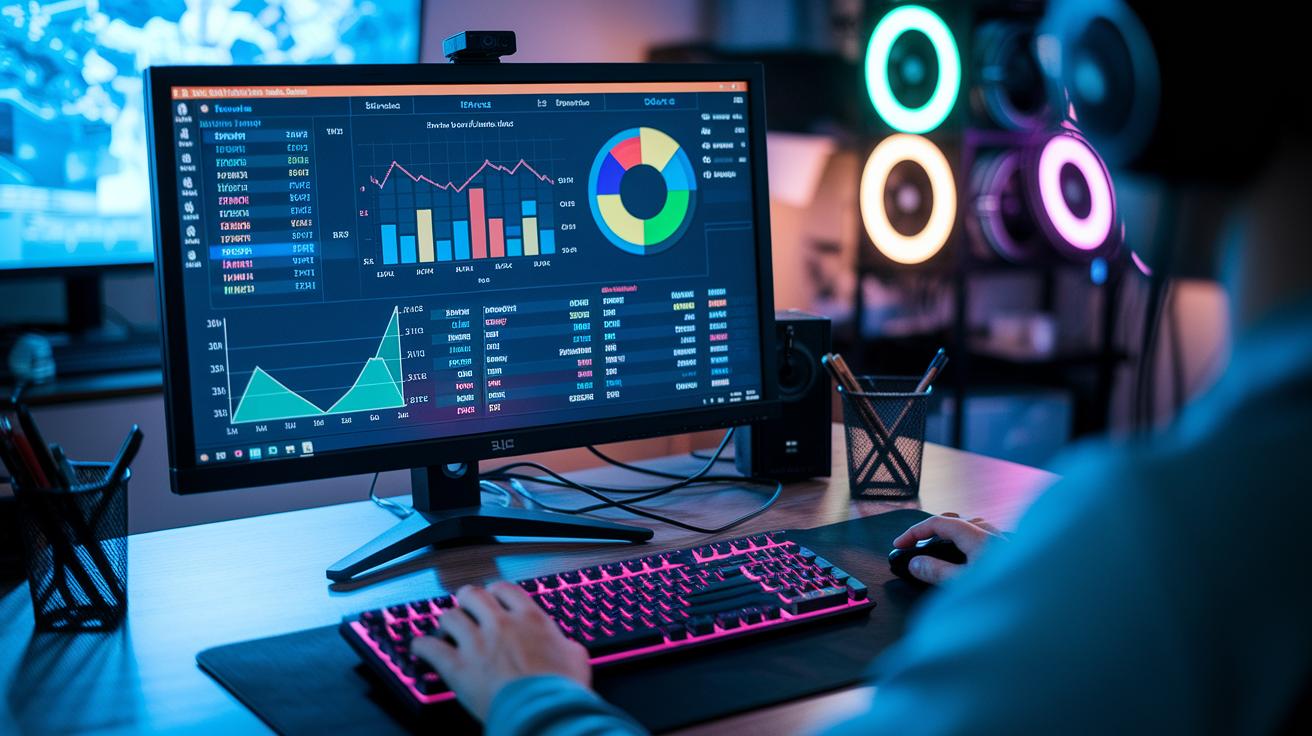
Kick off by tracking your stream’s view counts, retention, total watch time, and peak concurrent viewers with the analytics tools built into your platform. For example, after your last stream, check the stats and see when your viewers were most hyped. That moment could be a hidden gem!
Next, sort through your clips to see which ones grab the most attention. You can do this by making lists that cover key points like spotting the best engagement times, marking those epic moments that set the chat on fire, and comparing how long people stick around for different types of clips.
Keep an eye out for a standout play or reaction that consistently earns top engagement, like that mind-blowing moment at 15:42 when everyone went nuts. Use these insights to decide which parts to trim and feature next time. Regularly checking these stats helps you refine your strategy and create highlights that truly click with your community.
Final Words
In the action, you learned the essential editing and optimization techniques that transform long streams into epic clips. We broke down selecting killer moments with smart timestamping, using both auto tools and manual tweaks, and set up a smooth post-production workflow. Plus, we explored engagement tactics that pull in viewers and smart analytics to fine-tune your gaming stream highlights tips. It’s all about making your gameplay pop and keeping your community hyped. Keep experimenting, and watch your clips climb.
FAQ
What are some Reddit gaming stream highlights tips?
The gaming stream highlights tips on Reddit point to using quick timestamping, built-in clip features, and automated tools to catch key gameplay moments, boosting viewer engagement and sponsorship interest.
How do I create stream highlights on Twitch using mobile devices?
The question on highlighting Twitch streams on mobile means you can use the Twitch mobile app’s clip feature, which lets you mark and save epic moments directly from your phone for easy editing later.
What are the Twitch highlight limit and how does the highlight message work?
The question about Twitch highlight limits and messages means that while highlights should be kept short—typically around one to two minutes—you can add custom messages or captions to give context and boost viewer interaction.
What are some examples of stream markers on Twitch?
The query about stream marker examples suggests using markers during key combat rounds, boss fights, or standout reactions, which helps speed up editing and curating your best gaming moments.
Is there a Twitch highlight downloader available?
The question on Twitch highlight downloaders means there are third-party tools and apps that let you save your curated highlights locally, making it easier to share them on social platforms or keep as a portfolio.
How long should Twitch highlights be?
The query regarding the length of Twitch highlights indicates that highlights work best when they run about one to two minutes, capturing peak moments without losing viewer interest.
What is the difference between Twitch highlights and clips?
The question on the difference between Twitch highlights and clips explains that clips capture spontaneous, short bursts of action, while highlights are curated compilations of extended gameplay moments.
How do I look good on stream?
The query about looking good on stream means caring about clear lighting, proper camera placement, and a friendly, engaging demeanor helps you create a polished on-camera presence that resonates with viewers.