
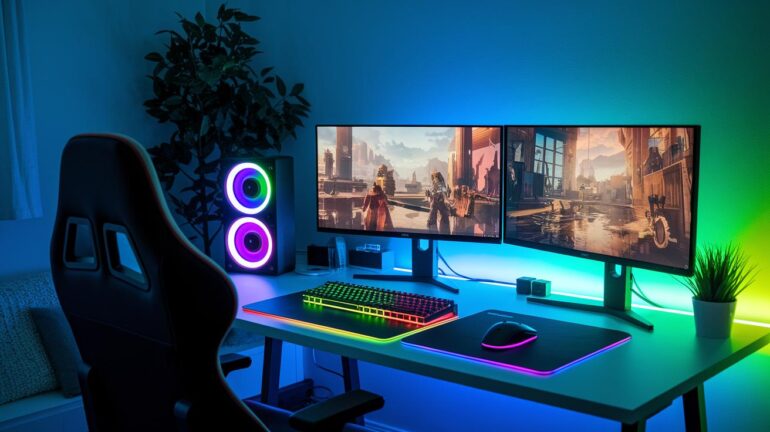
Ever wonder if your gaming gear could work better as a team? A gaming hub brings all your devices together in one cool spot, so you can ditch the hassle and jump into the action faster. It’s not just about a slick setup, it’s about cutting lag and connecting your favorite tools for smooth play. In this post, we break down how a solid gaming hub can tidy up your rig and boost your game. Ready to see your setup go from good to epic?
Gaming Hub Technology: Elevate Your Setup
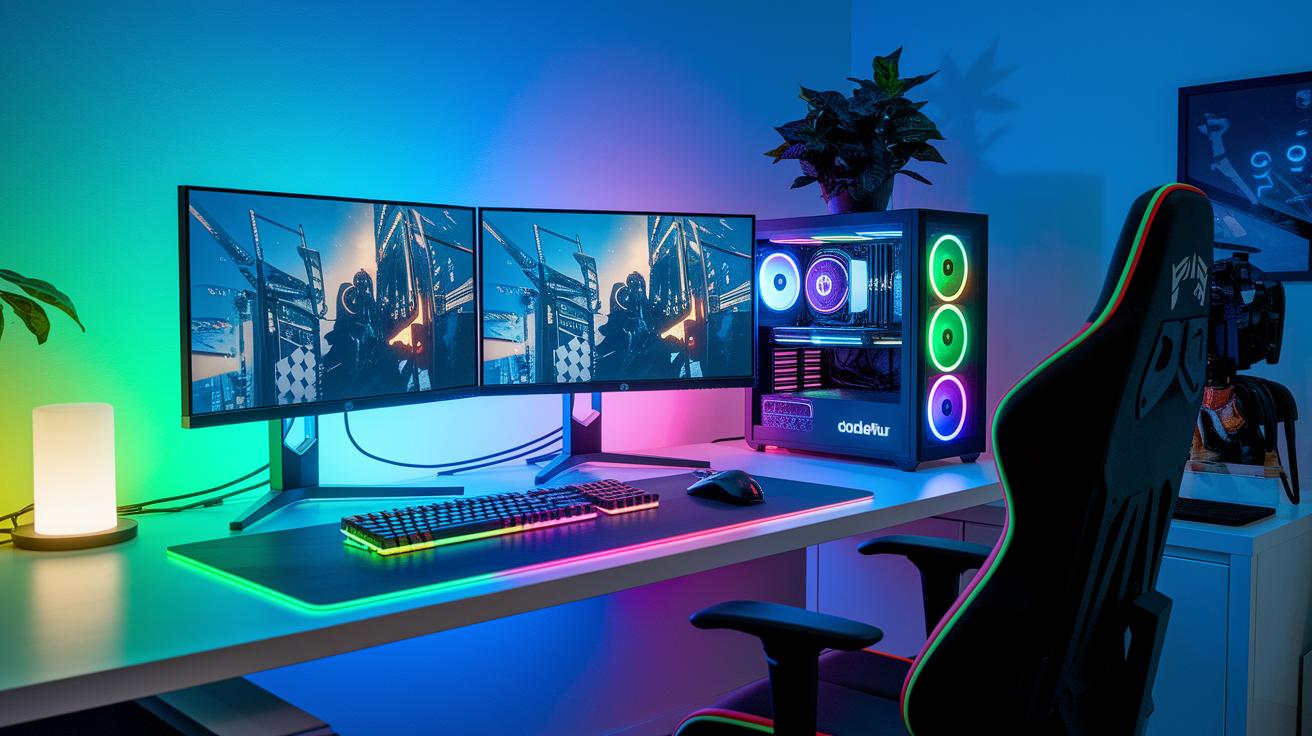
A gaming hub is like your digital command center that pulls all your gear into one spot. It blends both software and hardware so you can jump into the game without any extra hassle. In short, it’s your one-stop shop that helps you tweak settings, boost performance, connect devices, organize your library, chat with friends, and even jump into cloud gaming. This means your whole setup stays ready for action, all in sync.
Take the OMEN Gaming Hub, for example. It lets you adjust your RGB lighting with Light Studio (that’s 16.8 million colors!), switch into performance mode if your system packs over 200W, and even use a network booster to cut down on lag. And then there’s the Samsung Gaming Hub powered by Blacknut, which offers a free game trial – 11 full games on select Smart TVs without needing to sign in. These hubs show off how modern gaming tech can bring everything together into one smooth platform.
Core functions include:
| Feature | Description |
|---|---|
| Customization | Personalize visuals to match your style |
| Performance Control | Max out your system’s capabilities |
| Connectivity | Keep lag low for smooth play |
| Library Management | Organize your games across all devices |
| Social Features | Stay connected with your crew |
This mix of hardware and software boosts your gaming setup, turning it into a seamless arena for epic wins and non-stop action.
Key Features and Functionalities of gaming hub technology

We built this gaming hub with everything you need to play like a pro. You already know the basics, custom lighting to set the perfect mood, performance mode that kicks your speed into high gear, network booster for lag-free sessions, and a game library that makes picking your next match a breeze.
Now, let’s dive into two features that really change the game.
Oasis Live brings your social experience up a notch. Imagine hopping into a virtual room where your game stats update live while you chat with friends. It’s more than just text, it’s sharing quick plays, handy tips, or even those priceless reaction clips. Ever felt that rush when your game and chat sync in perfect harmony? That’s Oasis Live in action.
Then, there’s NVIDIA GeForce NOW integration. This feature streams over 1,500 big-name and indie titles straight from the cloud (which means powerful remote servers power your gameplay). So even if your setup isn’t top-of-the-line, you still get smooth, responsive play. Think about playing a blockbuster game on a modest rig and feeling like you’re on a gaming beast, pretty cool, right?
| Feature | What It Does |
|---|---|
| Core Customization | Custom lighting and performance mode form the hub’s backbone. |
| Optimized Play | Network boosting and tweaks help keep things running smooth. |
| Game Library Access | The launcher makes it easy to jump into your favorite titles fast. |
| Oasis Live | Merges live stats with chat in cool virtual rooms for a social boost. |
| NVIDIA GeForce NOW | Cloud streaming with over 1,500 games ensures smooth play on any rig. |
| Enhanced Connectivity | Combines tech performance and social vibes to level up your play. |
Comparing Leading gaming hub technology Platforms
OMEN Gaming Hub and Samsung Gaming Hub take very different paths in the gaming world. OMEN is for those who love a PC-driven, turbocharged setup. It gives you total control over performance, and with Light Studio, you can customize your RGB lighting with over 16.8 million colors. Plus, interactive features like Oasis Live let you create virtual hangouts for competitions and social fun. It even teams up with NVIDIA GeForce NOW (a service for cloud gaming) and offers Mobalytics coaching to give you game tips based on your play style.
Samsung Gaming Hub, on the other hand, is built for a fuss-free TV gaming experience. It skips all the hard sign-in processes and subscriptions with a Blacknut free game pilot that delivers 11 full games straight to select Samsung Smart TVs. This platform is all about simplicity and smooth, plug-and-play play, making it ideal for a laid-back yet competitive gaming session.
Both hubs work to provide a unified digital gaming experience, but they get there in their own ways. OMEN is about a highly customizable, PC-based environment, while Samsung focuses on delivering easy, cloud-powered gaming without the usual setup hassles.
| Platform | Key Services | Device Type |
|---|---|---|
| OMEN Gaming Hub | Performance control, Light Studio, Oasis Live, NVIDIA GeForce NOW, Mobalytics coaching | HP OMEN PCs (laptops and desktops) |
| Samsung Gaming Hub | Blacknut free game pilot (11 full games without subscription) | Samsung Smart TVs |
Integration and Compatibility in gaming hub technology
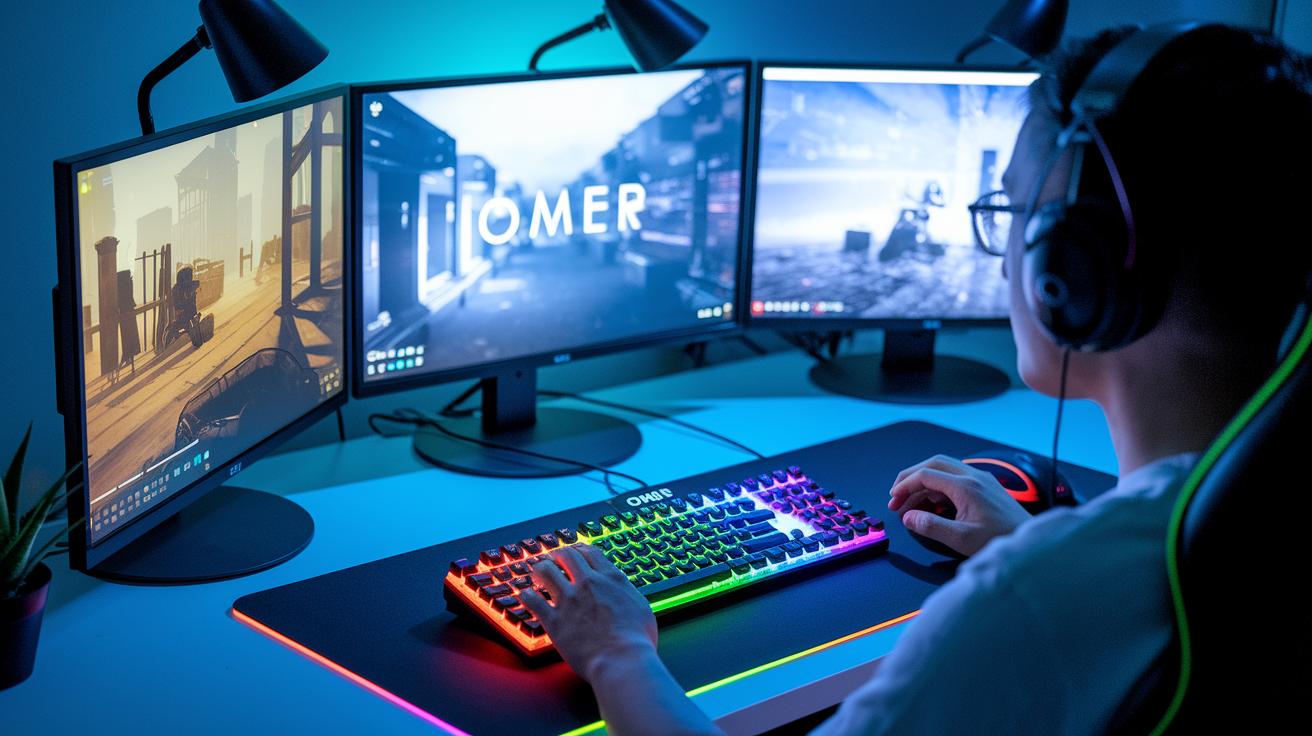
Gaming hubs now work with all kinds of gear, so your game runs smoother than ever. Take the OMEN Hub, for example, it teams up with OMEN 16 laptops (even those powerful Intel Core i9s) and OMEN 30L desktops, plus it easily connects with cool RGB keyboards and gaming mice. Over on the Samsung side, the Samsung Hub runs on some Samsung Smart TVs and even supports Bluetooth and Xbox controllers. Both hubs pull in your PC, console, and cloud games, so everything syncs up like magic.
Here are some tips to boost your hub’s performance:
| Tip | Description |
|---|---|
| Device Compatibility | Make sure your gear meets the basic specs and power needs. |
| Peripheral Integration | Check that extra devices like controllers, keyboards, and mice are supported. |
| Software Updates | Ensure your system and connected devices get regular updates for smooth gameplay. |
| Cross-Network Sync | Verify the hub can effectively manage your PC, console, and cloud game libraries. |
Have you ever felt that thrill when everything clicks perfectly? That’s what we’re all about.
Performance Optimization and Connectivity in gaming hub technology

We’ve combined this section with our earlier talks on Performance Control and Optimized Play. Now, all the technical tips about tweaking your GPU load (that’s how hard your graphics card works), boosting server performance, and setting up smart connectivity (think cleaner, faster network links) flow together seamlessly. This way, we keep the discussion focused and avoid repeating anything.
Purchasing Guide: Selecting the Right gaming hub technology
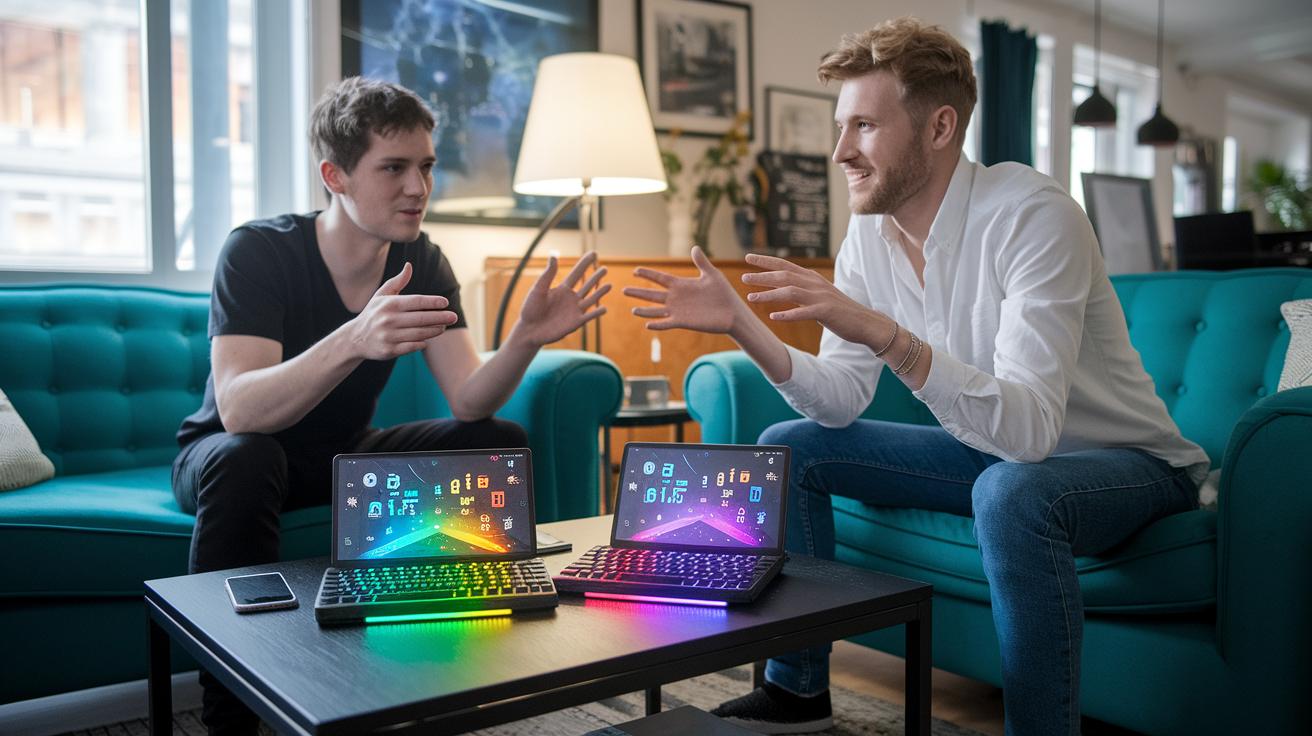
When you’re looking for a new gaming hub, first check how your current setup meshes with your options. If you’re running an HP OMEN PC on Windows 10 or 11 and can handle 200W+ power, then the OMEN Hub could be your perfect match. But if you’re more into a TV gaming setup with a 2023/24 Samsung Smart TV, the Samsung Hub might be more your speed since it even offers a free trial of 11 Blacknut titles (a neat bonus, right?).
Think about which platform feels more built for your play style and gear. It’s all about finding that smooth fit that boosts your overall gaming experience.
Keep these key factors in mind:
- Device type (PC vs. TV)
- Power needs
- Cloud-service subscriptions
- Budget
Take a look at what devices and services you already have and see which hub clicks with you. Try out demos or free trials if you get the chance. This hands-on approach might just help you decide the hub that’s right for leveling up your gaming lifestyle.
Future Trends in gaming hub technology

Gaming hub tech is about to change how you play. Imagine AI coaching becoming a standard part of your gaming, tweaking your gameplay by learning your style. Real-time game insights (using machine learning, which means computers learn from your data) will match you with the best opponents and offer challenges made just for you. Plus, new tricks with edge and cloud computing are cutting lag to under 20 ms, so every move is smooth and snappy. This means your gaming hub will keep evolving to suit your needs, mixing powerful tech and loads of fun.
Virtual arenas are also leveling up. By blending VR and AR (tech that mixes virtual and real worlds), your play sessions will feel like live, epic events. Check out these cool predictions:
- AI coaching becomes a regular feature in hubs.
- VR/AR arenas link real-life action with digital play.
- Machine learning powers smarter matchmaking challenges.
- Lag drops to less than 20 ms for cloud-streamed games.
These trends are shaking up digital entertainment and paving the way for next-gen, interactive play. With each breakthrough, your gaming hub will feel more intuitive, adaptable, and electrifying, making every session as exciting and immersive as your favorite game moments.
Final Words
in the action, we saw how gaming hub technology brings all your gaming essentials together, from custom lighting and performance tweaks to seamless connectivity and social features. We explored top platforms, compared device setups, and even gave a quick guide on choosing the right hub for your needs.
Every feature works together to sharpen play and boost fun. Keep enjoying the mix of tech and community, it’s a win for your next big win.
FAQ
How can I download the Samsung Gaming Hub?
The Samsung Gaming Hub can be downloaded from official app stores like the Galaxy Store, SmartThings, F‑Droid, Huawei AppGallery, and Amazon Appstore, ensuring you install the trusted, provider-approved version.
What games are available on the Samsung Gaming Hub?
The Samsung Gaming Hub features a curated selection of full games powered by a Blacknut pilot, offering users a mix of titles available to play without a subscription or sign-in requirement.
How does the gaming hub on my Samsung phone work?
The gaming hub on a Samsung phone serves as a central software platform that connects game libraries, performance settings, and cloud streaming services to deliver a smooth, lag-reduced gaming experience.
Can I remove or disable the gaming hub from my phone?
The gaming hub is built into many Samsung devices. While you might have the option to disable it through phone settings, full removal is typically not supported on the operating system.
What is the pricing for the Samsung Gaming Hub?
The Samsung Gaming Hub pricing often includes free trial content with some services requiring subscriptions or in-app purchases, and the final cost can vary based on region and device offerings.