
Ever notice your eyes burning after an epic gaming marathon? When you’re deep in the action, tired eyes can slow you down. But don’t sweat it, we’ve got a few quick hacks that are like power-ups for your vision.
Take a short break from your screen or fix up your gaming setup to ease that strain. These tips help you keep your focus sharp and your game on point so you can play longer without the pain.
Immediate Gamer Eye Strain Relief Strategies
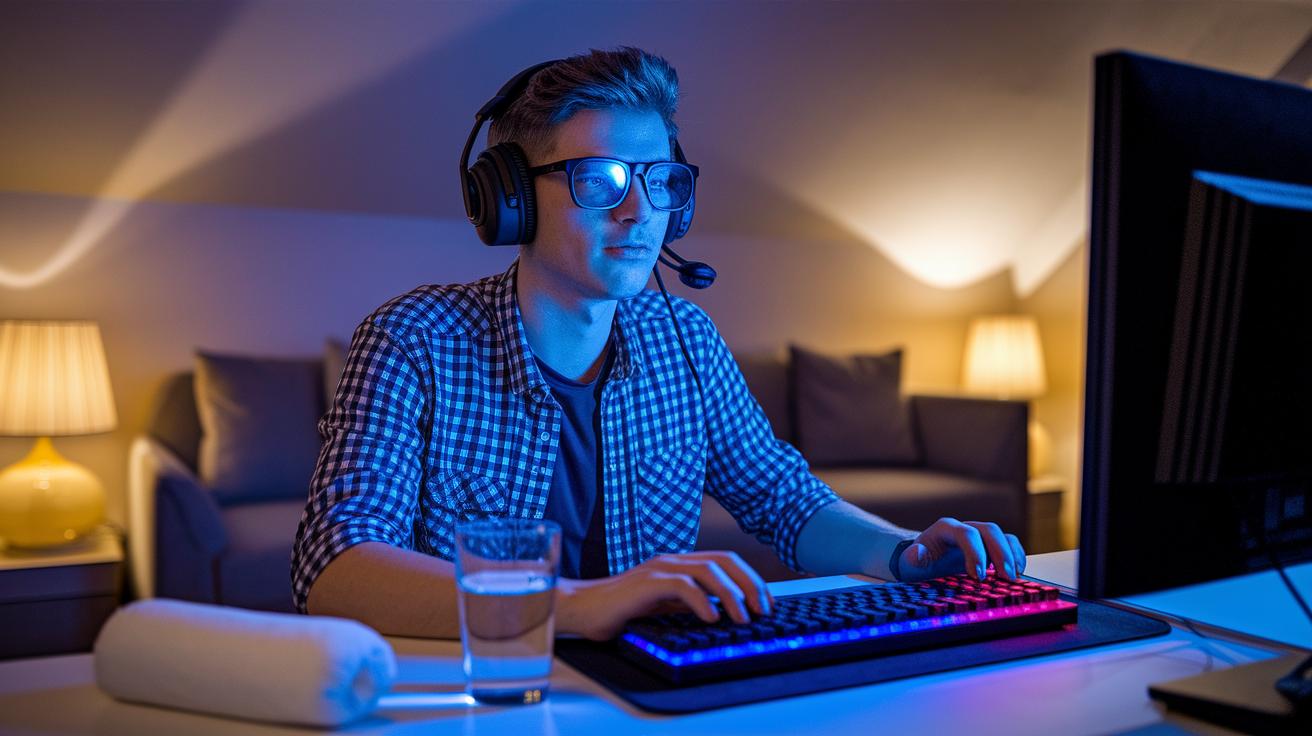
Long gaming sessions can leave your eyes feeling rough, giving you headaches, blurry vision, and overall discomfort. Try the 20-20-20 rule: every 20 minutes, take a quick 20-second break and focus on something 20 feet away. Think of it like a mini power-up for your eyes, when you pause, they get a fast refresh.
Remember to blink on purpose every 4 seconds to keep your eyes from drying out. It’s like a quick reload for your vision. And if your eyes start feeling super tense, a warm compress over your closed lids for 2–3 minutes can really help ease off the pressure built up from staring at your screen.
Keep an 8 oz water bottle nearby and sip often. Staying hydrated not only helps your tear film but also cuts down on irritation from dryness. These eye strain tips are simple hacks you can use right away to beat screen fatigue and enjoy longer, more comfortable gameplay sessions.
Setting Up an Ergonomic Gaming Station to Prevent Eye Strain
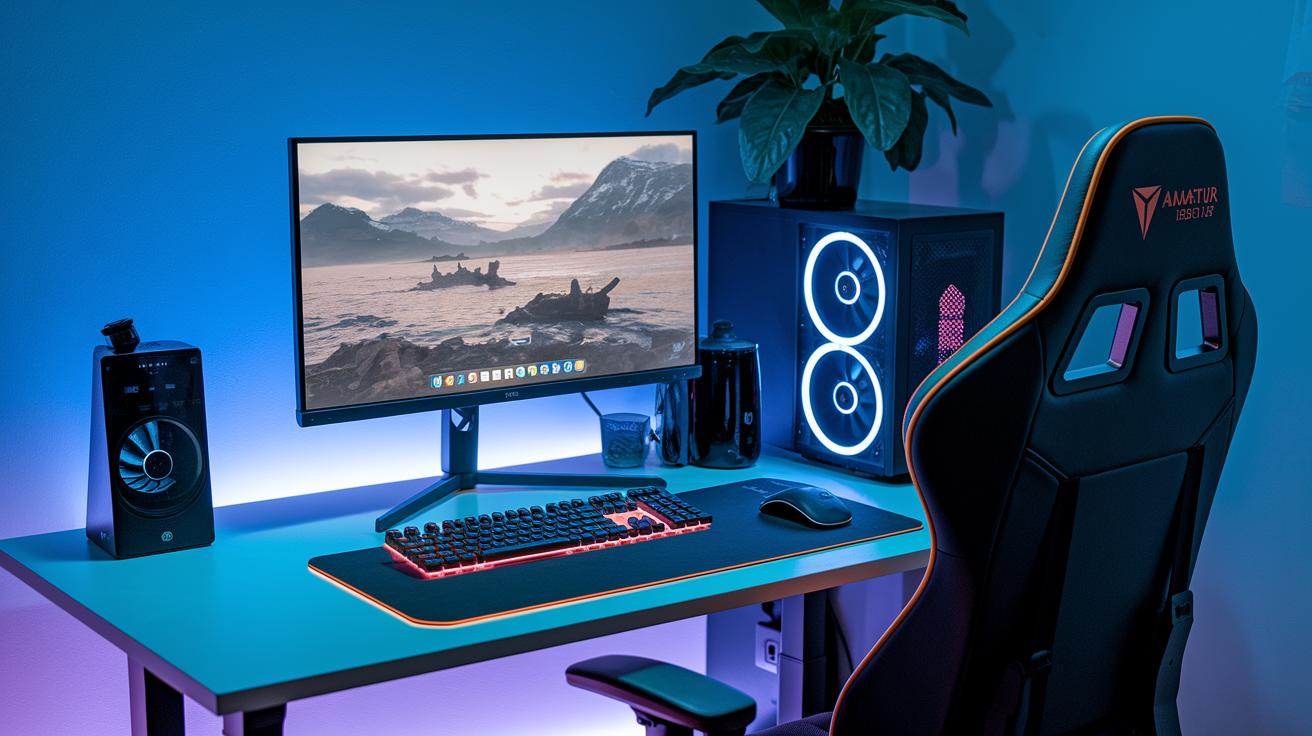
When you set up your gaming station, keep your monitor about 20–30 inches away from your eyes with the top of the screen a bit below eye level (around 10–20 degrees). This simple tweak eases the strain on your neck and eyes. Think of it like positioning your rig for that smooth, comfy win.
Make sure your chair is adjusted so your forearms rest flat on the desk while your feet stay firmly on the ground. This helps your back keep its natural curve and lowers overall tension. And don’t forget, keep your controllers, tablets, or other gadgets below eye level to avoid that tiring upward glance.
Using the right ergonomic gear can level up your comfort. Here’s a quick checklist to get you set:
- Wrist rests for a relaxed hand position
- An adjustable keyboard tray to keep you from slouching
- A lumbar support cushion to hold your back’s natural curve
When your setup matches your body’s natural posture, you naturally dodge eye fatigue and other distractions. It’s like adding a small power-up that boosts your gameplay.
Even tiny adjustments go a long way in cutting down long-term eye strain. Every detail matters when you’re in the zone, and a well-aligned setup is your secret weapon for those marathon gaming sessions.
Optimizing Display Settings for Reduced Screen Fatigue
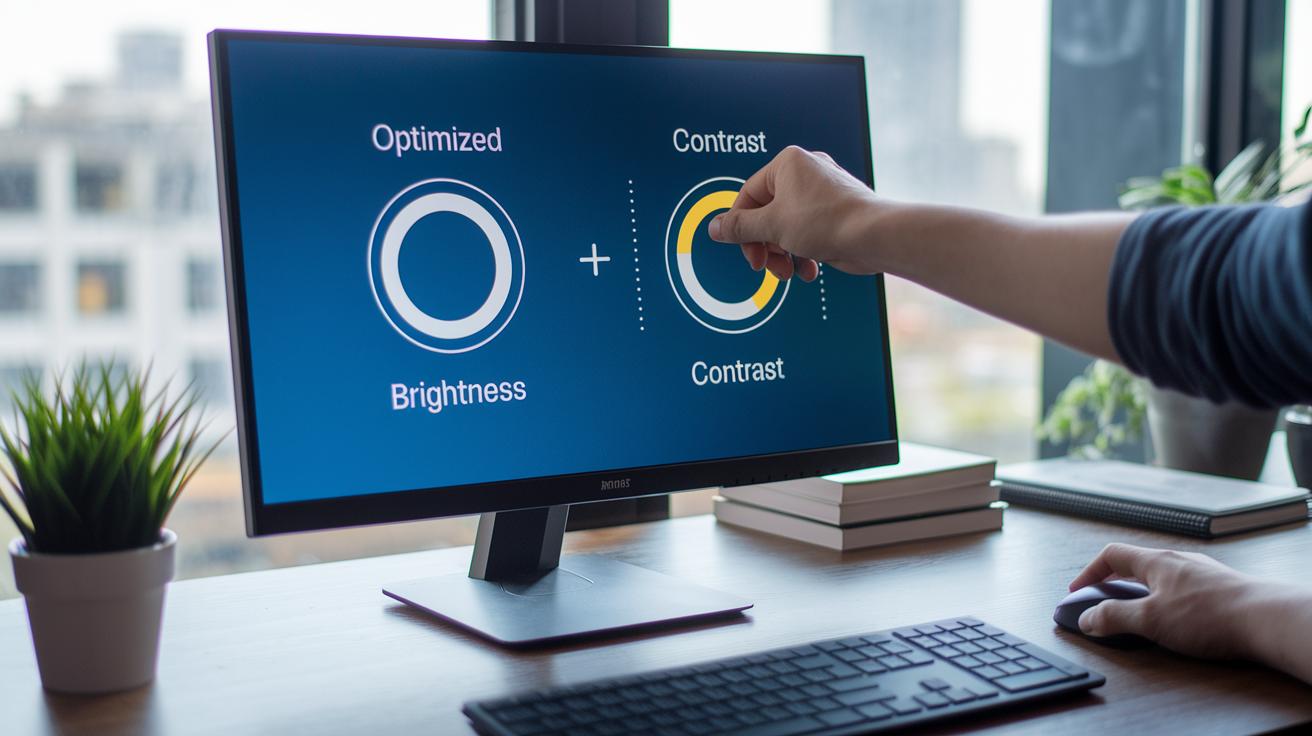
When you're deep in a gaming marathon, switching up your monitor settings can give your eyes a quick break. Try setting the brightness to around 40–60% of its max so it vibes with your room's light, cutting down on harsh glare without making things look washed out. Adjust the contrast so text pops like a well-timed headshot, ensuring everything looks neat and sharp. And hey, adding a blue light filter or using glasses that block light in the 400–500 nm range is like putting on a power-up for your eyes.
Make sure your monitor is set up to dodge reflections, a good anti-glare screen protector can really help out. Cranking up your refresh rate to 120 Hz or more can also be a total game-changer. Fast refresh rates help cut down on flicker and blur, making the action smoother and kinder to your eyes. Don’t forget to set your color temperature close to 6500 K to keep the whites comfortable.
| Setting | Recommended Value |
|---|---|
| Brightness | 40–60% (see is HDR good for gaming – https://sololadder.com?p=707) |
| Contrast | Optimized for clean, crisp edges |
| Blue Light Filter | Enabled or use blocking glasses |
| Refresh Rate | 120 Hz or higher |
| Color Temperature | ~6500 K |
These tweaks are like a quick heal, giving your eyes the support they need so you can keep gaming without worry. Enjoy those long sessions without the strain!
Scheduled Screen Breaks and Alert Methods for Gamer Eye Comfort
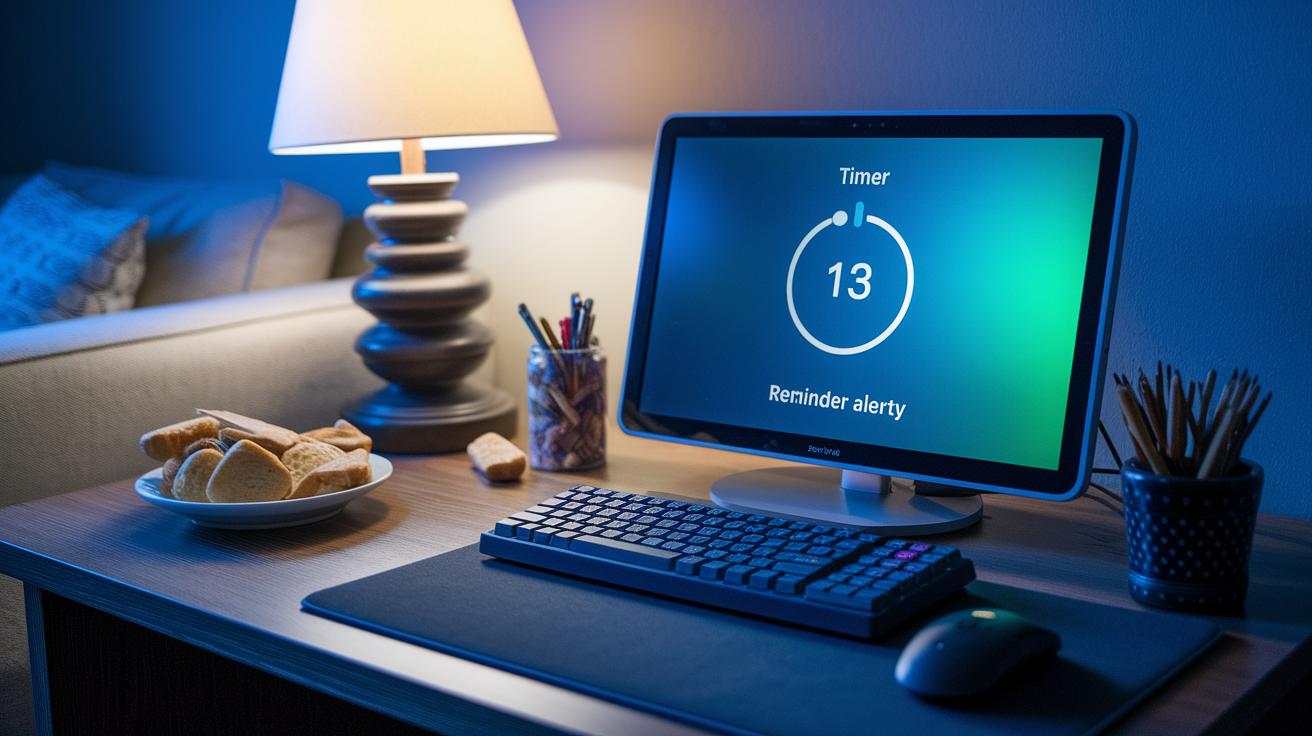
Staring at your screen non-stop can make your eyes feel beat up, like after a long boss fight. One cool trick is the 20-20-20 rule. Set a timer (you know, via an app or your computer’s reminder) to give you a heads-up every 20 minutes. When it rings, take a quick 20-second break and focus on something that's at least 20 feet away. Picture this: you’re in the middle of an intense round, and then you glance out the window, it’s like a fast power-up for your eyes.
Every hour, take a 5-minute pause from the screen. Use that time to stand up, stretch, or even grab a drink. It’s a mini break that resets your body and eases off the tension built up from long sessions.
Mixing up what you’re looking at can help a ton too. Instead of focusing on the same screen, try checking out an eye chart or simply look at something far away to clear your focus.
Here's a quick checklist:
- Set a timer for 20 minutes.
- When it goes off, take a 20-second break by looking at something 20 feet away.
- Every hour, take a 5-minute break to stretch or hydrate.
These simple breaks and reminders keep your eyes feeling fresh, so you can stay in the game longer without that annoying strain.
Essential Eye Exercises and Relaxation Techniques for Gamers
Give your eyes a quick workout with these simple exercises that help melt away tension and keep your focus sharp during game time. Think of each move like a mini quest to recharge your tired eye muscles and keep you in the game.
-
Infinity Drills
Picture tracing an endless loop with your eyes for 5–10 minutes. Do this about three times a week to build strength in the muscles that help clear your vision. Start nice and slow, and you might just notice your sight getting crisper. -
Sawtooth Swings
Move your eyes in a zigzag pattern, imagine following the teeth of a saw. Do 10 rounds to sharpen your tracking skills and ease the stress from rapid eye movements (saccadic movement means quick, jerky shifts in your gaze). Let your eyes dance along that pattern. -
Deliberate Blinking
Every 4 or 5 seconds during your game, take a quick pause to blink on purpose. It’s like reloading your tear film, keeping your eyes moist and comfy so you never miss a beat. -
Near-Far Focus Shifts
Switch focus between something about 6 inches away and another item around 20 feet away for 10 cycles. This back-and-forth is a smart trick to work your eye muscles, easing the strain from zone-fixated sessions. -
Gentle Orbital Massage
Use soft, circular motions around your eye sockets for 30 seconds. This little move boosts blood flow a bit and relaxes those tight muscles, giving your eyes a gentle reset before you jump back in.
These quick power-ups are designed to keep your vision sharp, just like your gaming moves. Enjoy the clear view, and happy gaming!
Nutrition, Hydration, and Environment for Long-Term Eye Strain Prevention
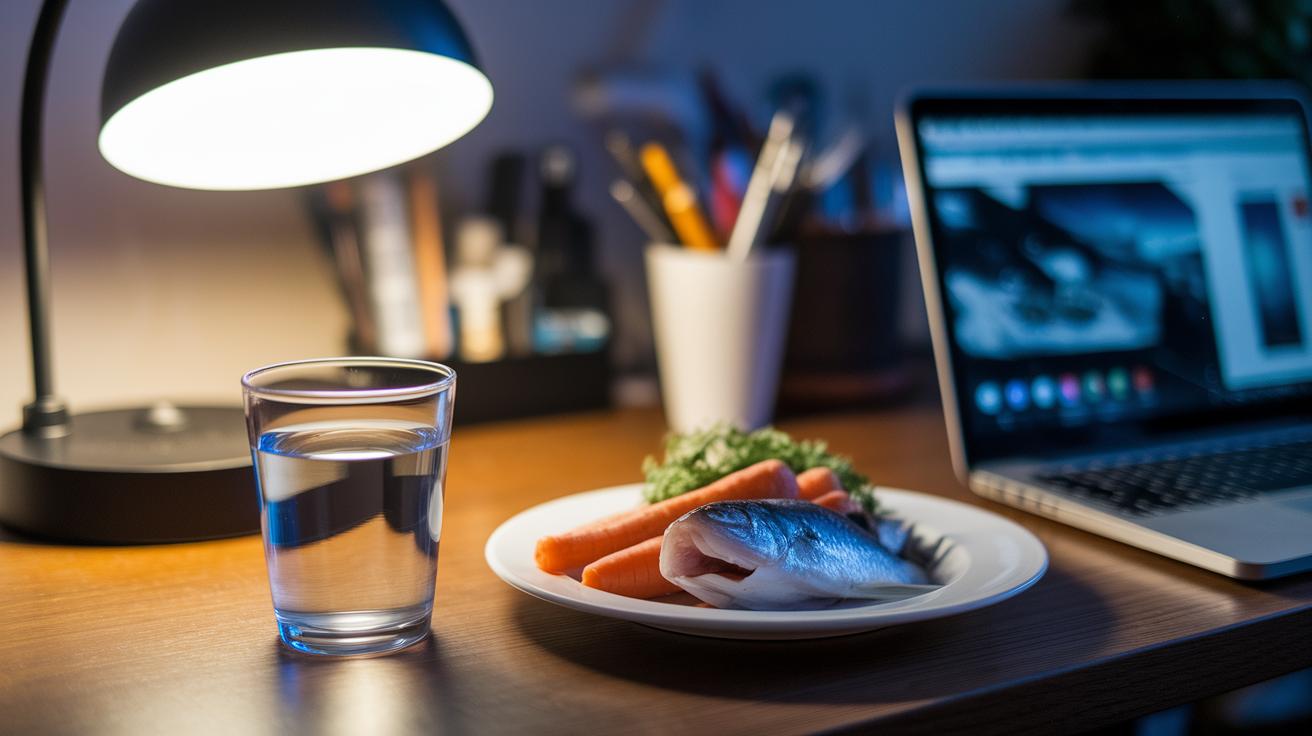
Keep your eyes in top form with a few simple habits. First, sip on water like you’re refilling your health bar, aim for an 8 oz drink every hour. This keeps your eyes moist and ready for action.
Next, fuel up with foods that give your eyes a boost. Snack on carrots and leafy greens for vitamin A and add in some fish or flaxseed for omega-3s (which help protect your vision). It’s like giving your eyes the best power-up before a big match.
Then, set up your room for comfort. Instead of bright overhead lights, use a soft lamp behind your monitor to create a chill glow. This trick cuts down on glare and makes long sessions way easier on your eyes.
Also, don’t skip getting some natural light. Even 10 minutes on a sunny day or a slightly longer break on a cloudy one can refresh your system and help your eyes stay strong. Think of it as a quick break to enjoy the sunrise before you dive back in.
Lastly, consider adding an anti-glare screen to your monitor. This upgrade acts like a shield that blocks annoying reflections, so you can stay focused on your game.
Final Words
In the action, you’ve seen instant steps to ease gamer eye strain and a setup that cuts down on fatigue. We broke down quick fixes like the 20-20-20 rule and deliberate blinking along with smart display tweaks. Small breaks, eye exercises, and a balanced routine round out the guide. Remember to adopt effective eye strain relief tips for gamers to keep those gaming sessions feeling fresh and fun. Keep experimenting with these moves, and enjoy every level without the screen fatigue slowing you down.
FAQ
Q: What are the video game eye strain symptoms?
A: Video game eye strain symptoms include headaches, blurred vision, dry eyes, and red eyes. These signs happen after long gaming sessions when your eyes feel tired and strained.
Q: How does reducing eye strain work according to Reddit gaming tips?
A: Reducing eye strain involves using the 20-20-20 rule, blinking often, taking breaks, and adjusting your display settings. This helps lessen the pressure on your eyes during long gaming sessions.
Q: What is Gamer Eye Syndrome?
A: Gamer Eye Syndrome describes the set of symptoms from extended gaming—like headaches, dryness, and blurred vision. Taking regular breaks, adjusting your monitor, and using eye exercises can help relieve this condition.
Q: What benefits do gaming glasses offer?
A: Gaming glasses can filter out blue light and improve contrast, making your screen easier on the eyes. They may reduce digital eyestrain and help you stay comfortable during long play sessions.
Q: How can I get rid of red eyes from playing video games?
A: To reduce red eyes, take breaks, blink frequently, use a warm compress on closed lids, and stay hydrated. These steps help soothe and rehydrate your eyes after intense gaming.
Q: How can I fix eye strain from gaming?
A: Fixing eye strain involves following quick steps like the 20-20-20 rule, setting proper screen brightness, taking regular breaks, and doing simple eye exercises to relieve muscle tension.
Q: What is the fastest way to relieve eye strain?
A: A fast relief method is taking a 20-second break every 20 minutes while focusing on something 20 feet away. This simple step relaxes your eyes quickly and reduces strain.
Q: How do streamers avoid eye strain?
A: Streamers avoid eye strain by taking scheduled breaks, setting up an ergonomic workstation with proper monitor placement, and using software reminders to relax their eyes during long sessions.
Q: Should gamers use eye drops for eye strain?
A: Gamers can try eye drops to soothe dry, irritated eyes, but it’s best to first use natural strategies like blinking and breaks. If issues persist, consult with an eye care professional.