
Ever notice how some stream alerts catch your eye like a flash on screen? Custom alerts can turn those big moments into mini celebrations, making your live stream feel extra fun.
Bold visuals and catchy sounds act like a quick high-five, drawing your viewers in. When the alert fits perfectly with your channel’s style, even that brief moment sparks excitement and builds a tight community.
In this post, we'll share a few smart moves to boost engagement and keep your fans coming back for more.
Core Strategies for Stream Alerts That Drive Audience Engagement
Custom alerts add a cool twist to every key moment in your live stream. They celebrate your wins without messing up the game flow. Bold 3D visuals, lively text, and catchy sounds grab attention in just 3 to 6 seconds. Plus, showing the viewer's name in an alert makes fans feel special, encouraging more follows, donations, and subs.
Animation Style: Go for bold, eye-catching animations that match your gameplay vibe (like a quick flash burst after a win).
Sound Design: Use custom audio clips that pop but don’t overpower the game. A quick musical riff can boost the hype instantly.
Timing: Keep alerts brief and fun, aim for 3 to 6 seconds so they fit right into the stream.
Personalization: Feature the viewer’s username in each alert to build a tight-knit community vibe.
Brand Consistency: Ensure the design fits your overall channel style for a smooth, unified look.
Platform Compatibility: Make sure your alerts work perfectly with tools like Streamlabs, StreamElements, or OBS Studio.
A/B Testing: Try out different designs and timings to see which ones really light up your chat.
These tips show that custom alerts aren’t just pretty visuals. They’re smart tools to boost viewer engagement and build a loyal community.
Designing Engaging Notification Visuals and Sounds for Stream Alerts
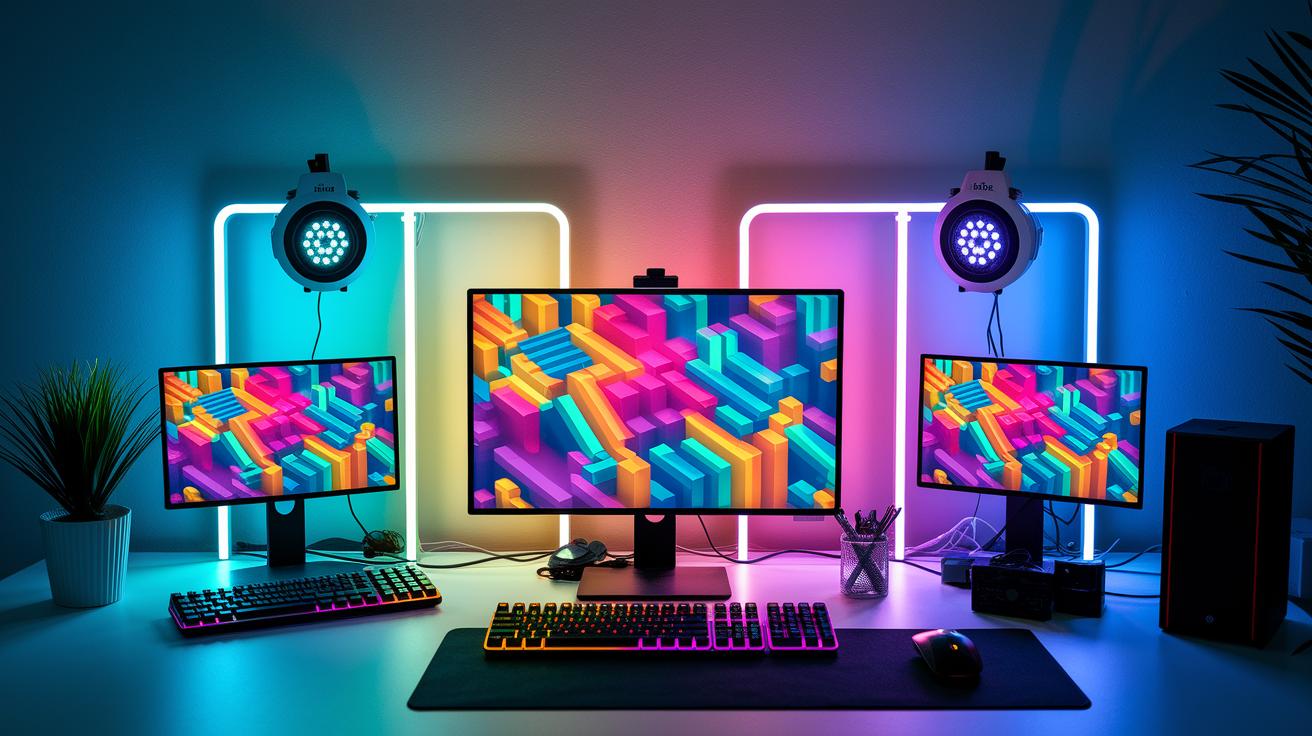
Visuals make your stream pop. They can be bright 3D animations, cool topographic patterns, or even neon and glitch effects that match the pace and vibe of your stream. Imagine an alert bursting with futuristic glitch visuals that announces, "Your streamer just leveled up!", or a nod to retro pixel art that recalls the feel of classic arcade games. These lively effects keep up with fast gameplay and refresh with modern color styles, so everything feels fresh and exciting.
Sound design is just as important. Custom sound bites that last around 0.5 to 1.5 seconds act like a mini cheer, boosting your alert without drowning out the game sounds. For instance, try a clear, crisp audio cue, maybe a quick shimmer or a cool beat, that echoes perfectly with the moment. These sounds add extra punch to the alert while keeping the game flow smooth.
Keeping these alerts in line with your channel’s overall branding ties it all together. Make sure your graphics, animation style, and custom audio match your channel’s color themes and design vibe. This way, viewers immediately recognize your unique style and feel a real connection every time an alert lights up the screen.
effective stream alerts for audience engagement: Boost Fun
Linking your stream alerts with a bunch of platforms lets your notifications shine on Twitch, YouTube, Facebook Gaming, TikTok, Kick, and more. This means your fans get your unique alerts right when they need them. Tools like Streamlabs, StreamElements, and OBS Studio with Browser Source (that lets you embed a webpage as a source in your stream) help you pull this off. They offer built-in templates or let you tweak every bit, so you can easily connect with your audience whether you're playing casually or going head-to-head in a competitive match.
| Tool | Platform Compatibility | Ease of Use |
|---|---|---|
| Streamlabs | Twitch, YouTube, Facebook Gaming, TikTok, Kick | Simple built-in alert templates |
| StreamElements | Twitch, YouTube, Facebook Gaming, TikTok, Kick | Cloud-based overlay management |
| OBS Studio + Browser Source | Twitch, YouTube, Facebook Gaming, TikTok, Kick | Full customization for advanced users |
When you're choosing your setup, think about what works best for you. If you prefer things ready-made, go for a tool with built-in templates. But if you love fine-tuning every detail, pick a platform that lets you customize completely. That way, your alerts match your style and work smoothly across all your favorite spots.
Timing and Trigger Strategies to Maximize Alert Impact
Alerts should go off right when the key action happens. When someone follows, subscribes, or donates, the alert pops up instantly, connecting you with your audience in that split-second burst of excitement, just like scoring a critical hit in your favorite game.
It’s important to spread out alerts so they don’t overwhelm your viewers. After a huge alert, like nailing a game-winning move, give the screen a moment to breathe before the next one shows up. This simple pause helps each alert stand out and keeps things flowing smoothly.
Pairing alerts with live moments at peak times makes them even more engaging. Special themed alerts during big game events, like when a boss is defeated or a score milestone is hit, add extra energy to the moment. When alert animations match the game’s rhythm, it all comes together, keeping your audience locked in and ready for the next big play.
Measuring Impact: Analytics and Metrics for Stream Alerts
When you're running custom alerts, the numbers tell the story. Focus on the key stats that show real audience reactions. Check out the follow rate, which shows if your alert designs are actually pulling in new community members. Look at donation conversions too, which tell you if those visuals and sound clips are making viewers want to chip in. Notice how long people watch during your alert sequences, if they stick around, you're doing something right. And don’t forget the chat spikes; like when one streamer saw the chat light up right after a flashy alert. That kind of energy is proof positive that your alerts are on point.
Built-in dashboards and third-party tools make it super easy to grab this data. Use real-time tracking so you can see exactly how each alert performs as it happens. It’s all about experimenting, try A/B tests with different designs to figure out what really makes your audience engage. Notice which animations or sound bites consistently boost interaction. These little tweaks can be a game changer for your stream.
Keep on reviewing your numbers and adjust your alert designs based on what you learn. Even a minor change, like speeding up an animation or shortening a sound clip, might ramp up viewer response. This ongoing process turns raw data into alerts that are more fun and engaging, keeping your audience active and invested.
Case Studies of High-Converting Stream Alerts
Capsule Craze Gacha Alerts
Capsule Craze Gacha Alerts turn follow and subscription events into a fun mini-game. When someone follows or subscribes, a random animation lights up, just like pulling a gacha (a box of random rewards) in your favorite mobile game. It’s like a quick play where flashy visuals and bold sounds mix together, giving you that hit of adrenaline. Streamers say these surprise animations can boost new subs by about 20% and increase watch time by 30%. Picture it: a burst of neon lights and slick animations right when you get a follow, celebrating the moment while keeping everyone on their toes, wondering what cool surprise comes next.
Pixel Pop Retro Alerts
Pixel Pop Retro Alerts bring back the classic 8-bit vibe to the screen while keeping things fresh. Think old-school pixel art paired with catchy sounds that feel like a nod to classic arcade games. One mid-sized gaming channel even saw a 15% jump in viewer retention after making the switch. The mix of retro visuals and punchy audio creates a memorable moment every time an alert lights up your screen. It’s a smart blend of nostalgia and modern style, making alerts not just notifications but fun little experiences that keep your audience coming back for more.
Final Words
In the action, our guide broke down the steps to creating attention-grabbing stream alerts that work. We checked out core strategies, striking visuals and sounds, smooth integration with tools, the best timing, and even how to measure success. Each step gives you a solid base to build alerts that boost engagement and keep your stream flowing. Keep experimenting with effective stream alerts for audience engagement, and watch your interactions grow. Happy streaming and good luck leveling up!
FAQ
How do effective stream alerts boost audience engagement on Twitch, Reddit, and for free?
The effective stream alerts boost audience engagement by using bold animations, brief custom sounds, and personalized notifications that celebrate viewer actions, increasing follows, subs, and donations across platforms like Twitch and Reddit without extra costs.
What are sound alerts in streaming?
The sound alerts in streaming mean custom audio cues triggered during follower events, subs, or donations. They add energy to the broadcast by punctuating moments of recognition without overwhelming gameplay audio.
How can I get free Twitch alerts?
The free Twitch alerts are available through trusted platforms like Streamlabs, which offer customizable alert templates and sound effects. These tools let you create vibrant notifications that enhance interactions while saving money.
What makes Twitch alerts effective?
The Twitch alerts are effective when they combine dynamic visuals, crisp audio cues, and viewer-specific details. This mix energizes the stream, encourages interaction, and celebrates each action without disrupting gameplay.
How does Streamlabs integrate with stream alerts?
The Streamlabs tool integrates stream alerts by offering built-in customizable templates and sound effects. This integration allows you to design alerts that match your brand style while boosting real-time viewer engagement.