
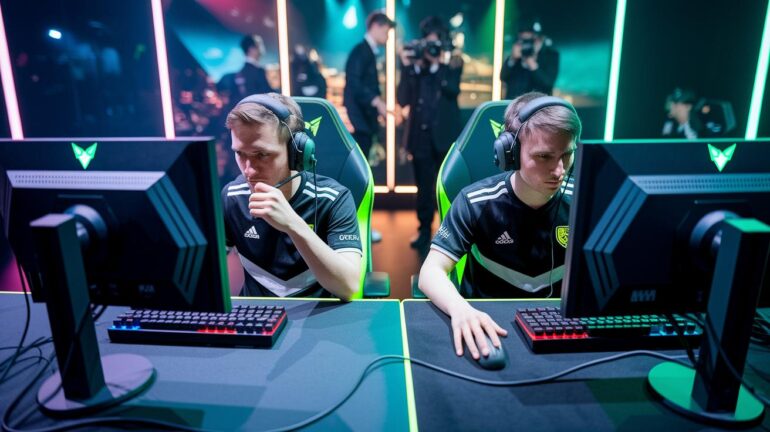
Have you ever noticed how some esports streams get fans hyped while others just fizzle out? Live streaming isn’t just about hitting record, it’s about having a killer setup that catches every epic moment.
In our guide, we break down the basics. We’ll help you pick a camera with a built-in mic (so you get crystal-clear sound) and choose hardware that keeps your stream running smooth. Imagine turning raw gameplay into a high-energy show that pulls in a loyal crowd.
Ready to level up your streaming game? Let’s dive in and make your setup as legendary as your best play.
Essential Steps for Live Esports Event Streaming
Esports has exploded into a global powerhouse, drawing huge fans and making live broadcasts a must. Every play gets noticed, so your setup has to be solid and super simple. Just think about tournaments like the Evolve Youth Esports league, each moment is a full-on competitive blast.
Getting your stream off the ground starts with the basics. You need a good camera with a mic (to capture clear sound), a dedicated video encoder (a tool that turns your video feed ready for streaming), and access to sites like YouTube Live, Facebook Live, or Twitch. Hybrid events, where fans can join both in person and online, add even more excitement. Insider trends, like expert predictions on future esports (https://rogueimc.org?p=7227), show just how big and dynamic this scene really is.
- Camera with built-in mic for crisp video and audio
- Reliable video encoder to smoothly process your video
- Stable internet connection that can handle fast 1080p HD streaming
- Active accounts on major streaming platforms to reach a wide crowd
A smooth live stream is all about mastering these essentials. From setting up an event-ready camera to ensuring a fast 1080p feed, every detail counts. Each step transforms raw gameplay into an engaging show that fans love. Whether you’re streaming a local face-off or a major international event, nailing these basics gets you set for memorable, high-energy streams that really hit home with your audience.
Choosing Hardware for Competitive Event Broadcasts
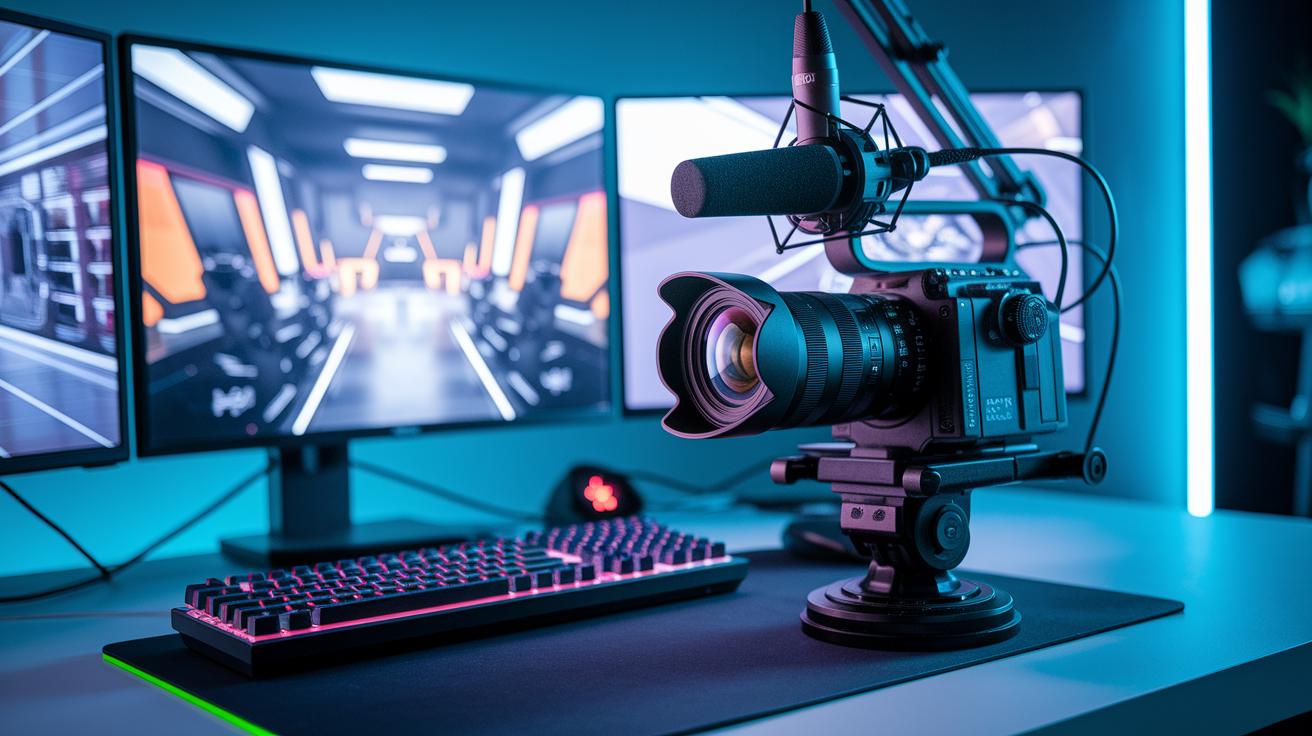
When you're gearing up for your esports broadcast, having the right hardware means every play looks epic. For 2024 events, mix and match top-notch cameras, clear mics, slick mixers, and sound systems that grab every awesome moment. Scalable gear and rock-solid servers keep glitches at bay during those nail-biting matches, and a high-performance router with a capable network switch will keep your stream smooth even when the action peaks.
- High-quality camera that shines in low-light
- Pro microphone with noise cancellation (it cuts out background noise so you only hear the game)
- Advanced mixer that juggles several audio sources
- UPS system for backup power when things get heated
- High-performance router with dual-band support
Regular check-ups on your equipment are just as important as picking the perfect set-up. Give your cameras and mics a once-over often, they need to be in tip-top shape for every clutch moment. And don’t forget to inspect your network gear to dodge surprise downtime. By sticking to a routine of hardware reviews and timely updates, you'll be ready for the fast pace of competitive streaming, even when the audience and on-screen action go through the roof.
Configuring Broadcast Software and Encoding Settings
When you're setting up a live stream, picking the right broadcasting tool is a real game-changer. Tools like OBS Studio, XSplit, and Streamlabs OBS let you manage your stream with ease. They come with simple interfaces and lots of ways to tweak your settings so your stream feels as personal as your favorite game setup.
Next, it's important to get a grip on video encoding protocols. Protocols like H.264 and HEVC (which compress your raw video) help balance clear visuals with smart data use. They shrink what you record into a smooth, high-quality stream without overloading your internet. Just think about it: every detail shows up crisply, and lag stays out of the picture.
Fine-tuning your encoder settings makes your stream look its best. A bitrate of around 4,500 to 6,000 kbps gives you neat 1080p video that is both crisp and smooth. This simple adjust helps your stream flow seamlessly, so every exciting moment comes through without any hiccups.
Finally, adjust your screen capture settings to wrap up your setup. Tweak these so you record clear game footage while keeping your CPU load low. That way, your system stays responsive during the most intense plays and you can focus on delivering epic live streams that keep your audience hooked.
Implementing Comprehensive Gaming Live Production Techniques
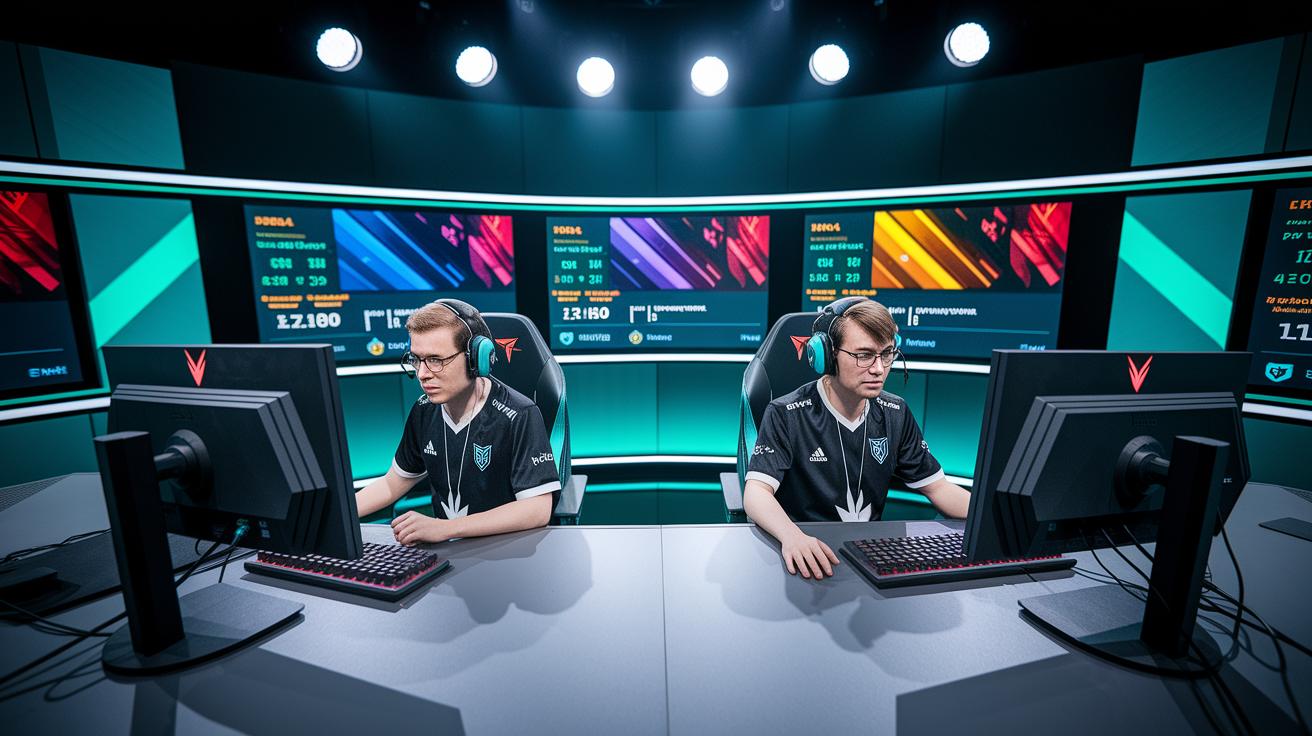
Modern esports broadcasts now run on IP-based production. Instead of clunky old methods, production crews use flexible IP networks to hook up cameras, consoles, and graphics systems in a snap. This setup lets them create dynamic content and pull off smooth transitions during fast-paced matches. It means producers can grab every epic moment, keeping the live show as exciting as the gameplay.
Data-driven graphics and slow-motion replays add a smart twist. Real-time stats and easy-to-read visuals break down the action, giving viewers clear insights into key plays. When something game-changing goes down, slow-mo highlights show every detail, turning raw data into a story that fans can truly get lost in.
Advanced multicam setups are a real game changer. Shooting with several cameras at once lets directors capture everything, from tight, dramatic close-ups to wide battlefield views. Simple guidelines for switching cameras ensure the best shot is always on, making even ordinary plays look cinematic and polished.
A great example comes from the StreamGeeks Summit on November 8, 2019. During a 3-on-3 Rocket League match, seven game PCs and one production PC teamed up on a local network, using multiple PTZOptics NDI cameras. Student play-by-play announcers kept the commentary lively, while dynamic camera cuts captured the fast-paced energy of the event perfectly.
Automation also makes a big difference by handling the repetitive work. It takes care of tasks like firing up graphics, switching camera angles, and adjusting audio levels. This not only cuts down on errors but also frees the team to focus on the creative side, ensuring each broadcast stays smooth, professional, and true to the thrill of the moment.
Innovative Audience Engagement Strategies for Live Esports
Interactive tools are the pulse that makes a stream feel alive. Live chats, quick polls, real-time stats, and even AR/VR moments pull viewers right into the game. Ever seen a poll pop up asking, "Who nailed that clutch move?" It instantly grabs everyone's attention and cranks up the energy.
A skilled moderator keeps the chat friendly and safe by cutting out spam and inappropriate messages. This proactive approach protects the community and makes sure everyone gets a chance to share their thoughts.
Features driven by the viewers add a fun twist to the event. Stuff like virtual season passes, donation pop-ups (think "Drop $6 for a secret in-game boost") and gear upsells bring fans closer to the action. They turn watching from a passive experience into something actively engaging.
Bringing in industry insiders, commentators, and analysts lets your broadcast go deeper. Behind-the-scenes insights and exclusive commentary make the stream even more memorable. When a favorite analyst explains a play or shares insider info, it just makes the whole experience feel extra real.
Planning Network Bandwidth and Reducing Latency in Live Broadcasts
When you’re streaming live, starting with the right bandwidth is key. For a smooth 1080p stream, aim for 6–8 Mbps upload speed, even a tiny dip can mess up your gameplay, leaving viewers with a choppy watch. This solid foundation makes sure your broadcast stays sharp and reliable, just like landing that perfect headshot.
Adaptive bitrate streaming is like having an auto-adjusting game controller. When network conditions change, it fine-tunes the stream quality on the fly, dropping a bit when needed and boosting it when things are smooth. This means your live action stays clear and steady, no matter what curveballs the internet throws at you.
Cutting down on latency is another big win. By using low-latency protocols like SRT or WebRTC (think of them as fast-track systems) and edge computing, you shrink the delay between what happens on stage and what hits your screen. This helps keep your stream nearly in real time, making viewers feel like they're right there in the moment.
Content Delivery Networks (CDNs) add an extra layer of backup to your broadcast. They help share the load when viewership spikes, reducing buffering and making sure everyone enjoys seamless, global playback. It's like having cheat codes that turn a laggy match into a smooth win every time.
Leveraging Multistream Services and Platform-Specific Recommendations
Imagine streaming your game on Twitch, YouTube Gaming, and Facebook Gaming all at once. It's like throwing an epic party where everyone gets an invite, whether they're tuning in live or catching the replay later.
Twitch brings killer community tools to the table. YouTube, on the other hand, offers cool features like DVR (a tool that lets you rewind and rewatch moments) and a search function that finds all your epic highlights. And Facebook makes it super easy for friends to share what you're up to. Each platform has its own vibe, so thinking about what fits your style will help you decide where to shine.
Now, think about the tech side. Checking out CDN providers (services that deliver your data quickly by using servers all around the world) can really help boost your stream's performance. Global coverage means your action-packed plays reach fans fast, no matter where they are.
Setting up your stream to run on multiple channels is a game changer. It keeps the energy up and makes sure everyone gets a front-row view. This flexibility is gold, especially when you're planning a live esports event that has to roll with the punches as trends shift in real time.
Integrating Live Broadcast Graphics and Dynamic On-Screen Overlays
Data integration tools turn boring numbers into cool visuals that jump off your screen. They pull live stats, scoreboards, and leaderboards into your game feed so you can see the action as it happens. Imagine this: right in the middle of a match, a sudden stat change pops up and transforms plain numbers into an unforgettable moment. It’s like a mini-story unfolding before your eyes.
Using OBS Studio plugins is a no-brainer when it comes to creating on-screen overlays that match game events perfectly. Think about a flashy alert that goes off when you hit a big milestone. All you do is add the overlay component, tie it to your game event, and boom, every goal or win gets celebrated in real time. It’s these dynamic visuals that crank up the excitement and draw everyone into the game.
You gotta tweak your game capture settings too, so those overlays don’t mess with your frame rate or steal your resolution thunder. Adjusting a few key settings finds the sweet spot between crisp visuals and top-notch overlay performance. No lag means your stream keeps flowing smoothly, even when the gameplay is intense.
Don’t forget the power of branding. Adding sponsor logos, animated lower thirds, and tiered alerts for donations can really bring your stream to life. Picture a sponsor logo that quietly animates into view during a short pause in the game; it makes everything look professional while keeping your viewers locked in on the action.
Conducting Pre-Event Rehearsals and Proven Troubleshooting Approaches
Before you go live, make sure to run a full tech practice. It's like warming up before a big game. Check your camera angles, sound levels, network connections, and overlay triggers to catch any glitches early on. This run-through helps you spot issues and set up for a smooth stream so your viewers can enjoy a flawless broadcast.
Next, set up some solid backup systems. Think of these like having a substitute ready on the bench. Use extra encoders and redundant network paths to cover any technical failures. If one system glitches, another takes over without missing a beat, keeping your stream rolling no matter what.
And if the unexpected happens, stay cool and use these troubleshooting tips. Check your encoder logs, reset your stream keys, and keep an eye on your CPU and GPU usage (basically, your computer’s power and graphics). Testing your signal ahead of time helps you spot problems like frame drops or audio sync issues. By double-checking everything, you'll make sure every epic moment gets through with steady precision.
Monetization Tactics and Post-Event Analytics for Esports Streams
Making money from live esports streams is as exciting as landing a perfect headshot. You can earn cash through virtual tickets, sponsorship banners, in-stream product deals, and quick donation prompts. Picture a message flashing on screen: "Score an extra life with a quick $5 boost!" These moves not only bring in revenue but also keep the game fun for everyone.
Social media is your secret weapon here. Share quick clips and fun prompts to get viewers chatting and spreading the word online. This strategy turns fans into your biggest cheerleaders, just like a cool rally cry that reaches every corner of the internet.
Keeping track of your numbers is super important too. Use built-in platform stats or other handy tools to see how many people are watching, how long they stay, and how much they donate. It’s like checking your game stats after a big match to see where you can up your game.
After the stream, the work isn’t done. Pull together highlight clips, ask your viewers for thoughts, and crunch the numbers in a detailed report. This review is your playbook for next time, helping you tweak your broadcast and make every event even better.
Final Words
in the action, we've laid out a complete guide to live esports event streaming. We broke down the setup essentials, from reliable hardware and fine-tuned encoder settings to maintaining a smooth network and engaging viewers during your broadcast. You'll recall the checklist for streaming gear, software tweaks, and backup solutions that keep your feed steady. These expert strategies aim to boost your skills and help you deliver memorable streams. Enjoy leveling up your gameplay and creating epic live moments that keep your audience coming back for more.
FAQ
How to stream an esports tournament?
Streaming an esports tournament means setting up cameras, a mic, a video encoder, and using streaming software like OBS with a solid internet connection to broadcast in HD across platforms like Twitch, YouTube Live, or Facebook Live.
Which stream is best for esports?
The stream best suited for esports often depends on your needs—Twitch stands out with strong community features, while YouTube Live offers DVR and robust search options.
What is the largest audience for a live streamed event in esports?
The largest live streamed esports events can attract millions of viewers, especially during high-profile international tournaments that showcase the global appeal of competitive gaming.
How much does it cost to host an esports event?
Hosting an esports event varies in cost based on scale and production quality—a smaller setup might run a few thousand dollars, while a major tournament can cost hundreds of thousands.