

Ever tried climbing a wall in Minecraft without a ladder? It might sound tricky, but building one is like solving a neat puzzle.
Start with some sticks from wood planks and follow a simple H-shaped setup. It only takes a few steps. Boom, suddenly, you can climb higher and explore tall builds.
How cool is that? Let’s grab those sticks and start crafting your ladder today!
Crafting a Ladder in Minecraft: Step-by-Step Recipe
First, right-click your crafting table to pop open a 3×3 grid. This grid is your go-to spot for building cool items like ladders. Think of it as your in-game little workshop where every craft brings you closer to epic builds.
Next, you need to make some sticks. Grab some wood from logs and turn it into wooden planks. Then, stack two planks one on top of the other to craft a stick. It's as simple as that, just a few clicks and you’re set.
Now comes the fun part. Arrange a total of seven sticks in an H shape on the grid. Place one stick in the top left, top right, middle left, middle right, bottom left, and bottom right slots. Then, put the final stick right in the center. This setup gives you three ladders each time you craft.
Finally, click the ladder result to transfer it to your inventory. With these three ladders in hand, you can start scaling walls, building multi-level structures, or just exploring new vertical challenges in your Minecraft adventure.
Placing and Using Ladders for Vertical Movement in Survival Mode
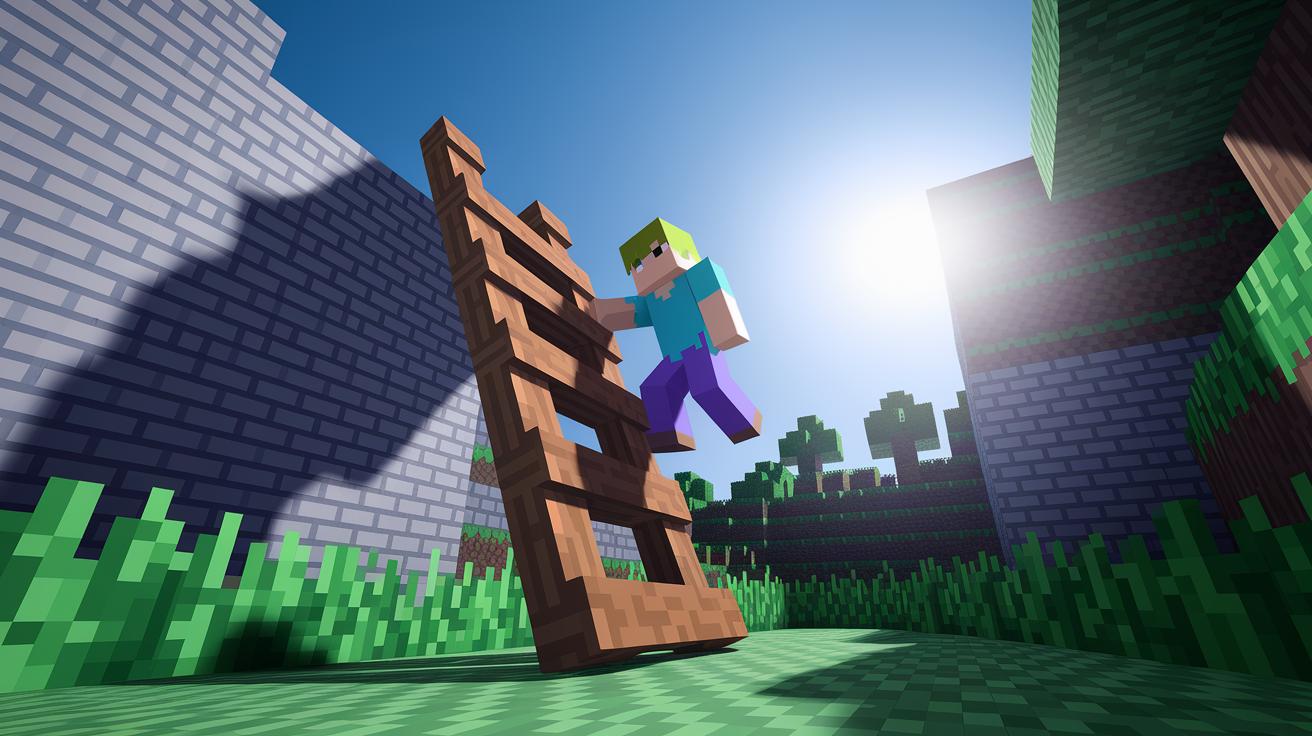
When you put a ladder in survival mode, make sure you attach it to a solid block face like a brick wall, a cave ceiling, or even the side of a mineshaft. This helps keep the ladder locked in place so you have a safe way to climb. Think of it like grabbing onto a sturdy ledge before starting your climb.
Climbing with a ladder is pretty smooth and reliable. When going up, you move at about 2.35 blocks per second, which feels steady and controlled, while coming down is a tad faster at roughly 3 blocks per second. Its one-block design makes your build compact, which can be a big win when you’re tight on space.
Safety is super important when exploring with ladders. Position them where you can grab on securely, reducing the chance of a nasty fall. They also work like a shield against pesky mobs by giving you an extra layer of cover in dark or cramped areas. This way, your journey to new spots feels a lot safer and more controlled.
Ladder vs. Stairs: Efficient Vertical Access in Minecraft
When you plan a vertical build, ladders and stairs each bring their own perks. Ladders need only one block of space, making them a neat choice when rooms are tight. Stairs, on the other hand, need two blocks horizontally, which might cramp your style in compact spots. Fun fact: one smart builder saved an entire floor just by picking ladders over stairs!
Looking at resource costs and speed, ladders come out on top. To craft three ladders, you only need seven sticks, an easy resource to gather early on. Meanwhile, stairs require four stone blocks for four units, which can be a hassle if you’re in a hurry. Plus, ladders let you climb at about 2.35 blocks per second and slide down nearly 3 blocks per second, while stairs keep you moving at roughly 2 blocks per second both ways.
| Feature | Ladder | Stairs |
|---|---|---|
| Space Required | 1 block | 2 blocks |
| Crafting Cost | 7 sticks for 3 ladders | 4 stone blocks for 4 stairs |
| Movement Speed | 2.35↑ / 3↓ blocks per second | ~2 blocks per second both ways |
Finding Naturally Generated Ladders in Minecraft Worlds

Ever wander through a stronghold or village and stumble on a ladder that wasn’t crafted by you? Minecraft sometimes drops these surprise ladders right inside structures like strongholds, villages, end ships, and mineshafts. You might even catch them in woodland mansions (they come with rails), Nether fortresses, Pillager Outpost watchtowers, and ancient cities. It’s like the game hands you built-in climbing gear, so you get a handy way to move vertically without using up your resources.
When you spot one of these ladders, just break it to collect the full item. In survival mode, use your hand or a tool you like to carefully harvest it so it drops complete and ready to reuse. This neat trick lets you set up vertical builds or even create a quick escape route with little extra effort. Happy exploring and stacking!
Ladder Commands and Technical Details
If you're in Minecraft and need a ladder quick, just use the /give command. Type "/give @p ladder [amount]" to have the game drop the ladders straight into your inventory. This trick works on both Java and Bedrock, from version 1.12.0 up to 1.21.82. For example, "/give @p ladder 3" gives you three ladders, like snagging a timely power-up right when you need it. It’s simple and effective, kind of like grabbing an extra life in your favorite game!
Ladders in Minecraft have special settings that let you control how they work. The "facing" property sets your ladder’s direction (north, south, east, or west) so it lines up perfectly with your build. Plus, the "waterlogged" setting (true means yes, false means no) tells you if the ladder will work when it's near water. Think of it as fine-tuning your gear, much like adjusting your controller settings for peak performance. For a bit more control in your creative builds, use the /setblock command to place ladders exactly where you want them. This helps you design cool, intricate structures without wasting time, experiment and find your perfect setup!
Final Words
In the action, we broke down each step of ladder crafting, from opening the crafting table to setting up your materials.
We reviewed how to craft sticks and arrange them in an “H” shape, unlocking a simple recipe for your build.
We also explored placing ladders in survival mode, comparing them to stairs for tight spaces.
The guide wrapped up with tips on locating naturally spawned ladders and using commands. It’s a fun way to learn how to build ladder in minecraft and boost your skills.