

Ever wonder if you can stream like a pro without emptying your wallet? Picture this: clear video, crisp sound, and a setup that feels top-tier, all without splurging. This guide lays out some smart tricks and budget moves to boost your gear, from webcams to lighting, so you can keep your focus on those epic game moments.
We’ll share cool budget parts and free tools to turn your stream into something special. Ever felt that rush when you pull off a perfect move in a game? Now imagine that feeling every time you go live. Ready to build a pro stream on a budget? Let’s dive into these smart cost moves and get you set up for win after win.
Essential Gear for Budget Gaming Stream Setups
When you’re setting up a budget stream, the right gear is a game-changer. Your equipment needs to deliver clear video and crisp sound so your viewers can really get into the action.
Putting together a solid lineup means your stream won’t feel amateur. With a sharp 1080p webcam, a trusty USB mic, a fast wired connection, smart lighting, and free software, you can focus on your gameplay while your setup handles the details.
- Affordable 1080p Webcam ($50–$80) – Delivers clear visuals that catch every expression and game move.
- USB Microphone (Elgato Wave 3 at ~$160 or Shure MV7 at ~$250) – Keeps your commentary sounding crisp and professional.
- Wired Ethernet Connection – Uses your current network to maintain a steady upload speed (at least 10 Mbps) so you dodge lag.
- Budget Lighting (like the UBeesize Key Light for ~$25–$30) – Brightens your face and desk area, cutting down on shadows.
- Free Streaming Software (OBS Studio) – A no-cost tool you can use to manage your scenes and keep your stream running smoothly.
These pieces work together to give you a neat 1080p/30 fps stream by blending quality with affordability. Your webcam delivers engaging visuals, the mic captures every sound and comment, and your wired connection keeps things steady. The budget lighting makes sure your scene is bright, and OBS Studio ties everything together so you can enjoy playing the game.
Affordable PC & Internet Solutions for Budget Gaming Stream Setups
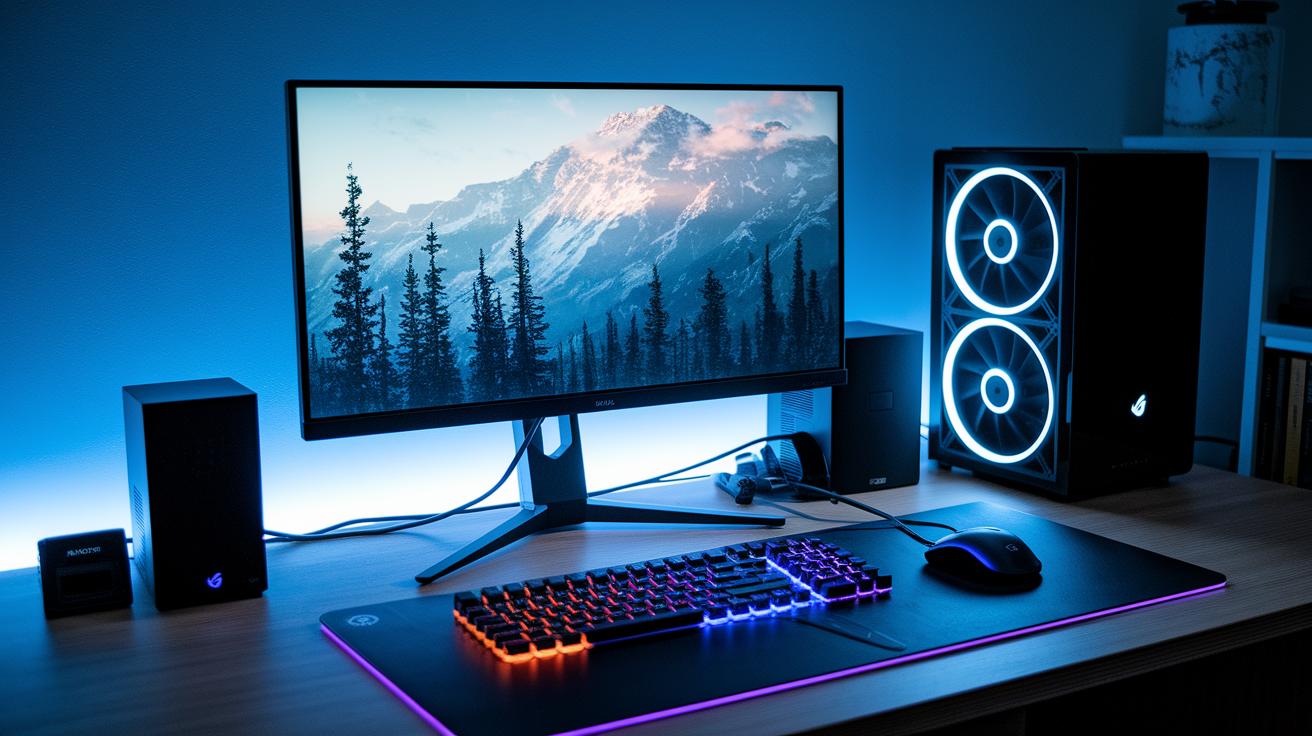
When you're setting up your stream gear on a budget, desktops and laptops each have their own perks. Desktops pack more punch and are simpler to upgrade. Laptops, on the other hand, come with the freedom to stream anywhere while still offering decent performance. Think about where you'll usually stream and if you might want to boost your gear in the future.
Budget Desktop Builds
Budget desktop builds usually fall in the $500–$700 range. Imagine a setup with a Ryzen 5 or an Intel i5 teamed up with a mid-range graphics card. This mix gives you smooth gameplay without emptying your wallet. Plus, these desktops let you fine-tune your settings for a better streaming experience. If you’re planning to push your CPU or GPU even further, there are guides to help you optimize your PC for gaming. And as your channel grows, the upgrade options mean you can easily add more power.
Budget Laptop Options
Laptops make things super simple while still giving you a steady performance for entry-level streaming. Budget-friendly laptops usually cost about $600 to $800. You'll find two main types: lightweight notebooks that are perfect for basic streaming, and portable powerhouses that do a bit more under the hood. They might not let you upgrade parts like desktops do, but they pack the convenience of mobility, especially if you love streaming on the go.
| Setup Type | Approx Cost | Key Specs |
|---|---|---|
| Desktop Build | $500–$700 | Entry-level CPU, mid-range GPU |
| Mid-range Laptop | $600–$800 | Lightweight or portable powerhouse |
| All-in-one Option | Varies | Balanced performance with integrated design |
Audio & Lighting Picks for Budget Gaming Stream Setups
Getting your stream setup right doesn’t have to cost a fortune. When your viewers hear your clear chatter and see you in great light, it feels like you’re all in the same room. Simple, affordable gear can cut out shadows and bring your best details into focus, while crisp audio makes every word count.
| Product | Description & Price |
|---|---|
| Elgato Key Light Mini | $80 – Comes with Stream Deck integration and a magnetic mount for easy, flexible positioning. |
| Newmowa 60W Mobile Light | ~$25 – A portable light that gives a soft fill, perfect for streaming on the go. |
| UBeesize 10″ Key Light | $30 – Offers 3 lighting modes and 10 brightness levels to match your mood and setup. |
| Elgato Wave 3 | $160 – Captures clear audio so that every word you say feels on point. |
| Shure MV7 | $250 – A USB mic that makes sure your commentary is crisp and engaging. |
| Beyerdynamic DT 770 Pro | ~$150 – A wired headset that delivers detailed sound for a more immersive stream. |
Mixing key, fill, and ring lights creates a balanced look. It softens harsh shadows and highlights you just right, so your stream looks as lively as your gameplay. This combo of smart lighting and solid audio keeps your broadcast vibrant and true to that game-ready vibe.
Thrifty Peripherals & Accessories for Budget Gaming Stream Setups
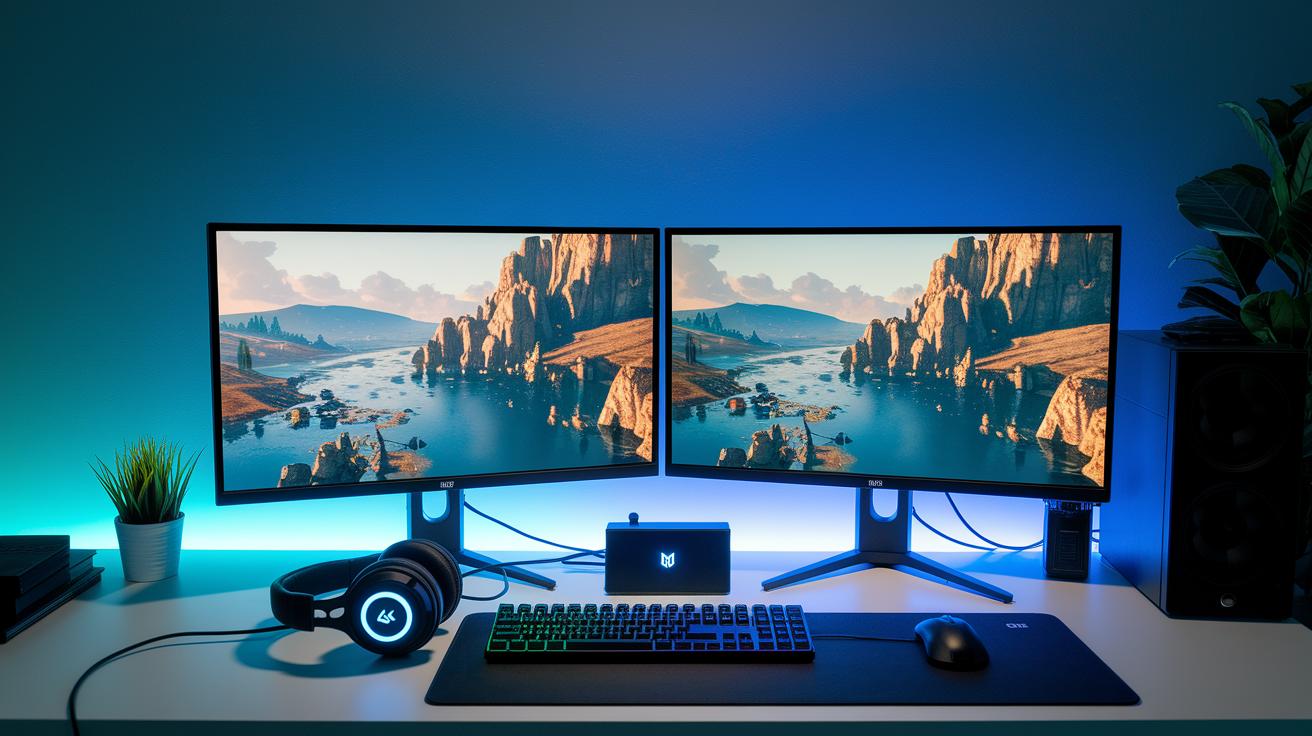
Capture cards are a cool way to hook up your console or multi-PC setup without splurging. For example, the Elgato HD60 S costs around $130 and lets you stream your console play with ease. It records clear gameplay, all while keeping your rig simple and affordable.
Monitors and input gear are other spots where you can save. A basic 1080p monitor with a 144 Hz refresh gives you smooth, sharp visuals for fast games, usually costing between $120 and $150. Plus, a wired mechanical keyboard and gaming mouse bundle (think $50 to $70) helps you nail your moves without lag. Spending a little more here can really boost your performance without draining your wallet.
For sound, budget-friendly USB mixers and audio interfaces start at about $70. These tools let you mix game audio, voice chat, and music easily, so you don’t need a fancy setup. With these parts, every piece of your streaming gear works smoothly together for an awesome live show.
Free & Open-Source Software Tips for Budget Gaming Stream Setups
When you’re setting up your gaming stream on a tight budget, free tools can be your best friend. They give you powerful features like paid software but without the extra cost. It’s like getting the best cheat codes for your stream setup!
OBS Studio is a crowd favorite for live broadcasting. It works on Windows, Mac, and Linux and gets you live fast. Pair it with VoiceMeeter Banana (a free tool that helps mix game sounds and your commentary) and you’re ready to roll. Just install OBS, set up your scenes, and hook it up with VoiceMeeter Banana to manage your sound tracks. This combo replaces pricey audio gear and lets you focus on crushing your game.
For video editing or eye-catching overlays, free software has your back too. DaVinci Resolve offers pro-level editing without costing you a dime, and Streamlabs Desktop brings built-in alerts and overlay options to boost your broadcast. Experiment with different scenes and smooth transitions to keep your content fresh. These tools help you polish your stream effortlessly while keeping your setup lean and fun.
Network & Platform Configuration for Budget Gaming Stream Setups

When you're streaming on a tight budget, a steady network connection is your best buddy. Instead of using Wi-Fi, plug in with a wired Ethernet cable. This helps you hit a minimum of 10 Mbps upload speed, and if you're aiming for smooth 1080p at 60 fps, you'll need a boost up to 30+ Mbps. Nothing kills the vibe like lag!
Let’s chat about OBS output settings next. For a smooth 720p stream, start with a bitrate of around 3,000 Kbps. If you're going for a crisper 1080p feed, push it up to about 4,500 Kbps. These settings keep errors low and match your video quality to your stream. Tweak your keyframe interval and bitrate carefully so you balance performance with quality, without breaking the bank. A solid setup means your viewers get a smooth experience without annoying lags or blurry visuals.
Picking the right streaming platform is just as key. Twitch is a crowd favorite, and there’s plenty of guidance on NerdLadder if you need tips. But, if you're looking for a different flavor, YouTube Live has its own cool perks. There are also other platforms stepping into the game, each with unique features to help ease the cost and setup pressures for new streamers. Check out some platform comparisons to find the one that best fits your budget and streaming style.
Growth & Optimization Strategies in Budget Gaming Stream Setups
Want more viewers on your stream? Start by tweaking your metadata. Use simple, clear title tags, short descriptions, and hashtags that match what your audience is searching for. Experiment with different phrases, try a few, see what clicks, and keep what works. Even on a tight budget, smart metadata can help your stream get noticed.
Next, keep a close watch on your stats. Track viewer numbers, chat activity, and your follow rate. This helps you spot trends and makes tweaking your setup easier for better engagement. Adjust your settings based on real-time feedback and always double-check any rules in the developer guidelines or EULAs. Think of those as the rule book to keep you on track.
Finally, boost your reach with social media posts and community events. These moves can quickly level up your streaming game.
Final Words
In the action, we covered the must-have gear and tips to start streaming on a tight budget. We broke down equipment essentials, smart PC and internet choices, audio and lighting options, cost-conscious peripherals, free software tools, and network settings for smooth performance.
Each section built a solid foundation for a fun, wallet-friendly setup. With the budget gaming stream setup scoop at your fingertips, you're ready to tackle your streaming goals and boost your game with fresh, straightforward strategies. Game on!
FAQ
What does a budget gaming stream setup scoop for Xbox include?
A budget gaming stream setup for Xbox includes an affordable capture card, quality webcam, reliable mic, OBS for streaming, and a wired internet connection with at least 10 Mbps upload for smooth gameplay live.
What equipment do you need for Twitch streaming setups?
Twitch streaming setups need a capable PC or console, a clear 1080p webcam, a good USB mic, streaming software like OBS, and a stable wired internet connection to keep streams lag-free.
How do you set up Twitch stream OBS?
Setting up Twitch stream OBS means installing OBS Studio, entering your Twitch stream key, arranging scenes, and tweaking resolution and bitrate settings for a smooth broadcast.
What is a Twitch stream clipper and how is it used?
A Twitch stream clipper is used to capture and share key moments from your stream. It helps create short, exciting clips that can boost your channel’s visibility on social media.
How much does a gaming streaming setup cost?
A basic gaming streaming setup usually costs around $300–$400 for core gear like webcams and mics, not counting the PC or console needed to run the stream.
What is the minimum CPU for gaming and streaming?
The minimum CPU for gaming and streaming should meet entry-level performance, typically around an Intel i5 or AMD Ryzen 5 level, which handles basic live encoding without overloading.
What gaming setup do streamers commonly use?
Streamers often use setups with a reliable PC or console, a crisp webcam, quality microphone, OBS for streaming, and a solid internet connection to maintain 1080p streaming at a smooth frame rate.
What should a beginner streaming setup include?
A beginner streaming setup should include essential gear like an affordable webcam, a USB mic, OBS streaming software, a budget-friendly gaming PC or console, and a wired network to keep streams steady.