

Ever wondered if your wins could feel even smoother? Microsoft Gaming Services hooks you up like a trusty friend. It mixes Xbox Game Pass with cloud streaming (playing games over the internet) in a way that feels almost magical. Your progress and achievements stay safe, whether you're on your console or PC.
Switching between devices becomes a breeze. Every session flows naturally, letting you dive right into the action without missing a beat. Stick around and see how this service can really level up your gaming routine.
Key Offerings of Microsoft Gaming Services
Microsoft Gaming Services is like that reliable friend who’s always got your back in the gaming world. It mixes Xbox Game Pass, cloud streaming, and social features into one smooth hub. Even when you’re not playing, you’ll see its background tasks running in your computer’s Task Manager, keeping everything ready for your next session.
These services pack a punch. They hand you achievements (cool milestones you earn for hitting game goals), handy social overlays, and cloud saves to keep your progress safe. Plus, switching between Windows and Xbox is a breeze, no game pause or lag. One gamer shared, "I opened my game on a laptop then switched to console, and everything was in perfect sync, epic!"
It all connects into a bigger digital world, much like other online gaming hubs such as What Are Digital Platforms and Online Gaming Platforms. With regular updates stacking new features like fresh gear before a match, signing in feels simple and reliable. In truth, every update makes your playtime smoother, just like landing that perfect combo move.
Pricing and Subscription Models for Microsoft Gaming Services

Xbox Game Pass Ultimate mixes console and PC play into one awesome package. It gives you access to a huge game library along with EA Play benefits (extra game content and perks). Imagine hitting a clutch moment in your game and thinking, "This monthly fee is totally worth it." You even get a free trial to see if it fits your style, and prices change by region so it feels just right for your area.
PC Game Pass is perfect for those who love gaming on their computer. It offers a rotating lineup of cool games and lets you try them out for free before you fully jump in. Plus, it often adjusts its price based on local needs, helping you find a plan that makes sense for your budget.
Console Game Pass is built for gamers who love chilling in their living room. This plan keeps your game collection fresh with new releases and regular updates that feel like surprise level-ups. With its bundled perks, it’s a smart way to keep enjoying your favorite games without breaking the bank.
Setup and Integration of Microsoft Gaming Services on Windows and Xbox
Getting started with Microsoft Gaming Services is a breeze. It works on everything from an Intel i7-8750H/16GB setup to a powerhouse i9-12900HK/32GB rig. We’ve seen it run great on Windows 10 Pro 22H2 (build 19045.5965) and Windows 11 Pro 23H2 (build 22631.5472). Once you launch it, the drivers update by themselves, and the Xbox social overlay pops up like a buddy ready to help you jump into your game.
The process feels as natural as switching from a keyboard to a controller. One developer put it simply: "Double-click the installer, sign in, and boom, everything syncs up like a clutch play in overtime." To get rolling, just follow these simple steps:
- Download the Microsoft Gaming Services installer from your Windows Store.
- Run the setup and follow the on-screen prompts to sign in with your Microsoft account.
- Pair your console by clicking the Xbox Series X link if you want to mix console and PC gameplay. Just tap on the Xbox Series X icon and watch your devices connect like magic.
- Make sure any available driver updates get applied automatically to keep your system running at top speed.
Once you’re set up, check your network settings and tweak them for the best performance. It’s all designed to be smooth, just like landing that perfect combo in a high-stakes match.
Cloud Gaming Support in Microsoft Gaming Services
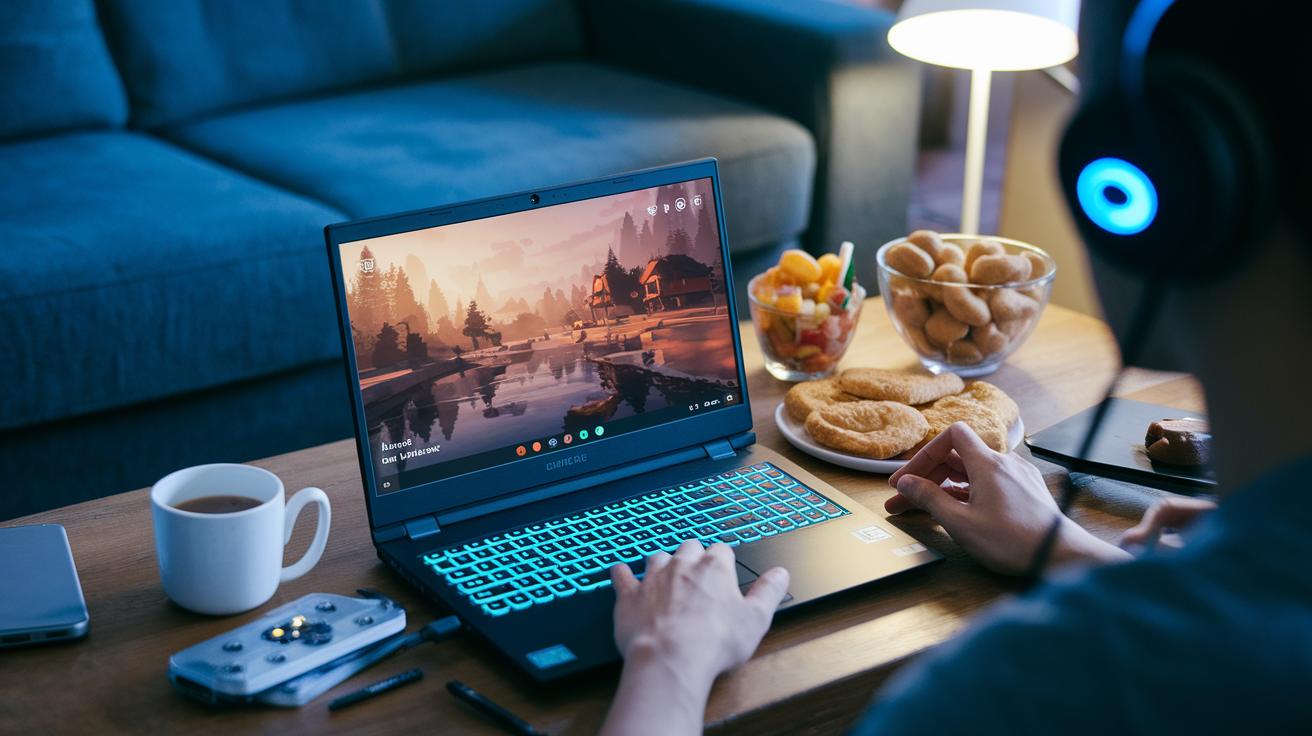
Microsoft Gaming Services uses cloud streaming to deliver your favorite games right onto your screen without the hassle of long downloads. With Game Pass Ultimate, you can jump into games almost instantly because the cloud handles the heavy work behind the scenes. This setup works on tons of devices, PCs, mobile phones, even Xbox consoles! It’s like having a powerful gaming computer in the cloud, ready to serve up action whenever you feel like it.
They've got smart tricks to keep your game running smooth, like choosing the best server and storing data close by (that's what local caching is all about). This means your multiplayer sessions, whether you’re chilling with friends or diving into intense competitive matches, feel seamless. Microsoft’s xCloud is a solid example of modern cloud performance. Check out Cloud Gaming Platforms for more on its compatibility and hardware support.
Imagine launching a game in just seconds and feeling the same rush as you would with offline play. It’s immersive, flexible, and designed to fit right into any gaming setup you have.
Microsoft Gaming Services: Elevated Gaming Experience
Lately, gamers have been running into problems like the "Invalid Profile" error right after updates and leftover install files showing up in Task Manager. Some have even uninstalled Microsoft Gaming Services only to see it stick around even when no games are installed. One user said, "I thought I got rid of it completely, but it still shows up in my settings!"
To sort these issues out, start by checking if your diagnostic tools are up to date. Use the built-in utilities to scan for any profile problems, it’s like a quick fix kit to get you back in the game. Here are a few things to try:
- Check your Windows system logs for error messages.
- Run the diagnostic tool manually to find registry issues.
- Do a system file check to mend any broken files.
If the problem still sticks, you might need to take it a bit further. Tools such as Revo Uninstaller (Hunter Mode, which helps track down hidden files) and MSMG Toolkit are crowd favorites for a deep clean. For example, some gamers even edit the AppX repository SQL database to flush out those stubborn parts. Sure, it sounds a little technical, but this method can clear up the glitch causing system conflicts.
Follow these steps and you'll reset Microsoft Gaming Services to a neater state, setting you up for uninterrupted, top-notch gaming sessions.
Final Words
In the action, we explored the core areas of microsoft gaming services, from its standout features to membership plans that keep things clear and fair. We broke down how to set up on both Windows and Xbox Series X, and even touched on the power of cloud streaming support.
We also ran through some smart fixes for glitchy issues, offering straightforward tips to keep your play smooth. All these insights aim to boost your game and keep the fun rolling. Enjoy leveling up and savor the wins ahead.
FAQ
What are Microsoft Gaming Services?
The Microsoft Gaming Services is a background software that powers features like game achievements, social overlays, and cloud saves. It ties into Xbox Game Pass and supports cross-device play on Windows and Xbox.
Do I need Microsoft Gaming Services?
The Microsoft Gaming Services is vital if you use Xbox Game Pass, cloud streaming, or social features. It runs in the background even without installed games, so most users benefit from its features automatically.
Can I uninstall Microsoft Gaming Services?
The Microsoft Gaming Services can be uninstalled, but doing so may disable features like cross-play and cloud saves. Some users choose repair tools like MSMG Toolkit for full removal when issues arise.
How do I disable Microsoft Gaming Services from starting automatically?
The Microsoft Gaming Services startup can be turned off by adjusting your system’s startup settings. This prevents background processes, though it may affect in-game features and social overlays.
Where can I download Microsoft Gaming Services?
The Microsoft Gaming Services is available through official Windows updates and the Microsoft Store. On Xbox and certain Windows versions like 10 and 11, the service downloads automatically during system setup.
What’s the buzz about Microsoft Gaming Services on Reddit?
Microsoft Gaming Services often sparks discussion on Reddit, where gamers share tips, troubleshooting tactics, and setup experiences. This community input helps users maximize performance and resolve issues.