

Ever notice how some stream highlights really grab your attention while others fall flat? Captivating storytelling isn’t all about pulling off epic plays, it’s also like setting the stage for an unforgettable quest. Each clip becomes a part of your gaming saga, slowly building up the tension. When you plan your shots like you’re lining up the perfect combo, you draw viewers in and keep them hooked until that final play. This kind of approach not only entertains but also turns casual viewers into diehard fans, making every stream a potential legend.
Core Techniques for Stream Highlights Storytelling

Turning your raw stream highlights into a gripping story is all about planning your moves like you strategize for a big game. First, think of your content as a three-part level: start with an attention-grabber, build up the thrill in the middle, and finish with a satisfying win. It’s like setting up the perfect combo.
Kick off your stream with a strong hook in the first 5-10 seconds. Maybe drop a surprising moment like, "Right before the boss fight, one gamer pulled off a move nobody expected." That quick burst grabs attention and gets everyone ready for the action.
Instead of explaining every little detail, let your gameplay do the talking. Use sharp visuals and clear sound (like making sure your setup doesn’t have any annoying background noise) so that the epic moments shine like a well-timed headshot.
Keep your highlights tight and to the point. Trim away anything that slows the pace, making sure every clip drives the narrative forward. And hey, don’t forget to throw in a quick call to action, ask your viewers to follow or subscribe right when the hype peaks.
Make the most of your editing tools, like cropping and clipping (these help cut out the fluff and zoom in on the killer plays), and consider adding a brief text overlay to set the scene.
- Three-act narrative structure
- Strong hook within 5–10 seconds
- Let gameplay speak for itself
- Capture raw, authentic moments
- Use high-quality visuals and audio
- Keep clips concise
- Include a clear call to action
- Utilize cropping and clipping tools
Crafting a Narrative Arc with Stream Highlights

Turn your stream highlights into a mini story by blending your main game plot with some cool, fresh twists. Start by figuring out what your stream is all about and who’s tuning in.
Think about this:
-
Set your goals and know your crowd
- Ask yourself: "Who am I playing for and what moments really stand out?"
- For example, "Plan your match by picking a highlight that shows off your best moves."
-
Break it into clear parts
- Keep it simple: begin with a hook, build up the tension, and wrap it up nicely.
- For example, "Kick off with a surprising play that grabs attention. When the game timer hit zero, that move left everyone stunned."
-
Plan the ups and downs
- Map out where to add fun, suspense, or excitement so viewers feel every twist.
- For example, "Mix in a few chill moments between the heavy plays to keep the mood steady."
-
Link the high-energy clips
- Use smooth transitions that connect each play into a single, exciting story.
- For example, "Chain together back-to-back moves so every clip feels like part of one big adventure."
| Step | Focus |
|---|---|
| Define Your Aim | Set clear goals for your stream and know your audience |
| Segment the Story | Organize clips into a hook, build-up, and a wrap-up |
| Emotion Mapping | Plan where to bring in humor, tension, and excitement |
| Seamless Transitions | Connect clips to keep the flow engaging |
Mix these elements together and you’ll turn raw gameplay into a story that really clicks with your viewers. Enjoy crafting your epic play-by-play!
Editing Strategies for Compelling Highlight Reels

Turning raw gameplay into awesome highlight reels is all about having the right tools on your side. Crop and clip your footage to zoom in on that perfect headshot or clutch save, and leave out the extra stuff. This way, every clip tells part of your story, just like that rush you feel when you nail a tricky move.
Try throwing in text overlays to set the scene. A quick line of text can explain what’s happening or add some fun commentary to your play. Automated captions work great, too, they help everyone follow along, much like subtitles in your favorite game.
Amp up your reel by experimenting with AI music and custom voice-overs. A tailored background track or a unique voice can heighten the excitement without needing a big production budget. These tweaks match the fast-paced energy of your stream perfectly.
Mixing smart video edits with careful timing lets you create top-notch content while keeping things smooth and simple. Think of each tool as part of your editing loadout. Use the right clip timing and smooth transitions to grab your audience’s attention and keep them hooked from start to finish.
Integrating Emotional Engagement in Highlight Clips
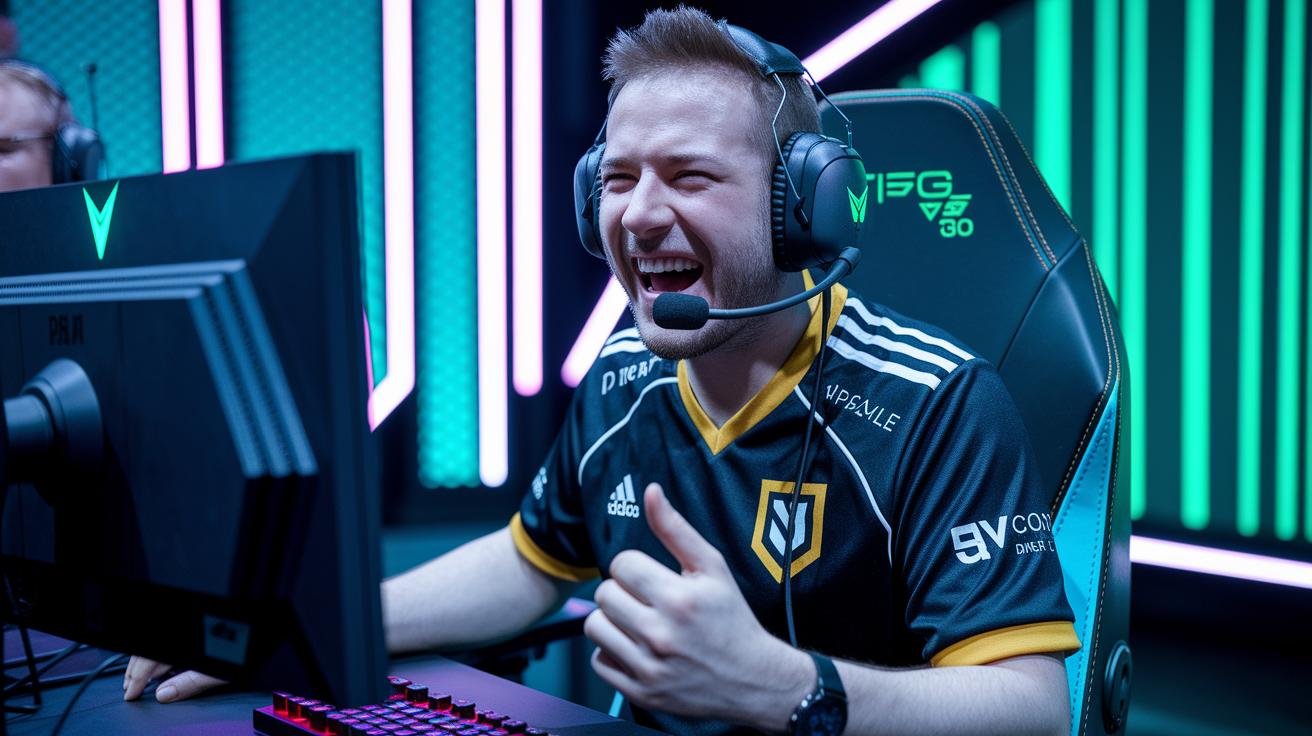
When you add real emotion to your stream highlights, your audience really gets hooked. Using true stories and everyday moments makes everything feel personal. Picture the gasp you get when you barely dodge defeat and pull off a game-winning move – it sticks with you. This approach turns simple gameplay into a lively story.
Mix in some jokes and surprises to capture that live thrill. A well-timed funny remark can ease the tension and make your viewers feel like they are right there with you. Think about a clip where an unexpected oops gives way to a brilliant win that brings a mix of laughter and relief.
Music sets the tone in a big way. Pick background tunes that match your clip's energy, with upbeat songs for high-action plays and softer melodies for those quiet, intense moments. Imagine the change in mood when the music pauses just for a moment, building up viewer anticipation.
Apart from the visuals and sound, clear emotional cues drive the energy. Use short text overlays or on-screen signs, like a quick "Wow moment" when it counts. These small signals recreate the warm, real feeling of being at a live event.
Don't forget to add your personal touch. Share a genuine reaction or a behind-the-scenes snippet that shows the passion behind your gameplay. This makes your viewers care not just about the game, but about your story too.
Interactive Elements and Viewer Engagement Techniques
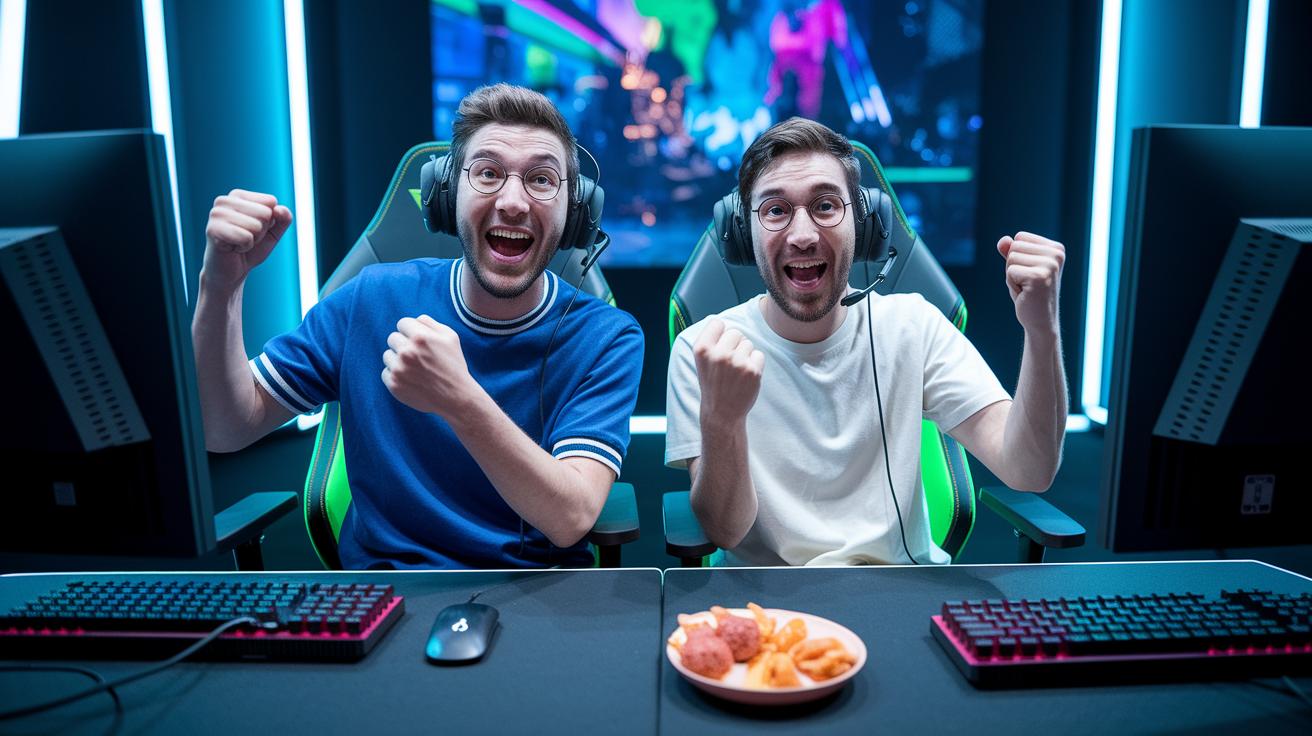
The trick to making your highlight reels pop is letting your viewers jump right into the action. One cool way is to blend interactive bits that stitch gameplay highlights together. For example, you can pop up graphics that call out killer moves while live demos break down how each play unfolds. Instead of just watching, your audience can quickly answer questions like, "What did you think?" This makes them feel like they’re playing along.
Mix in fast polls and real-time feedback to catch those quick reactions and let fans vote on which play deserves another look. Got a big play? Throw in a fun challenge with a question like, "Can you pull off that move?" And when you give live shout-outs on screen, it really builds a tight community that feels seen and part of the game.
| Feature | Description |
|---|---|
| Graphics Overlays | Highlight key moves in real time |
| Live Demos | Break down plays as they happen |
| Q&A Prompts | Invite quick viewer thoughts |
| Real-Time Polls | Capture fast fan opinions |
| Participation Challenges | Turn viewers into active players |
| On-Screen Shout-Outs | Boost community energy with live feedback |
Add these interactive tricks to create a lively broadcast that pulls everyone in. When you mix these elements with your storytelling, your stream turns into a shared, high-energy play session everyone will love. Experiment and see your highlights come alive with real passion and community spirit.
Tools and Platforms for Effective Highlight Creation

Finding the right software can really up your highlight game. Take the Aeon platform, for example. It lets you trim your videos to remove unwanted parts and even turns text into video to add quick context. It also has cool features like advanced text-to-speech (software that speaks written words) and AI music options to give your clips their own vibe. Plus, it automatically adds captions and formats your clip for social media so it always looks great.
The platform comes with easy step-by-step tutorials and weekly tips from the industry. These guides show you how to mix your content smartly without needing a fancy studio. They break everything down so you can focus on telling your story through creative editing and trending narrative styles.
If you want to try other tools, there are plenty of options out there. Look for top streaming sites that make publishing highlights a breeze. Search for topics like "how to stream on twitch" or "gaming streaming platforms" to steer you in the right direction. Experiment with these tools to find a workflow that fits your style and keeps your highlights exciting for every viewer.
Analyzing Performance and Refining Your Storytelling Approach

To keep your stream highlights fresh and fun, you need to keep an eye on your numbers. Watch how long viewers stick around (retention rate), note the total watch time, and check how often your clips get shared. This tells you when your audience is really hooked and when they might be drifting away. For instance, if you see fewer views during one segment, that's a good clue to shake things up there.
Then, dive into viewer responses. Look at likes, shares, and other engagement markers to see which moments really click with your audience. This feedback helps you figure out which parts of your stream pack the most punch, and which sections might need some fine-tuning.
Remember, perfecting your highlights is all about taking small steps. Gather your metrics, then adjust your story slowly but surely. Here's a quick plan:
- Monitor key stats like watch time and clip shares
- Find out which moments get the most love
- Tweak the pace and emotional peaks based on the data
- Experiment with new sequences to see if your retention improves
Regularly checking these details is like leveling up your game plan. Each little change makes your story sharper and more engaging, encouraging your audience to stick around and interact. Keep testing and refining until the feedback shows you're winning with your viewers.
Final Words
in the action, we explored key ways to transform raw stream moments into clear, emotional, and interactive narratives. We broke down techniques, from structuring a three-act arc with a strong hook to refining your edits with efficient tools and real viewer data.
These tips can boost your game and boost community vibes. Stay creative and keep perfecting your art of engaging storytelling through stream highlights.
FAQ
Q: Engaging storytelling through stream highlights on YouTube?
A: The question emphasizes that engaging storytelling on YouTube involves using a three-act narrative, a quick hook, and interactive elements that connect raw clips to a flowing, emotional tale that grabs viewers from the start.
Q: How to do storytelling on YouTube?
A: The question suggests that storytelling on YouTube starts with a strong opening hook, a clear narrative arc, and careful segmentation of clips to craft a real and engaging story that draws in every viewer.
Q: How to create storytelling videos?
A: The question explains that creating storytelling videos means editing raw highlights into a clear plot with a beginning, middle, and end, using real moments, sound cues, and visuals that boost viewer immersion.
Q: What video storytelling techniques can be used?
A: The question outlines that effective video storytelling techniques include a “show-don’t-tell” style, concise clip selection, vivid emotion cues, and integrated call-to-actions that keep the narrative moving smoothly.
Q: How does the video suggest finding your message for storytelling?
A: The question indicates that finding your storytelling message means identifying your streaming goals and audience, then highlighting key moments that express your unique vibe through a planned and heartfelt narrative.
Q: What are the 5 C’s of storytelling?
A: The question looks at a framework where the 5 C’s—character, conflict, context, culmination, and connection—help build stories that are clear, relatable, and powerfully engaging for viewers.
Q: What are the 5 P’s of storytelling?
A: The question explores a method using the 5 P’s, which might include purpose, premise, progression, payoff, and punch, guiding content creators to structure their stories in a way that resonates and excites audiences.
Q: What are the four P’s of storytelling?
A: The question refines storytelling into four key parts: plan, portray, pace, and punch, ensuring that your narrative flows smoothly while delivering exciting moments that keep viewers hooked.
Q: How to engage an audience with storytelling?
A: The question shows that engaging an audience with storytelling involves crafting a strong hook, using vivid visuals and sound, and integrating interactive elements to make the viewing experience as dynamic as a live game chat.