

Ever notice how some clips get everyone hyped? They grab you with that surge of adrenaline from one epic play and then boom, you’re watching it again.
In just a few seconds, these clips show off crazy fast moves, funny host moments, and even the wildest chat reactions. They pack all the best bits into little bursts that leave you wanting more.
Our article breaks down how these bite-sized highlights can spark big interest and even boost sales. We’ll share some cool, easy tips to help you pick and polish your top moments, turning casual viewers into an active, buzzing community.
How Stream Highlights Improve Viewer Engagement
Stream highlights are like little bursts of action that capture the best parts of a live game. They break down epic moments, sharp plays, fun host banter, and wild chat reactions, into short clips that keep viewers coming back for more. Picture it: one swift clip that turns a game around in just 20 seconds.
Research shows that these bite-sized gems can attract 25% more customers, bump up sales conversions by 30%, and even boost overall ROI by 60%. Quick tweaks to your content can also cut drop-off rates by about 20%. In other words, sharing these focused clips doesn’t just entertain, it drives real results for your channel.
Regularly posting highlights keeps your community strong and active. When you share these clips on your streaming platform, your channel stays vibrant and inviting for both new and returning fans. They watch more, chat more, and share more. Over time, each highlight not only brings more viewers in but also deepens their connection with your channel.
Selecting and Editing Stream Highlights for Maximum Engagement

Strategic clip selection is crucial to catch a viewer’s eye and keep them hooked. In a sea of videos, highlighting the moments where chat explodes or an unexpected twist occurs creates a strong bond with your audience. Using smart AI tools (basically automated assistants) to flag these key moments slashes your manual editing time, making your workflow smoother. A killer hook in the first 5 seconds grabs attention instantly and cranks up watch-through rates.
Ever noticed how a flood of chat emotes signals excitement? That’s your cue to extract those high-energy moments. Keep your clips under 60 seconds for platforms built around quick, snackable content. Add in captions and Twitch chat overlays because subtitles make viewers about 80% more likely to stick around. Next, spice up your reel with dynamic transitions and sound effects that boost its overall vibe. And when you line up your clips just right, you build a story that pulls viewers through the best parts of the stream.
Clean, well-edited cuts not only make the viewing experience epic but also build a loyal fan base. Every clip, from that instant hook to the smooth narrative flow, turns raw footage into a showcase of skill and pure entertainment. This approach transforms simple edits into engaging tales that keep your audience coming back for more, ready to relive those nail-biting moments again and again.
Timing and Scheduling Stream Highlight Releases
Use your viewer data to find the best times to drop your highlights. Stats show that viewers are most active from 6 to 9 PM local time, which can boost views by about 15%. So, plan your best clips right when your audience is settling in after work, and feel the rush as engagement jumps.
Let your tools do the heavy lifting by automating your clip drops with schedule bots or built-in features on your streaming platform. This automation saves you time and lets you focus on making epic plays. Plus, pre-registration reminders can hook about 10% more regular viewers, making sure your highlights land right when everyone’s ready.
Sync your clip releases with your upcoming live events to keep the excitement rolling. When you mix short bursts of action with event announcements or follow-up sessions, it creates a smooth, regular flow on your channel. This strategy keeps your audience coming back for more and builds up the hype for your next live session.
Promoting Stream Highlights Across Social Media Platforms

Want to pump up the hype for your stream clips? Try sharing your highlights on social media to spark excitement and get more eyes on your work. Before you even go live, you can build buzz with a quick blog post, an email blast, or cool social banners that double your clip views. Knowing where your fans hang out (think Discord and Reddit) can boost your teaser clicks by around 30%. Epic, right?
Here are some easy steps:
- Post sneak peeks on Instagram Stories or TikTok.
- Use hashtags and keywords that work best for each platform.
- Time your posts when your fans are most active.
- Share exclusive previews with your newsletter crew.
Plus, you can use handy digital marketing tools that let you schedule posts and track which channels bring in the best engagement. For example, a well-timed Instagram teaser or a snappy Reddit post might flood your stream with clicks and shares. This way, you can adjust your strategy based on real results and keep your audience stoked for what’s coming next.
Incorporating Interactive Elements and Viewer Feedback in Highlights
Add poll results and top chat questions right into your highlight reels to get your audience hyped. Picture this: a clip where fans voted on the wildest play ever. It makes your highlights pop and pushes viewers to join in. In fact, using polls and Q&As can bump up your click-through rates by 12%, turning quiet watchers into active players. Start off with a cool fact, like, "During a live stream, one unexpected poll set off a frenzy in the chat and turned the moment into a real community party."
Shout out to viewers can really light up your live chat. It feels awesome when fans see their names or comments on screen, making things feel personal. Mixing fan call-outs with epic reward moments makes your highlights interactive and fun. It’s like getting a little extra boost every time a new clip drops.
Tailor your clips based on what your viewers ask for and say. When you use AI to send alerts for new clips, re-engagement can jump by 8%. This way, every highlight feels like a conversation, sparking more interaction and growing your channel’s tight-knit community.
Analyzing Engagement Metrics to Refine Highlight Strategy
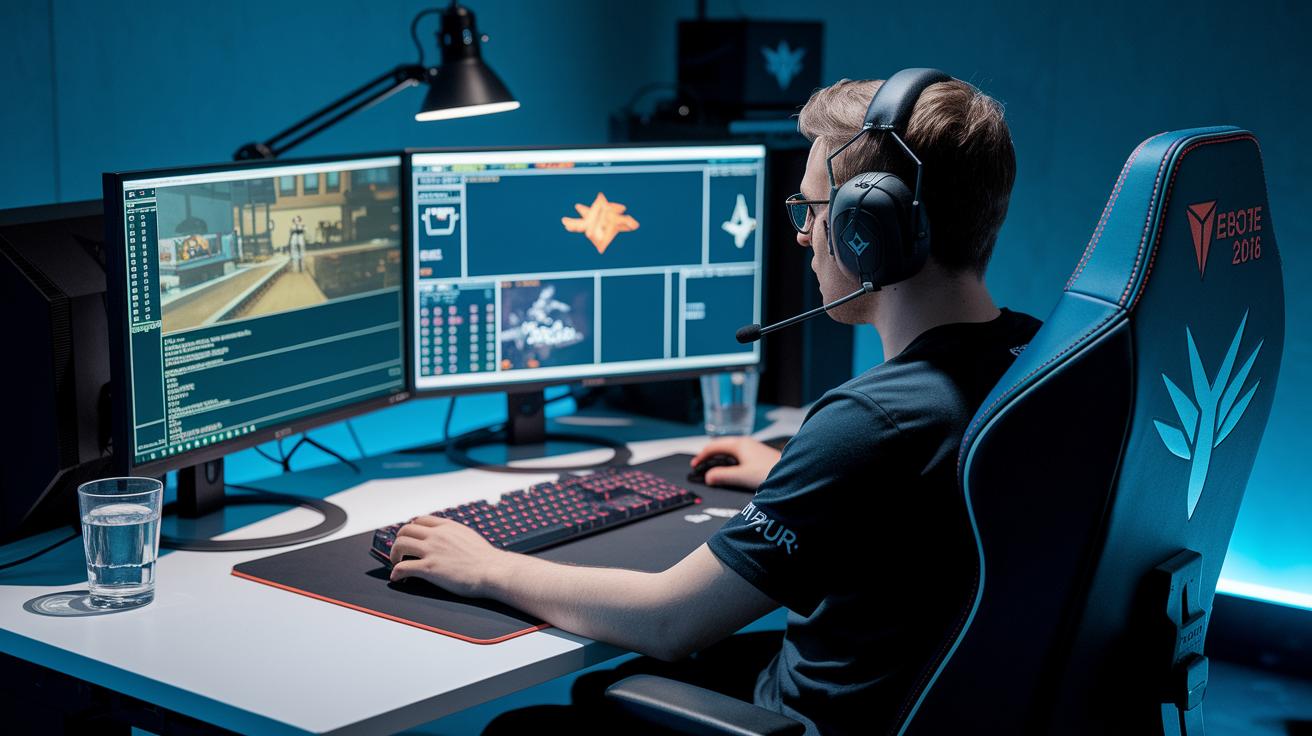
Knowing how people watch your clips is super important to making your highlights better. Keep an eye on numbers like views, average watch time, shares, and re-watches. Smart tools powered by AI can show you where viewers lose interest or hit replay (meaning they watch again), so you can tweak your clips for more view time. For example, if a clip gets watched over and over, it's clear it hit a strong moment. Check this out: one streamer tuned a clip after spotting a drop-off point and got a 20% boost in viewer retention.
You can also use live dashboards and A/B testing tools to see how your clips perform the moment they go live. These tools let you compare two versions to see which one gets more clicks or longer views. By checking these numbers regularly and tweaking your edits, you can make sure every highlight grabs attention, keeps viewers hooked, and boosts real interaction with your content.
Tools and Automation for Stream Highlight Production
Using top-notch capture and encoding tools lets you record your streams in crisp quality, even when the gameplay is super intense. With multi-bitrate capture, your recording stays smooth no matter how wild it gets. And hardware like capture cards and dedicated streaming setups means you never miss an epic moment.
Auto-clipping tools and AI-powered highlight generators take the hassle out of editing. They use smart scene detection (yep, spotting the best plays) and timestamp markers to clip the hottest moments automatically. This way, hours of gameplay turn into quick, exciting clips that keep your audience fired up. Plus, many of these systems offer tips and workflows tailored for platforms like Twitch.
Mixing these time-saving tools into your workflow makes the whole production process a breeze. For example, OBS or Streamlabs can automate your exports so your clips are ready in a flash, leaving you more time to game. The best part is syncing auto-generated clips with your manual touch, adding captions, and making sure every epic play shines. New tech, like updates seen in Stream 2024, blends capturing and editing for a workflow that's efficient and engaging.
Final Words
In the action, we saw how bite-sized highlights boost audience interaction and sharpen your clip strategy. We broke down how to pick the best moments, cut clips for maximum punch, time your releases, spread the word on social channels, and track key stats.
By focusing on improving viewer engagement with stream highlights, you’re set to elevate your content and keep viewers hooked on every epic moment.
FAQ
How do stream highlights improve viewer engagement on platforms like Reddit, YouTube, and other video formats?
The stream highlights improve viewer engagement by slicing long broadcasts into quick, exciting moments. This allows viewers to catch the best bits easily, sparking more likes, shares, and discussions across various platforms.
What free tactics can boost viewer engagement with stream highlights?
The free tactics boost engagement by using built-in editing tools and basic software to cut key moments. This low-cost approach helps maintain viewer attention and ramps up social media interaction without extra expense.