
Ever notice how some streams pull you in right away while others just leave you bored? Clear, sharp graphics can change a simple clip into an electrifying moment that holds your attention. Think of smooth text overlays and seamless scene changes as the magic tricks that turn ordinary game clips into epic, TV-quality action.
In this post, we dive into simple ways to craft graphics that make your stream stand out and really get your viewers hyped. Ready to level up your visuals and add some serious streaming power?
How to Create Impactful Graphics for Streaming Highlights
Graphics are super important for live streams, they grab your viewers right away. Think about crisp visuals like lower thirds showing host names and extra details that pull fans into the action instantly. They add a cool, energetic vibe to your stream, keeping people tuned in.
Quality visuals give your stream a pro, TV-like feel. When your graphics match the mood, whether it’s high-energy for gaming battles or more serious for talk shows, they help keep everything clear and engaging. Imagine a smooth scene switch that ramps up the excitement during a clutch game moment. Ever felt that burst of adrenaline when everything just clicks?
- Lower thirds for on-screen titles that pop and set the scene.
- Sidebar overlays (like L-bars) to share extra info in real time.
- Scene transitions using wipes, fades, and custom effects that keep the flow smooth.
- QR code graphics that link your stream to websites and social channels.
- Social media integrations that show live fan reactions.
When all these elements work together, your highlights go from typical clips to pure, electrifying moments. Craft your graphics to boost your on-air presence, imagine the sudden surge of focus when that game-winning play unfolds. It’s all about mixing sharp design with engaging elements to create a streaming experience that really stands out.
Core Design Principles for Streaming Highlight Graphics
Good graphics are all about keeping it simple and clear. When you avoid clutter, viewers can focus on the gameplay without distractions. Using the same colors, fonts, and logo spots makes your design feel connected on any device, whether you’re on a big screen at home or watching on your phone.
Color Theory
Think of colors as the mood of your stream. Use shades that contrast well so every part stands out. For example, a dark background with bright text makes key details pop. Stick with just a few colors so your design stays neat and every hue works together.
Typography & Fonts
Fonts are super important for easy reading. Pair a bold headline font with a simple text font to guide the eye effortlessly. Make sure the lettering is clear, even on small screens. Experiment a bit, but keep to one style per highlight so it doesn’t get too busy. Every word should be easy to read during those fast game moments.
Composition & Layout
A solid layout works like a grid that keeps everything in place. Use safe zones to ensure your important text and graphics always show up properly on all devices. Focus on one or two main areas to draw the eye where it matters most. By arranging your elements evenly and with purpose, your broadcast visuals will look sharp, simple, and effective.
Recommended Tools and Software for Designing Streaming Highlight Graphics
Picking the right tool for your streaming graphics can feel like gearing up for a big tournament. Sometimes you just want a drag-and-drop setup that’s super easy to use, and other times you need heavy-duty features like layering effects and masking (that’s when you hide or tweak parts of your image). Look for software that lets you swap out elements quickly with modular overlays, so you’re ready on the fly.
Even if you’re just starting out and need speedy mockups, or if you’re an experienced pro hunting for deep customization, having the right software can really boost your streaming vibe. It all comes down to what fits your workflow and creative style.
| Tool | Key Features | Best Use |
|---|---|---|
| Canva | Drag-and-drop templates, quick mockups | Ideal for fast, user-friendly designs |
| Adobe Photoshop | Advanced layer effects, masking, color correction | Perfect for detailed image editing |
| Procreate | Hand-drawn illustrations, brush customization | Great for creative designs on iPad |
| Adobe Illustrator | Vector art for scalable, crisp overlays | Best for high-resolution vector graphics |
Take a minute to review your options and see which tool fits best with your style. Whether you're new to design or already a seasoned pro, the right software makes all the difference for creating neat and engaging graphics during your livestreams. Dive into these choices, mix in your personal flair, and watch your broadcast come alive!
Adding Animated Elements and Transitions to Streaming Highlight Graphics
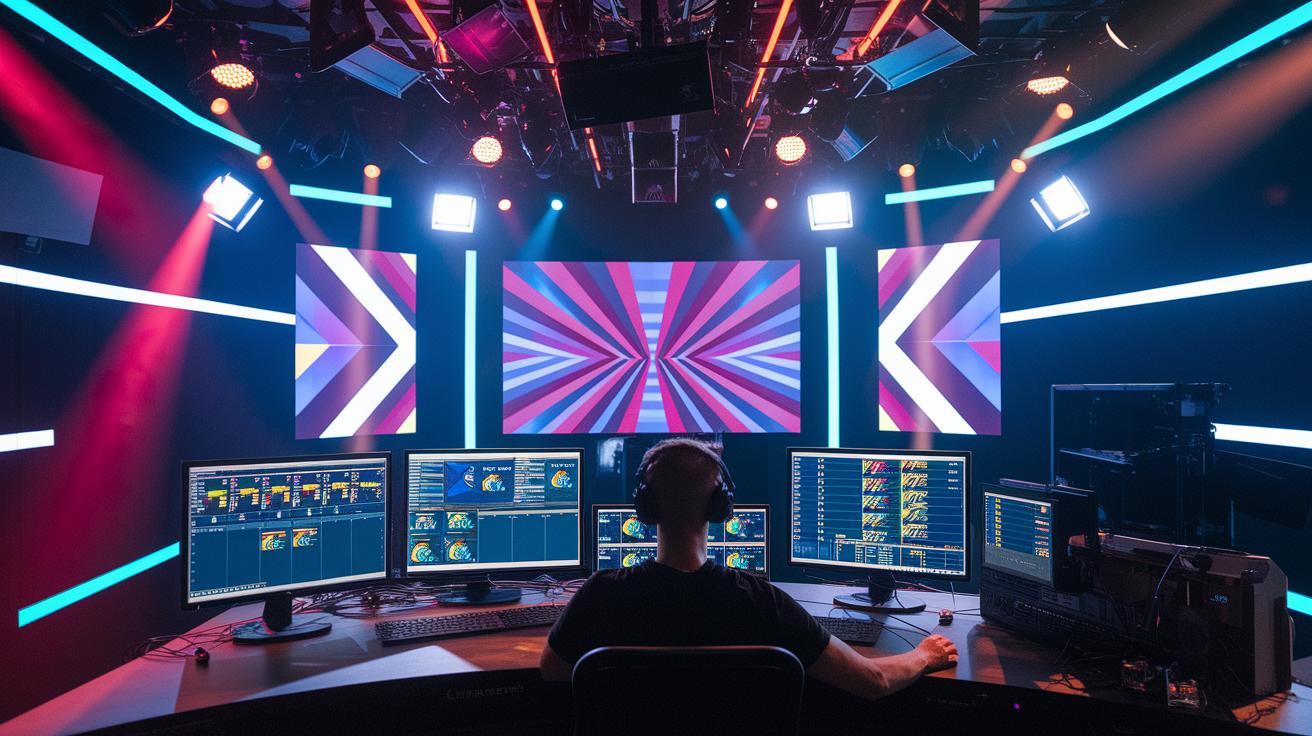
Motion in your stream grabs everyone’s attention and keeps viewers hooked. Adding animated effects gives your highlights a burst of energy and guides the eye smoothly from one moment to the next. Whether you pick smooth wipes or creative fades, each move makes your plays pop like a killer combo.
Implementing Scene Transitions
Making smooth scene transitions is a lot like setting up the perfect game cue. You can use editing tools to create dynamic clips with effects like wipes, fades, or even custom motion that fits your stream’s vibe. Once you export these clips in the right format, they seamlessly break up your segments and add a cool flair. Think of it as a slick fade-out that leaves everyone wondering what’s coming next.
Integrating Timers & Motion Overlays
Adding countdown timers and animated badges in your highlights cranks up the excitement and signals upcoming big moments. Just layer these elements over your clips to make it clear when a major reveal or clutch action is about to occur. With tools that let you customize backgrounds, logo overlays, and coordinate fonts and colors, you'll blend these timers and overlays perfectly into your stream’s style. This mix of motion and info creates a lively, interactive experience that keeps fans glued to every second of the action.
Building Modular Overlay Frameworks for Streaming Highlight Graphics: Boost Your Look
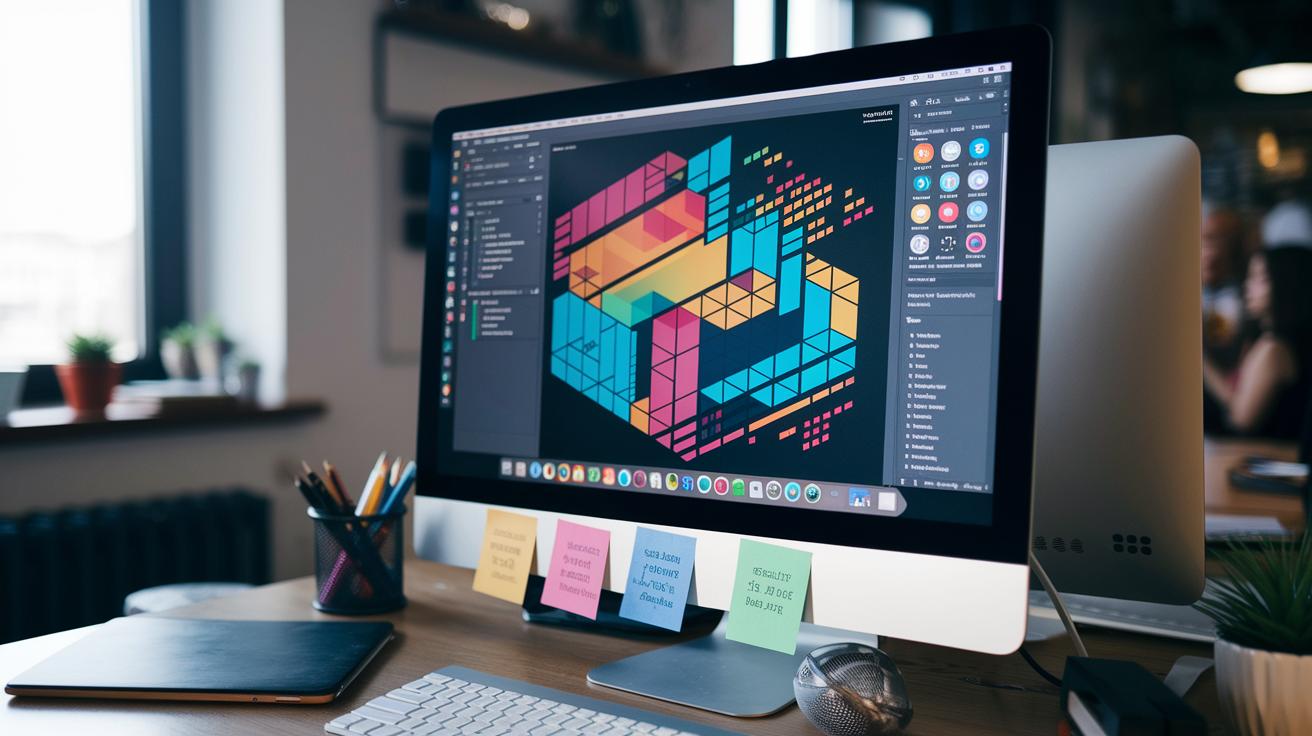
Modular overlay frameworks are your secret weapon to keep your stream neat and fun. They let you swap out key parts like scoreboards and logos on the fly, kinda like how TV sports shows slide in stats with cool sidebars. Imagine the buzz of a live game mixed with slick, moving graphics that keep your viewers glued to the action.
Using a modular style means you can create graphic pieces that work in any part of your stream. You get to design custom themes for big moments or quick bursts of flair. Think of it as having a set of ready-made overlays that you can reconfigure in a snap to match a sudden peak in viewer chat. It saves time and keeps every scene looking fresh and exciting.
For those live moments, keep your layers set up for quick adjustments without breaking the flow. Add interactive bits that update instantly or even pull in viewer polls. Tweak your modules on the go so updates slide in smoothly, making sure your audience stays hooked from start to finish.
Streamer Identity Branding in Streaming Highlight Graphics
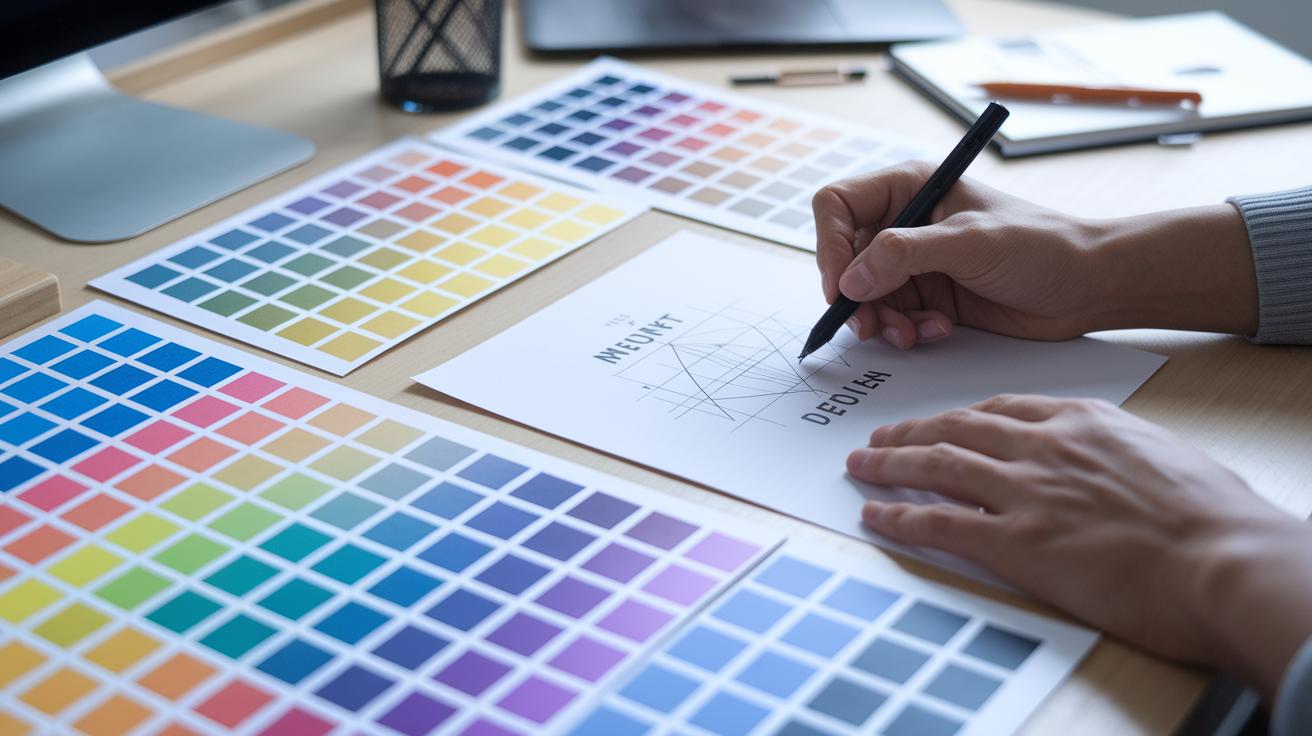
A sharp brand identity on your stream helps viewers spot you in a flash. It's like your digital signature, keeping the same colors, fonts, and logo placement every time makes your stream feel personal and on point. Throw in some custom icons or cool patterns, and you've got that extra flair that sets you apart. Ever noticed how a solid color scheme with a striking logo makes a highlight as memorable as that clutch play in a big match?
Building your style starts with some good old brainstorming. Grab a pencil for quick sketches, put together a mood board, or chat with pals to hammer out your ideas. Try different layouts until your look clicks perfectly with your personality. Once you've got your base covered, every graphic works together like a well-timed combo, making your streaming highlights stand out in the crowd.
Exporting and Integrating Streaming Highlight Graphics into Streaming Setups
When you export your graphics in the right format, your live stream stays smooth and slick. It’s like picking the perfect weapon loadout for a clutch match, you need what works best to keep up the pace without any lag or hiccups.
For your static overlays, save them as PNGs that have alpha transparency (this means the background stays clear so your gameplay isn’t hidden). And if you’re going for animated elements, formats like WebM or GIF are your go-to because they keep the motion crisp while keeping the file sizes low.
| Type | Recommended Format |
|---|---|
| Static Overlays | PNG (with alpha transparency) |
| Animated Elements | WebM or GIF |
Next up, make sure you add those files to your broadcast software, think OBS, Streamlabs, or OneStream Live. Use the Media Source option or set up custom scenes. Whether you’re using an RTMP encoder or a full-on live studio system, adjusting resolution and format keeps everything running in sync, just like coordinating with your squad before a big match.
And don’t forget to compress your files and tweak the resolution. Smaller, optimized graphics mean less bandwidth used and a smoother stream overall. It’s all about reducing those frame drops so your broadcast feels as fluid as your best team play.
Final Words
In the action, we jumped straight into the guts of creating dynamic visuals, from lower thirds and sidebar overlays to smooth transitions and interactive QR codes. We broke down design basics like simple layouts and bold typography while laying out recommended tools and smart export tips.
These insights show how thoughtful planning and consistent style boost viewer engagement and professionalism. When it comes to designing graphics for streaming highlights, a clear strategy paired with creative passion can truly light up your stream. Keep pushing your limits and enjoy leveling up your visuals!
FAQ
What does designing graphics for streaming highlights involve on platforms like Reddit, Twitch, and online?
The designing graphics for streaming highlights involves creating eye-catching visuals that fit your style and platform. It means using free or custom tools to craft overlays, transitions, and branding elements that boost your stream’s look.
What tools are recommended for creating streaming highlight graphics?
The tools include Canva for easy drag-and-drop design, OBS Studio for integrating assets into your broadcast, and Streamlabs for added customization features. They help both beginners and pros craft professional visuals seamlessly.
What graphics do you need for streaming highlights?
The graphics needed for streaming highlights usually include lower thirds, sidebar overlays, scene transitions, QR code visuals, and social media integrated elements. Together, they make your stream look professional and engaging.
What is streaming graphics design?
Streaming graphics design is about creating visual assets for live broadcasts. It covers making overlays, animated transitions, and branded visuals that help set the mood and maintain viewer focus during a stream.
How can beginners make streaming graphics?
The process for beginners starts with using user-friendly tools like Canva. Focus on simple designs, experiment with templates, and gradually refine your style to build clear and bold graphics that work well on-air.
How can you make your Twitch stream look nice?
The approach to improving your Twitch stream involves using cohesive graphics that reflect your vibe, clear overlays for information, and a well-organized layout. This way, you create a polished and immersive viewing experience.