

Ever gotten annoyed watching a long stream and missing the killer moments? Imagine slicing up those electric plays into quick clips so you can skip the boring parts and jump straight to the action. In this guide, we’ll share five solid tips to help your stream highlights stand out wherever you post them. You’ll learn how to trim your videos sharply, flag the key moments, and add creative effects that really hit hard. Get ready to turn those marathon sessions into epic, bite-sized replays that keep your fans coming back for more.
Core tips for editing streaming highlights

Short, snappy clips work way better than long streams. A quick 2-minute clip grabs attention fast, so viewers get the best moments without sitting through a 3-hour session. It's like showing off your top game highlights, focused and action-packed. Think of it as slicing your long session down to just the most explosive plays.
These bite-sized clips also let you hit different platforms with ease. One cool reel can draw fans on YouTube, TikTok, and Instagram all at once, turning a single live session into multiple wins. When you tweak your content for each platform, you're reaching various audiences and boosting engagement. It's like turning one epic victory into endless replay moments.
- Aggressive trimming – Cut out the boring parts to keep the flow tight.
- Time stamping – Note key moments during the stream so you can easily jump in.
- Software shortcuts – Use features like double speed playback and the razor tool (a simple tool to cut clips) to speed things up.
- Creative effects – Throw in a subtle zoom or crop to mask any edits.
- Audio clarity – Balance game sounds, voice chat, and effects so everything sounds crisp.
Tweaking your edits to match each platform means you’re serving clips that really fit the style and pace of where they're posted. When everything clicks, your clip entertains and boosts views, making every second count.
Pre-planning and timestamping for streaming highlights

Dropping markers during your live stream is a total game changer. It speeds up your editing so you don't waste time rewinding hours of footage. Use simple chat commands like /marker or built-in tools to tag almost 90% of your best plays in real time. That means you can skip the boring part and get straight to the fun editing.
Plus, this trick helps you catch not only the obvious highlights but also those surprise epic moments. Imagine a streamer hitting a jaw-dropping combo and tapping /marker right then. Later on, when they're on YouTube or Twitch, they just jump from one marker to the next. No epic play gets missed, and the editing stays fast and smooth.
Choosing software for editing streaming highlights
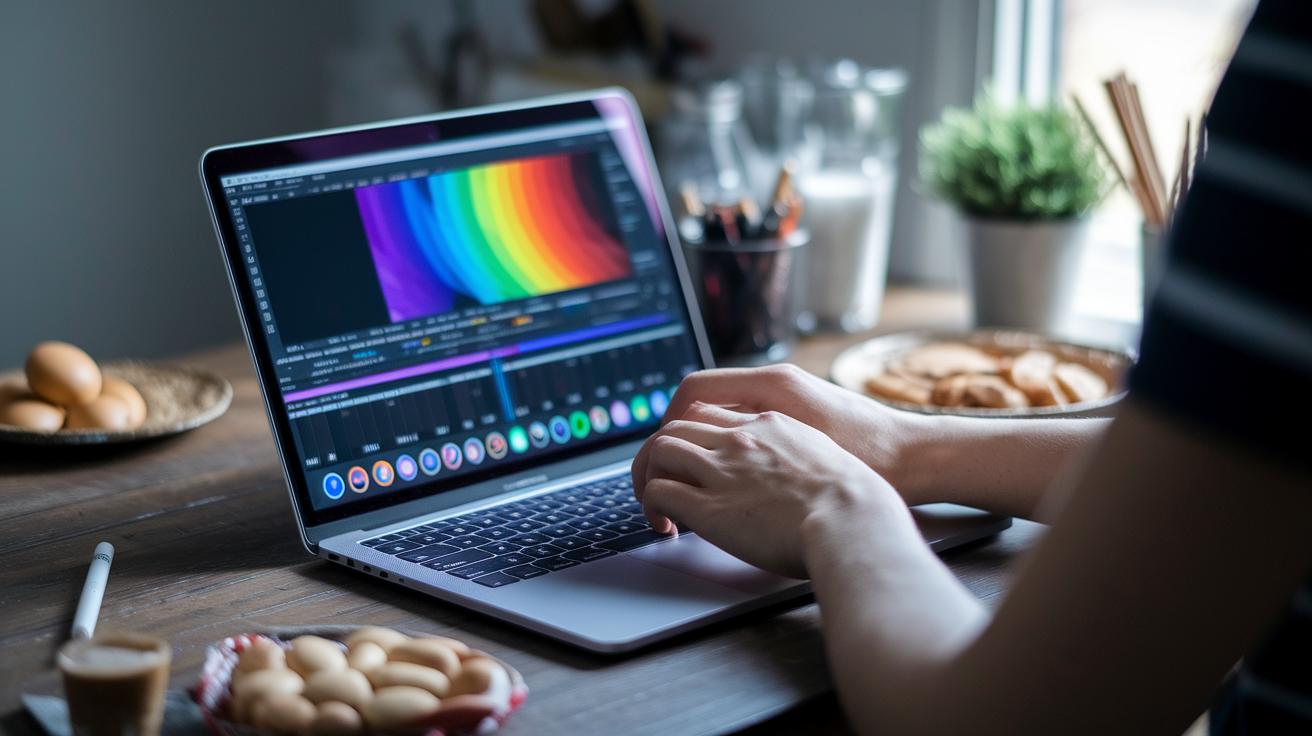
When you’re on the hunt for an editing tool, think more about how smooth your workflow will be rather than just a bunch of shortcuts. Look for a program that lets you set up your workspace your way, easily mixes with other creative tools, and keeps the interface clear and simple. For instance, check if you can shuffle around panels to match your editing style before you dive into your work.
- Make sure the tool works with lots of file types and plugins.
- Look for options to set your own keyboard shortcuts and a timeline that feels natural.
- Confirm it can link up with extra tools to boost its functionality.
Efficient clip trimming for streaming highlights
When editing your streaming highlights, trimming hard is key. Instead of a long cut, aim for an 8-12 minute reel that only shows the best plays. Remove any off-topic chatter, filler moments, or repeated scenes so your viewers stay hooked, like nailing that perfect combo in your favorite game.
Here are some quick steps:
- Pinpoint the best moments – Mark standout plays or funny moments during your stream. Imagine that game-winning move lighting up the screen.
- Cut the clutter – Use a cutting tool (think of it as a digital razor) to remove long, off-topic clips.
- Smooth the flow – Add a bit of speed change to keep transitions smooth without losing the natural feel of your reel.
These trim tips make sure every second counts and keep the energy high, exactly what your viewers crave.
5 tips for editing streaming highlights shine

Your highlight videos really pop when you mix in cool transitions and effects. Adding fun motion graphics and creative overlays turns every cut into a chance to wow your audience. One neat trick is the zoom-crop effect (that means zooming into a part of the scene) to hide any jump cuts. For example, if an epic play happens just off-screen, a quick zoom on a player's reaction not only hides the cut but adds a burst of drama, imagine the camera zooming in on a gamer's determined face during a clutch moment.
Another cool idea is to use overlays that show off your unique style. Drop in a quirky meme or a punchy sound effect right when it matters. Picture a brief overlay flash when someone lands a headshot, mixing humor with the excitement of the play. Here are five quick tips to level up your effects:
- Use zoom and crop transitions to smooth out rough cuts.
- Add subtle overlays that highlight the key moments.
- Integrate motion graphics that sync up with changing scenes.
- Include sound effects that boost the energy of your edits.
- Balance visual effects so they amplify the vibe without stealing the spotlight.
These techniques keep your highlight reels fun, dynamic, and totally true to your style, making every clip engaging and visually on point.
Audio syncing and subtitles for streaming highlights
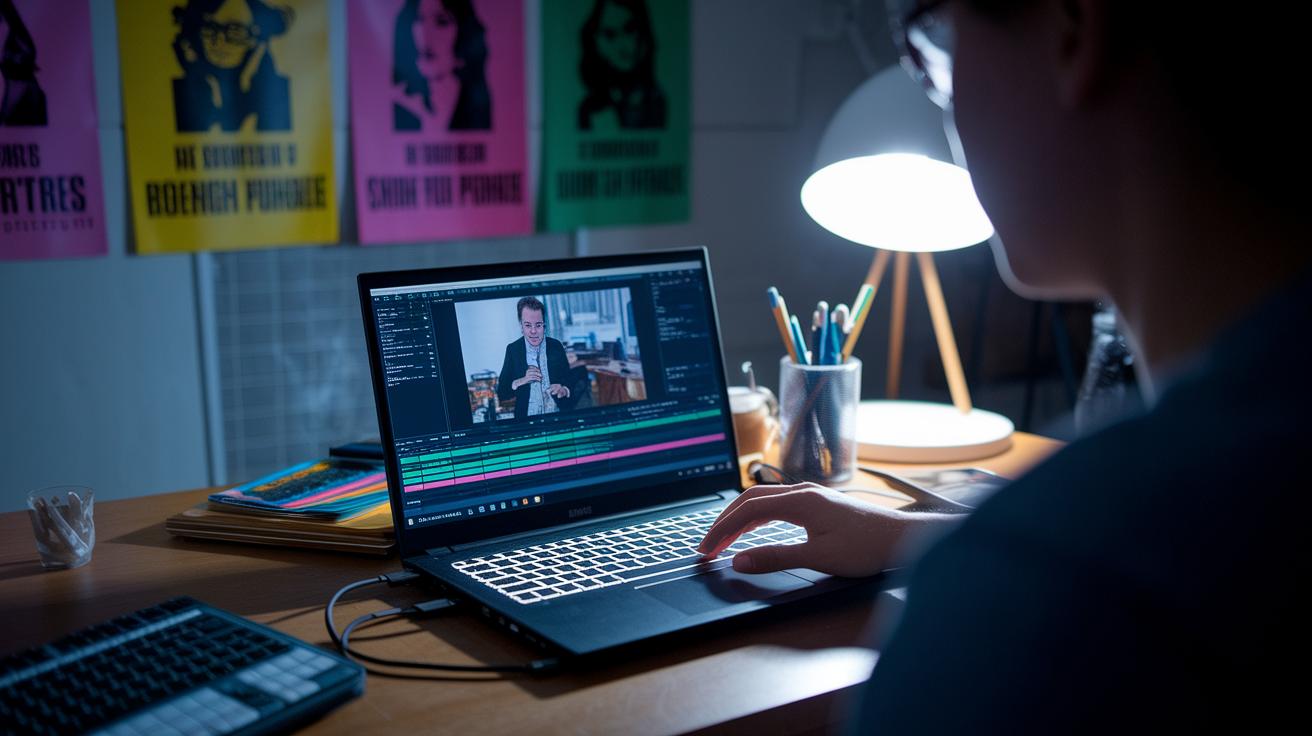
Nailing your audio mix and adding clear subtitles can totally level up your highlight reel. When friends watch your edits, they should catch every word, even when voices overlap during epic moments. It’s all about balancing game sounds, voice chat, and sound effects to hit a steady LUFS range (LUFS measures loudness in audio, which is just a way to see how loud things are).
Imagine your favorite streamer’s shout-out getting swallowed by booming background music. Clear mixing and subtitles step in to save the play, ensuring nothing gets lost in the action.
Subtitles boost clarity and let viewers catch all the excitement, even on mute. And if four or more people join the convo, using color-coded text lets everyone know who's talking. This kind of detail keeps your reel looking sharp and professional.
Here’s a quick checklist for keeping your audio on point:
- Check audio levels: Keep game sounds, voice chat, and effects balanced within a steady LUFS range.
- Verify subtitle timing: Make sure subtitles pop up right when speakers start talking.
- Identify speakers: Use different colors when four or more voices overlap so it's super clear who’s who.
Distributing and monetizing streaming highlights

Turning your best streaming moments into clips for different platforms is a smart way to boost your game. It not only grabs more views but can also earn you some cash. Think of it like unlocking bonus levels in your favorite game.
Short, punchy clips work best on platforms like YouTube, TikTok, Instagram, and Facebook. Tweak each clip to match the vibe of the platform, imagine crafting a quick trailer for your epic highlight. This trick can open doors to ad revenue, sponsorships, affiliate links, and even merch sales.
Every platform has its own style. On YouTube, longer clips let you dive into the action while TikTok and Instagram need quick, snappy bursts of energy. Adjusting your edits for each audience is like picking the right weapon for the game, it makes all the difference.
| Platform | Max Clip Length | Monetization Options |
|---|---|---|
| YouTube | 10 minutes+ | Ad views, sponsorships, affiliate links |
| TikTok | 60 seconds | Sponsored posts, affiliate promotions |
| 60 seconds | Branded content, merch, affiliate links | |
| 3 minutes | Ad breaks, sponsorships, affiliate links |
Adapting your highlights to fit each platform is the key move. When you tailor your clips, you're not just entertaining your viewers, you’re creating smart revenue streams, one epic play at a time.
Final Words
In the action, this guide walked through why short, punchy clips beat long streams. It broke down how pre-planning, software tweaks, efficient clip trimming, creative transitions, and clean audio help boost your content. We shared practical tips for editing streaming highlights that are easy to apply and can dramatically boost engagement.
Keep your editing sharp, experiment with each step, and watch your highlights cut through the noise. Every tweak brings you closer to maxing out your gameplay presentation. Enjoy the process and keep creating!