
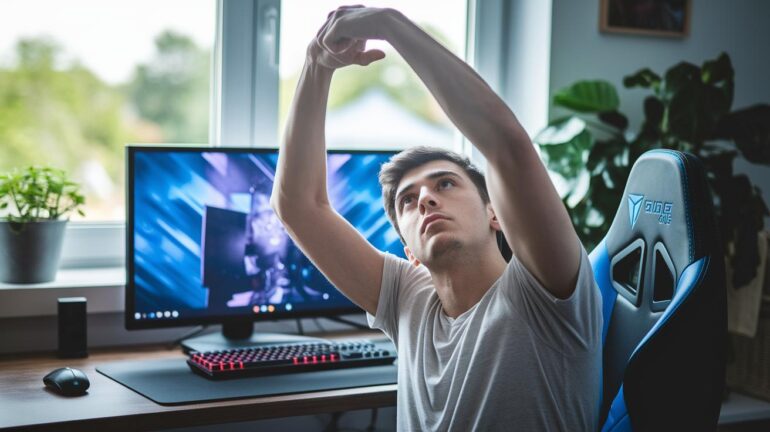
Ever worry that pressing pause might throw off your game? It might seem risky to stop in the middle of a match, but a few quick stretches can feel like grabbing a bonus power-up.
When long sessions leave you feeling stiff and slow, these simple moves can recharge your energy and keep you in the zone. In this guide, we break down some of the best stretches just for gamers. Stick around and see how a short break can help you beat fatigue and keep you playing like a champ.
Quick Start Stretches for Gamers During Long Sessions
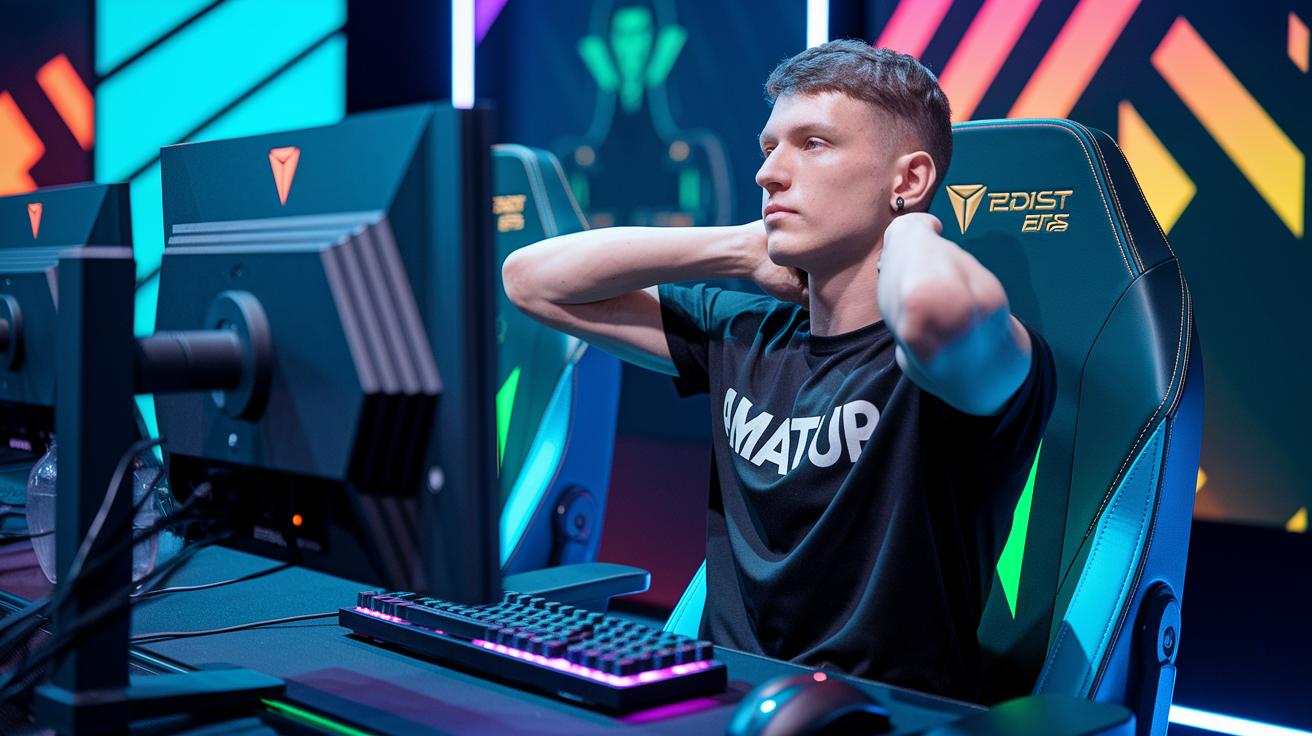
Ever feel like pausing your game might hurt your momentum? Trust me, taking a quick break can save you from that nagging muscle strain. It’s like snagging a power-up right before the final boss fight.
Sit up straight with your feet flat on the floor and use a comfy chair or bean bag. This keeps your posture in check, kinda like refilling your health bar mid-match. A solid posture means you're ready to jump back in, energized and on point.
Keep each stretch for 20–30 seconds and do them 4–5 times. This helps you dodge those repetitive strain injuries. Stretch out your wrists, neck, shoulders, back, and hips. That extra boost in circulation can keep you locked in and focused during those intense rounds. Imagine gearing up for an epic boss fight: check your posture, stretch out, and then hit the game world refreshed.
- Wrist flexor stretch
- Neck spinal twist
- Interlocked back stretch
- Seated figure-four hip opener
- Deltoid cross-body shoulder stretch
Sneak these moves into your routine during short 2–3 minute gaming breaks. Use the downtime between rounds or while waiting on loading screens to recharge your body quickly. It’s a small pause that brings a big power-up for your game.
Wrist & Hand Stretches for Gaming Performance
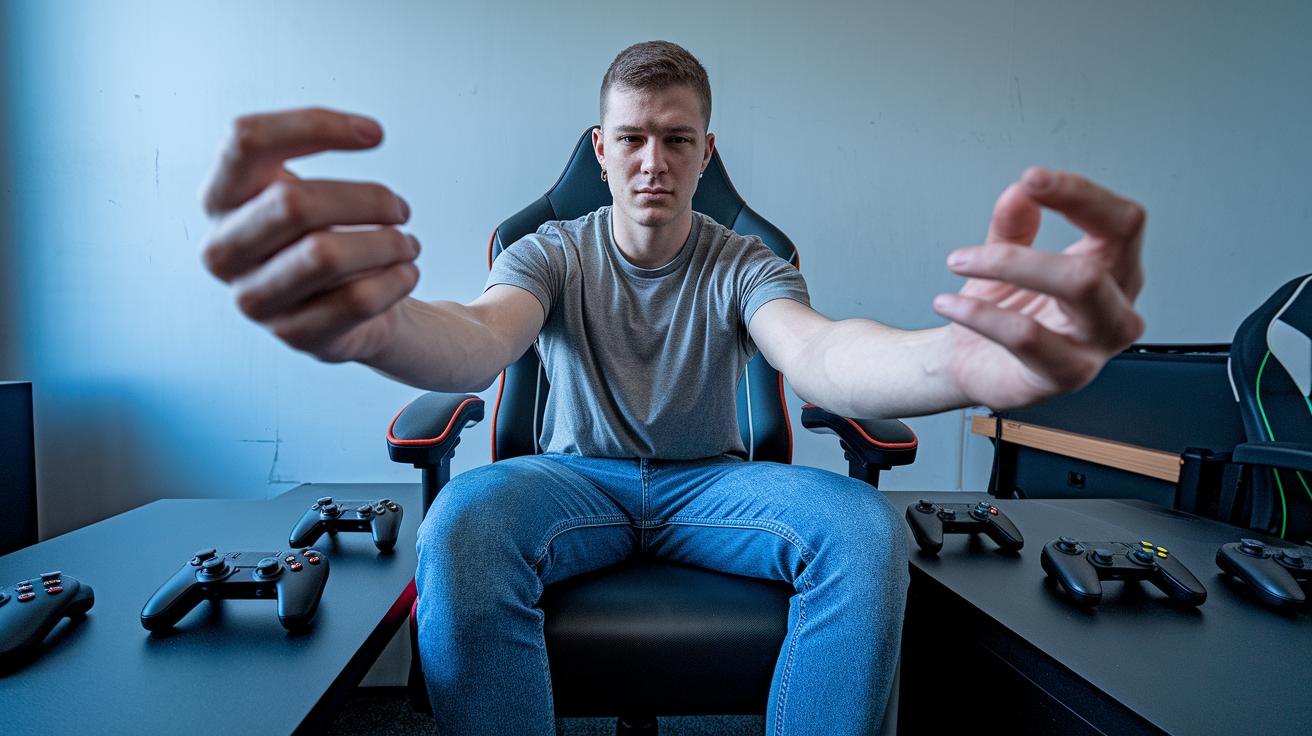
When you’re deep in a game, your hands can start to feel tired from too much button smashing. Your fingers might shake or your thumbs might feel stiff right when you need them the most. A quick hand reset keeps your gameplay smooth and ready for your next big move.
Finger Spread & Fist Stretch
First, clench your hand tight to make a fist. Then, open it wide like you’re reaching for that victory. Hold this for about 20 to 30 seconds and repeat 4 or 5 times on each hand. It helps ease the tension from all that constant button pressing. Imagine you’re stretching out the energy for your next epic play.
Thumb Mobility Stretch
Next, gently pull your thumb back until you feel a light stretch. Keep it steady for 20 to 30 seconds and do 4 repetitions on each hand. This move keeps your thumbs nimble, so you can hit those crucial buttons without discomfort.
Wrist Prayer Stretch
Place your palms together at your chest like you’re in a prayer pose. Slowly lower your wrists until you feel a stretch along the inside of your forearms. Hold for 20 to 30 seconds and repeat 4 times. Think of it as resetting your controller before diving back into action.
Kneeling Wrist Bend
Kneel down, rest your fingertips on your knees, and lean back gently. You should feel a stretch along your forearms and wrists. Hold for 20 to 30 seconds and do this 4 times. It’s a simple drill to balance out the strain from long gaming sessions.
Remember, avoid bouncing during these stretches and keep your shoulders relaxed. Sneak these quick hand routines into your loading screen breaks to keep your performance sharp and your play injury-free.
Neck & Shoulder Tension Relief Stretches
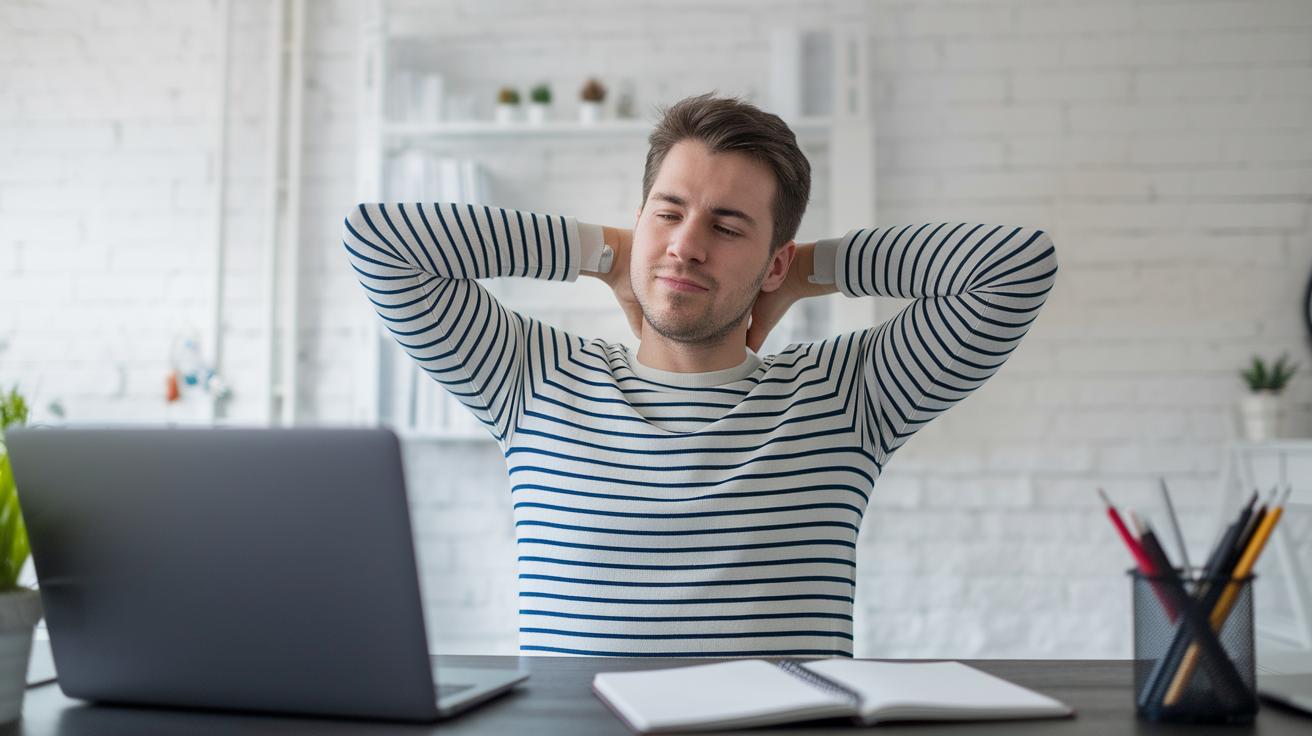
Long gaming sessions can leave your neck aching and your shoulders feeling tight. Sitting hunched over your keyboard or controller might make it seem like you're carrying extra weight. Imagine standing tall, like hitting a quick save, to keep pain from sneaking in during those epic play sessions.
Chin Tuck & Neck Flexion
Sit up straight with your shoulders relaxed. Slowly pull your chin back as if you’re trying to form a double chin. Hold it for 5 seconds, then let go. Repeat this 10 times. It's a simple trick to ease tension at the front of your neck.
Neck Rolls
Gently roll your head in a circle. Do this for 30 seconds in one direction, then switch. Keep the movement smooth and steady. This stretch targets tight neck muscles while letting your shoulders stay relaxed.
Upper Trapezius Stretch
Sit straight and lean your head to one side so that your ear moves closer to your shoulder. Hold that position for 20 to 30 seconds. Do 4 rounds on each side, making sure your other shoulder stays down. This keeps the stretch effective without overdoing it.
Deltoid Cross-Body Stretch
Stretch one arm straight across your chest and gently pull it closer with your other hand. Hold for 20 to 30 seconds and do 4 repetitions. Keep your posture in check with your shoulders relaxed and back straight.
When you're doing these moves, keep everything smooth and controlled. Avoid bouncing or pushing past what feels comfortable. It’s all about gentle, steady motions so you can keep gaming in comfort.
Back & Core Stability Moves for Posture Support
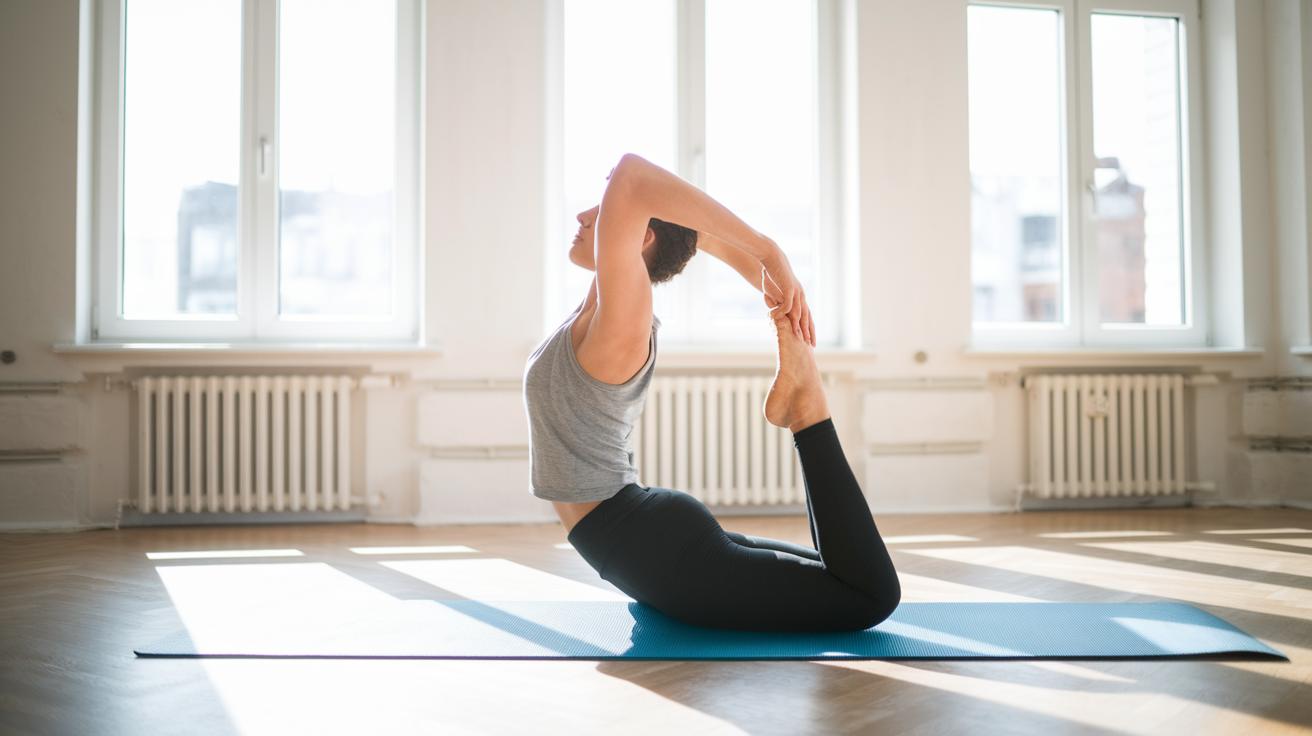
When you’re gaming non-stop, your lower back and core take a hit, making those long sessions feel even tougher. But adding a few simple stretches can feel like a health power-up, easing the stiffness and keeping your posture in check. It's like giving your body a quick reset, so your back stays strong and your core stays ready for the next round.
| Stretch Name | Target Area | Duration & Reps |
|---|---|---|
| Interlocked back stretch | Mid-back | 20–30s, 4 reps |
| Seated spinal twist | Spinal alignment | 20s each side, 3 reps |
| Chest opener | Upper back & chest | 20s, 3 reps |
| Core knee hug | Core stability | 15s, 3 reps |
Squeezing in these stretches during quick breaks is like making sure your gear is always on point; it keeps your posture sharp and gets you ready to crush every match.
Hip & Leg Mobility Drills for Circulation Boost
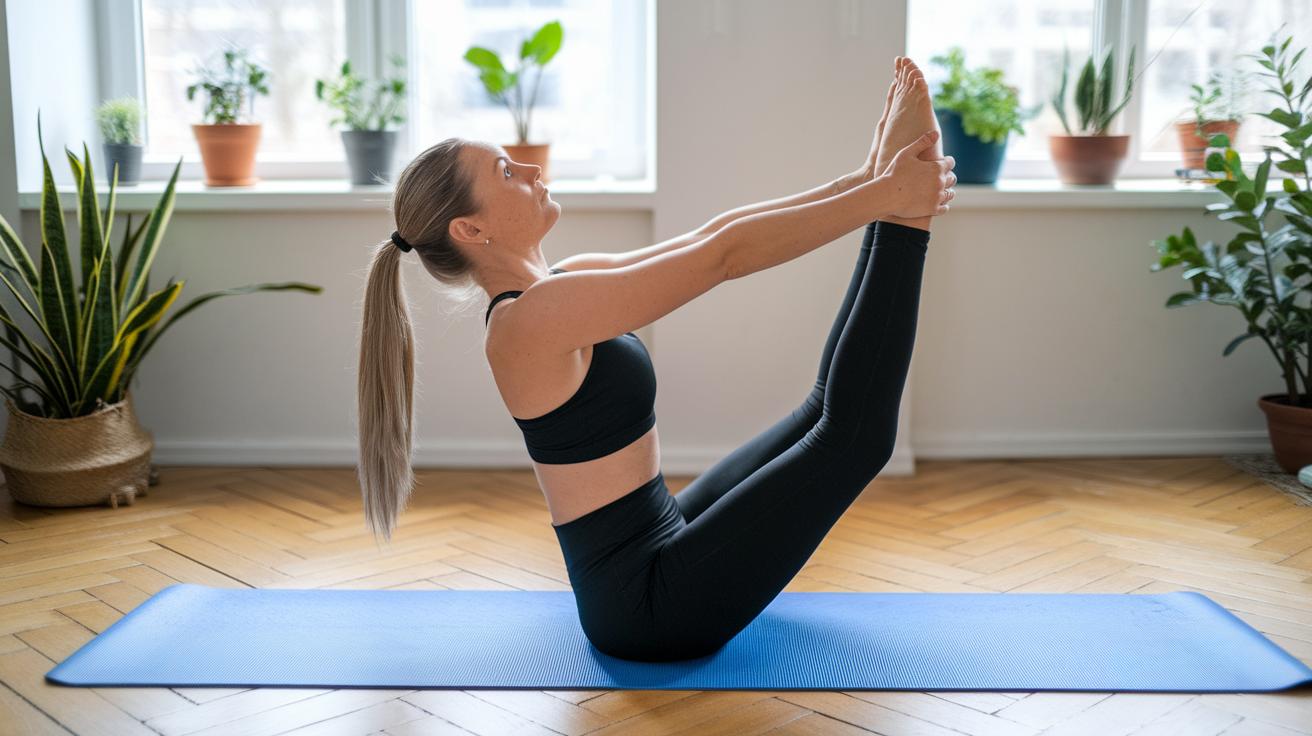
Sitting for long hours in front of the screen can really make your hips and legs feel stiff. You know that feeling when after a marathon gaming session, your body feels less pumped than your mind? That’s because staying still cuts down blood flow to your lower body, making everything feel tight and tired.
When you sit too long, your hip joints start to ache and your legs lose their natural bounce. This not only slows you down in your game but can also mess with your everyday energy, since your body isn’t moving like it’s supposed to.
So, try these three simple stretches to wake up that lower-body blood flow. First, go for the seated figure-four stretch. Sit up straight, cross one ankle over your opposite knee, lean forward just a bit, and hold that stretch for 20 to 30 seconds on each side. Do this three times to really feel the difference.
Next, stretch your hamstrings. Find a chair, rest your heel on it, and lean forward until you feel a soft pull along the back of your leg. Hold for 20 to 30 seconds and repeat three times.
Finally, do the hip flexor kneel. Drop one knee on the ground, push your hips forward gently, and hold for 20 seconds. Then switch legs and do it again for three rounds. Enjoy getting back in the game, feeling flexible and ready to roll!
Integrating Stretches into Your Gaming Routine
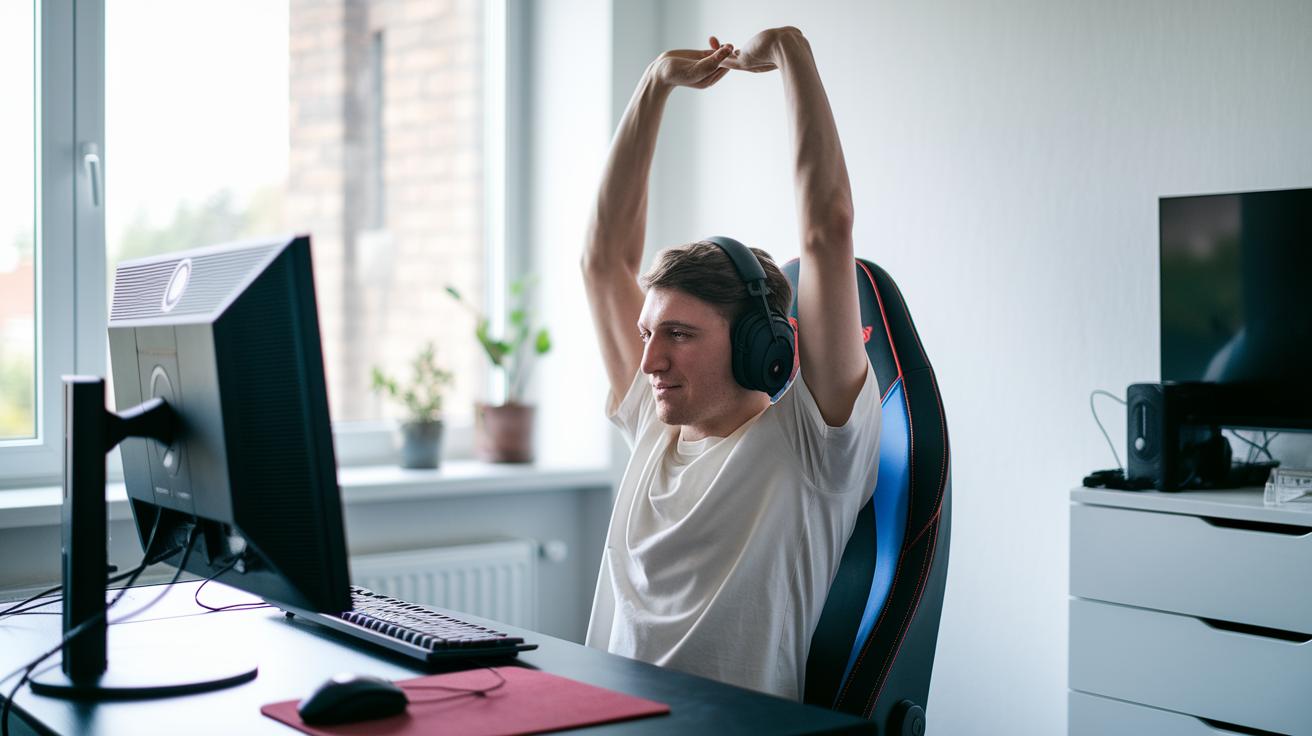
Hey, gamers, remember to hit pause every hour. Setting a timer on your screen or phone can remind you to step away for a quick break. Even a short three-minute pause can ease stiffness and reduce strain from long gaming sessions.
Before you start gaming, warm up with some easy stretches. Loosen up those shoulders and gently roll your neck to get ready for sitting for a while. And while you're waiting during loading screens or between rounds, sneak in a couple of simple moves. Try a seated figure-four stretch or a light wrist roll. Just keep it slow, no need to rush or overdo it.
Once you finish your game, take a few minutes to cool down. Focus on stretching your back and hips to relax those muscles after intense play. Even just five minutes of stretching every day can help you stay comfortable and keep you in top form for your next epic gaming session.
Final Words
In the action, this blog broke down easy moves to keep your gaming body in top shape. It covered quick stretches for wrists, neck, shoulders, back, and hips, and even pointed out hand exercises to fight fatigue. We shared clear routines to fit into brief gaming breaks and tips for working these moves into your sessions.
Keep practicing your stretches to stay flexible and beat in-game strain. For reliable relief, remember the best stretches for gamers during long sessions work wonders every time.
FAQ
What are the best stretches for gamers during long sessions?
The best stretches for gamers during long sessions focus on easing tension in the wrists, neck, back, and shoulders. They use quick moves held 20–30 seconds to cut strain and boost circulation.
What hand, wrist, and finger stretches help with gamer hand syndrome?
The hand, wrist, and finger stretches help counter gamer hand syndrome by reducing repeated strain. Simple moves like making a fist then spreading your fingers and gentle thumb pulls improve flexibility.
How do you stretch while gaming?
Stretching while gaming means keeping good posture and taking mini breaks. Quick moves like wrist twists or shoulder rolls ease tight muscles without missing your best gameplay moments.
How do you fix gamer hands?
Fixing gamer hands involves scheduled breaks and gentle hand and wrist exercises that ease stiffness and counter strain from long controller use, keeping your fingers and thumbs nimble.
Should you stretch on game day?
Stretching on game day keeps muscles loose and focus sharp. A short routine before and during play helps lower strain and maintain peak performance throughout your session.
How do you stretch a gamer’s thumb?
Stretching a gamer’s thumb means gently pulling it back for 20–30 seconds to ease tightness, which reduces controller pressure and keeps your thumbs agile for rapid gameplay.