

Ever thought you could level up your gaming without another console? Samsung Gaming Hub brings the fun right to your living room on a sleek Samsung TV.
It rolls together your favorite cloud services (games streamed straight from the internet) with a cool mix of popular titles and exclusive in-house games. That means you can jump into your next adventure fast and easy.
Picture this: your TV becomes your gaming arena, making every play session feel fresh and exciting. Ready to turn your living space into the ultimate battleground?
Samsung Gaming Hub Elevates Gaming Excitement
Samsung Gaming Hub gives you a console-like adventure directly on your high-end Samsung QLED TV, like the QN900D 8K QLED. It lets you dive into epic battles using top cloud gaming services without needing an extra console. It's like having a mini Xbox right in your living room!
The hub hosts an app that shows you a curated lineup of games alongside unique in-house titles, think a special set of Star Wars games celebrating Star Wars Outlaws. It’s pretty simple: click through a category and jump straight into the action. Sure, sometimes you might notice a few visual hiccups during super-fast scenes, but that’s just part of the ride.
| Highlight | Description |
|---|---|
| Cloud Services | Access top platforms like Xbox Game Pass, GeForce Now, and Amazon Luna |
| Built-In | Comes integrated on premium Samsung QLED TVs, no extra console needed |
| Curated Picks | Features well-known franchises, including Star Wars titles linked to Outlaws |
| User-Friendly | Easy navigation with clear game categories for a hassle-free experience |
| Exclusive Catalog | Offers the largest cloud-gaming catalog available on Samsung TVs |
| Smooth Streaming | Optimized play quality with the occasional minor visual glitch |
All in all, Samsung Gaming Hub mixes the comfort of your smart TV with the thrill of console play. With a huge game lineup and a slick interface, it totally changes how you jump into your favorite titles. Whether you're playing casually or chasing that competitive edge, it's a breeze to get into the game.
Samsung Gaming Hub Setup and Device Compatibility

Samsung Gaming Hub is built right into top Samsung smart TVs like the 50″ QN90C Neo QLED 4K and the QN900D 8K QLED. This means you don’t need a separate console to jump into cloud gaming. Once your TV is online, you can easily stream your favorite games and even play directly from an Xbox using Game Pass Ultimate. It’s as simple as plug-and-play gaming that lands your top titles straight on the screen.
Setting everything up is super smooth too. You just pair your Bluetooth controllers on your Samsung screen, whether you’re using an Xbox or PS5 controller. Just be sure your TV model supports it and follow the on-screen steps. Once paired, give the controls a quick test to confirm everything is linked perfectly.
Supported TV Models
| Supported TV Model |
|---|
| Samsung QN900D 8K QLED |
| Samsung QN90C Neo QLED 4K |
| Samsung QN85A QLED |
| Samsung The Frame Series |
| Samsung Serif Series |
Pairing Controllers
| Step | Action |
|---|---|
| 1 | Start a Bluetooth scan on your Samsung TV |
| 2 | Select your controller from the list |
| 3 | Confirm the pairing prompt on the screen |
| 4 | Test the controls to make sure everything works |
Navigating the Samsung Gaming Hub Interface
The main screen on the Samsung Gaming Hub feels like a power-up for quick gameplay. Right when you log in, you see labels like Gaming News, All Features, All Lists, Reviews & Previews, Sign in, and More Action. It’s perfectly organized so you can grab the latest updates or jump straight into a game, just like browsing your favorite game menu.
Next, moving around is super simple. One tap takes you to different cloud services and built-in games. The screen lets you slide smoothly between options, showing off everything from marketplace tips to a deep dive into user details. Imagine clicking once and having a whole lineup of games ready for your next play session.
Also, there are cool collections featured right on the home screen, like picks for Star Wars Outlaws. These hand-picked game lists help you know what’s worth your time, keeping the best titles always within reach.
Samsung Gaming Hub Game Library and Cloud Service Options
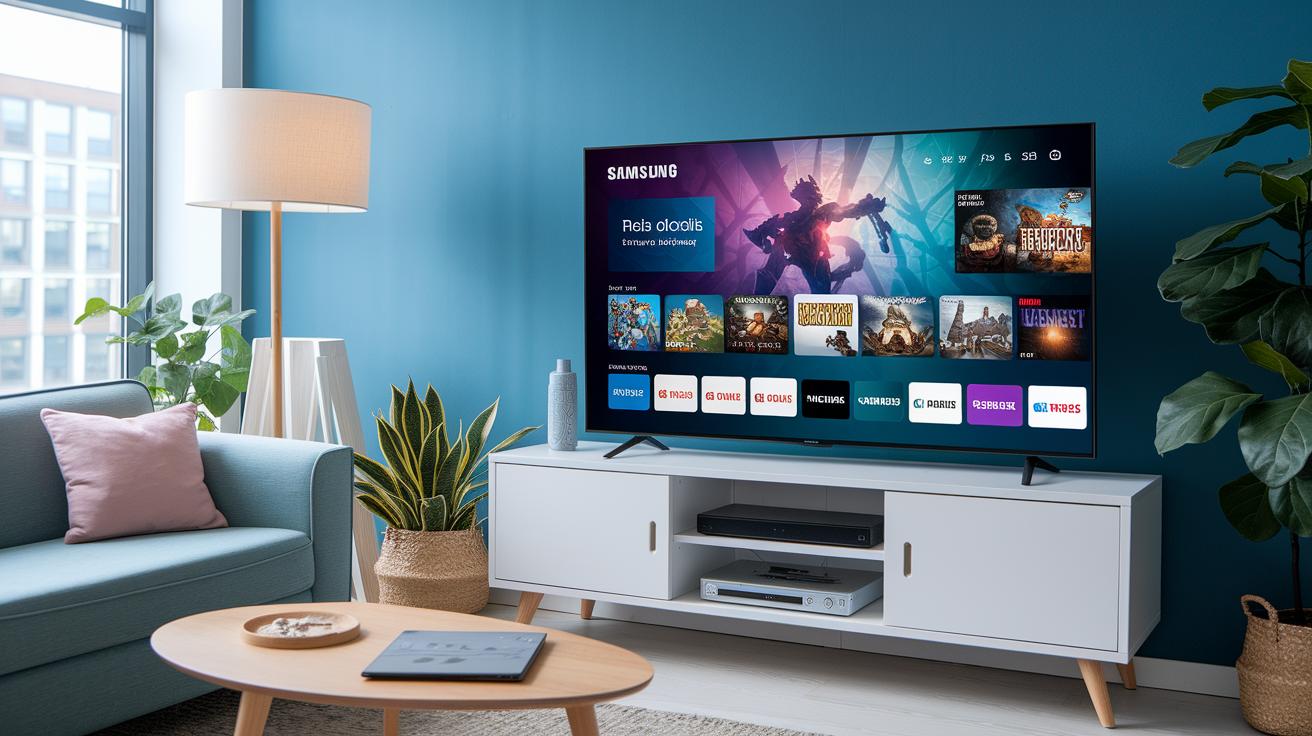
Samsung Gaming Hub brings all your games together on one TV screen by mixing popular streaming services, like Xbox Game Pass, GeForce Now, and Amazon Luna, with a select list of in-house titles. It splits your choices into two clear groups: top-tier subscriptions that keep your game library fresh and a batch of free-to-play titles ready whenever you are.
If you dig a steady flow of new games, the subscription packs are perfect. They update your lineup regularly, giving you bonus content without locking you down. Ever imagined choosing a plan that refreshes your games every season on your smart TV? It’s as if your console gets a mini upgrade just when you need it.
And then there are the exclusive collections. These aren’t your run-of-the-mill reboots; they take well-loved franchises and fine-tune them based on what players love. Each update tweaks a group of games to match the latest trends, making every session feel uniquely fresh and spot-on.
Samsung Gaming Hub Performance and Visual Quality
When you’re using Samsung Gaming Hub, you might see a few hiccups during fast gameplay. Sometimes colors look a bit off or the image stutters like a mini pause in a cutscene. It’s kind of like when your favorite movie suddenly gets fuzzy, even the best games can have their unexpected twists.
Tests on models like the QN900D 8K QLED and the QN90C Neo QLED 4K really impress. These screens score high on smooth, low-lag streaming; some even clock input speeds under 50 ms (input lag is just the delay between your command and what you see on screen). This quick response makes every quick move feel on point, pulling you deeper into the action.
For the best visuals, try tweaking your TV’s display settings and making sure your firmware is up to date. These updates help cut down on glitches and keep text nice and clear, even in the middle of intense scenes. In truth, a few smart adjustments can turn your game time into a crisp, even more engaging session where every detail stands out.
Future Updates and Samsung Gaming Hub Ecosystem Expansion
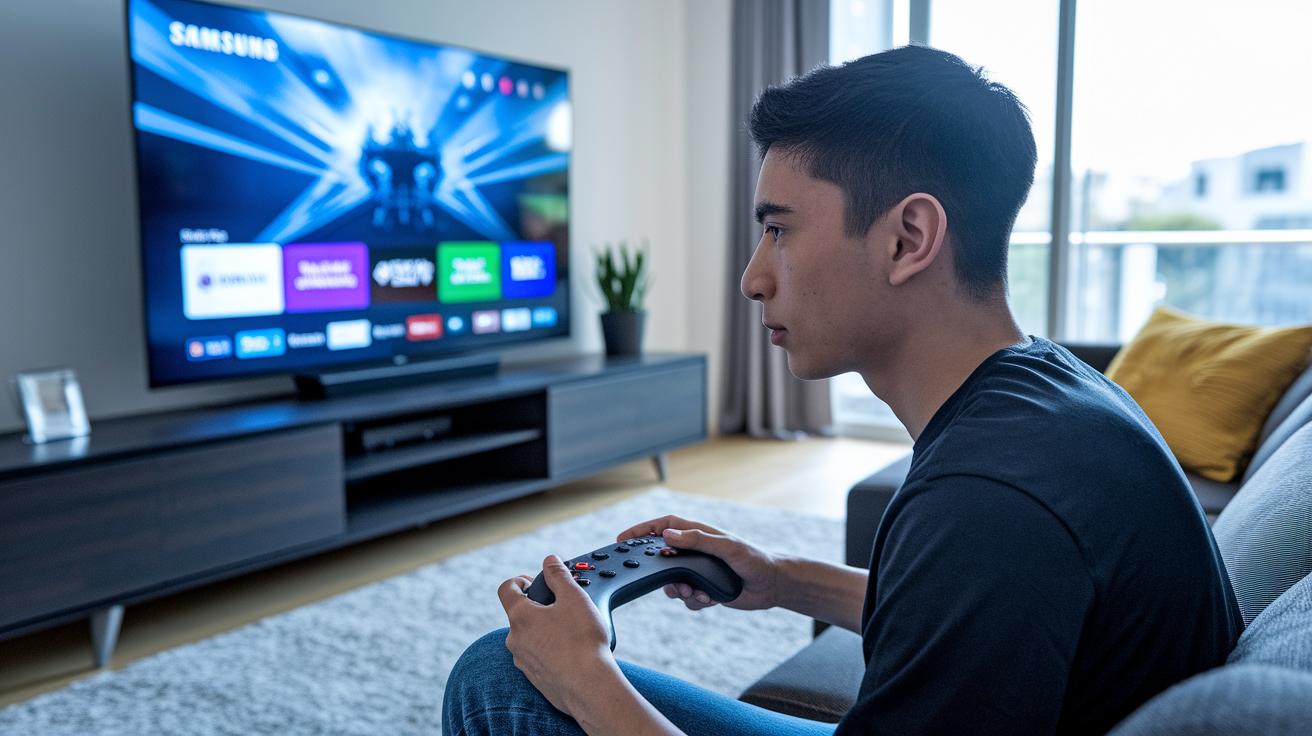
Samsung just dropped a detailed roadmap showing the firmware and app updates coming to the Gaming Hub. They’re setting up regular fixes and cool new features to make your game smoother. Think of it like a power-up: new patches will beef up streaming quality, so your matches stay solid, even in the heat of battle.
Big names in gaming, like Tim Sweeney, are talking about TVs stepping up as real game consoles. Developers are also saying they want a finer storefront experience. These upcoming changes are all about making the interface snappier and more intuitive, keeping the Gaming Hub ahead in the tech game.
And it gets better. Samsung is expanding the hub to pack in deeper third-party integrations and Android companion apps. Soon, your Samsung device could become a true gaming portal, linking up smoothly with other tools and platforms. Picture this: every firmware boost not only smooths out what you already love but also unlocks fresh ways to enjoy your favorite games.
User Reviews and Samsung Gaming Hub vs Traditional Consoles
Gamers are buzzing with feedback about the Samsung Gaming Hub. A lot of players love that you can jump straight into the game on a high-quality TV without the hassle of extra consoles. They say it's like a breath of fresh air, and the smooth, huge selection of cloud games makes things really exciting. It's cool that you can even get Xbox link integration and PlayStation support right on your TV. Still, some folks get confused by the model names, like the QN90C Neo QLED, so a bit more clarity in the labels and easier navigation would be a win.
When you stack up the Gaming Hub against traditional consoles like Xbox and PlayStation, the conversation heats up. The Gaming Hub offers super-convenient and accessible play, but some gamers notice longer load times and a touch of controller lag due to cloud streaming. On the flip side, dedicated consoles continue to shine with rock-solid performance and minimal lag during those intense, high-stakes moments. This mix of ease and slight performance hiccups keeps the debate lively among the gaming community. Overall, the Hub gets props for its innovative style, even though tidying up the naming and performance could make it a top contender against classic console setups.
Final Words
In the action, we covered everything from setting up your device to navigating a slick interface and checking out the extensive game library. The guide broke down key features, streaming quality, and even user reviews.
Our chat showed how the samsung gaming hub offers a console-free play lifestyle with expert tweaks for performance. Keep those strategies in mind and enjoy leveling up your gameplay, exciting times ahead.
FAQ
How can I download Samsung Gaming Hub or its APK?
The Samsung Gaming Hub download means you use your TV’s app store since it’s pre-installed on many Samsung Smart TVs. A separate APK isn’t usually available.
What is the price for Samsung Gaming Hub?
The Samsung Gaming Hub price means the app itself is free on your TV. You only pay for subscriptions to cloud gaming services like Xbox Game Pass, GeForce Now, or Amazon Luna.
Is Samsung Gaming Hub available for Android devices?
The Samsung Gaming Hub Android means it comes built into select Samsung TVs. It isn’t offered as a standalone app for other Android devices.
What controller do I need for Samsung Gaming Hub?
The Samsung Gaming Hub controller means you can pair popular Bluetooth gamepads like Xbox or PS5 controllers, making setup straightforward for your gaming sessions.
What games can I play on Samsung Gaming Hub?
The Samsung Gaming Hub games means you get access to cloud libraries from Xbox Game Pass, GeForce Now, Amazon Luna, plus some Samsung in-house titles, offering a broad selection.
How do I get Samsung Gaming Hub on my TV?
The Samsung Gaming Hub on TV means it comes pre-installed on compatible Samsung Smart TVs. Updating your TV’s firmware or opting in via Smart Hub might be needed.
What are users saying about Samsung Gaming Hub on Reddit?
The Samsung Gaming Hub Reddit chat means gamers share mixed reviews—many love the cloud gaming perks while noting occasional streaming issues, making it popular yet not flawless.
What is the Gaming Hub on Samsung TV?
The Gaming Hub on Samsung TV means it’s a built-in cloud gaming app that lets you stream console-like games directly on your smart TV without needing a console.
Is Samsung Gaming Hub free to use?
The Samsung Gaming Hub free aspect means there’s no extra cost for the app itself, but you need to subscribe to cloud gaming services to access and play games.
Is Samsung Gaming Hub worth it?
The Samsung Gaming Hub worth claim means it offers a neat way to get console-like gaming on your TV, though performance can vary. It’s a solid option if you embrace cloud gaming.