
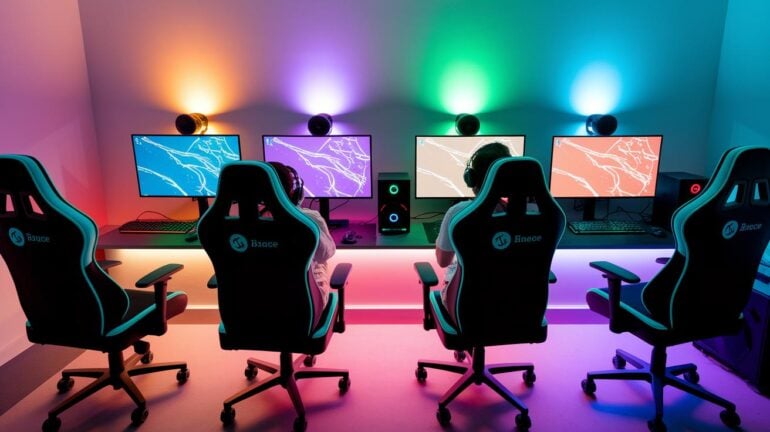
Ever imagine your gaming spot could boost both your play and your mood?
Picture a setup where cool design meets smart ideas, pulling you right into every game.
Imagine a triple monitor setup that shows off every detail and a comfy chair that keeps you going through long sessions. We’ve got budget-friendly tips to turn any space into your personal victory zone.
Stick with us to see how you can match your unique style while powering up your next gaming session.
Design Your Ideal Gaming Set Up: Inspiring Layouts & Recommendations
Imagine a room where cool design meets high-powered performance. Picture a pastel space with cute details, a sleek black-and-white battlestation that shows off its gear, or a triple monitor array that pulls you right into your game.
Whether you're dreaming up a full-on gamer hub or carving out a comfy console corner, these ideas mix style with smart function. The latest 2025 trends prove you can build a rad setup on a budget without skimping on looks.
Here are some must-haves for your gaming zone:
- Triple Monitor Layout: Imagine a wide, panoramic view that sucks you into your game. Setting up three screens side by side can really expand your gaming world.
- Immersive LED Lighting: Add lights that bounce in sync with your game to set an energetic mood.
- Ergonomic Game Seating: Grab a comfy chair that holds you through long sessions, making every win feel that much sweeter.
- Integrated Cable Management: Keep your space tidy because a clean setup can boost both your gameplay and your vibe.
- Compact Room Strategies: Even a small room can transform into a powerhouse gaming zone with smart layout moves.
Mixing these ideas together can totally turn any space into your own personal gaming hideout. Let your setup do more than just showcase powerful computers and consoles, it should also reflect your unique style with cool decorative touches. Build a spot that sparks your creativity and meets everyday gaming needs, whether it’s a dual monitor setup or accent lighting that sets the perfect mood. Every detail, from that comfy seat to smart cable routing, adds up to a space that looks as good as it feels, tailored for gamers ready to jump into their next epic session.
High-Performance Gaming Set Up: Building Your Custom PC Rig
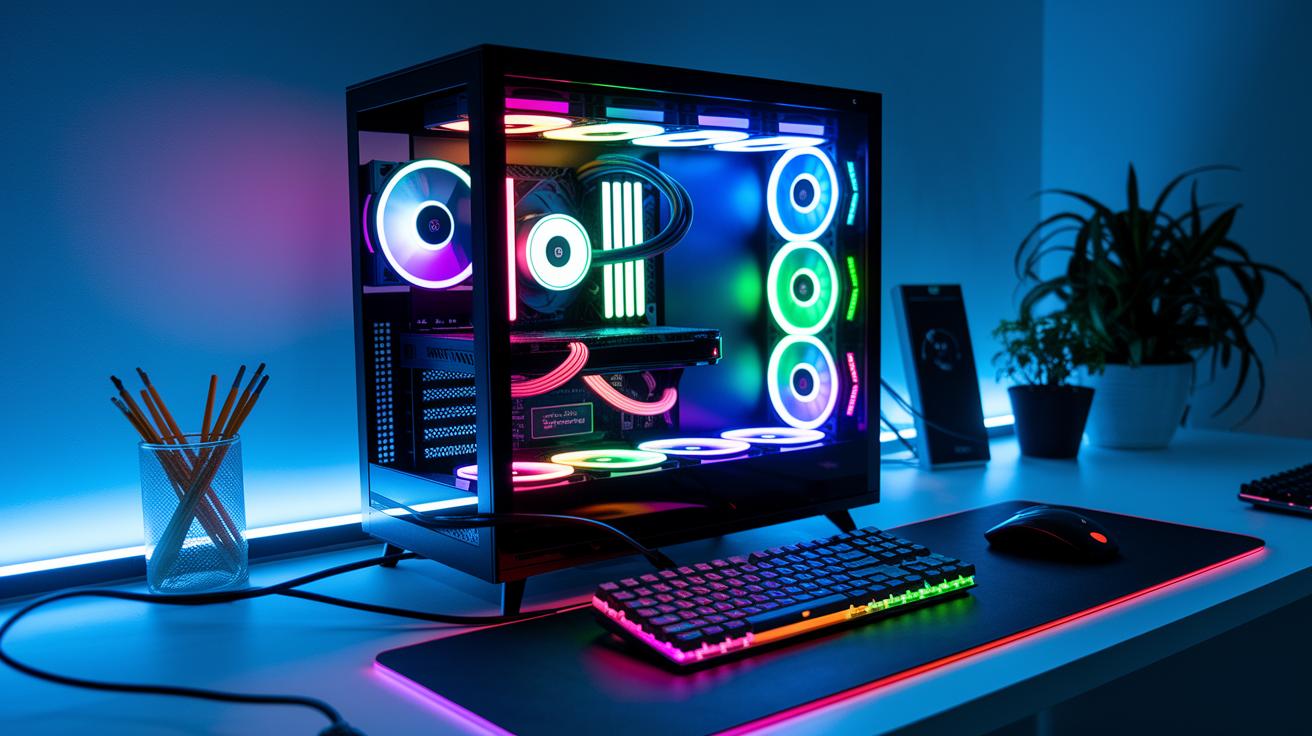
Every little detail counts when you're building your custom PC rig. With a budget of around 2500 euros, you can grab some awesome parts that not only look slick but perform like a boss. Gamers on forums have been raving about a CPU cooler with 7 heat pipes and dual 120mm radiators. This cooler cranks up your rig’s chill factor (it keeps your PC cool) while saving you up to 200 euros compared to other options. Plus, setting up your keyboard and managing your cables neatly boosts both the performance and the style of your setup.
Here’s a quick guide to get your high-performance rig up and running:
- Pick top-tier components.
- Install a smart cooling system.
- Tidy up your cable routing.
- Test system performance and adjust your overclock settings (overclock: pushing hardware to run faster than normal).
Each step is a win. Whether you’re choosing a powerful GPU or CPU for smooth gameplay or setting up cooling that keeps your temperatures low during intense matches, every detail plays a part. Even small tweaks like straightening your cables or fine-tuning your overclock can give your rig that extra boost. In the end, combining killer hardware choices with neat organization means your rig not only powers through the toughest gaming sessions but also stands out as a stylish centerpiece in your room.
Immersive Console Gaming Set Up: Enhancing Audio & Visual Experiences
Imagine a setup that grabs you right into the game. Your favorite console corner now blasts full sensory action, thanks to awesome gear like BRAVIA TVs. The BRAVIA 9 brings Auto HDR Tone Mapping (it tweaks your display for better colors) and bright 4K visuals that keep lag to a minimum. And when you add speakers like the Theatre Bar 9, you get 360 Spatial Sound Mapping (it makes sound feel like it's all around you) for an experience that feels like a live show. Plus, using a top-notch docking station means your gamepad connects wirelessly without missing a beat.
| Product | Key Feature | Benefit |
|---|---|---|
| BRAVIA 9 | Auto HDR Tone Mapping, 4K brightness | Enhanced visuals with reduced input lag |
| BRAVIA 7 | Extreme brightness, 3D Upscaling | Superior contrast and immersive depth |
| Theatre Bar 9 | 360 Spatial Sound Mapping | Immersive audio experience |
Every little detail matters when you build an immersive gaming space. Using advanced screens and smart speakers creates a room that feels as lively as your game battles. These setups not only show off epic visuals and booming sound but also keep your cables tidy and out of sight. When every piece is picked with care, your console corner becomes the perfect spot for marathon gaming, blending cutting-edge tech with an easy, user-friendly vibe.
Ergonomic & Aesthetic Gaming Set Up: Perfecting Comfort and Decor
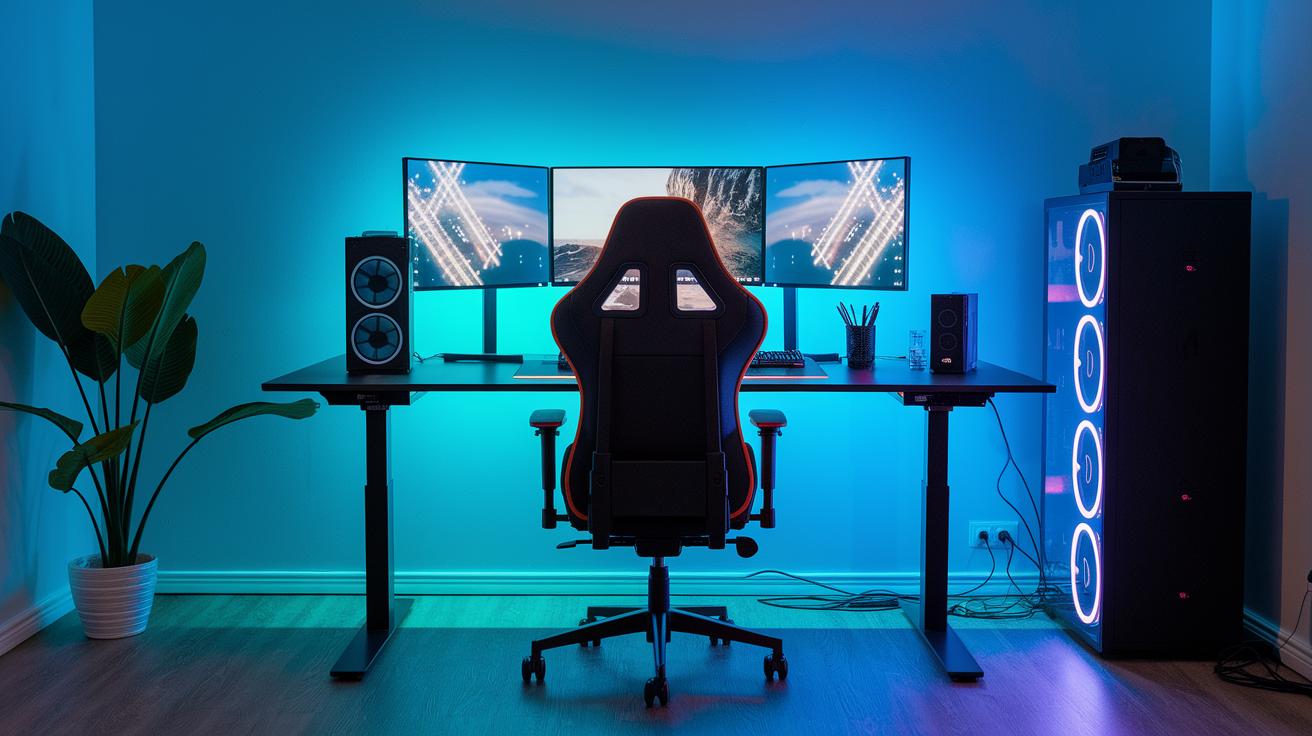
Create a gaming setup that’s more than just basic by mixing comfy essentials with a few cool, exclusive upgrades. Besides your trusty gaming chair and mellow LED lights, try adding integrated RGB controllers (special lighting controls) and hidden wiring to keep your area clean and stylish. It’s like giving your setup a secret boost, watch dynamic lighting transform your game room.
Next, boost your design with these must-have items:
- Ergonomic Gaming Chair
- LED Strip Lighting
- Minimalist Desk Design
- Cable Management Tools
- Decorative Acoustic Panels
Mix in these unique upgrades without reusing the usual stuff. Use hidden wiring techniques to keep things neat and add acoustic panels for a stylish, sound-friendly vibe that still puts performance and comfort first.
Budget-Friendly & DIY Gaming Set Up: Assembling a Top-Tier System on a Budget
We've blended this guide into our high-performance rig guide. Now, you'll find tips on building a solid gaming setup without breaking the bank. Ever felt that thrill when you finally nail a perfect build? Even a tiny fix in how you manage your cables can make all your connections flow like a winning combo.
When you focus on a budget-friendly section, you get to boost performance without spending a fortune. If you're planning to spend around 2500 euros, a DIY approach means you can grab top-notch parts and dodge the extra costs that come with pre-built systems. It’s all about picking the pieces that work best for you.
Follow these simple steps to mix performance with smart savings:
- Plan your budget and list the parts you need.
- Hunt down trustworthy, cost-effective components.
- Build your setup, and keep those cables neat.
- Check your system often and upgrade when needed.
Final Words
In the action of exploring creative ideas, we've covered everything from unique setups to expert high-performance rigs and immersive console challenges. We've unpacked techniques for ergonomic, decorative spaces along with savvy budget tips. Each section offers easy-to-follow steps and fresh inspirations to boost your gaming set up and sharpen your play. Keep testing out new ideas, refining your style, and most of all, having fun while leveling up your game. Every tweak brings you closer to a space that truly feels like home.
FAQ
What are some gaming set up ideas for different spaces?
The gaming set up ideas include themed layouts, dual or triple monitor arrangements, immersive LED lighting, and compact designs that work great in both spacious and small rooms.
What should a gaming PC setup include?
The gaming PC setup includes a powerful computer, quality components, an efficient cooling system, integrated cable management, and a full monitor arrangement for a smooth gaming experience.
What gaming setup accessories do I need?
The gaming setup accessories you need include ergonomic seating, a mechanical keyboard, a precision mouse, a high-quality headset, and decorative LED lighting to elevate your gameplay.
What features make a good gaming desk?
The gaming desk should offer ample space for your monitor and peripherals, integrated cable solutions, and a design that fits neatly into your room while providing comfort during long sessions.
What should I look for in a gaming monitor?
The gaming monitor should deliver high refresh rates, low input lag, and sharp visuals, helping you catch every detail and stay competitive during fast-paced gameplay.
What defines a proper or basic gaming setup?
The proper gaming setup includes either a high-performance computer or console, essential peripherals like quality monitors and seating, plus tidy cable management to keep everything organized.
Is $1000 enough for a gaming setup and how much does a typical setup cost?
A $1000 setup can cover the basic needs but might miss some premium features. Typical gaming setups vary widely in cost, with prices ranging from budget-friendly to high-end rigs.