

Have you ever wondered how one tiny code can instantly hook you up with thousands of live viewers? Your Twitch stream key is like your VIP backstage pass, connecting your setup to fans who are eager to see your gameplay in action.
This little string of characters has the power to launch your stream and bring a huge crowd to your channel. It turns a regular broadcast into an electrifying live event that keeps everyone on the edge of their seats.
Imagine that one small code lighting up your channel like a power-up in your favorite game. Ready to see how it can boost your streaming success?
Twitch Stream Key: Spark Live Streaming Success
Your stream key is like a secret handshake that links your streaming software straight to your Twitch channel. Think of it as the code to unlock a hidden level in your favorite game, letting you jump into epic live action.
When you connect using your key, your broadcast reaches millions of gamers, joining the huge crowd on Twitch, 7.23 million active users every month as of April 2024. Once set, your key sticks around until you change it, although some places mix things up each session for extra security.
Sharing your key isn’t an option, because it’s like handing over your controller to someone else. That could let a stranger take charge of your stream, turning your channel into a playground for others. So, lock it down like you would a prized in-game item, and use extra steps like two-factor authentication to keep things safe.
Keep your key private and check your security settings often. Every live stream starts with your key, and treating it right is the first step to launching a successful, worry-free broadcast.
Twitch Stream Key: How to Locate and Retrieve It on Twitch
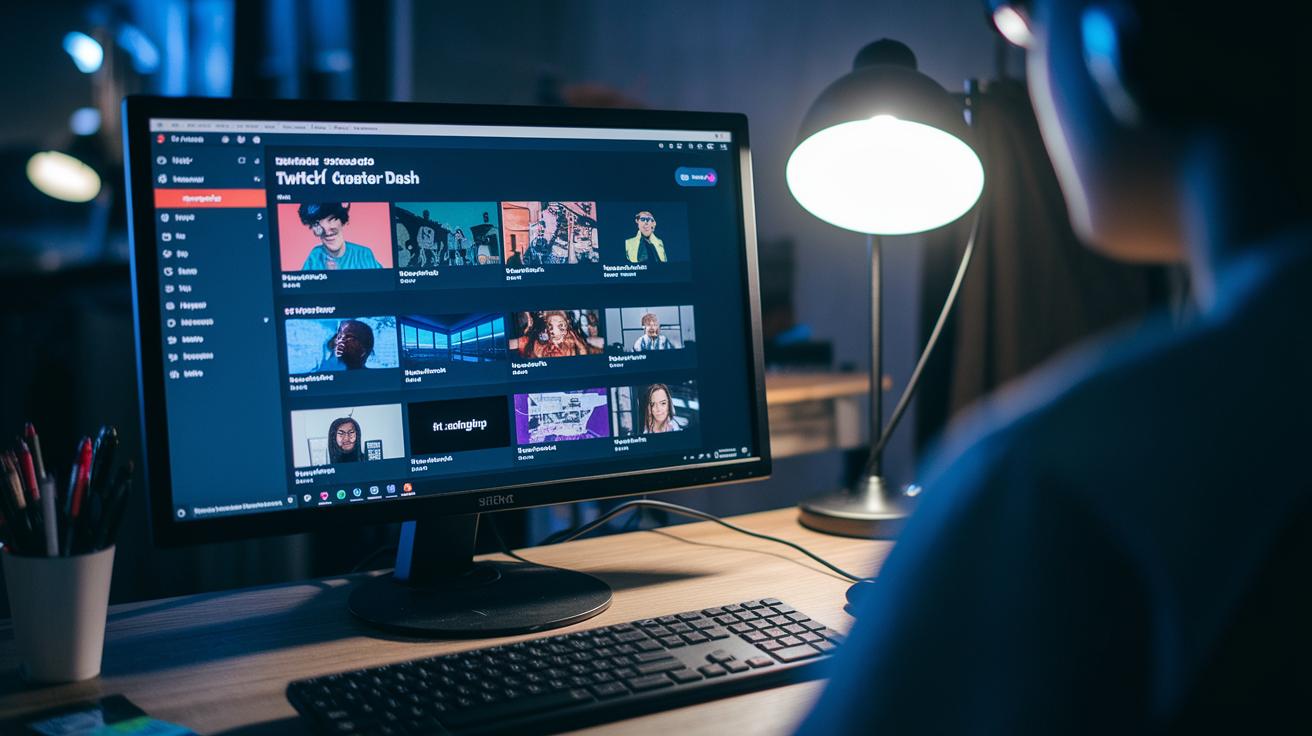
Log in to your Twitch account on Twitch.tv. Once you’re in, jump right over to your Creator Dashboard. This is your go-to spot for handling channel settings and grabbing your stream key. Think of it like the secret code you need to unlock a high-level multiplayer game, it’s what lets you go live.
Within your Creator Dashboard, find and click the Stream tab. Here, your unique key appears, linking your streaming software with your channel. But before you see it, double-check that your two-factor authentication is turned on in your account settings. This extra step works like an extra lock on your gaming setup, only letting you use the key.
Follow this simple checklist to grab your broadcast token:
| Step | Instructions |
|---|---|
| 1 | Log in to your Twitch account on Twitch.tv |
| 2 | Go to your Creator Dashboard and click the Stream tab |
| 3 | Make sure two-factor authentication is enabled |
| 4 | Find, copy, and store your stream key safely |
Once you’ve got your key, connect it to your favorite broadcasting apps like OBS Studio, XSplit, or Streamlabs. Treat your stream key like a rare in-game item, never share it, just as you wouldn’t leave your game console unlocked in a busy arcade. This setup not only gets you ready for live action but also keeps your channel secure for every epic broadcast.
Twitch Stream Key & Streaming Software: Configuring Your Broadcast Setup
When you grab your Twitch stream key, it’s like getting the secret code to kick off your broadcast. Think of it as the magic link that connects your app (like OBS Studio, XSplit, or Streamlabs) to your Twitch channel so your live video goes through without a hitch. Pretty cool, right?
Now that you have your key, firing up your streaming tool is a breeze. Open your app, head over to the settings, and look for the spot to insert your stream key. This is the moment that locks your setup to Twitch safely. It’s like checking your gear before a big match, you just want everything to work perfectly as you start sharing those epic plays.
Here’s a quick setup guide:
- Open your streaming program and go to settings.
- Find the section for stream or broadcast.
- Paste your Twitch stream key in the given field.
- Save your settings and run a test stream to make sure it all works.
Imagine getting ready for an intense game session: you check your controls, test your setup, and then dive into the action. With your broadcast set up right, you can focus on the gameplay and enjoy every moment. Some tools even let you stream to multiple platforms, making it easier than ever to share your excitement with fans all over.
Securing and Troubleshooting Your Twitch Stream Key

Your Twitch stream key is like that ultra-rare game item you guard with your life. If some random person gets their hands on it, they could barge into your channel and mess things up. The smart play? Keep it locked down by keeping your login info private and turning on two-factor authentication (an extra security step that confirms it's really you). Think of it as only handing out party invites to your closest friends.
When your stream starts acting weird, first take a moment to check if you entered your key correctly. Even one wrong letter or an extra space can cause login errors. Also, peek at your Twitch account settings to make sure everything is in order. If your streaming software, like OBS, has trouble connecting, give your setup another look. A quick test stream might save you from a lot of hassle later.
Follow these steps to fix connection issues:
- Re-check how you entered your stream key.
- Look over your internet connection.
- Update your streaming software if needed.
- Reset your key right away if you think it might be compromised.
| Practice | Description |
|---|---|
| Keep Your Key Confidential | Store your key safely and never share it with anyone. |
| Enable Two-Factor Authentication | Add an extra layer of security to keep your account secure. |
| Review Configuration Settings | Regularly check your streaming software setup for any errors. |
| Reset If Compromised | Immediately change your key if you suspect someone else has accessed it. |
Stick to these security tips and troubleshooting steps to keep your stream running smooth and safe. Update your settings often and don't hesitate to tweak your setup if something feels off. If issues persist, dive into your streaming software's logs for error messages. Sometimes, a quick software update or computer restart can clear up any connection glitches and keep your channel in top shape.
Final Words
in the action, we tackled everything from what a twitch stream key actually is to grabbing it from your Twitch dashboard. We walked through plugging it into your streaming software and shared solid tips for keeping it safe.
We also dropped troubleshooting tricks to keep your broadcast running smooth. Keep your settings tight, test your stream, and enjoy every bit of the thrill. Stay sharp and keep leveling up your stream setup.
FAQ
How does OBS use your Twitch stream key?
The OBS stream key connects your broadcast software with your Twitch channel. It lets you send your live feed securely without extra hassles once you paste it in OBS.
How do I locate and get my Twitch stream key?
Getting your Twitch stream key means logging into your account, opening the Creator Dashboard, and checking the Stream section where your unique key is displayed.
Can I retrieve my Twitch stream key on mobile?
Retrieving your Twitch stream key on mobile works similarly to the desktop version. You access your account settings via the app, although using a computer may be easier.
Is there a free Twitch stream key and how does it work?
Your Twitch stream key is free with your account. It serves as a unique identifier linking your streaming software to your channel for live broadcasts.
What does Reddit say about Twitch stream keys?
Reddit hosts community chats where users share tips on keeping Twitch stream keys secure. Still, always follow Twitch’s guidelines for the best setup and safety.
What is the Twitch stream URL and how is it used?
The Twitch stream URL is the server address your video reaches. Combined with your stream key, it guides your broadcast from your software to your channel.
What happens if someone gets your Twitch stream key?
If someone gets your stream key, they could stream on your channel. This unauthorized access means you might lose control of your live content, so reset it fast.
What is a Twitch stream key generator?
A Twitch stream key generator is a tool that claims to create a new key. In truth, your stream key is only generated by Twitch through your account settings, so stick to official sources.